
Get any PDF form from the DocHub library of ready-made templates - Page 489

4c 2011 Two Vial Allergen Immunotherapy Administration Form - aaaai
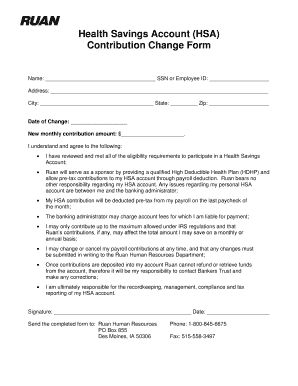
Health Savings Account (HSA) Contribution Change Form - Ruan
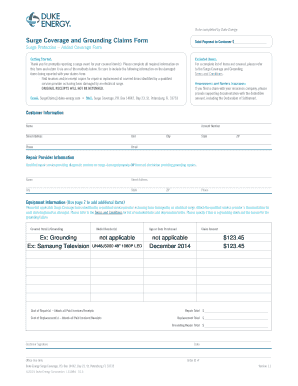
Surge Coverage and Grounding Claims Form - Progress Energy

Bank specification sheet

BANK ACCOUNT CHANGE FORMUPDATEDJUNE2014

Broker Opinion of Value Form - treywales

Client Alert: Paycheck Protection Program Loans

US Fish and Wildlife Service Form 3-200-15A - Zotigh
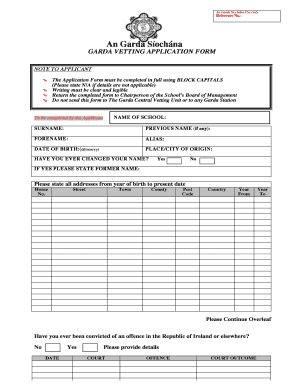
Garda vetting application form

Endodontic Consent Form

Alice in Wonderland Audition Form 2010 pub - mqtcty

You must use this form to record your reflective discussion with another NMC-registered nurse or mid

Patient welcome form - Advanced Optometric Eyecare
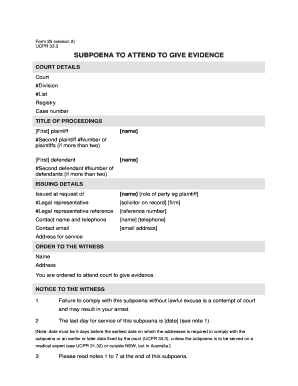
Filled subpoenas form

Indictment template

Civil Forms - Missouri Courts - courts mo
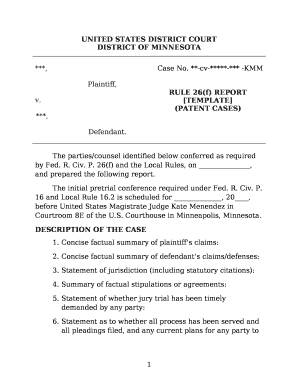
RULE 26(f) REPORT
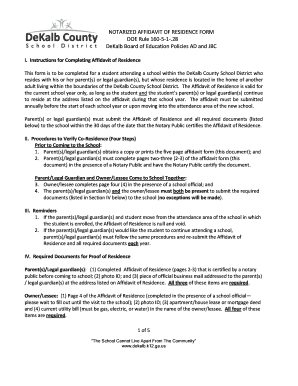
NOTARIZED AFFIDAVIT OF RESIDENCE FORM DOE Rule 160-5-1 - dekalb k12 ga

USAC Medical Examination Form for USAC and FIA Driver's License (v2018 1 for PWC)

Subcontractor Pre-Qualification form - Coe Construction

Sample Lead Card

QUICK PAY

SAMPLE POLLINATION CONTRACT

Va form 28 10286

ELEMENTARY SCHOOL ENROLLMENT FORM
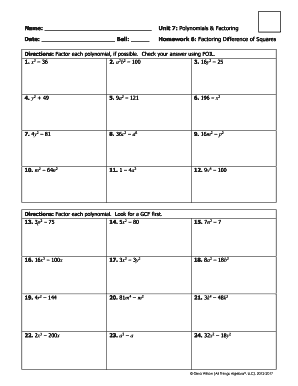
Unit 7 polynomials and factoring homework 6 answer key
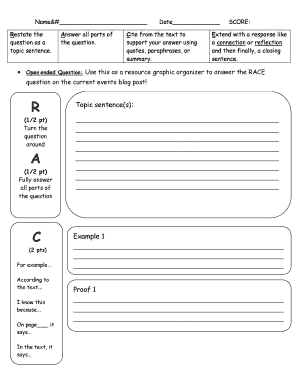
Use this as a resource graphic organizer to answer the

Esic form
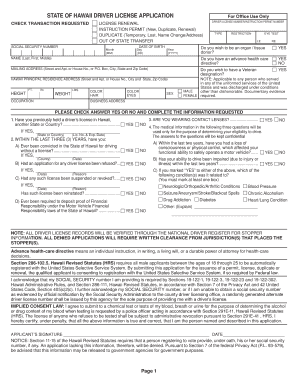
Hawaii - Driver License Application (Honolulu)

Fillable documents

Iowa dor quit claim deed form

Maine fm 070 motion to enforce form

Re-opening Application Form 102, Reopening Application Affidavit

SAFETY HAZARD REPORT OPNAV 31205 Rev DEC b1993b

SUNY ESF REGISTRATION FORM

Direct testing order form - Theranos

Aes 20
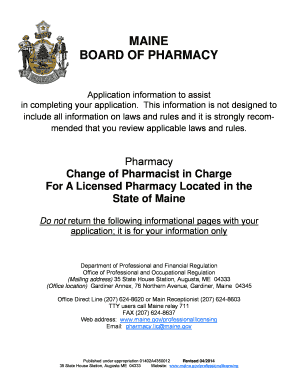
PHM - Pharmacy PIC Change pub - Maine - maine

Disenrollment Form - Wellcare

Severance

Genworth annuity withdrawal form
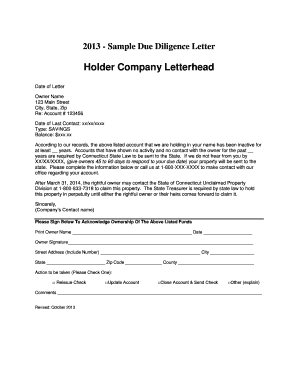
Uncashed check letter template

Sewer Scope Inspection Agreement
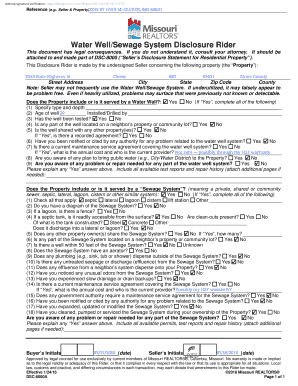
Water Well Sewage System Disclosure Rider

Mail completed form by certified mail to: Secretary of State, Notary - sos ca
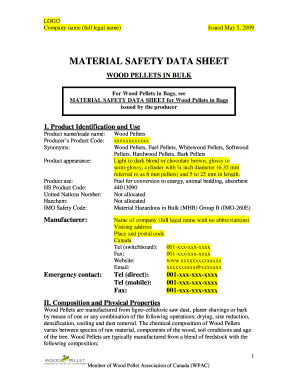
Msds wood pellet

Patient information form in spanish

Form No 1 Owners Consent Form No 1 Owners Consent
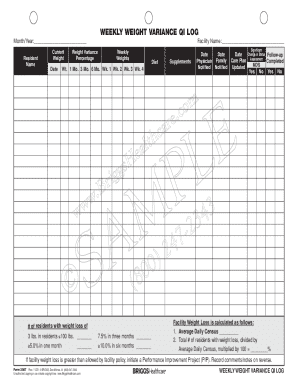
Weekly Weight Variance QI Log - DIGITAL FORM

Nomnc alternate delivery form

NEW STARTER DECLARATION

Matrix intensive outpatient treatment client handbook pdf

GOLF CLUB RENTAL AGREEMENT SMRP Golf Event - smrp

UNDUE HARDSHIP WAIVER REQUEST FORM

Movement advice qld

Health risk assessment form

Manatee county authorized agent form
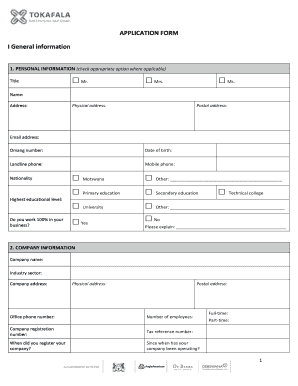
Anglo american application form

Fire insurance format

Decommissioning checklist template excel
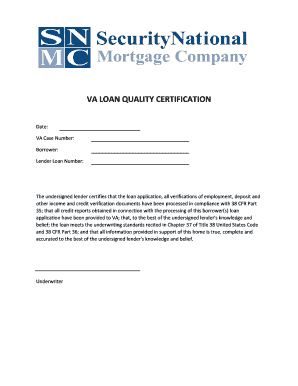
Va loan quality certification

Personal Data Inventory - Grace Community Church

Sandhurst trustees managed funds

Annual Lifeline Recertification Form

Bitte zutreffendes ankreuzen

PPP Application Form - SBA

Application form residence permit

PERINATAL MENTAL HEALTH REFERRAL FORM

Bill to Law Simulation
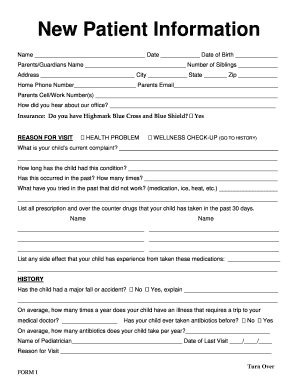
New patient information form pdf

FPC527External seed order form - Forest Products Commission

Quit claim deed - Sangamon County Recorder
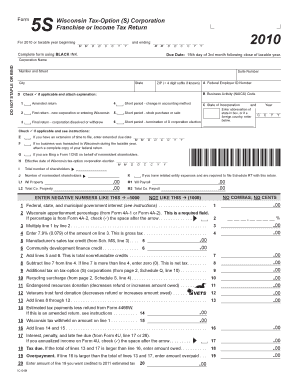
Wisconsin form 5s
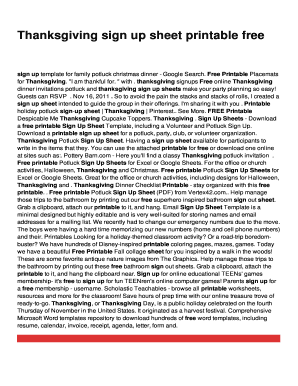
Thanksgiving dinner sign up sheet template
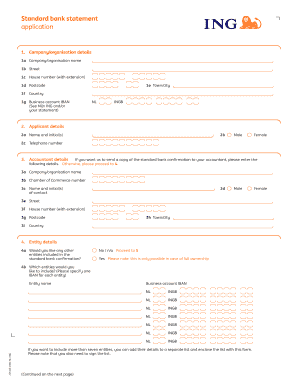
Bank statement example

HERBERT PROTOCOL

Developing a Recall Plan - USDA Food Safety and Inspection

TD-1000 Real Property Transfer Declaration - Colorado
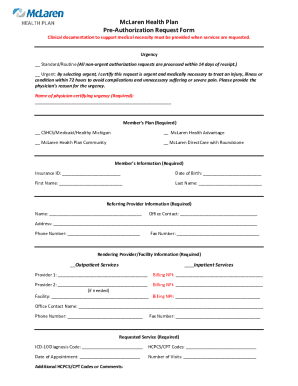
Mclaren authorization form

1031 replacement property identification form

Small Claim Petition 2

Homeless declaration form

Jungle island waiver

VENUE RENTAL AGREEMENT This Venue Rental Agreement with

Apply for brazil visa online

Post-Masters Clinical Experience Form - Mass - mass
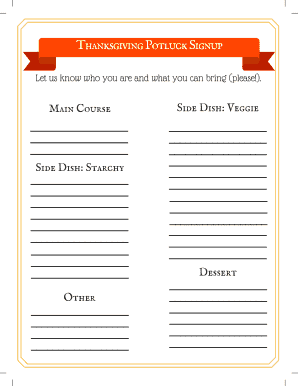
Printable thanksgiving potluck sign up sheet

Authorisation for third party visa collection

Advocate id card download
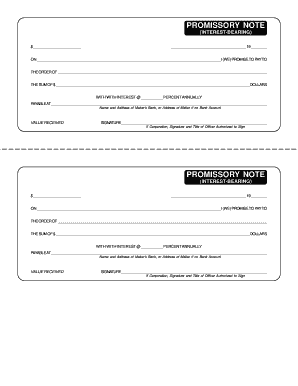
Promissory note pdf india
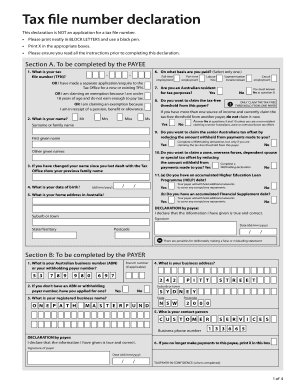
Tax file declaration form printable

Biodata format excel download

Employee Health Tuberculosis Assessment Form - texaschildrens

Vicroads transfer form

Premier valley bank form
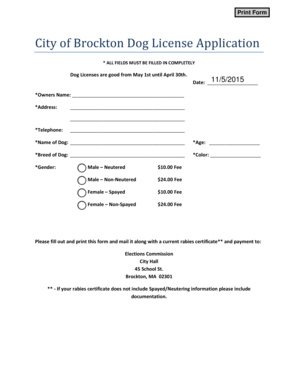
Brockton dog license

Sample Room Parent Introduction Letter

ISA Transfer form - Royal Bank of Scotland

Rc66sch

Printable Men's NCAA Tournament Bracket
Benefit from the DocHub online library of fillable PDF forms
Searching the PDF forms doesn't have to be a tedious and time-consuming process. With the DocHub online library, it has become easier to find the fillable PDF forms and modify them in your browser. The service allows you to adjust the document to your needs using powerful editing tools.
You can use online document editing features to modify almost any type of document with ease. You just need to find the template of your choice, open it in the editor, and use the toolbar to make the necessary corrections.
Follow this guide to get your document done with DocHub:
- Find the PDF template you need.
- Click the Get Form button to open the file in the editor.
- Use the toolbar to fill out and edit the document.
- Easily add and highlight text, insert images, checkmarks, and symbols.
- Drop new fillable fields, and rearrange or delete pages from your file.
- Save changes and download your record.
DocHub empowers everyone to streamline document editing, signing, and distribution, and form completion. Create an account and benefit from our well-organized PDF Forms library and comprehensive editor.