
Get any PDF form from the DocHub library of ready-made templates - Page 30

Food Preference Questionnaire

Physician Prosthetic Assessment Form
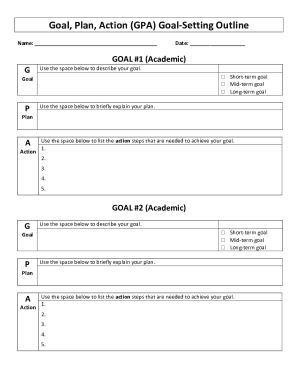
Goal Plan Action Form
Auxiliary Pioneer Service Application Form

Rental Property Data Sheet

US Military Individual Transition Plan

US Passport Application Form DS-11
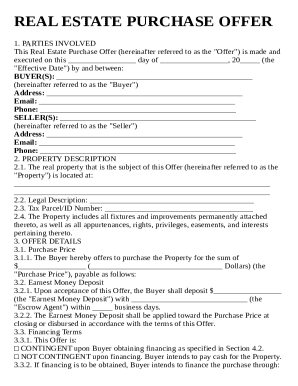
Real Estate Offer Letter Template
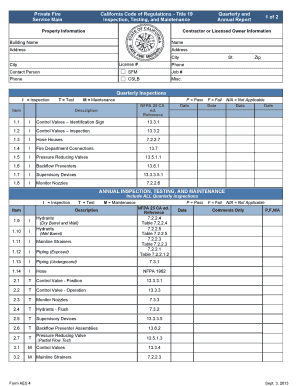
California Fire Service Annual Report
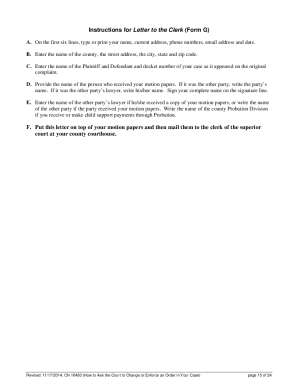
Child custody application form nj

Mississippi Certificate of Interstate Sales

Chicago Utility Billing Refund Application
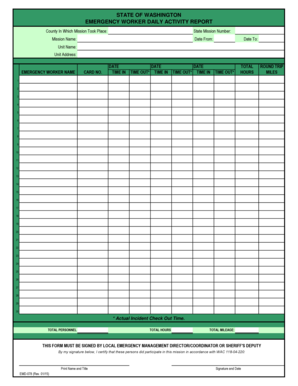
Washington Emergency Worker Daily Activity Report
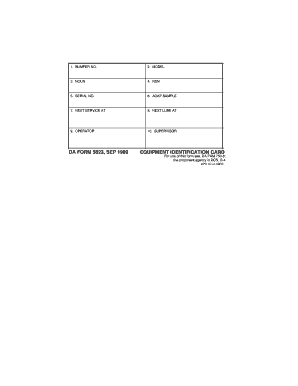
DA Form 5823 Equipment Identification Card

French Salary Attestation Form
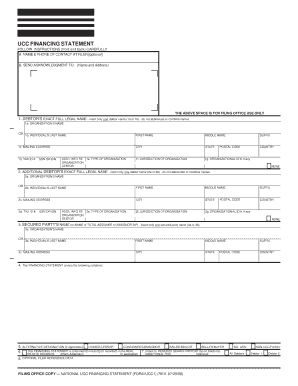
UCC Financing Statement Form UCC1

Citi Driver's Edge Service Redemption Form
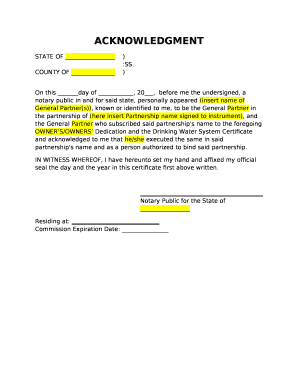
Notary Acknowledgment Form

VA Form 20-10207 Priority Processing Request

USMC Radioactive Material Movement Form

IRS Form 8821 Tax Information Authorization

Pii cover sheet
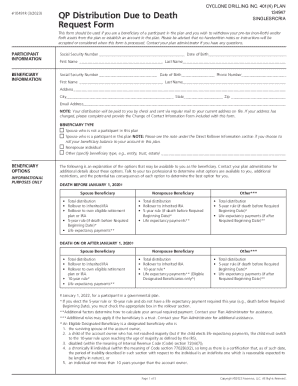
QP Distribution Due to Death Request Form
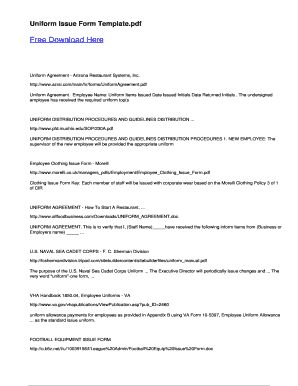
Uniform Issue Form Template

SuperATV Retailer Agreement

North Dakota CNA Registry Endorsement Form

Shelf-Life Extension Notice
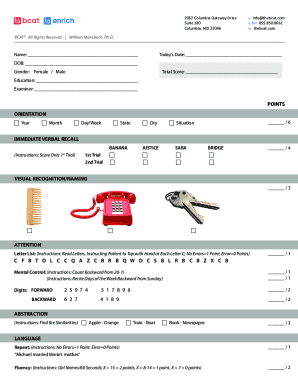
BCAT Cognitive Assessment Form
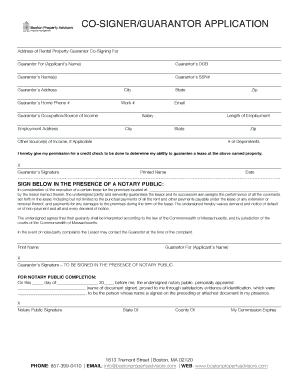
Co-Signer Guarantor Application
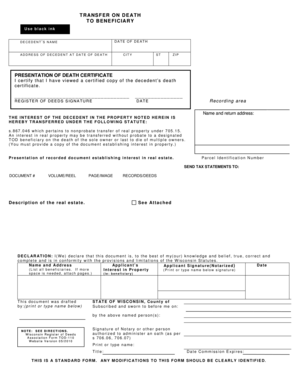
Wisconsin Transfer on Death Deed

CSC Form 212 (Revised 2025) - Personal Data Sheet
Form I-765WS, Worksheet
SCR 7 01-7A

USCIS Form I-912 Fee Waiver Request

Supplier Corrective Action Request Form

FSA HRA Reimbursement Form

New York Medicaid Health Home Consent Form
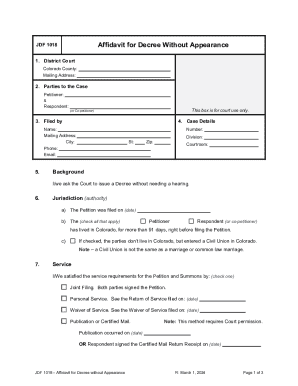
JDF 1018 Affidavit for Decree Without Appearance
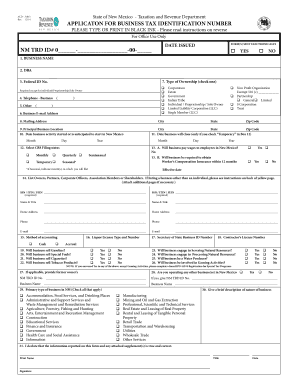
New Mexico Business Tax Identification Application

Hawaii Grades 1-2 Standards-Based Report Card
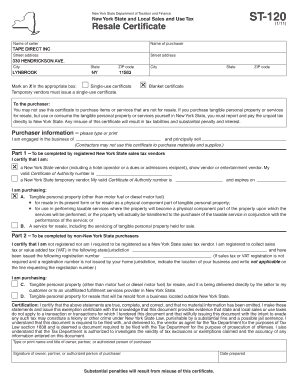
New York Resale Certificate ST-120

Medical Compression Stocking Prescription Letter
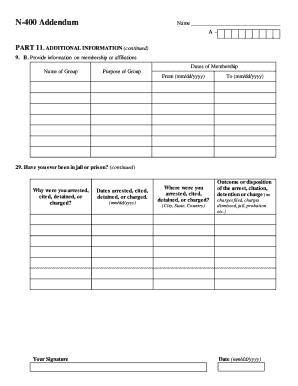
USCIS N-400 Addendum
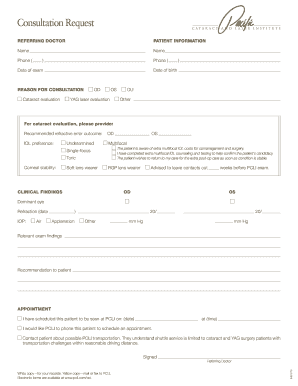
Eye Consultation Request Form
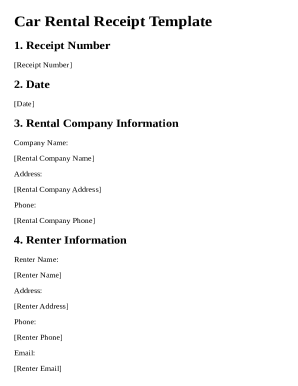
Car Rental Receipt Template

Physician's Statement for Disability Retirement

American Federation of Musicians Contract Form T-2

Work History Report Form SSA-3369-BK

Foreign Travel Debriefing Questionnaire

Louisiana Record of Supervision Form

Rabies Vaccination Certificate
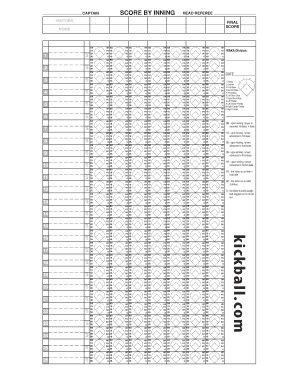
Kickball Score Sheet
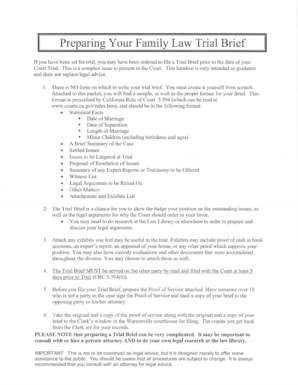
Preparing Your Family Law Trial Brief - bCalifornia Courtsb - State of b b - courts ca
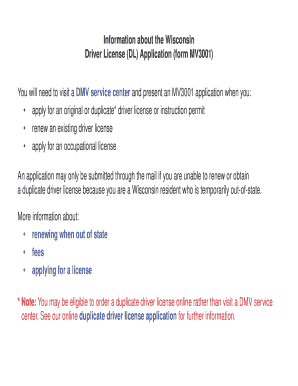
Wisconsin Driver License Application
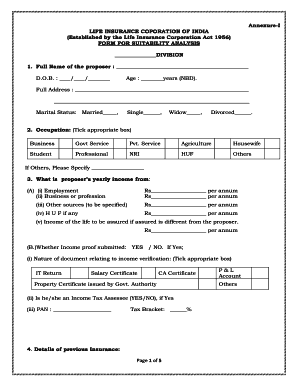
Life Insurance Suitability Analysis Form

Oklahoma Quitclaim Mineral Deed
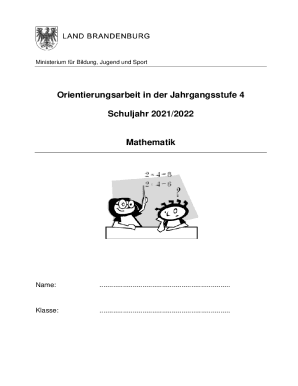
Brandenburg Math Assessment Form
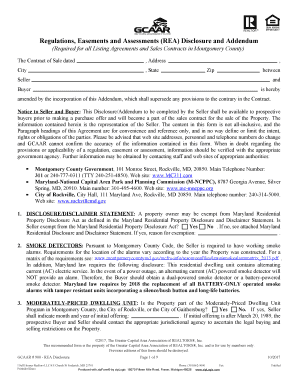
REA Disclosure and Addendum

Missouri MBE WBE Recertification Form
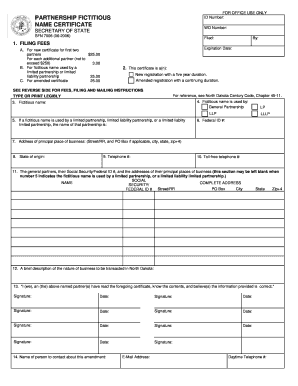
North Dakota Partnership Fictitious Name Certificate
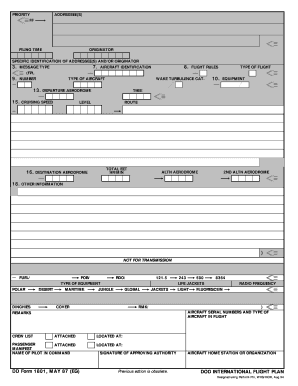
DOD International Flight Plan

Ohio Retroactive Medicaid Worksheet
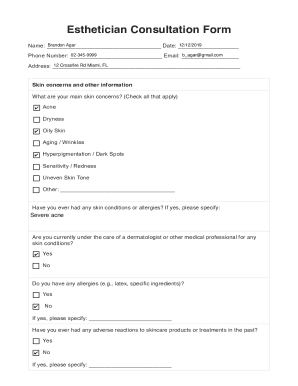
Esthetician Consultation Form

Ohio Business Account Update Form
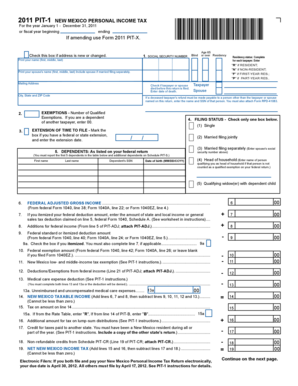
New Mexico Personal Income Tax Form 2011

Special Health Care Needs Annual Financial Eligibility Review

Prior Financial Approval Request Form
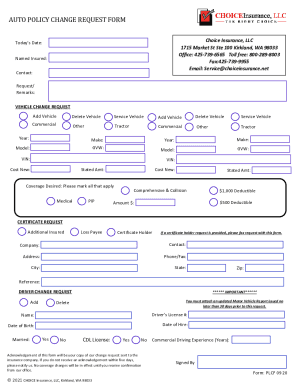
Auto Policy Change Request Form

Washington Disabled Parking Application
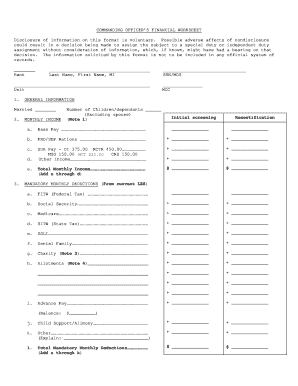
Commanding Officer s Financial Worksheet

Uniform Sales and Use Tax Certificate

Ride-source Ancillary Certificate Application

PGandE Service Report Form 62-3531

Social Media Photo Consent Form
US Federal Records Transmittal Form

ECCE Child Registration Form
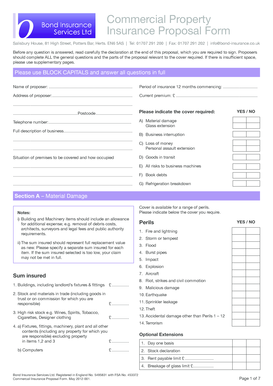
Commercial Property Insurance Proposal Form
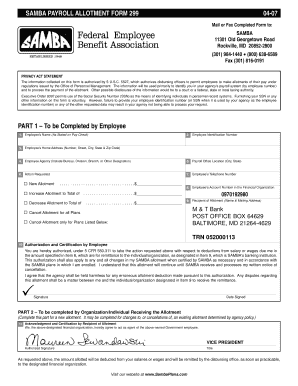
SAMBA Payroll Allotment Form 299
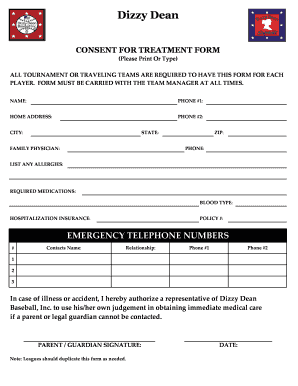
Dizzy Dean Consent for Treatment Form
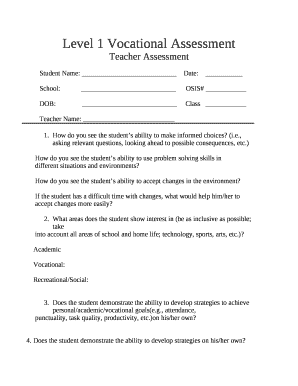
Level 1 Vocational Assessment Form
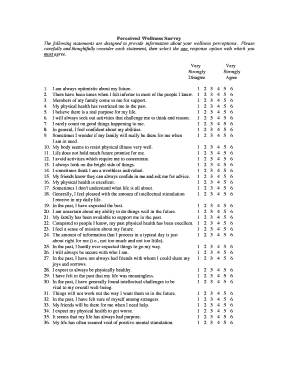
Perceived Wellness Survey

Food Employee Health Reporting Agreement
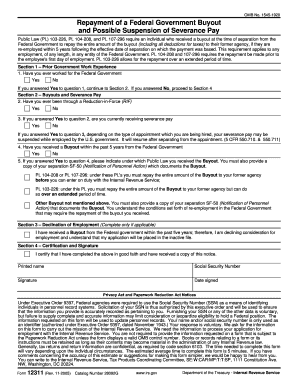
Federal Government Buyout Repayment Form
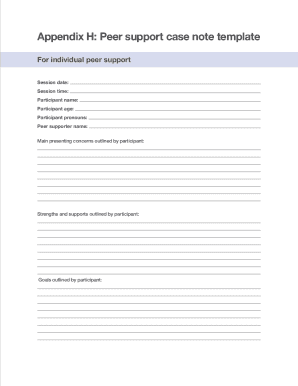
Peer Support Case Note Template
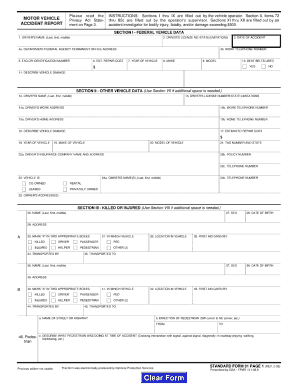
Sf 91
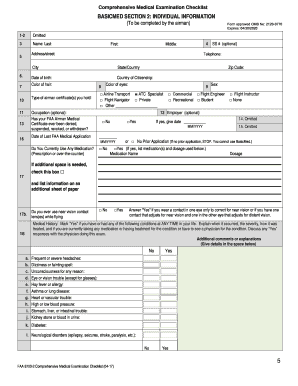
FAA 8700-2 Comprehensive Medical Examination Checklist

YMCA Camp Orkila Release of Liability
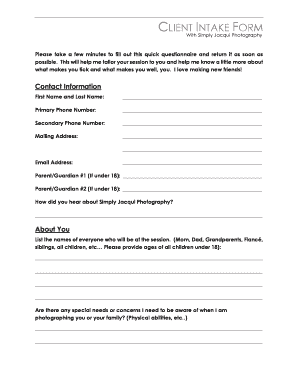
Client Intake Form for Photography Session

Memorandum of Land Contract

Colorado High School Activities Association Waiver Form

Da 4651
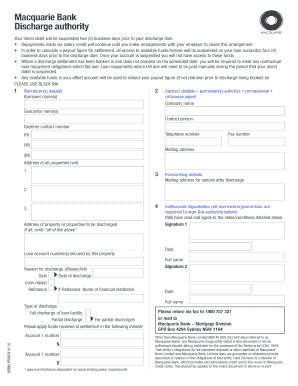
Macquarie Bank Discharge Authority
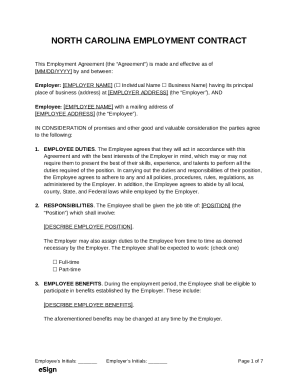
North Carolina Employment Contract

Cape Cod Vacation Lease Agreement
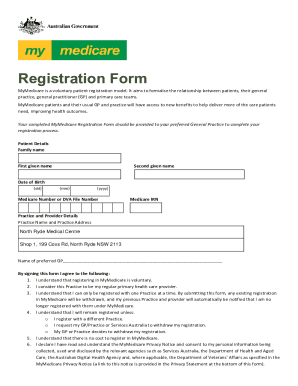
MyMedicare Registration Form
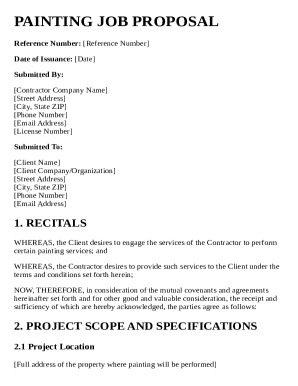
Painting Job Proposal Template

NSW Companion Animals Permanent Identification Form

Iowa Vehicle Retail Installment Contract

General health appraisal form
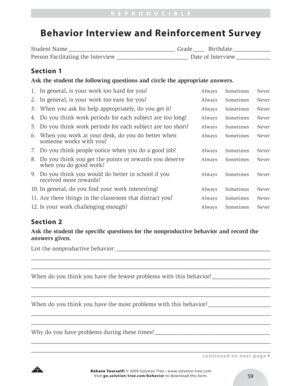
Behavior Interview and Reinforcement Survey
Benefit from the DocHub online library of fillable PDF forms
Searching the PDF forms doesn't have to be a tedious and time-consuming process. With the DocHub online library, it has become easier to find the fillable PDF forms and modify them in your browser. The service allows you to adjust the document to your needs using powerful editing tools.
You can use online document editing features to modify almost any type of document with ease. You just need to find the template of your choice, open it in the editor, and use the toolbar to make the necessary corrections.
Follow this guide to get your document done with DocHub:
- Find the PDF template you need.
- Click the Get Form button to open the file in the editor.
- Use the toolbar to fill out and edit the document.
- Easily add and highlight text, insert images, checkmarks, and symbols.
- Drop new fillable fields, and rearrange or delete pages from your file.
- Save changes and download your record.
DocHub empowers everyone to streamline document editing, signing, and distribution, and form completion. Create an account and benefit from our well-organized PDF Forms library and comprehensive editor.