
Get any PDF form from the DocHub library of ready-made templates - Page 29

Earnest Money Promissory Note

Spousal Consent to Agreement

IRS Notice LT11
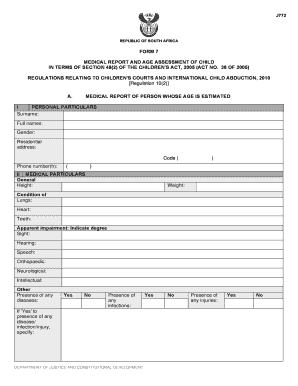
South Africa Form 7 Medical Report and Age Assessment of Child

Building Permit Application Form for Single and Two Family Dwellings
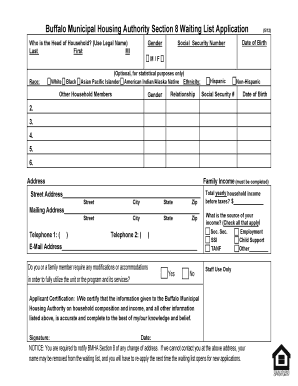
BMHA Section 8 Waiting List Application
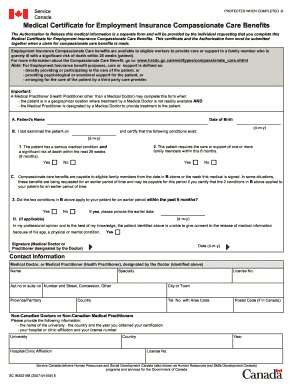
Medical Certificate for Employment Insurance Compassionate Care Benefits
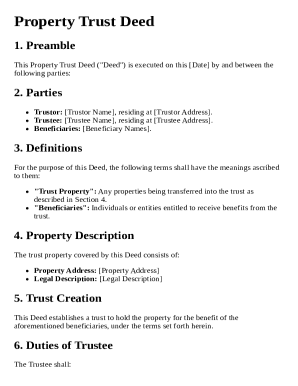
Property Trust Deed Template
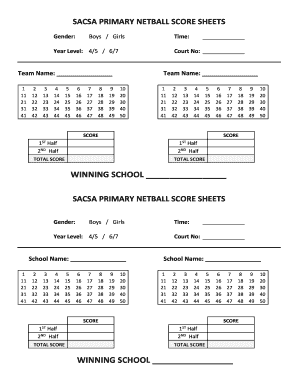
SACSA Primary Netball Score Sheets
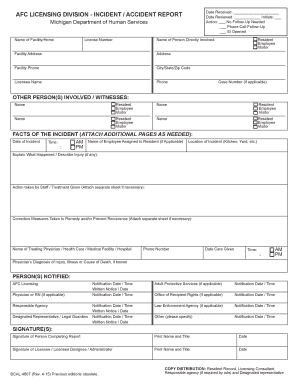
Michigan Incident Accident Report Form

Form 10-Q
EOIR-27 - Notice of Entry of Appearance as Attorney or
Medical Certificate SU415
Separation Notification Form
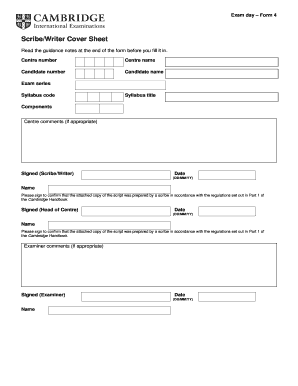
Exam Day Scribe Writer Cover Sheet

Sanitary Sewer Easement Agreement

Davis-Bacon Fringe Benefit Summary Form #654

Cayman Islands Permanent Resident Annual Declaration

Counseling Informed Consent Form
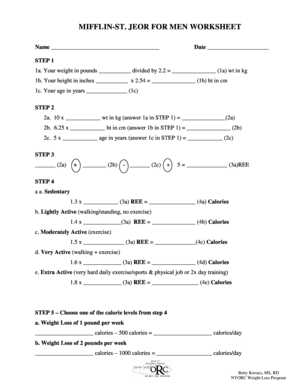
MIFFLIN-ST JEOR FOR MEN WORKSHEET
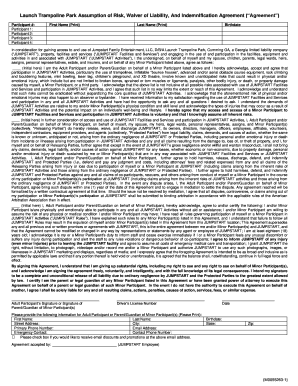
Launch Trampoline Park Waiver of Liability
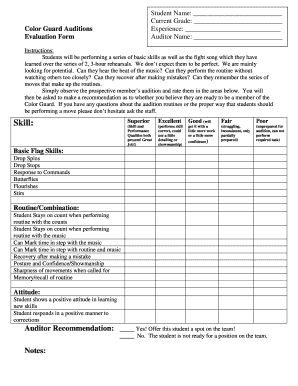
Color Guard Audition Evaluation Form

No Trespass Order
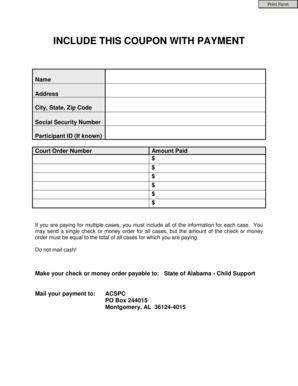
Alabama Child Support Payment Coupon

LPL Advisory Non-Retirement Account Application
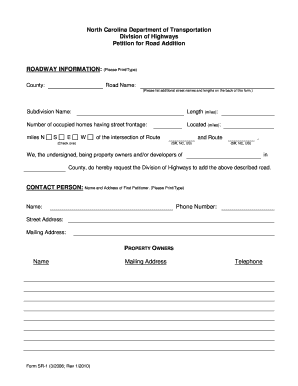
North Carolina Road Addition Petition
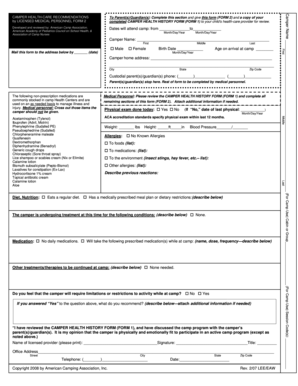
Camper Health-Care Recommendations Form

Bargain and Sale Deed with Covenants
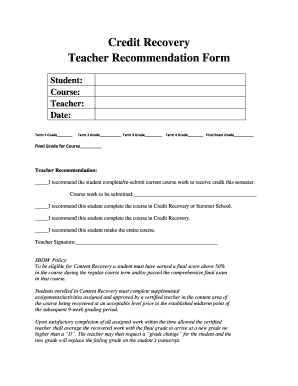
Teacher Recommendation Form

Authorized Representative Form
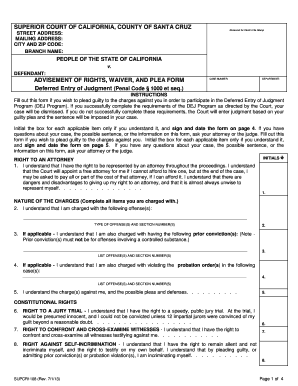
California Deferred Entry of Judgment Form

Bar Spills and Wastage Sheet
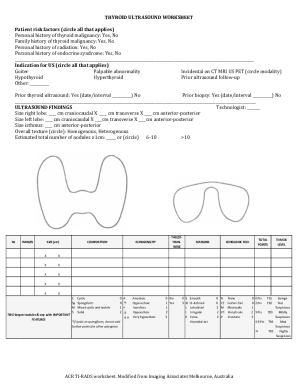
Thyroid Ultrasound Worksheet

GTHL Player Tryout Permission Form

IHS Order for Health Services Form
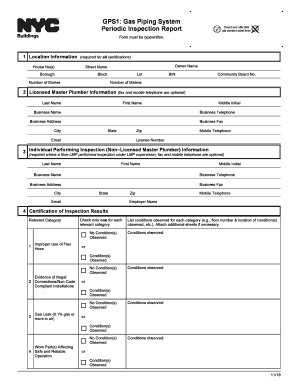
GPS1 Gas Piping System Periodic Inspection Report
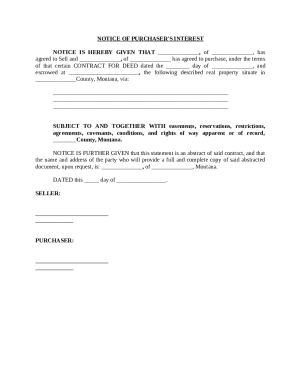
Notice of Purchaser's Interest
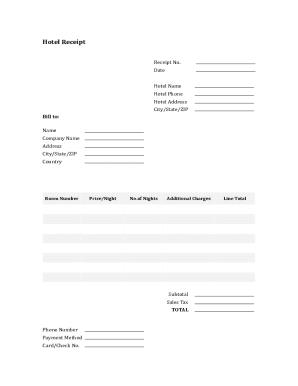
Hotel Receipt Template
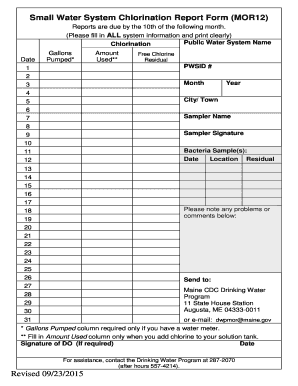
Small Water System Chlorination Report Form
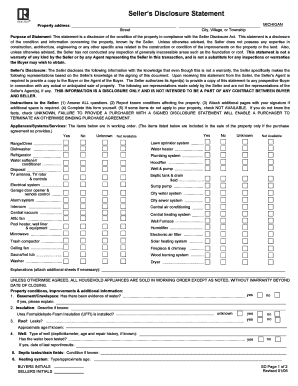
Seller's Disclosure Statement
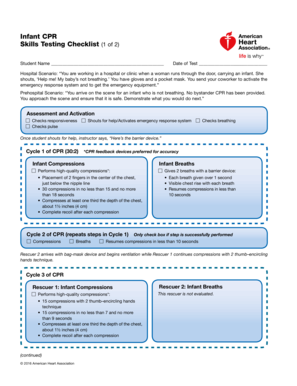
Infant CPR Skills Testing Checklist

Commercial Pesticide Recordkeeping Form

Tax Withholding Election for UCRP Income
Army dd form 1844 fillable

St James Parish Absentee Report Form
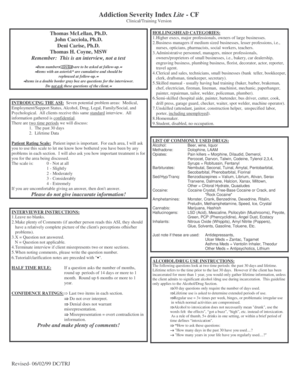
Addiction Severity Index Clinical Training Form

Tort Claim Form

Podcast Sponsorship Agreement
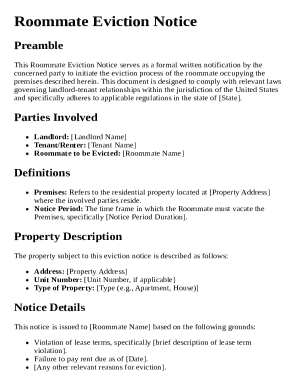
Roommate Eviction Notice Template

Water and Smoke Mitigation Scope Sheet
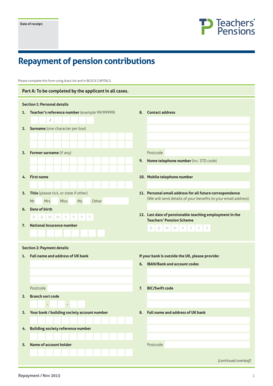
UK Teacher Pension Contribution Repayment Form

Electrical Permit Application

Travelling Allowance Bill Form TR 20
Accession Medical History Report

Permit Agent Authorization Form
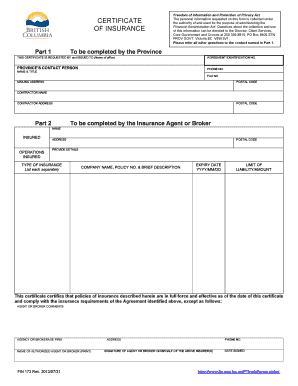
BC Insurance Certificate Form
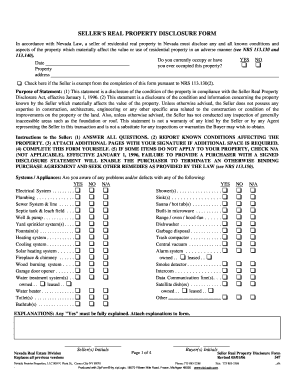
Nevada Seller's Real Property Disclosure Form
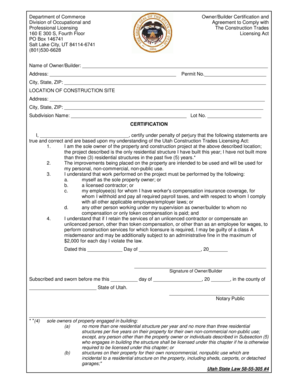
Utah Owner Builder Certification Form

Chronic Illness Verification Form

Nevada Laboratory Assistant Application
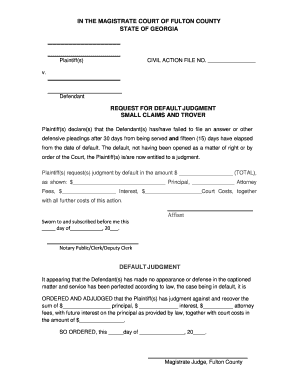
Georgia Request for Default Judgment
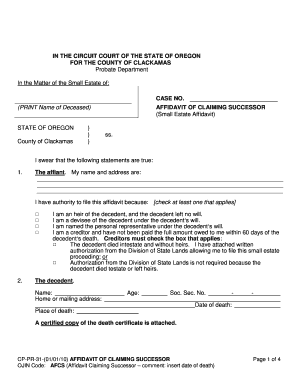
Oregon Small Estate Affidavit

Mortgage Payoff Authorization
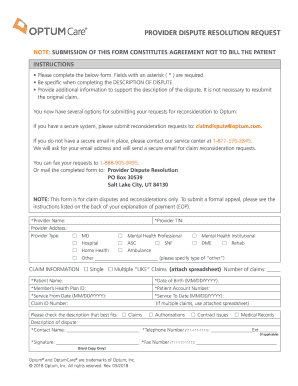
Provider Dispute Resolution Request

First Home Visit Questionnaire
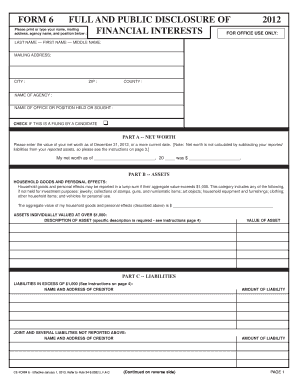
Florida Financial Disclosure Form 6
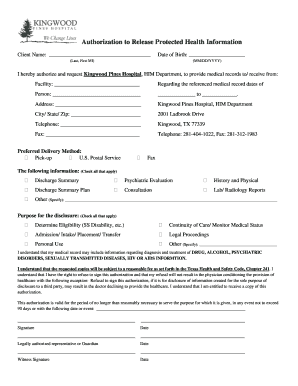
Authorization to Release Protected Health Information
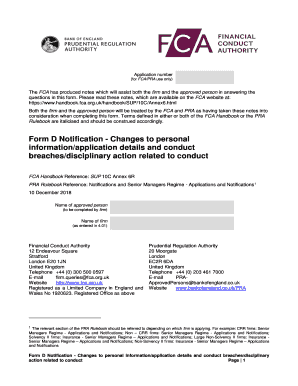
Form D Notification
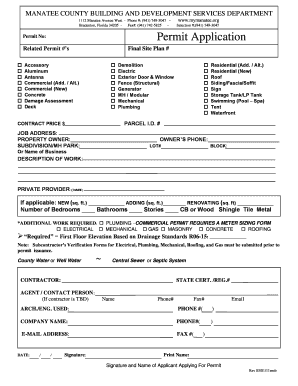
Manatee County Building Permit Application

Form ETA 581 Contribution Operations Report
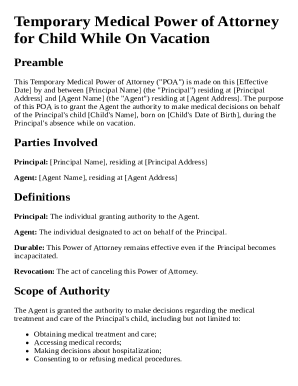
Temporary Medical Power of Attorney for Child While On Vacation Template

Oregon Business Change in Status Form
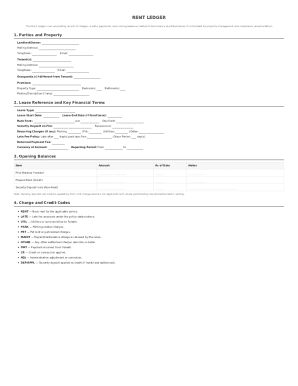
Rent ledger
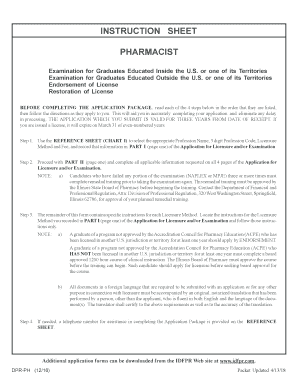
Illinois Pharmacist Licensure Application

Home Draw Request Form

Chelle d' valuation CONNORS-3 (version pour parent)

UK Land Registry Restriction Form
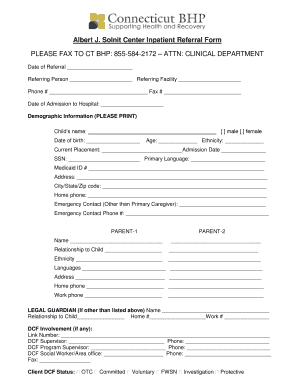
Albert J Solnit Center Inpatient Referral Form

Indiana Consumer Complaint Form

Training Plan for STEM OPT Students

Residential Alarm Permit Application
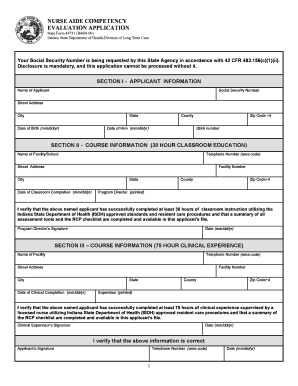
Nurse Aide Competency Evaluation Application

New Mexico Racing Commission License Application

Prior Authorization Request for Infused and Injectable Specialty Drugs
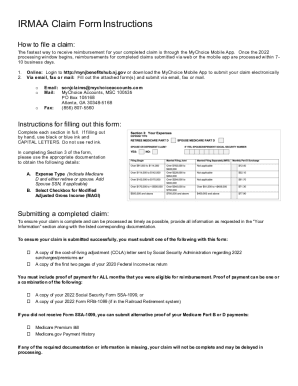
State of New Jersey IRMAA Claim Form

Ontario Rental Application Form 410

Printable Daily Schedule Template

California Mandatory Disclosure Form
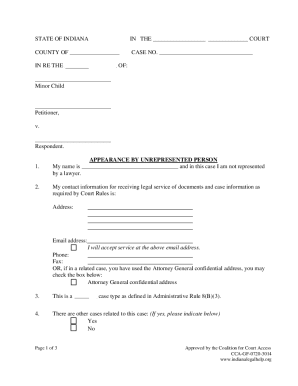
Indiana Civil Appearance Form

Ontario Form 8: Application

Federal Drug Testing Custody and Control Form
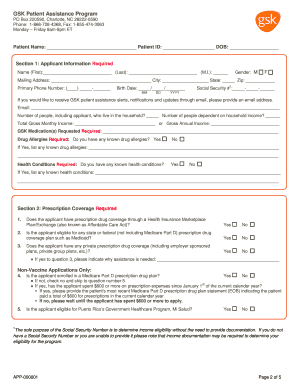
GSK Patient Assistance Program Application
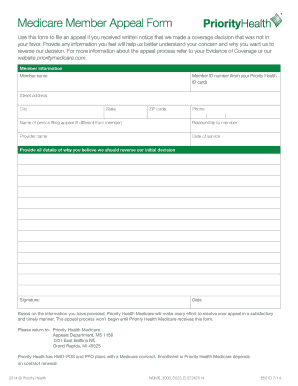
Medicare Member Appeal Form
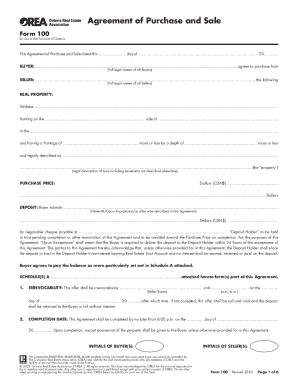
Ontario Agreement of Purchase and Sale Form 100

Maine Oversize Overweight Load Permit Application

Standard Residential Lease Agreement

Food Preference Questionnaire

Physician Prosthetic Assessment Form
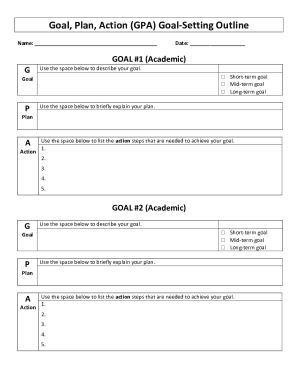
Goal Plan Action Form
Auxiliary Pioneer Service Application Form
Benefit from the DocHub online library of fillable PDF forms
Searching the PDF forms doesn't have to be a tedious and time-consuming process. With the DocHub online library, it has become easier to find the fillable PDF forms and modify them in your browser. The service allows you to adjust the document to your needs using powerful editing tools.
You can use online document editing features to modify almost any type of document with ease. You just need to find the template of your choice, open it in the editor, and use the toolbar to make the necessary corrections.
Follow this guide to get your document done with DocHub:
- Find the PDF template you need.
- Click the Get Form button to open the file in the editor.
- Use the toolbar to fill out and edit the document.
- Easily add and highlight text, insert images, checkmarks, and symbols.
- Drop new fillable fields, and rearrange or delete pages from your file.
- Save changes and download your record.
DocHub empowers everyone to streamline document editing, signing, and distribution, and form completion. Create an account and benefit from our well-organized PDF Forms library and comprehensive editor.