
Get any PDF form from the DocHub library of ready-made templates - Page 2226
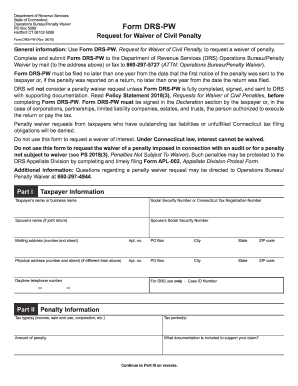
Ct form drs pw
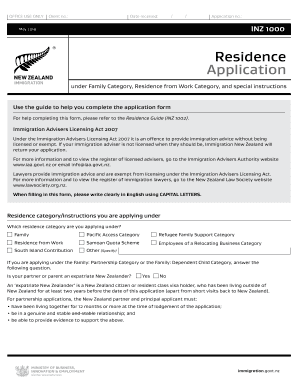
Inz 1000
R40 claim form
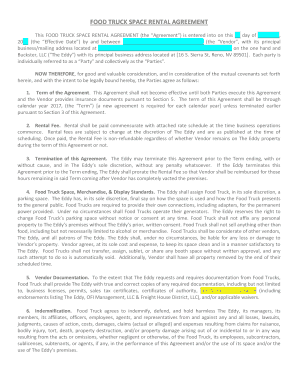
Food truck space rental
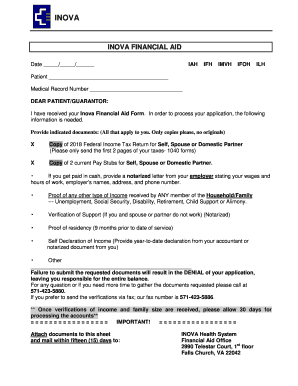
Inova financial aid

Medicare renewal form

7239 incident illness report

Fda form 3514
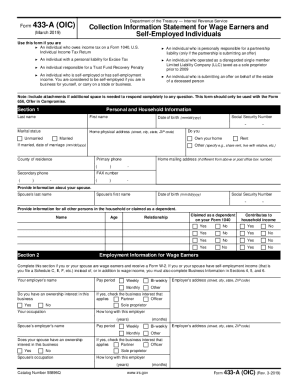
Form 656 irs
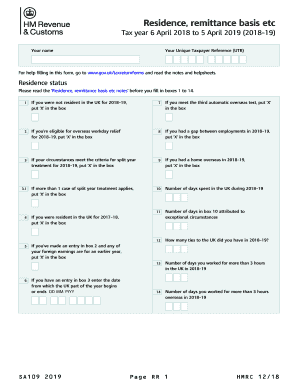
Tax form 2019
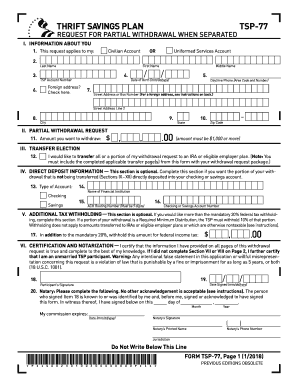
Tsp withdrawal form
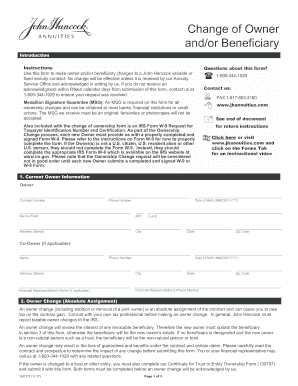
John hancock change of beneficiary
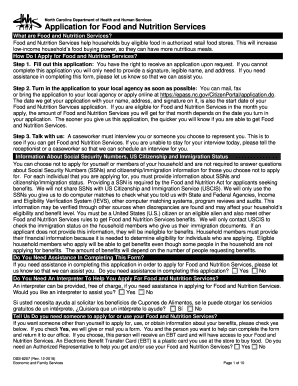
Nc food stamp application online
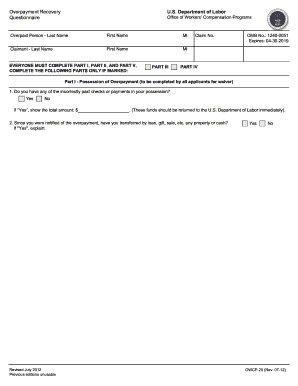
Owcp 20
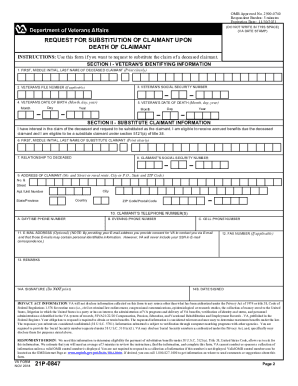
Va form 21p 0847
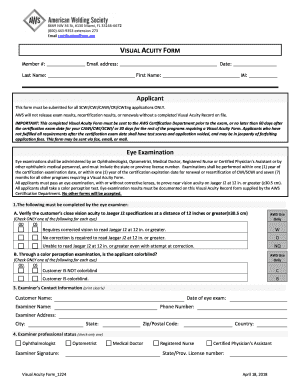
Aws visual acuity form
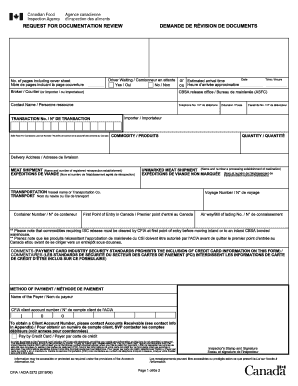
Cfia 5272
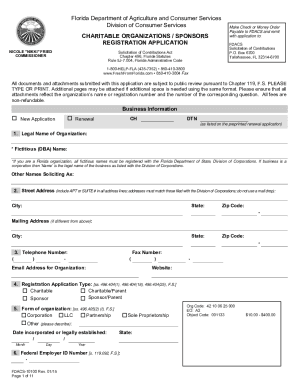
Florida solicitation
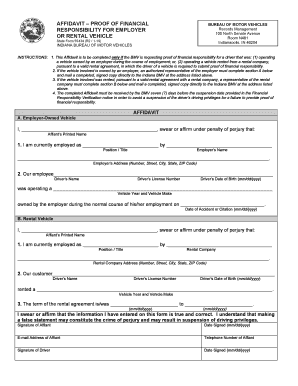
Indiana state form 55434
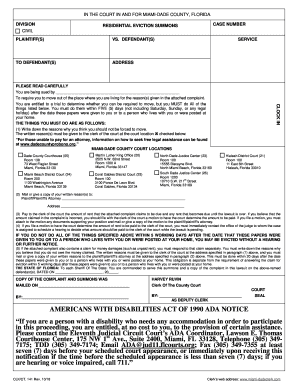
Miami dade eviction package pdf
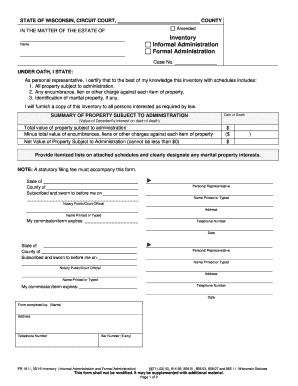
Pr 1811
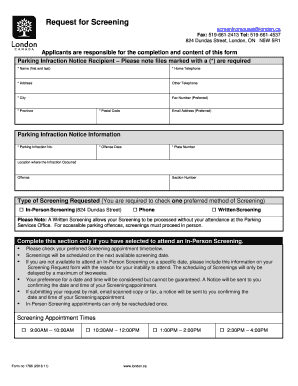
Screening request form

Sc 1120 2018
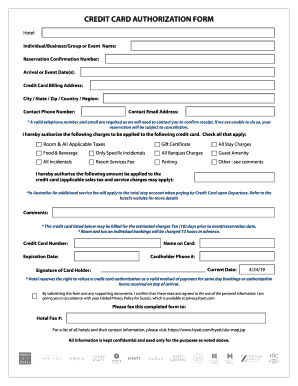
Credit card authorization
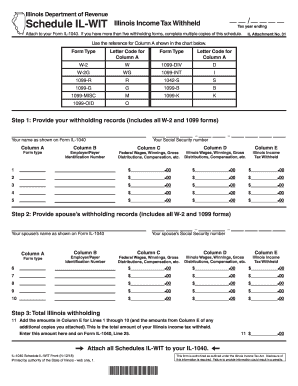
Schedule il

2018 form 1 nr py
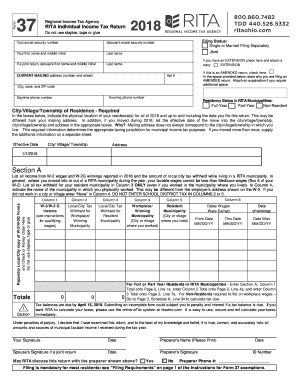
Rita 2016 form

Customs import declaration form
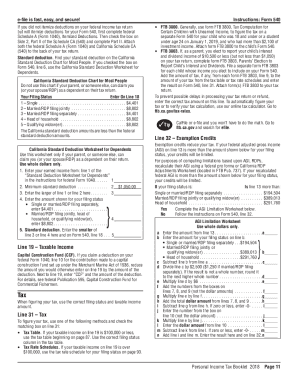
2020 california tax form 540
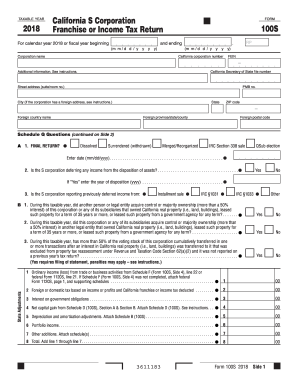
California form 100s instructions 2019 pdf
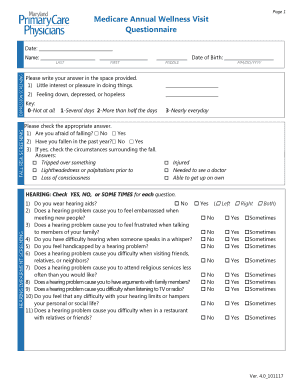
Maryland primary care medicare annual wellness
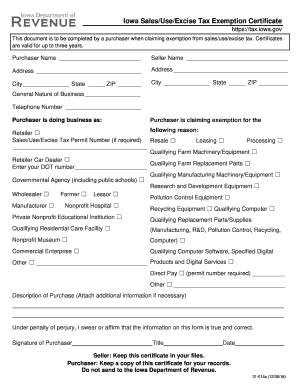
Certificate of resale form iowa

Lds youth activity planning sheet
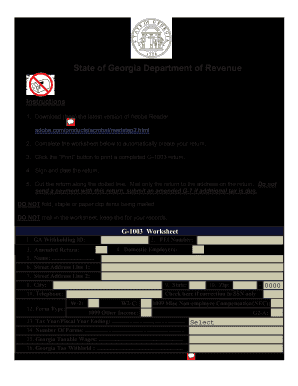
G1003

Ma 1099

Fast forward nova scotia
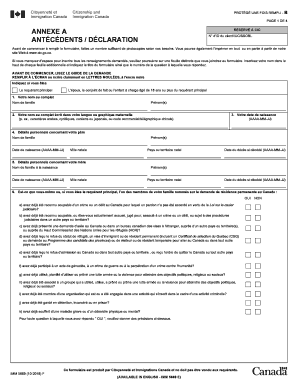
Imm 5669 f

Form 601a uscis
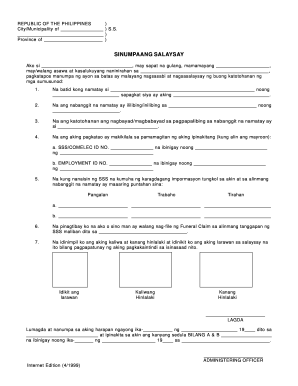
Sinumpaang salaysay sss death claim

National straight lading online
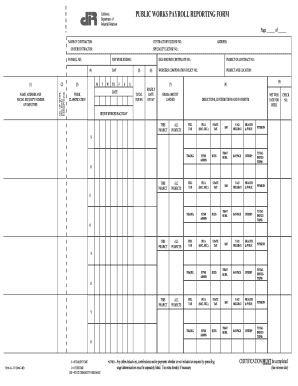
Form a 1 131
Printable fire alarm log sheet template

Sandwell application form
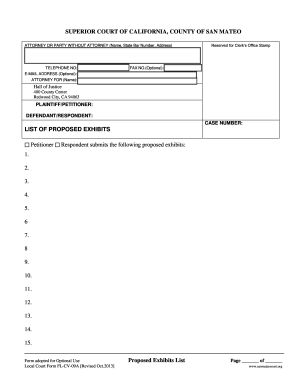
Sample exhibit list california
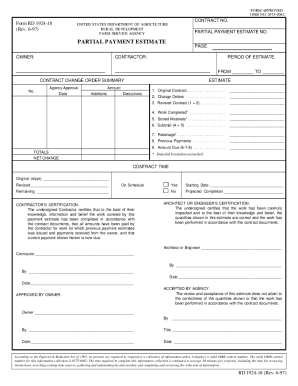
Usda rd 1924 form
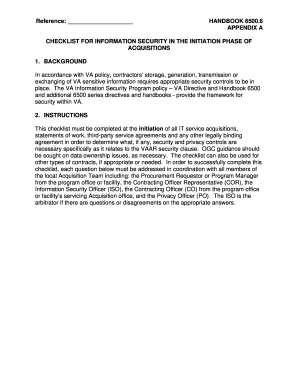
Va handbook 6500 6
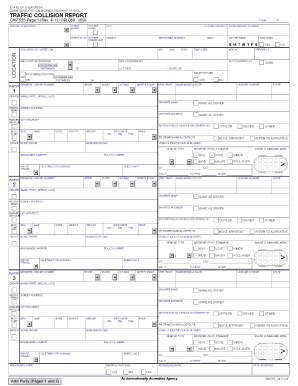
Chp 555

Ds 1972 form
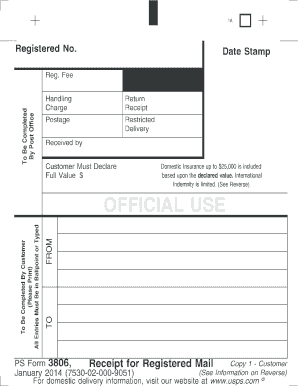
Extra Services Fact Sheet - USPS.com
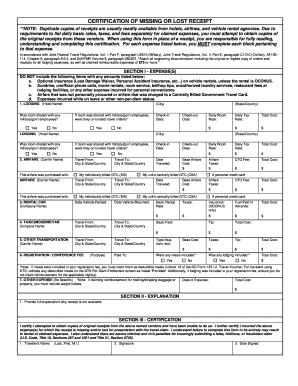
Certification of missing or lost receipt fillable
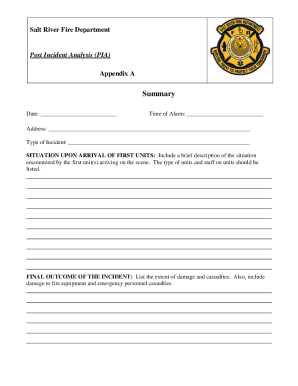
Fire department post incident analysis template
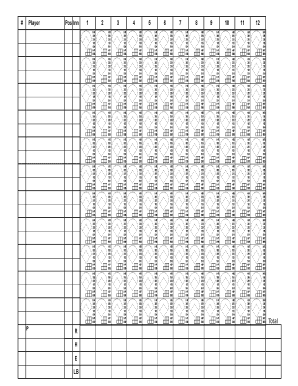
Baseball scorecard

Termination of guardianship forms
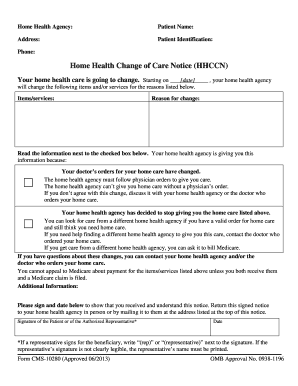
Hhccn form cms 10280

22 team double elimination bracket
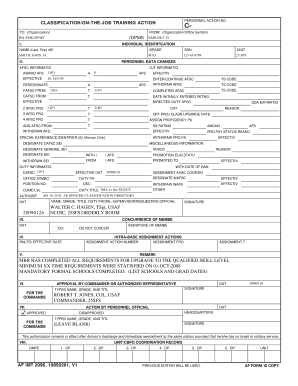
Af form 2096
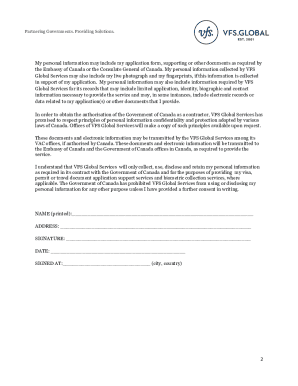
Vfs consent form
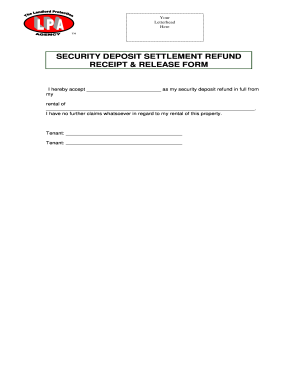
Security deposit refund receipt
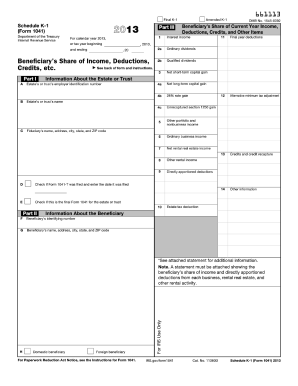
2013 schedule k 1 form
Label 33

Dekalb county dba

Florida notice commencement

Dr 405 2011 form
Graphing paper print

Har400
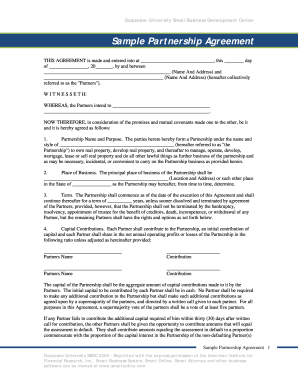
Partnership agreement template word
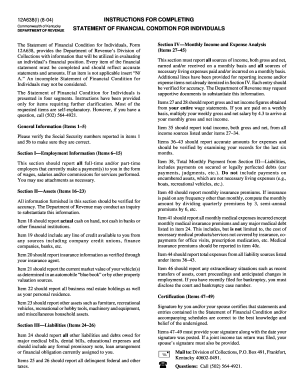
12a638 form
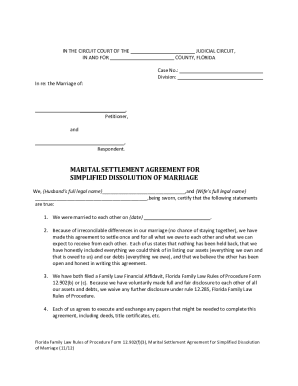
Florida settlement agreement forms

Navmc 11869
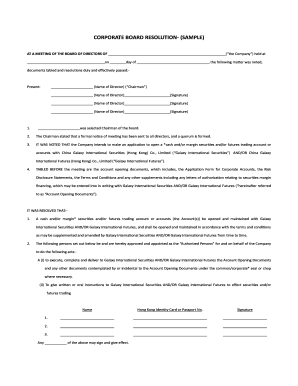
Sample of board resolutuion format

Middle state university transcript

Firearms clearinghouse form sp 187

Suit affecting the parent child relationship texas form

W 1e
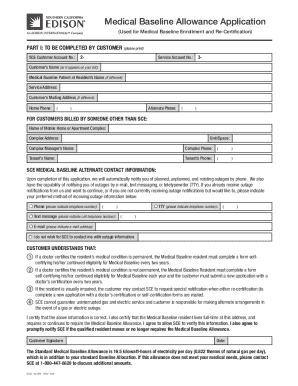
Sce medical baseline 2013 form
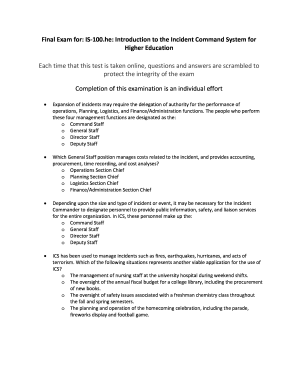
Nims 100 answers
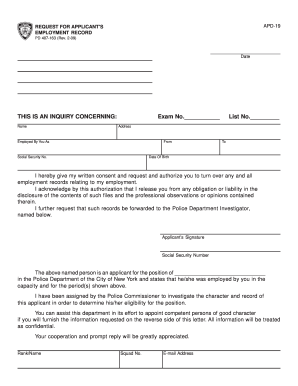
Cas 19 nypd
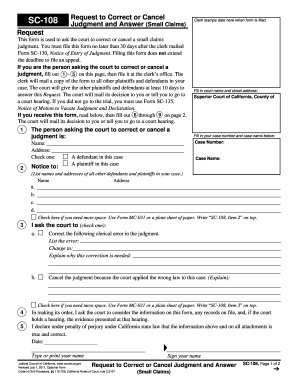
Sc 108
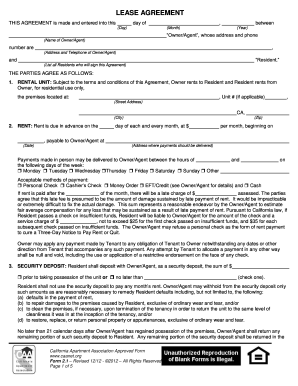
California apartment association lease agreement pdf
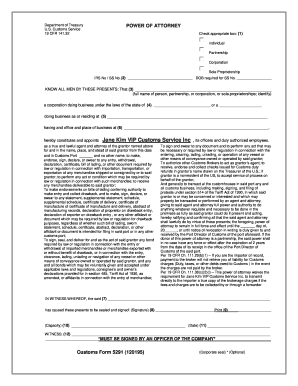
Form 5291
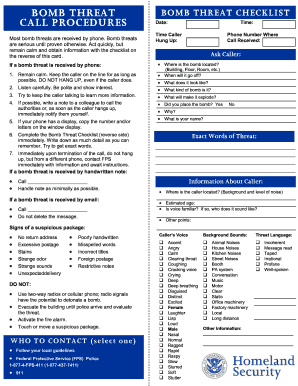
Bomb threat checklist 2021
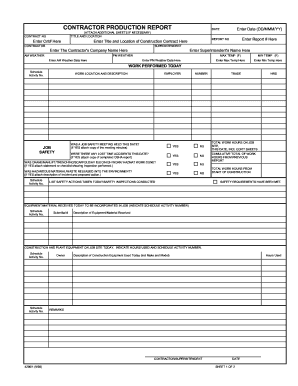
4296 form
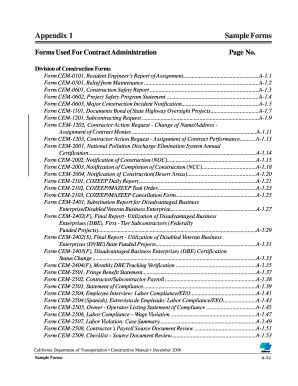
Cem 2502
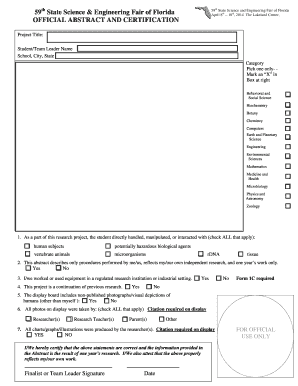
Fl state abstract
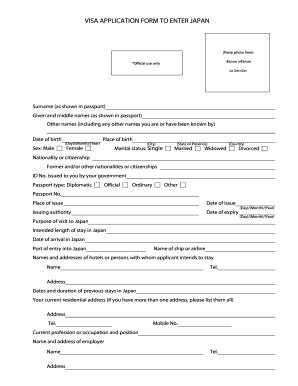
Visa application to enter japan
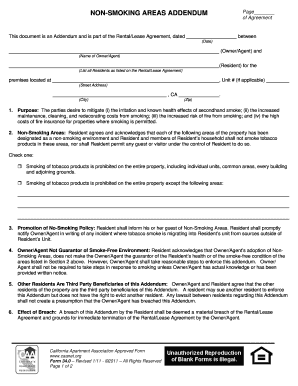
Smoking addendum
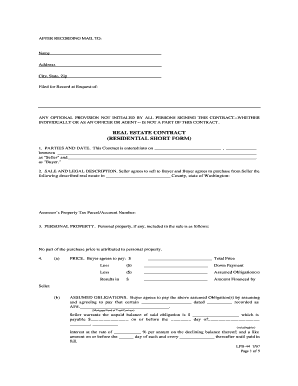
Wa form real estate
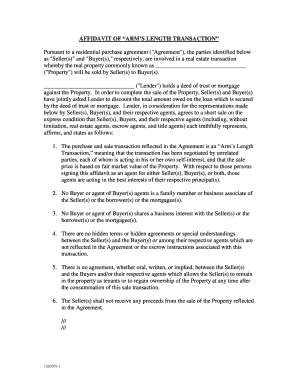
Arms length transaction form

Mvd 10002 2002 form

Mw506ae 2013 form
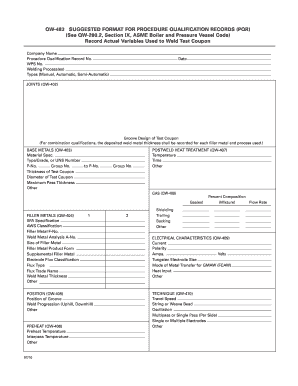
Wps pqr wpq format 2010
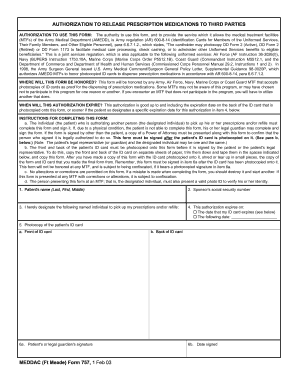
Meddac form 757
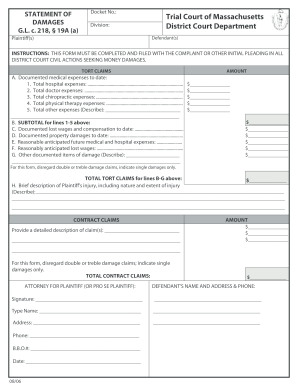
Ma damages

Move out agreement
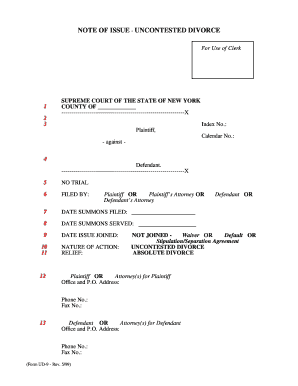
Divorce petition nyc 1999 form

Income tax return form bd 2020 21 excel

Indiana lien release

Sr04 form

Canadian immigration forms spousal sponsorship
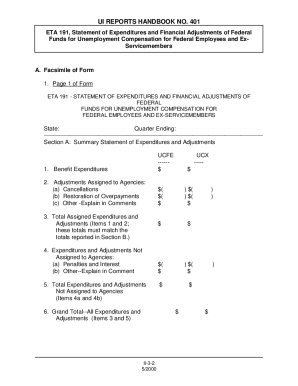
Es 935 maryland
Benefit from the DocHub online library of fillable PDF forms
Searching the PDF forms doesn't have to be a tedious and time-consuming process. With the DocHub online library, it has become easier to find the fillable PDF forms and modify them in your browser. The service allows you to adjust the document to your needs using powerful editing tools.
You can use online document editing features to modify almost any type of document with ease. You just need to find the template of your choice, open it in the editor, and use the toolbar to make the necessary corrections.
Follow this guide to get your document done with DocHub:
- Find the PDF template you need.
- Click the Get Form button to open the file in the editor.
- Use the toolbar to fill out and edit the document.
- Easily add and highlight text, insert images, checkmarks, and symbols.
- Drop new fillable fields, and rearrange or delete pages from your file.
- Save changes and download your record.
DocHub empowers everyone to streamline document editing, signing, and distribution, and form completion. Create an account and benefit from our well-organized PDF Forms library and comprehensive editor.