




01. Edit your arms length transactions online
Type text, add images, blackout confidential details, add comments, highlights and more.

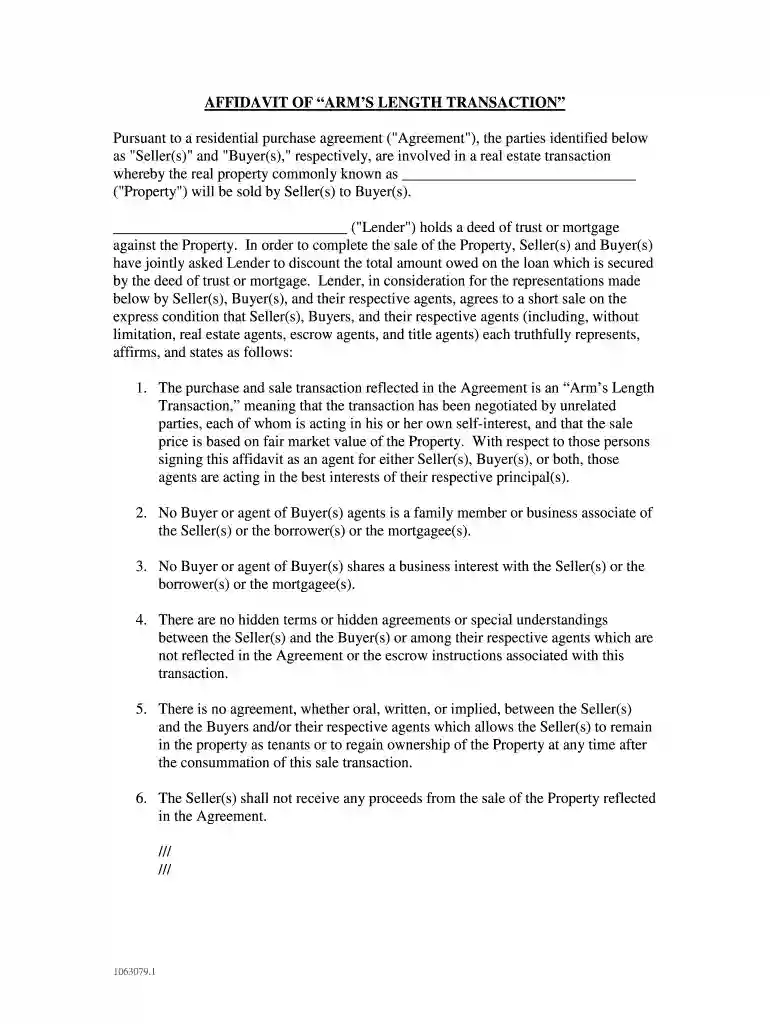
Type text, add images, blackout confidential details, add comments, highlights and more.

Draw your signature, type it, upload its image, or use your mobile device as a signature pad.

Send arms length transaction via email, link, or fax. You can also download it, export it or print it out.

Start using our platform today to streamline your document editing and signing process for free!
At DocHub, your data security is our priority. We follow HIPAA, SOC2, GDPR, and other standards, so you can work on your documents with confidence.
This box is required to be checked by the charity to DocHub that the donated vehicle was sold for more than $500 to an unrelated party in an arms length.Read more
In determining the true taxable income of a controlled taxpayer, the standard to be applied in every case is that of a taxpayer dealing at arms length with anRead more
Feb 17, 2021 For annual reports, indicate by check mark the information filed with this Form: ☒ Annual Information Form ☒ Audited Annual Financial Statements.Read more


