
Get any PDF form from the DocHub library of ready-made templates - Page 2011
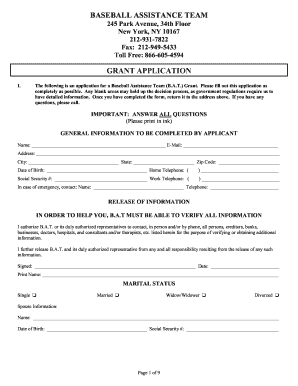
Mlb grant application
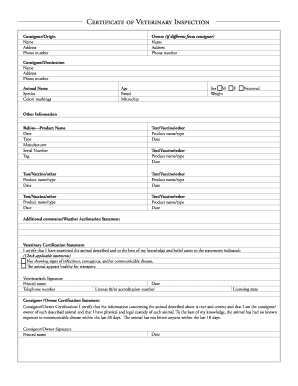
Model Certificate of Veterinary Inspection (companion animal) - avma
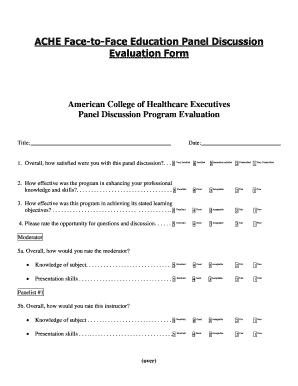
Evaluation form
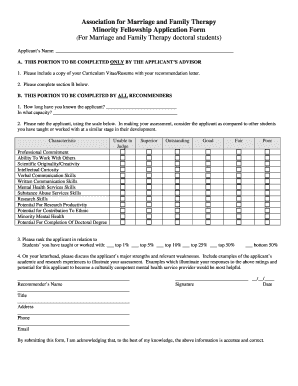
Minority form marriage
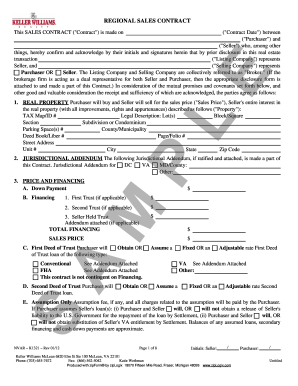
Nvar k1321
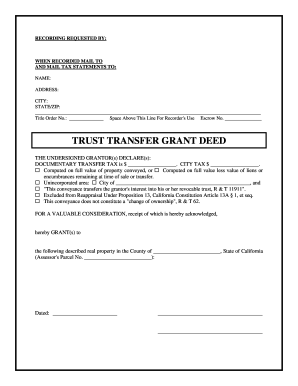
Fidelity title forms

Bank of america change order
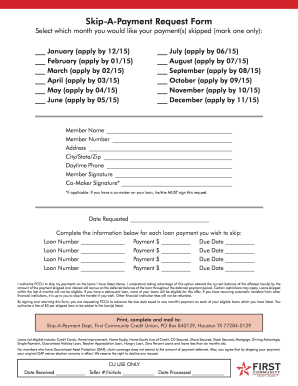
Fccu skip a payment form
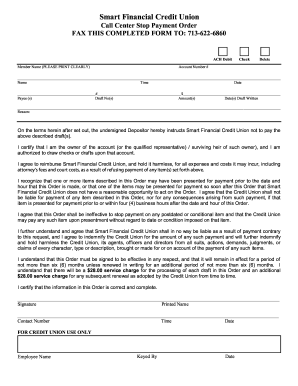
Financial stop payment form
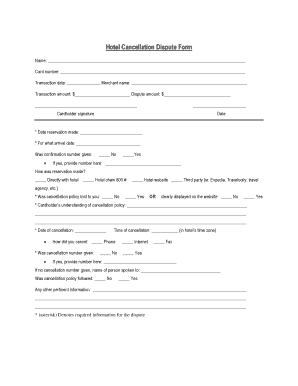
Cancellation form in hotel
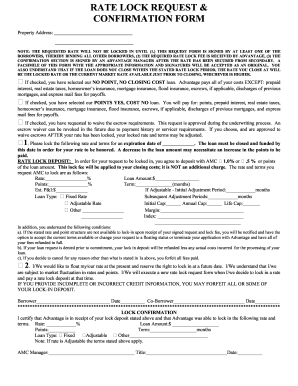
Rate con template
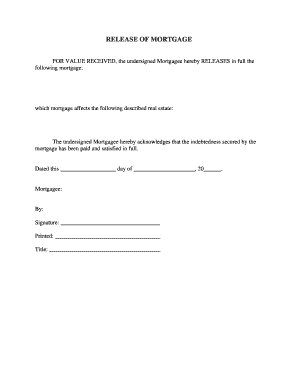
Release of mortgage
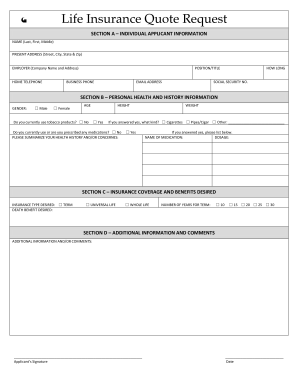
Tenant insurance
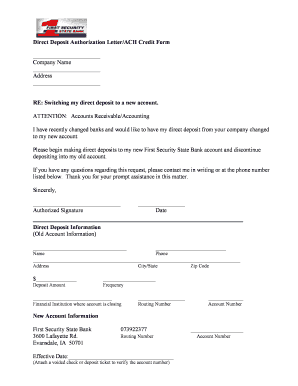
Direct deposit authorization letter
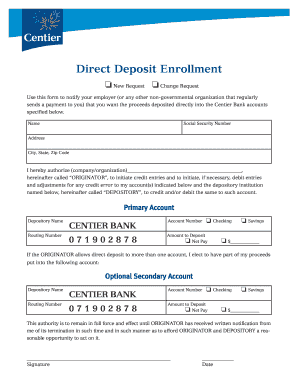
Centier direct deposit form
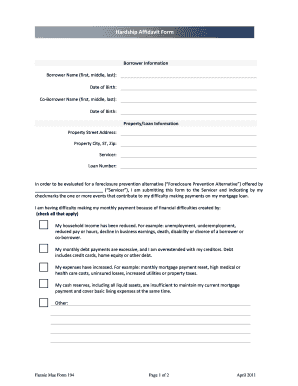
How do i get an extension on my emissions test in illinois
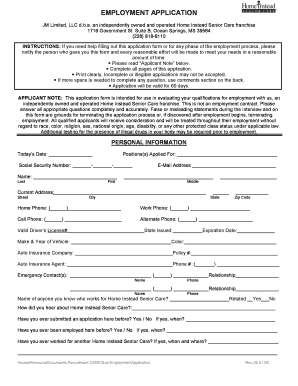
Application form for care homes
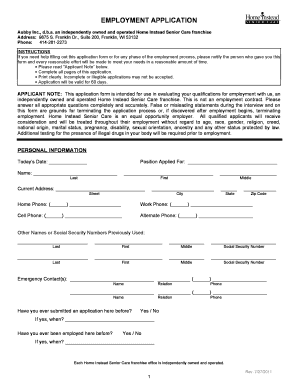
Wi senior care application

Fannie mae balloon note

Fannie mae note

Form property inspection report
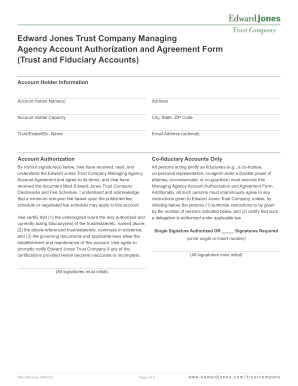
Trust certification form edward jones
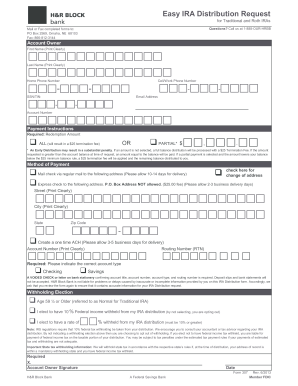
H&R Block Express IRA Distribution Form
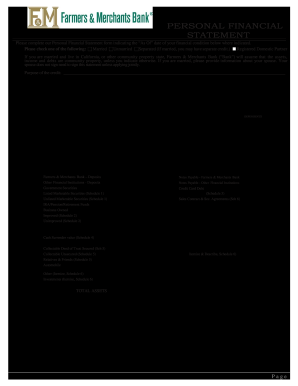
Farmers bank financial statement form
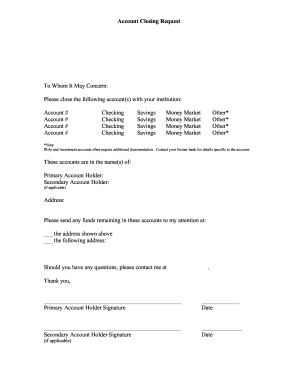
Bank account closing letter pdf
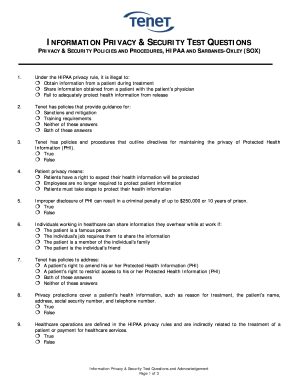
Dod initial orientation and awareness training answers
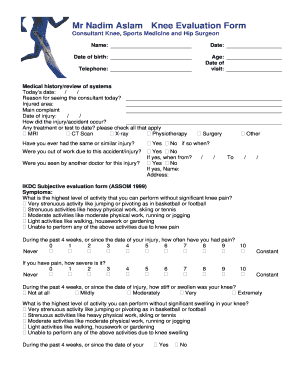
Knee assessment form

Rex assist

Rush copley
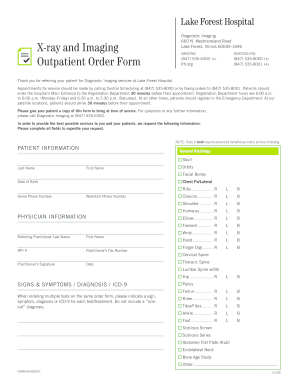
Fill x lfh blank
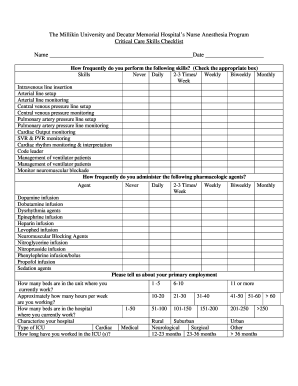
Icu nursing skills pdf
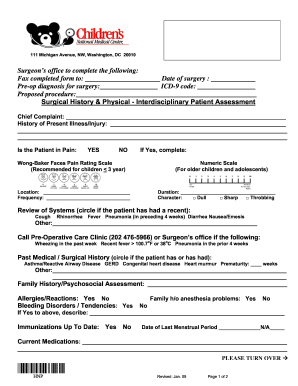
Cnmc registeration form download
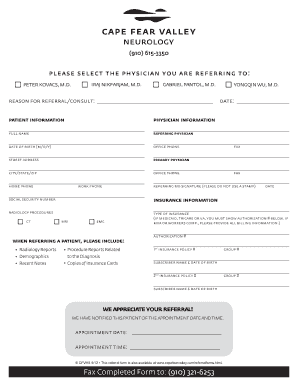
Fax Completed Form to: (910) 321-6253 - Cape Fear Valley Health ...
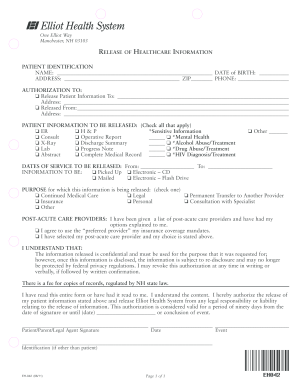
Elliot hospital records resources form
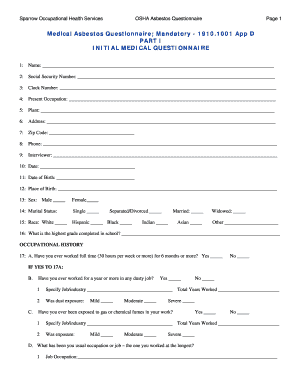
Asbestos physical exam form
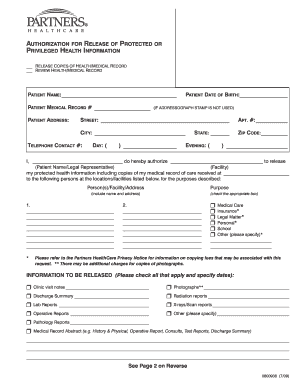
Authorization release protected health information
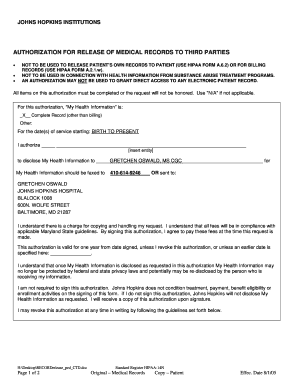
John hopkins medical release form
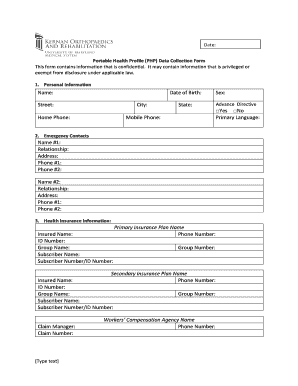
General health profiling for college students
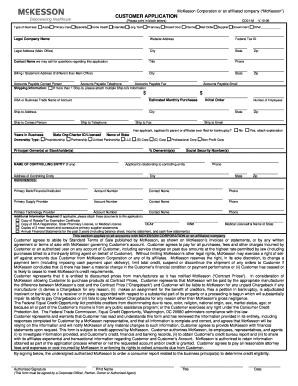
Pfizer application form
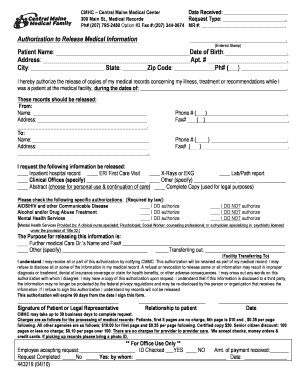
Cmmc medical records

Daisy nomination form

Hawaii polst
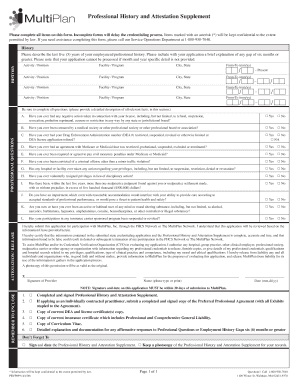
Attestation supplement

Bayhealth medical authorization
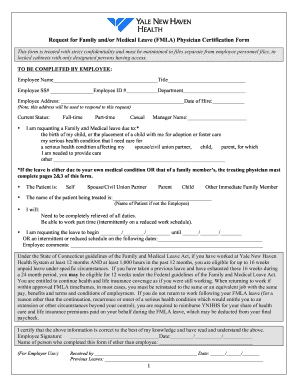
Haven request fmla form

Spring harbor hospital westbrook me

What does a doctor referral look like
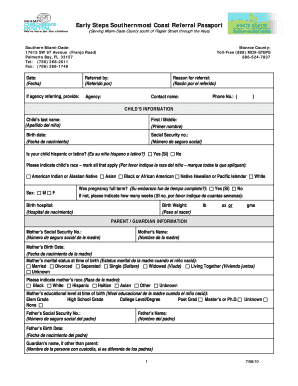
Early steps sothernmost coast referral passport
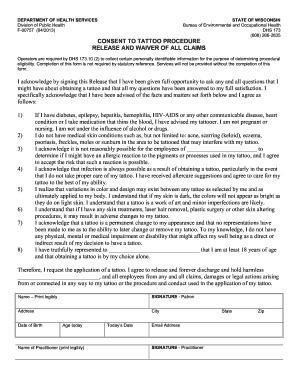
Consent tattoo procedure
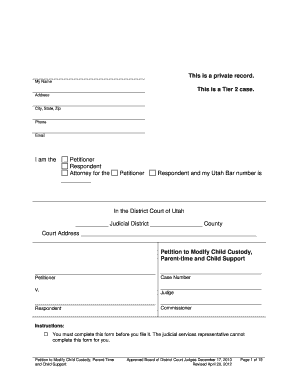
Petition to Modify Child Custody, Parent-time ... - Utah State Courts - utcourts
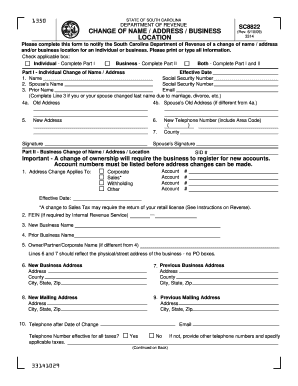
SC8822 - the South Carolina Department of Revenue

Telephone consultation form
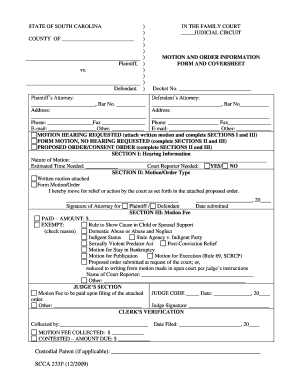
Motion order information

Plan timber harvesting
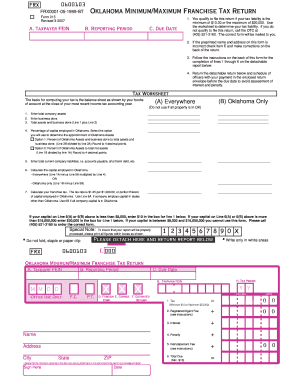
Form 215 franchise tax
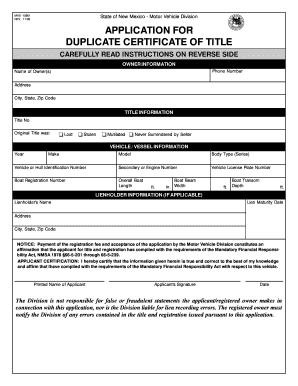
New mexico title blank form

Printable w 9 nm 2012 form
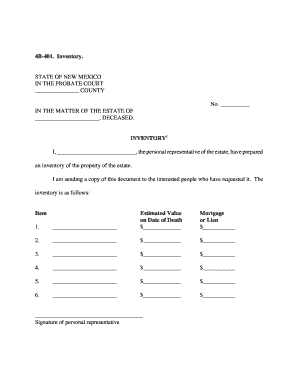
4b 401
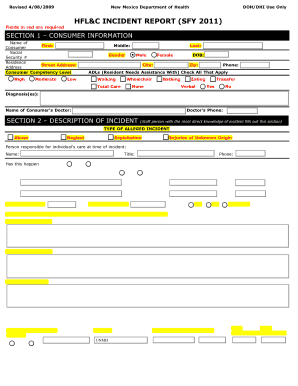
Hfl incident
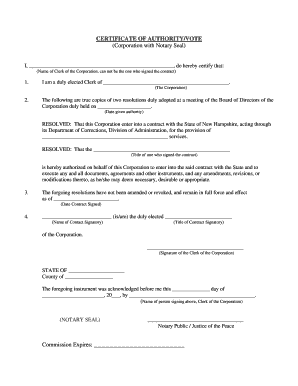
Nh certificate authority vote

Mn petition custody
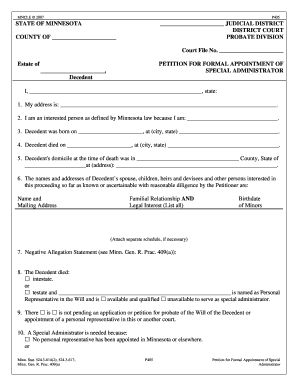
Appointment administrator
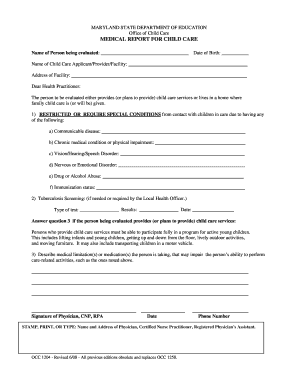
Form occ1204
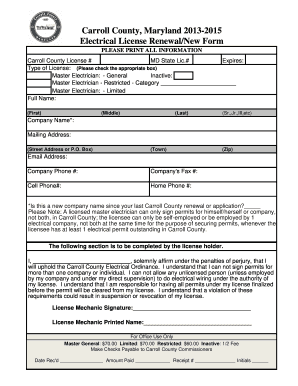
Carroll county electrical license renewal

Louisiana market bulletin
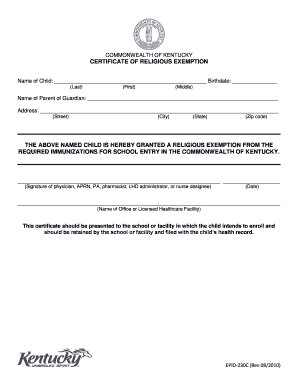
Religious exemption form for adults kentucky

Form dep7007cc certification pdf
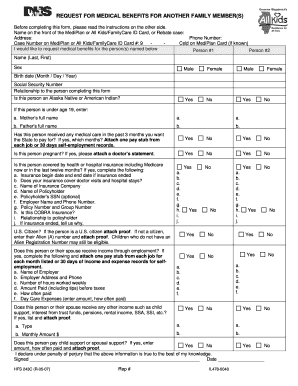
Request for medical benefits for another family member(s) - dhs state il
Annual Report Forms - State of Illinois Comptroller - comptrollerconnect ioc state il
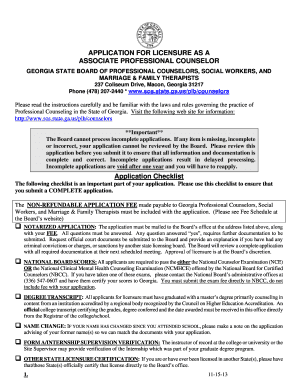
Ga composite board sw licensure
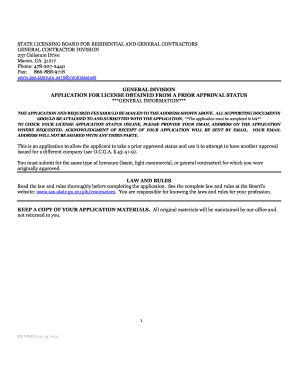
Georgia license prior approval status
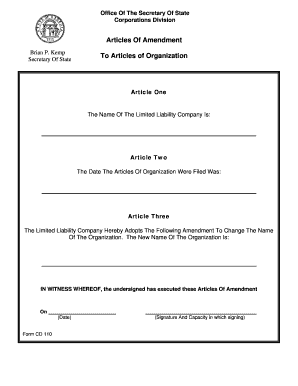
Forms for llc in georgia
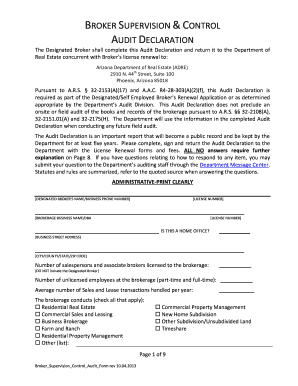
Audit declaration letter
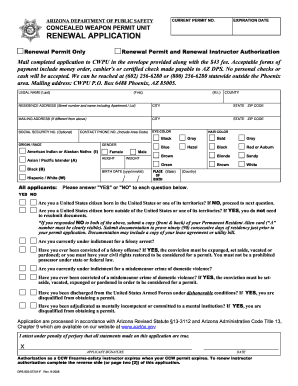
Dps 802 07202 form
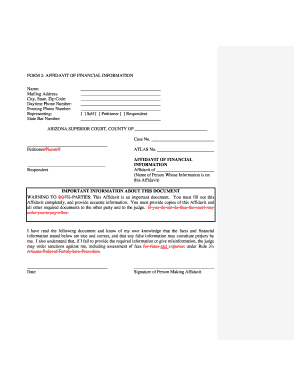
Form affidavit financial information
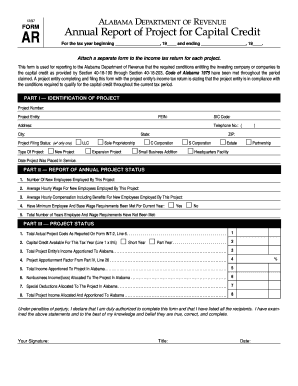
Alabama department capital
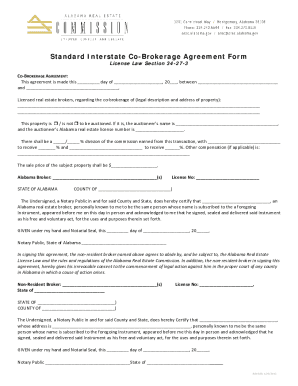
Standard Interstate Co-Brokerage Agreement Form - Alabama Real ... - arec alabama

Non acknowledgement

Pay tarrant county court fees online

Florida tow badge 2013 form
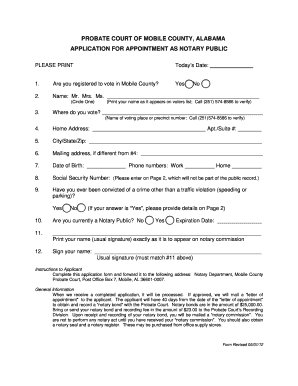
Mobile county probate court forms
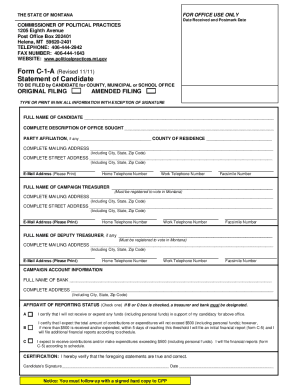
Montana form c 1 a
Response to petition to modify child custody

Interlock wisconsin circuit
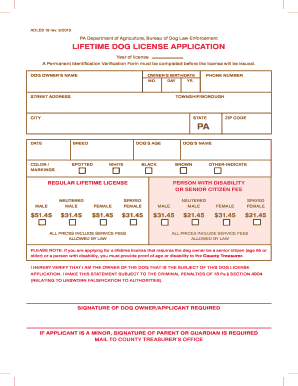
Dog license in luzerne county pa 2010 form
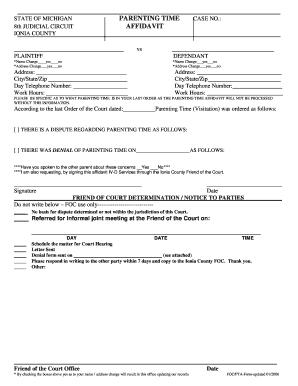
Ionia parenting
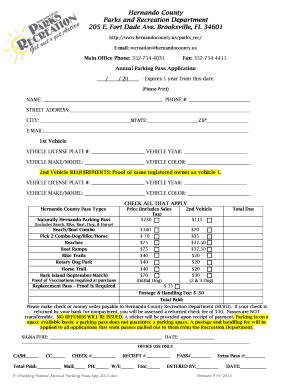
Hernando county boat ramp pass
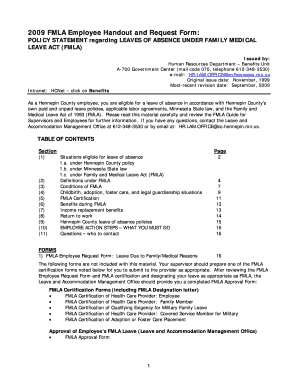
Handout request hennepin template

Form client placement authorization
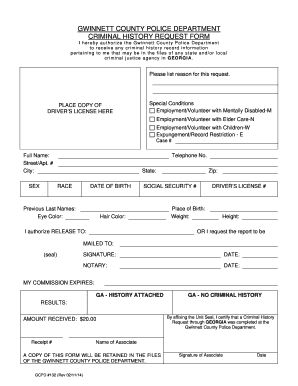
Gwinnett county police department criminal history request form
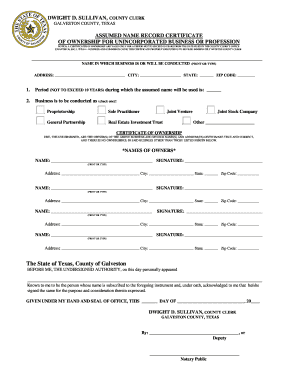
Galveston county dba

Ohio department of labor separation notice
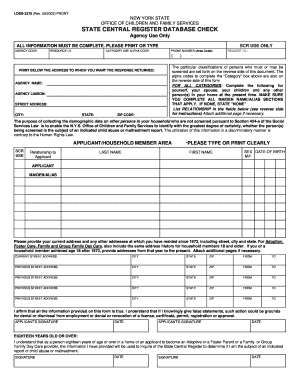
Ldss 3370 2003 form
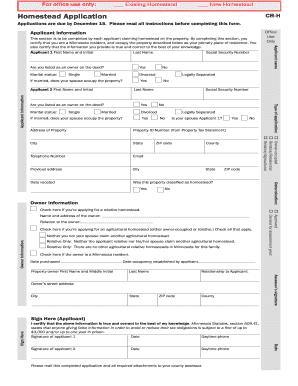
Homestead Application - Mower County, Minnesota - co carver mn

Check consent cabarrus county
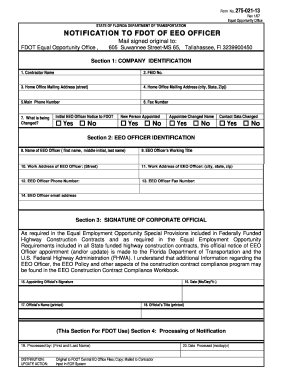
Eeo officer notification

Vaccine usage worksheet

Florida doh adult hiv confidential case report 2013 form

Experience attestation 2013 form
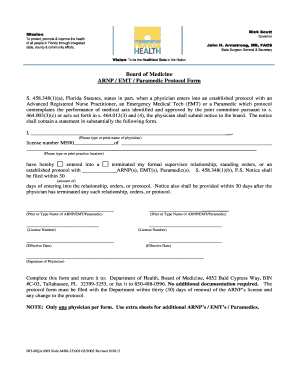
Florida protocol
Benefit from the DocHub online library of fillable PDF forms
Searching the PDF forms doesn't have to be a tedious and time-consuming process. With the DocHub online library, it has become easier to find the fillable PDF forms and modify them in your browser. The service allows you to adjust the document to your needs using powerful editing tools.
You can use online document editing features to modify almost any type of document with ease. You just need to find the template of your choice, open it in the editor, and use the toolbar to make the necessary corrections.
Follow this guide to get your document done with DocHub:
- Find the PDF template you need.
- Click the Get Form button to open the file in the editor.
- Use the toolbar to fill out and edit the document.
- Easily add and highlight text, insert images, checkmarks, and symbols.
- Drop new fillable fields, and rearrange or delete pages from your file.
- Save changes and download your record.
DocHub empowers everyone to streamline document editing, signing, and distribution, and form completion. Create an account and benefit from our well-organized PDF Forms library and comprehensive editor.