




01. Edit your rbc renters insurance online
Type text, add images, blackout confidential details, add comments, highlights and more.

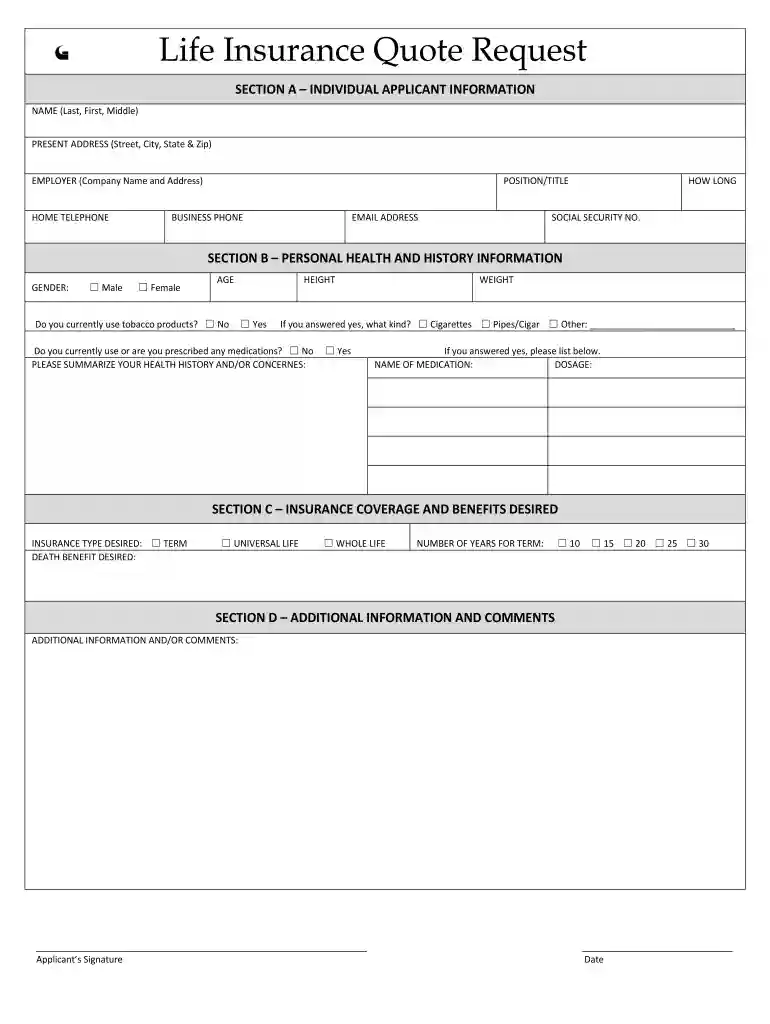
Type text, add images, blackout confidential details, add comments, highlights and more.

Draw your signature, type it, upload its image, or use your mobile device as a signature pad.

Send renters insurance rbc via email, link, or fax. You can also download it, export it or print it out.

Start using our platform today for free to streamline your tenant insurance application process!
At DocHub, your data security is our priority. We follow HIPAA, SOC2, GDPR, and other standards, so you can work on your documents with confidence.
Georgia State University has partnered with GradGuard to offer an exclusive College Renters Insurance Plan that is specifically designed for students.
Renters insurance, also known as tenants insurance, is a type of policy offered by most major New York insurers. These policies provide contents coverage andRead more
This cornerstone guide explains how insurance quotes are generated, which factors influence premiums, and how the quoting process differs across major insuranceRead more


