
Get any PDF form from the DocHub library of ready-made templates - Page 984

Asthma plan
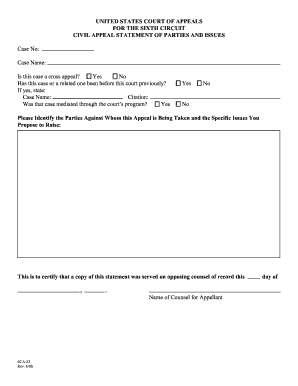
Courts appeal issues sixth
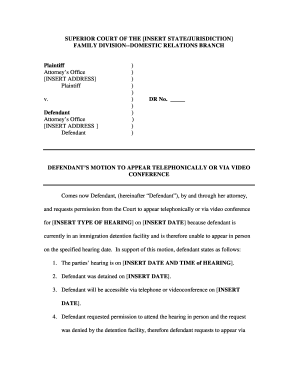
Motion to appear remotely
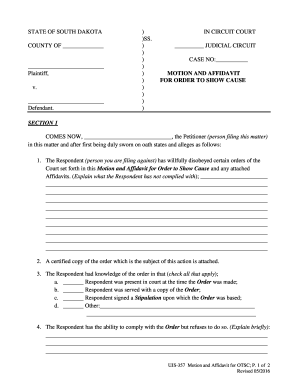
Show cause forth

Laboratory report sample
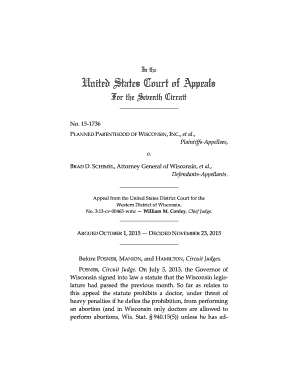
Non dispositive order
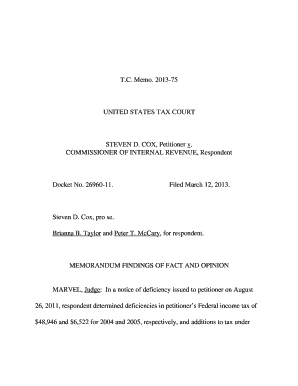
C: Program Files CMC Opinion Processing OpinEditArea Coxmemo - ustaxcourt

Petition individual
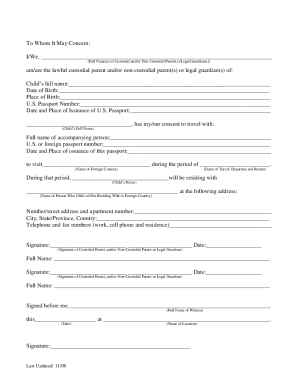
Minor travel consent forms
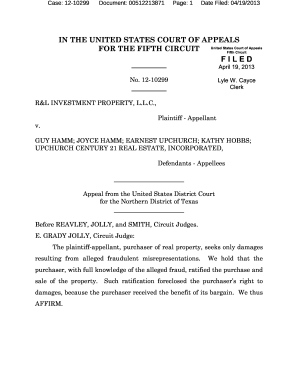
Agreement hamms contract
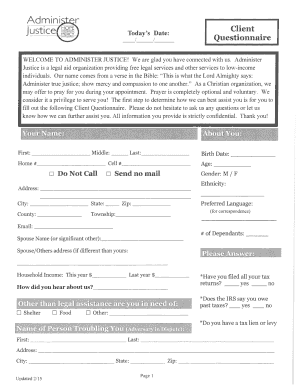
Client questionnaire administer pdf
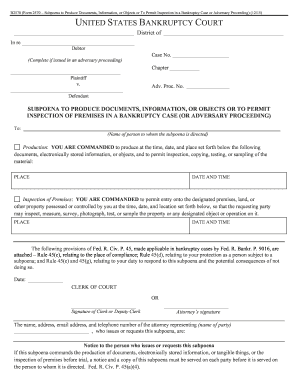
Form documents bankruptcy court

Sprint proceedings complaint
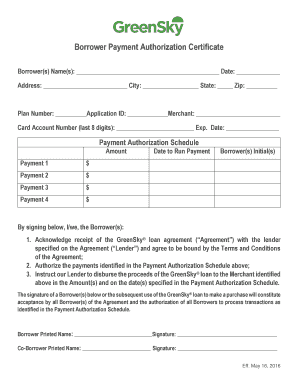
Greensky authorization
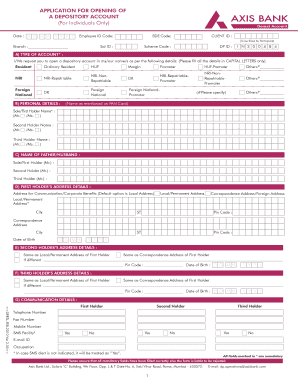
Demat account opening form
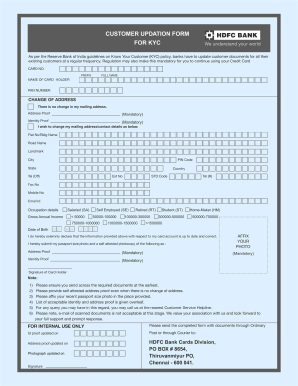
HDFC Bank Customer Updation Form for CYK
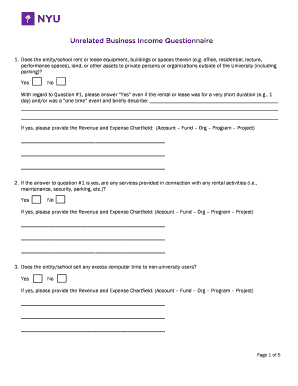
Nyu questionnaire
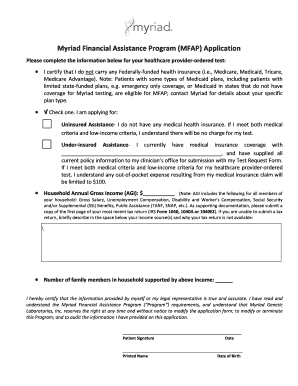
Myriad financial assistance program pdf
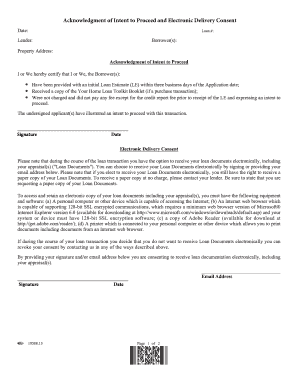
Acknowledgment intent consent sample
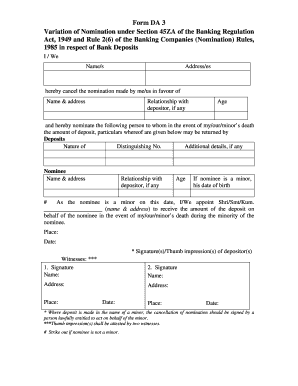
Indian bank nomination form
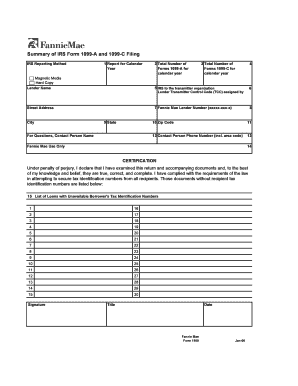
1100 irs 1099 printable
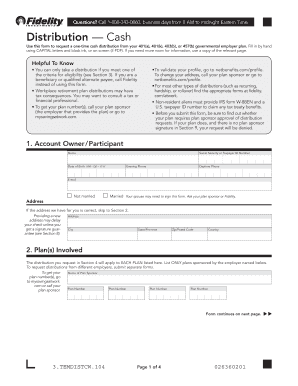
Distribution cash
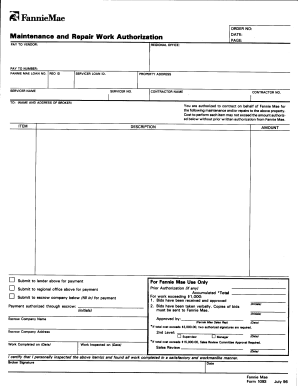
Repair work authorization form

How do i book pdp online application

Paychex fsa claim form

Fill in closing disclosure
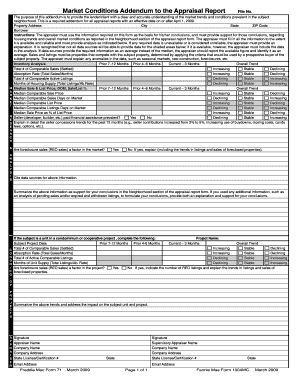
1004mc addendum appraisal
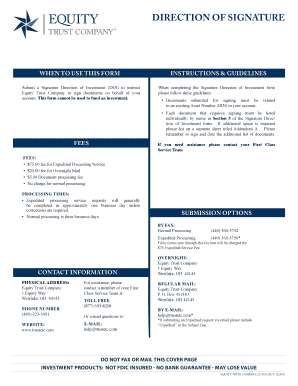
Investment equity direction
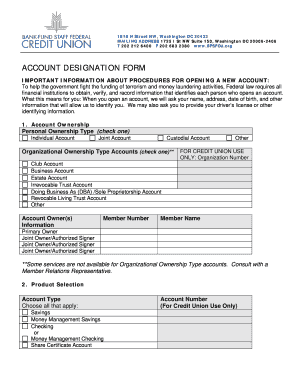
Designation bank fund sample
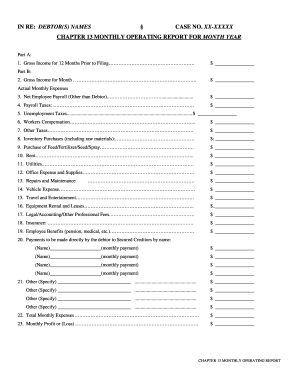
Chapter 13 monthly report form
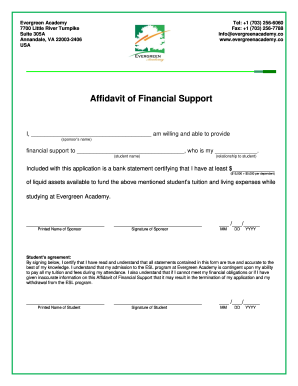
Evergreen ea affidavit sample
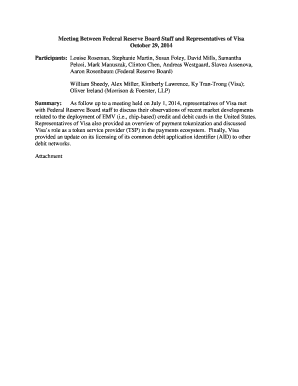
Participants: Louise Roseman, Stephanie Martin, Susan Foley, David Mills, Samantha
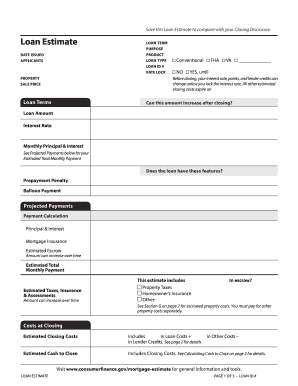
What is loan estimate form

Tn u5
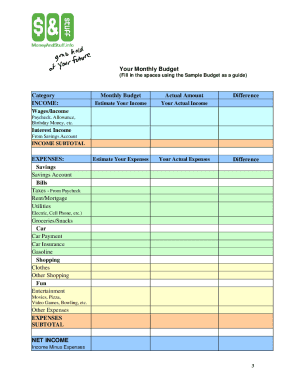
Sample teen
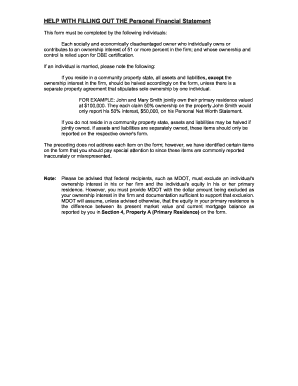
Out personal financial statement
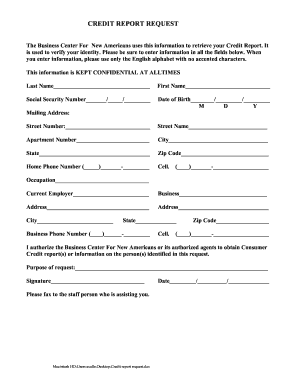
Bcna credit request fillable
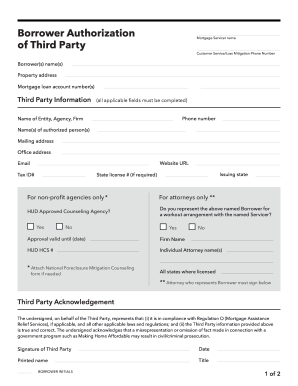
Borrower authorization form

Minimum Amount Due - colorado

Consumer cfpb closing disclosure

Bureau cardholder mcc

Bank america our proxy
Remittance transfer
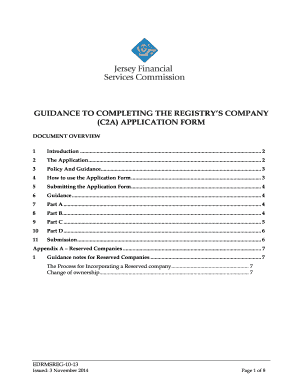
Form c2a
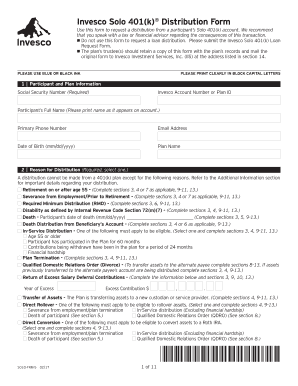
Invesco distribution form

(Spouse, if filing) - uscourts
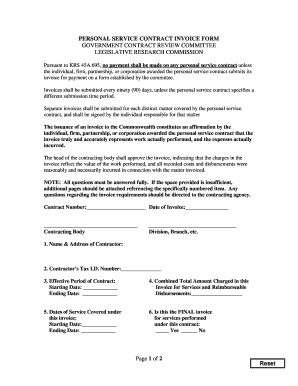
Psc invoice
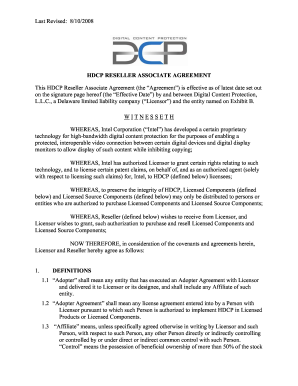
HDCP Reseller Associate Agreement - Digital Content Protection LLC
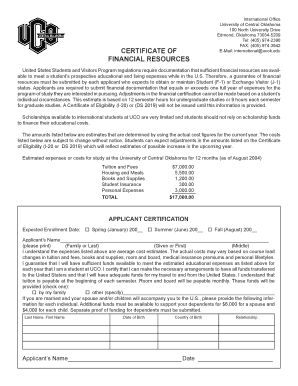
Uco financial form

Form 3502
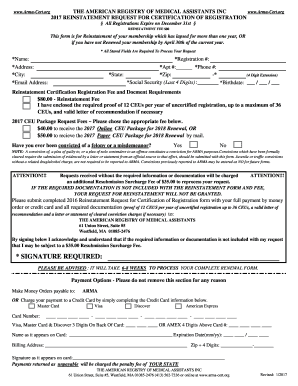
Signature required - The American Registry of Medical Assistants - arma-cert
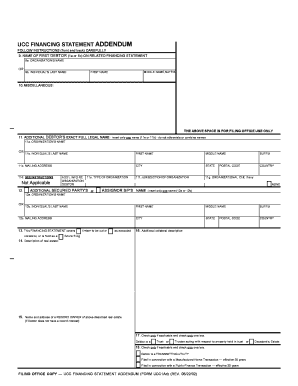
UCC Financing Statement Addendum (Form UCC1Ad) - dos ny
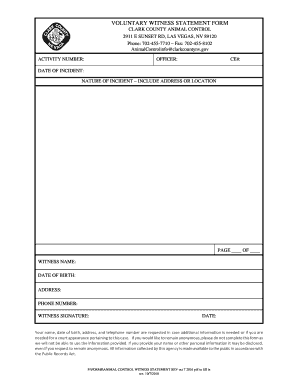
Voluntary witness statement form

Vermont adult release
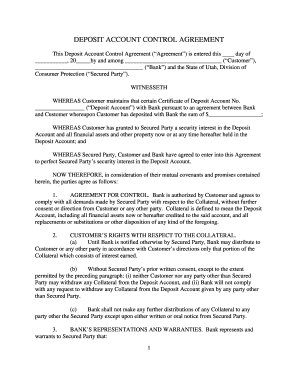
Utah deposit form
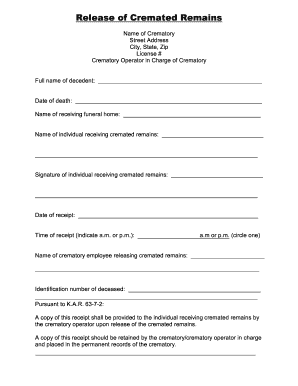
Release of cremated remains form

Authenticated PDF Version - regulations delaware
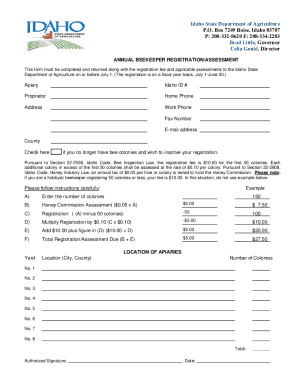
Idaho State Department of Agriculture P O Box 7249 Boise, Idaho 83707
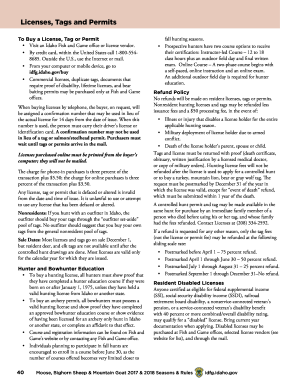
2017 idaho licenses tags permits sample
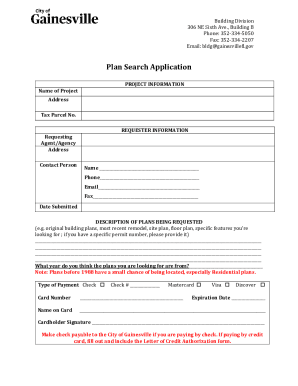
Building Application Process Welcome to the City of Gainesville
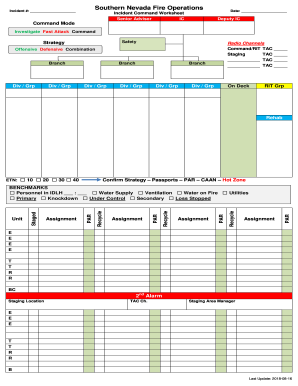
Incident Command Worksheet - Southern nevada unified
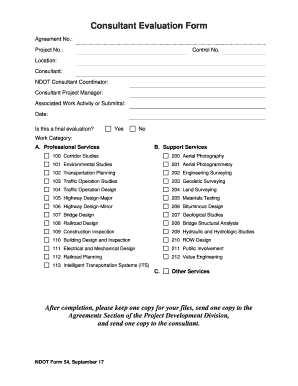
Nebraska ndot54 form
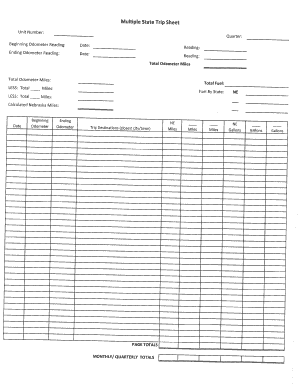
Nebraska trip sheet

Form-Assembly Appearance Request
Car Show Registration Form - roswell-nm
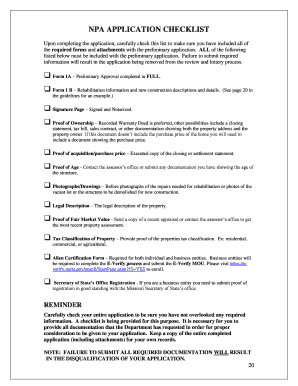
Npa application

Missouri auto guide
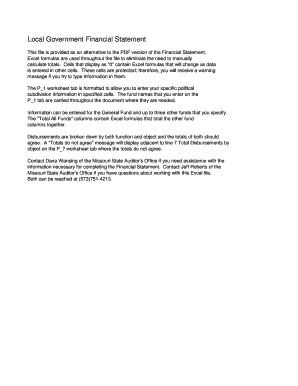
Missouri local government statement

CO Grand Mesa Baptist Family Camp Registration Form
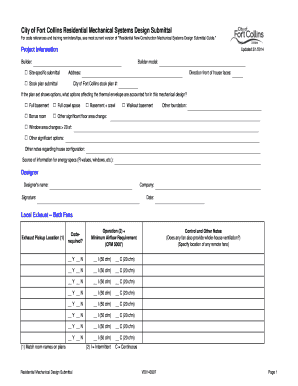
Submittal logo
Required Grooming Form - The Barking Dog, Ltd The

How to register online to vote in mn

Mn control inspection form
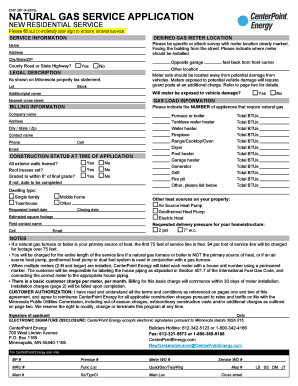
Mn natural gas form
Minnesota contributions form

Bcdjfs

Breaking & Entering Vandalism Report - Neola

Ohio e quickpay form
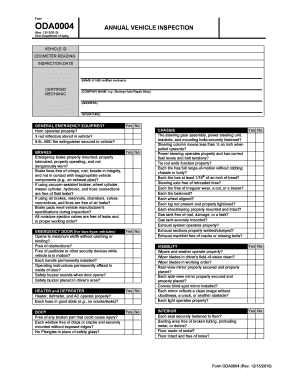
Oh vehicle inspection form

Oh city harrison parade
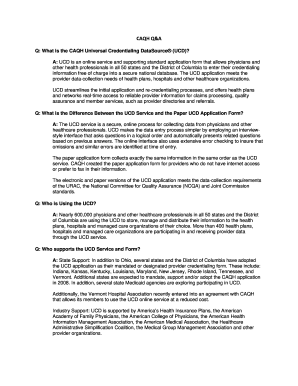
Ohio caqh
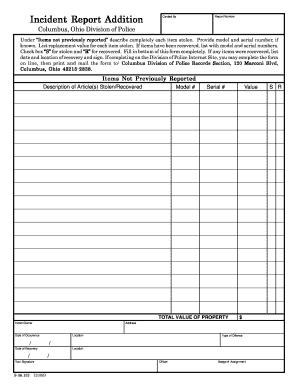
Ohio columbus incident report

Service dog form printable
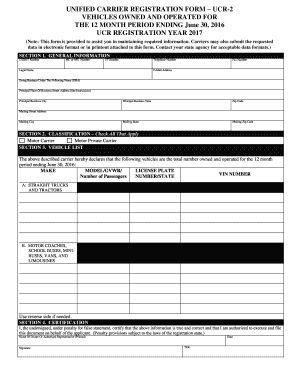
Maine unified carrier registration
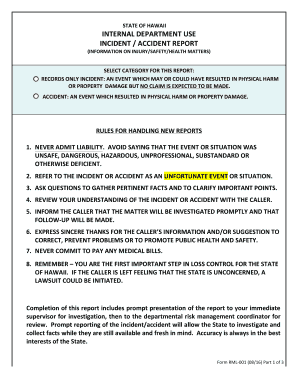
Form RML-001 Incident Accident Report
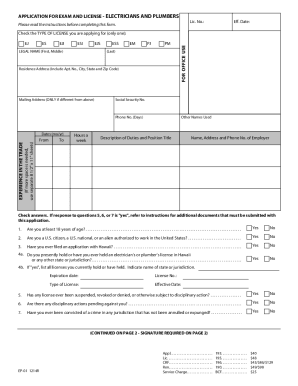
Hawaii application exam license form

Sd aerial applicator

Landscape contract

Arizona financial statement form

Scottsdale water resources

Get pdf0x cannot pdf
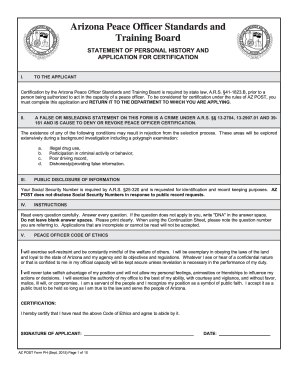
Arizona ph

Submittal tn gov
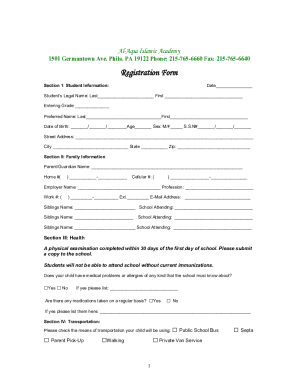
Al Aqsa Islamic AcademyPhiladelphia, PAPage 12Full-time
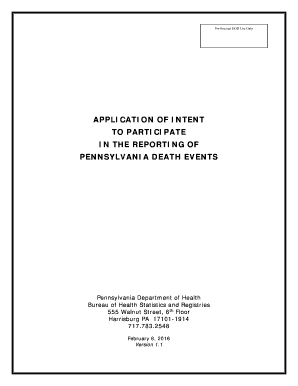
Pa participate reporting event
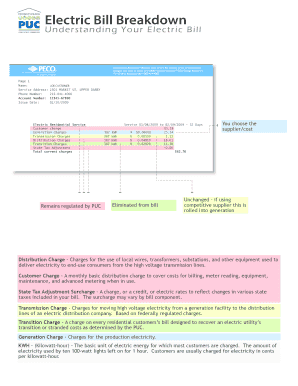
Public utility commission peco bill

Psrs psers search
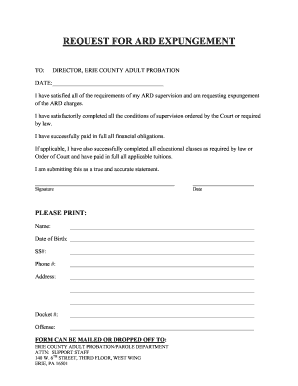
Pa request ard form
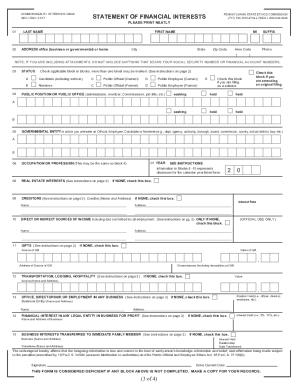
Pa ethics form sec 1 rev 1 17
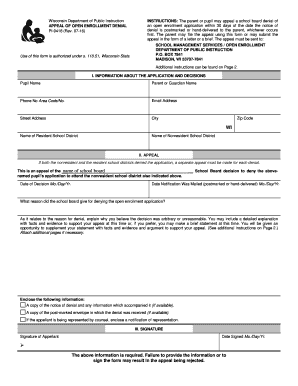
Dpi form wisconsin
Benefit from the DocHub online library of fillable PDF forms
Searching the PDF forms doesn't have to be a tedious and time-consuming process. With the DocHub online library, it has become easier to find the fillable PDF forms and modify them in your browser. The service allows you to adjust the document to your needs using powerful editing tools.
You can use online document editing features to modify almost any type of document with ease. You just need to find the template of your choice, open it in the editor, and use the toolbar to make the necessary corrections.
Follow this guide to get your document done with DocHub:
- Find the PDF template you need.
- Click the Get Form button to open the file in the editor.
- Use the toolbar to fill out and edit the document.
- Easily add and highlight text, insert images, checkmarks, and symbols.
- Drop new fillable fields, and rearrange or delete pages from your file.
- Save changes and download your record.
DocHub empowers everyone to streamline document editing, signing, and distribution, and form completion. Create an account and benefit from our well-organized PDF Forms library and comprehensive editor.