
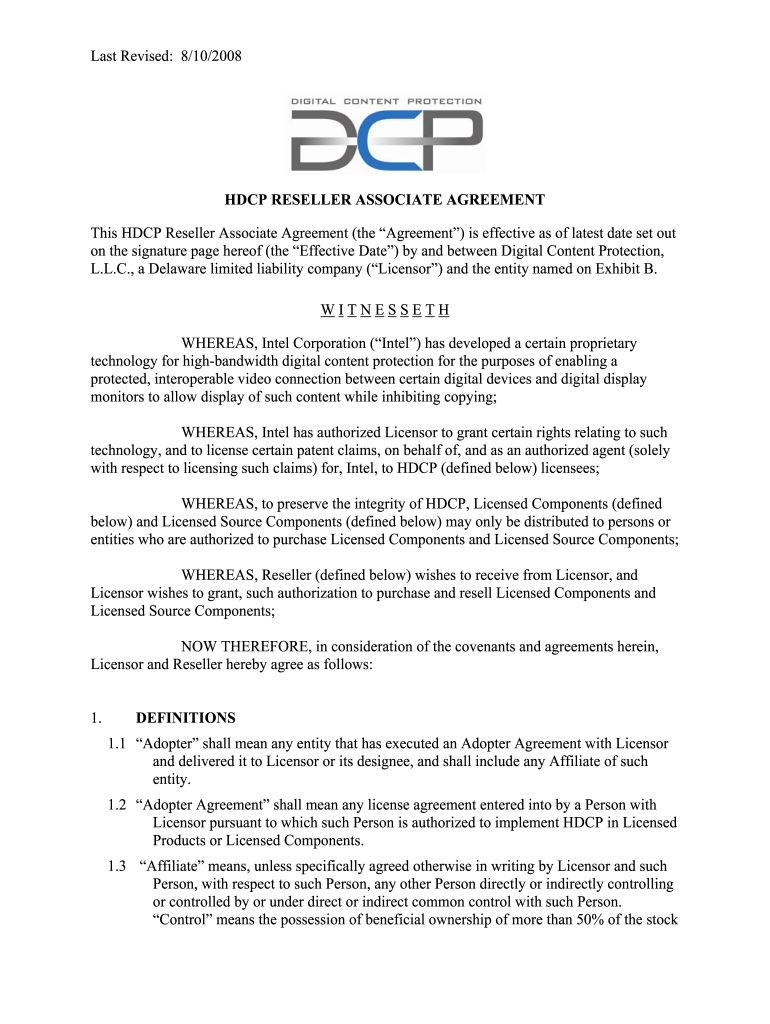




Here's how it works



How to use or fill out HDCP Reseller Associate Agreement - Digital Content Protection LLC with our platform

- Click ‘Get Form’ to open the HDCP Reseller Associate Agreement in the editor.
- Begin by entering your company name in the designated field on Exhibit B. This identifies you as the Reseller.
- Fill out the description of your business, ensuring it accurately reflects your operations related to HDCP components.
- Provide contact information for a representative, including their name, address, phone number, fax number, and email address.
- Indicate the location of your principal offices and specify your state or country of incorporation.
- Review all entered information for accuracy before proceeding to sign the document electronically using our platform’s signature feature.
Start filling out your HDCP Reseller Associate Agreement today for free using our platform!
It's free
See more HDCP Reseller Associate Agreement - Digital Content Protection LLC versions
Got questions?
How can I create an electronic signature in my HDCP Reseller Associate Agreement - Digital Content Protection LLC on Android?
Approving documents on a mobile device is quick, easy, and doesn’t require software installation when you have an account with DocHub. Sign in from any browser, fill in your empty fields with your data, and click on Sign → Create your signature. You can draw your eSignature just as you usually do on paper, add its image to your HDCP Reseller Associate Agreement - Digital Content Protection LLC, or type in your name and stylize its look. No matter what option you choose, your document will be valid.
How do you edit HDCP Reseller Associate Agreement - Digital Content Protection LLC online?
With DocHub, there are several convenient ways to edit your HDCP Reseller Associate Agreement - Digital Content Protection LLC online. You can drag and drop the form and modify it straight at the DocHub site or use our browser extension to fill out your form immediately. Additionally, you can modify your PDF on your smartphone, as DocHub works with all the available mobile platforms.
Security and compliance
At DocHub, your data security is our priority. We follow HIPAA, SOC2, GDPR, and other standards, so you can work on your documents with confidence.
Learn more


