
Get any PDF form from the DocHub library of ready-made templates - Page 985

Caledonia-wi permits-licensingPermits, Licensing & Miscellaneous FormsVillage of Caledonia

What does a michigan boat title look like

Amendment grand rapids

Car show royal oak
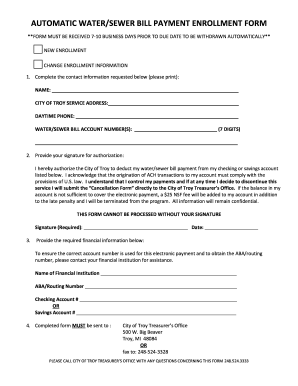
Michigan troy bill

Legacy credit skipa pay online
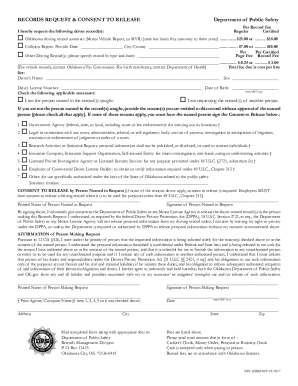
Oklahoma records request form

Oregon dhs check

Application permit oregon
Oregon bank statement

DocHub form-library408321Get Agreement Form 080713 - Communities For Restorative
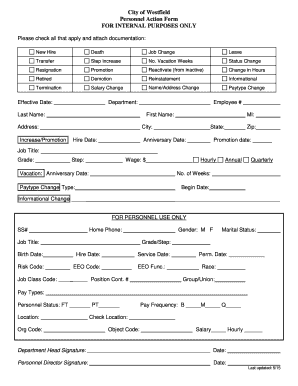
City of Westfield Personnel Action Form FOR - cityofwestfield

SPEAKER REQUEST FORM - Springfield, MA

Springfield Park Department - www3 springfield-ma

Massachusetts competency carriage licensure search

Massachusetts direct dta
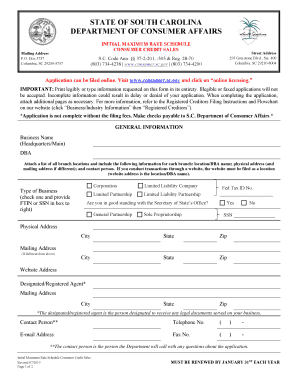
How to fill out attorney insurance preference form
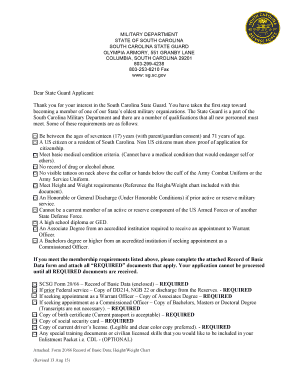
Sc scsg record search

Pawnbroker ticket

Capp 214 form

Plano isd transfer

Texas trs sick leave
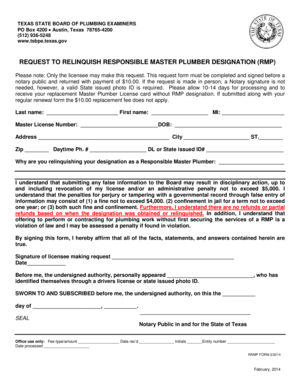
REQUEST TO RELINQUISH RESPONSIBLE MASTER PLUMBER
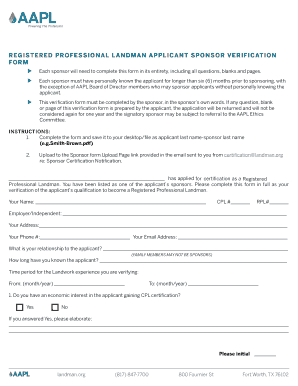
Bef'ore the board of oil, gas and mining department of natural
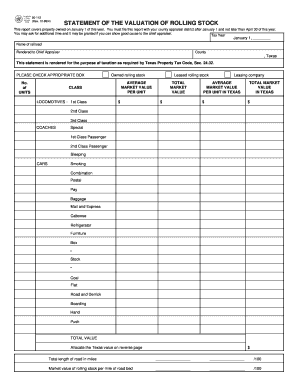
50 112
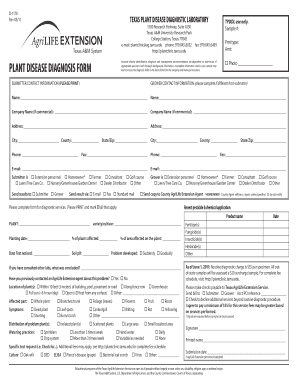
Rev 11 plantclinic

Texas psb 04a
Form pfs instruction guide
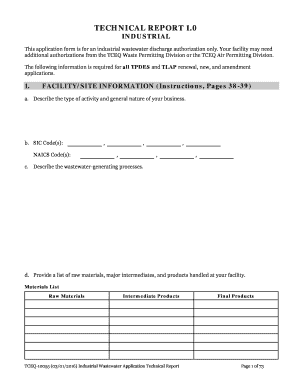
Tceq 10055
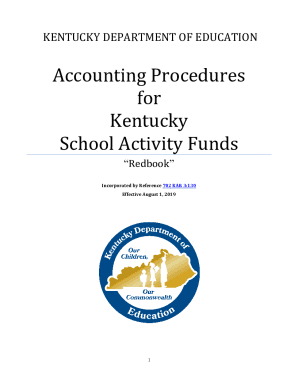
Redbook forms
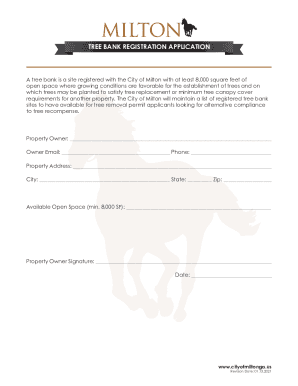
Tree Bank Registration Form
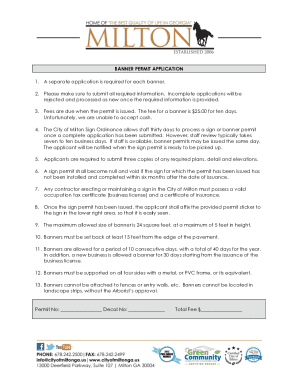
Banner permit applicationDepartment of Streets
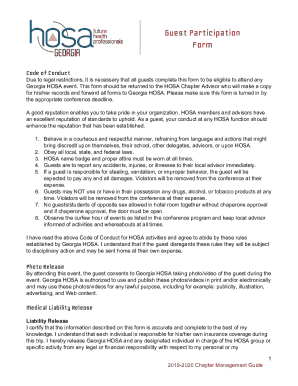
Georgia HOSA Event Code of Conduct Form
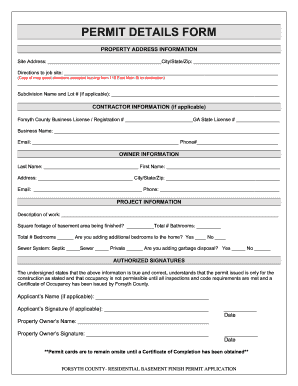
How to set up inspection? - Forsyth County
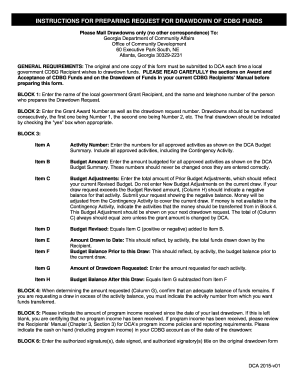
INSTRUCTIONS FOR PREPARING REQUEST FOR
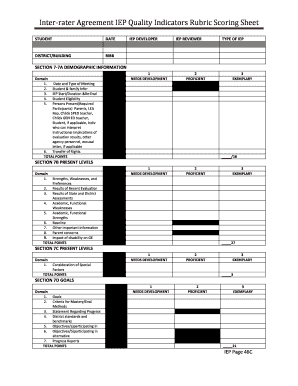
Inter rater agreement iep template

- clayton k12 ga
Landlord handbook

Kittitas county probation
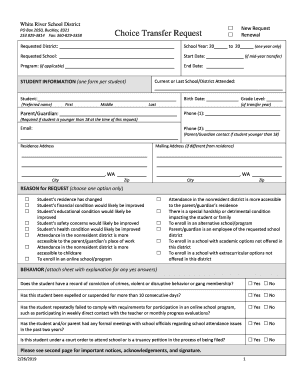
Choice request form
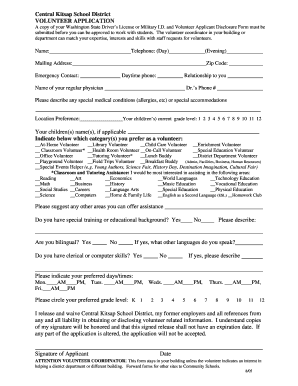
Central Kitsap School District VOLUNTEER APPLICATION Your - cksd wednet

Washington phone bill
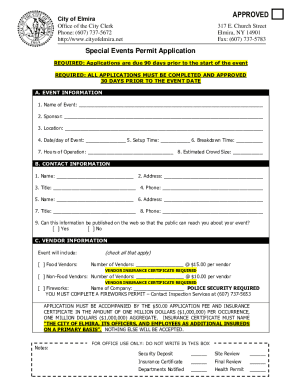
Cityofelmira City Of Elmira - Honoring the past and building the future
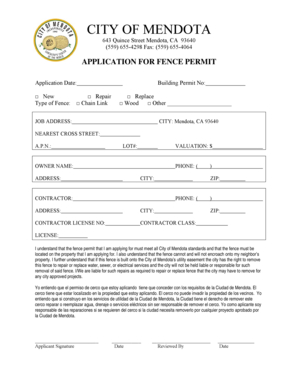
643 Quince Street Mendota, CA 93640 - ci mendota ca
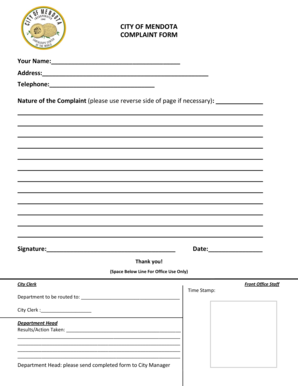
CITY OF MENDOTA - ci mendota ca
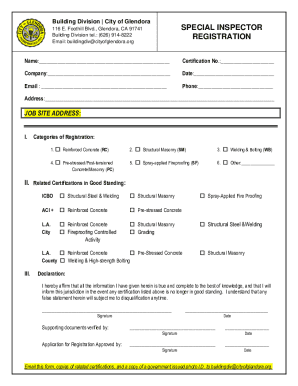
Building DivisionCity of Billings, MT - Official Website
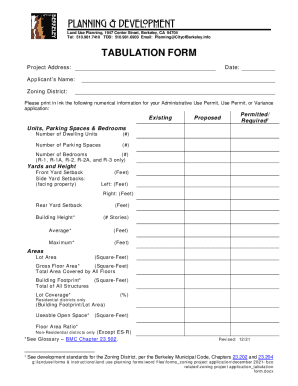
Tabulation berkeley form
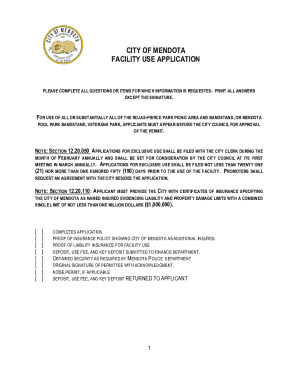
City of mendota facility use application
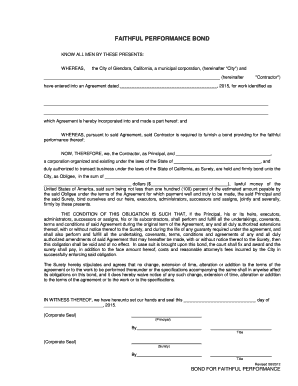
CITY OF GLENDORA City Hall
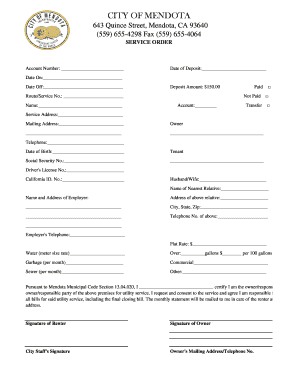
643 Quince Street, Mendota, CA 93640

BLOCK PARTY APPLICATION - City of Camarillo - ci camarillo ca
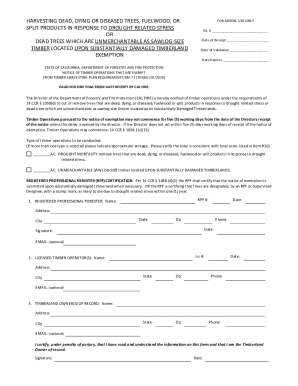
Diagnose Tree DiseaseBetter Homes & Gardens

PDF Direct Deposit Request (Please read the following information
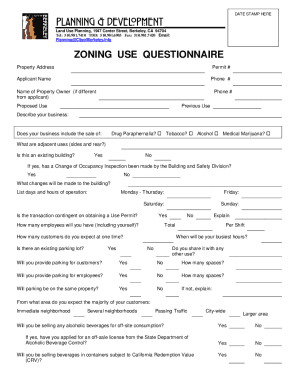
ZONING USE QUESTIONNAIRE - The City of Berkeley

How to write an accountability report

Family needs assessment pdf

Cf 6r mech 01
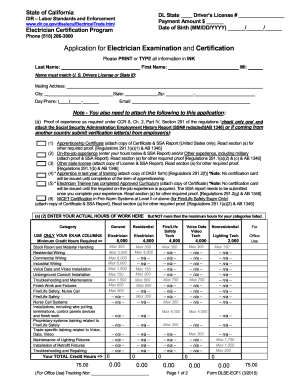
California electrician certification

Lawa questionnaire

Compliance riverside

Police Department - PoliceSanta Rosa, CA
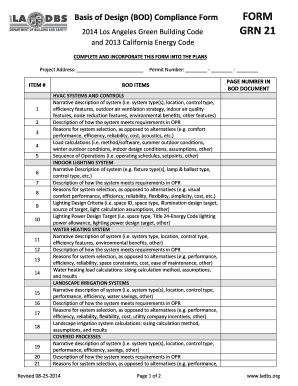
Form grn21

Ca card affidavit
Form 710 borrower form

Comlr1ek4 id

Bankers application bail bond form
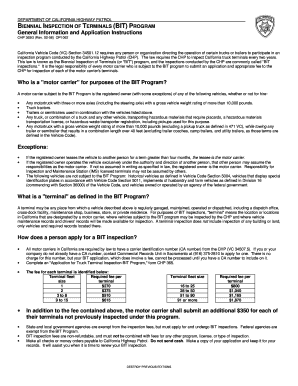
California terminals application online

Std 850
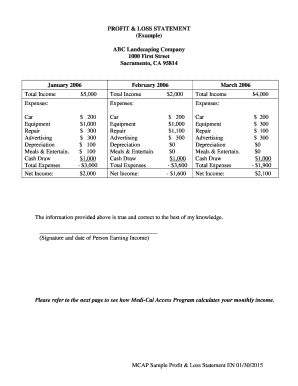
Ca profit loss
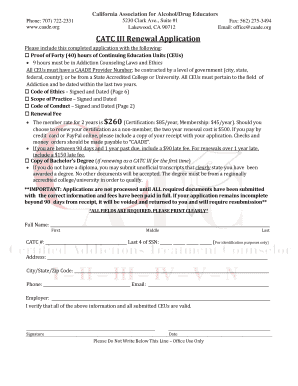
California catc renewal
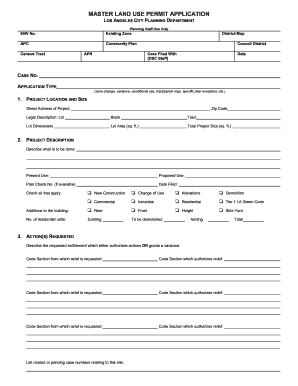
2011 cp7771 permit form pdf

Whittier commission bc create
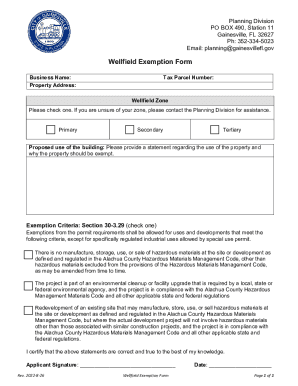
Zoning Verification Form (ZVF) - Gainesville, Fl
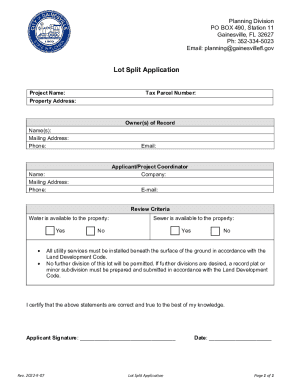
Pub-cityofgainesville escribemeetings fileCITY PLAN BOARD STAFF REPORT
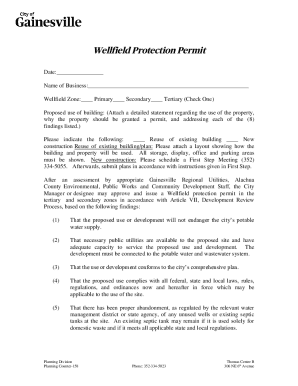
Wellfield Wellfield - Broward County, FloridaWellfield Protection Areas - Miami-Dade CountyWellfield

306 NE Sixth Ave

Fillable Online accessdata fda Approval Letter XR

Rental Housing Ordinance Welcome to the City of Gainesville
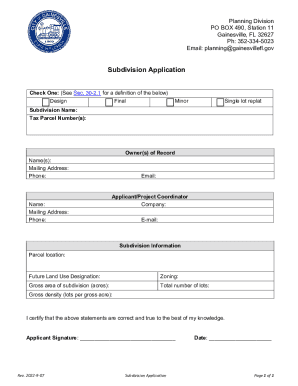
Planning Division Welcome to the City of Gainesville

MAIL-IN FAX PERMIT APPLICATION - cityofgainesville

Owner of Sign Phone #
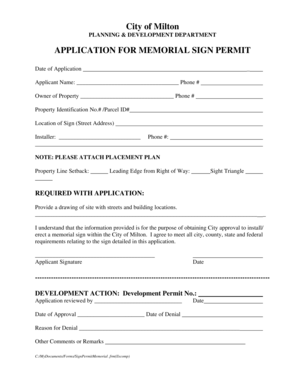
APPLICATION FOR MEMORIAL SIGN PERMIT
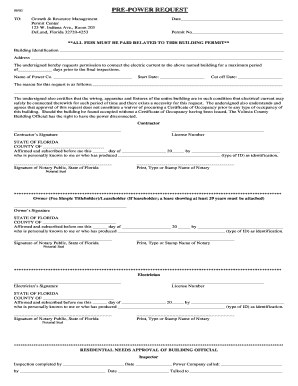
Prepower request

TREE REMOVAL APPLICATION FOR THE CITY OF MILTON
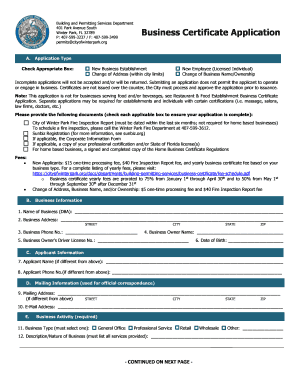
Business Certificate & Phone: 407-599-3237 Zoning Approval

Fl lee county transfer

Child Eligibility and Enrollment
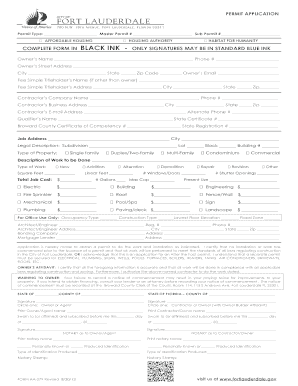
Permit form fort lauderdale

Waste Management Community Benefits Form Page 1 Page 2 revised 03132017 doc

Florida rider mentor
Applicant questionnaire phq
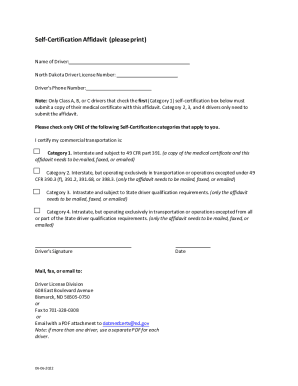
DocHub form-library484802-selfSelf-Certification Affidavit - North Dakota Department Of

Daniel inouye airport renew
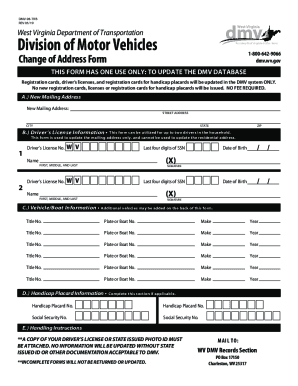
West Virginia Division of Motor VehiclesWest Virginia Division of Motor VehiclesVirginia Department

Tc 96 336

Kentucky motor vehicle bill
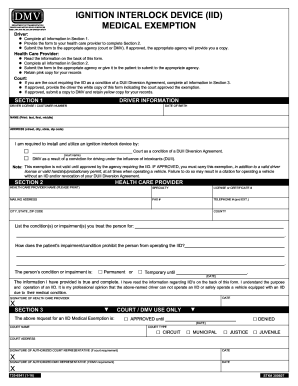
Oregon medical exemption form
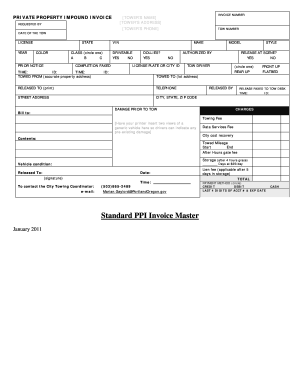
Ppi city portland
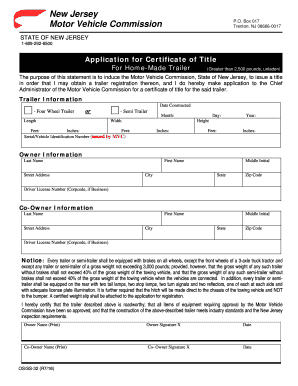
Weighbridge slip format in excel
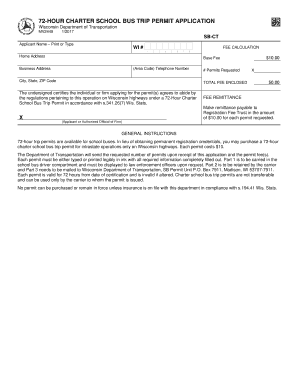
Mv2449
Benefit from the DocHub online library of fillable PDF forms
Searching the PDF forms doesn't have to be a tedious and time-consuming process. With the DocHub online library, it has become easier to find the fillable PDF forms and modify them in your browser. The service allows you to adjust the document to your needs using powerful editing tools.
You can use online document editing features to modify almost any type of document with ease. You just need to find the template of your choice, open it in the editor, and use the toolbar to make the necessary corrections.
Follow this guide to get your document done with DocHub:
- Find the PDF template you need.
- Click the Get Form button to open the file in the editor.
- Use the toolbar to fill out and edit the document.
- Easily add and highlight text, insert images, checkmarks, and symbols.
- Drop new fillable fields, and rearrange or delete pages from your file.
- Save changes and download your record.
DocHub empowers everyone to streamline document editing, signing, and distribution, and form completion. Create an account and benefit from our well-organized PDF Forms library and comprehensive editor.