




01. Edit your account designation online
Type text, add images, blackout confidential details, add comments, highlights and more.

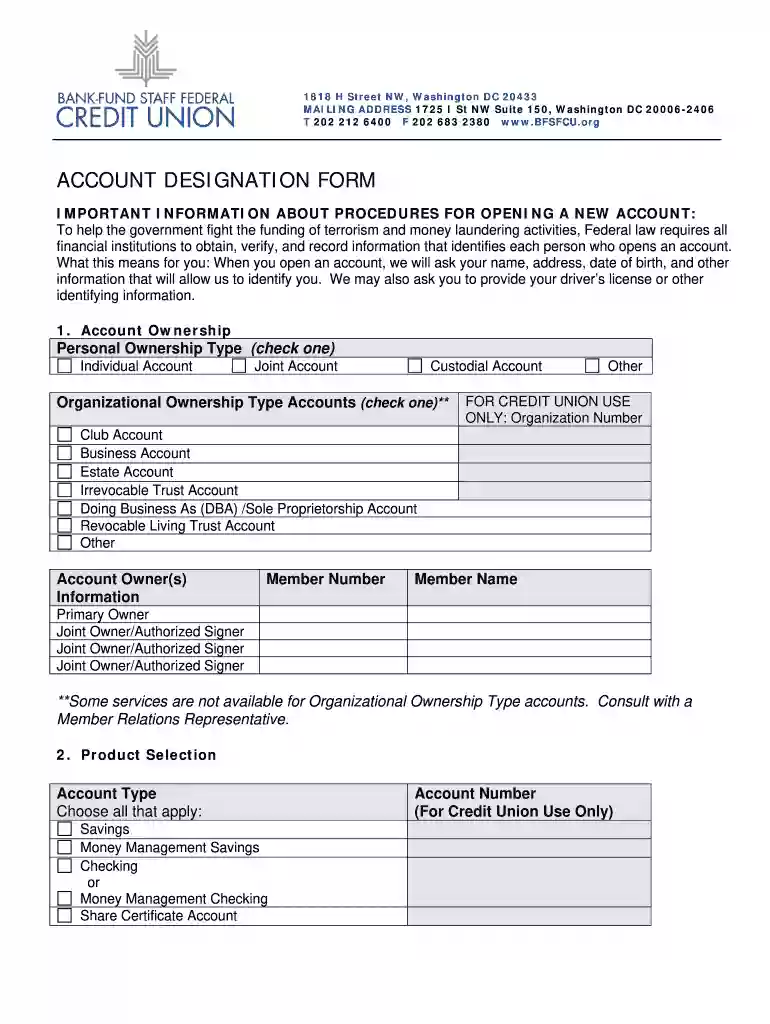
Type text, add images, blackout confidential details, add comments, highlights and more.

Draw your signature, type it, upload its image, or use your mobile device as a signature pad.

Send bfsfcu home via email, link, or fax. You can also download it, export it or print it out.

Start filling out your designation bank fund sample today for free on our platform!
At DocHub, your data security is our priority. We follow HIPAA, SOC2, GDPR, and other standards, so you can work on your documents with confidence.
The Monthly Schedule of Short-term Investment Funds (STIF) is used by banks that manage a STIF, pursuant to 12 CFR 9.18, to disclose information about the fund.Read more
Apr 24, 2026 Summary: A sample resolution to designate a financial institution as an official depository for city funds and to authorize banking services.Read more
It describes the requisites for maintaining a trust fund bank account and the precautions a licensee should take to ensure the integrity of the account. ItRead more


