




Here's how it works



How to use or fill out 2017 Idaho licenses tags permits sample with our platform

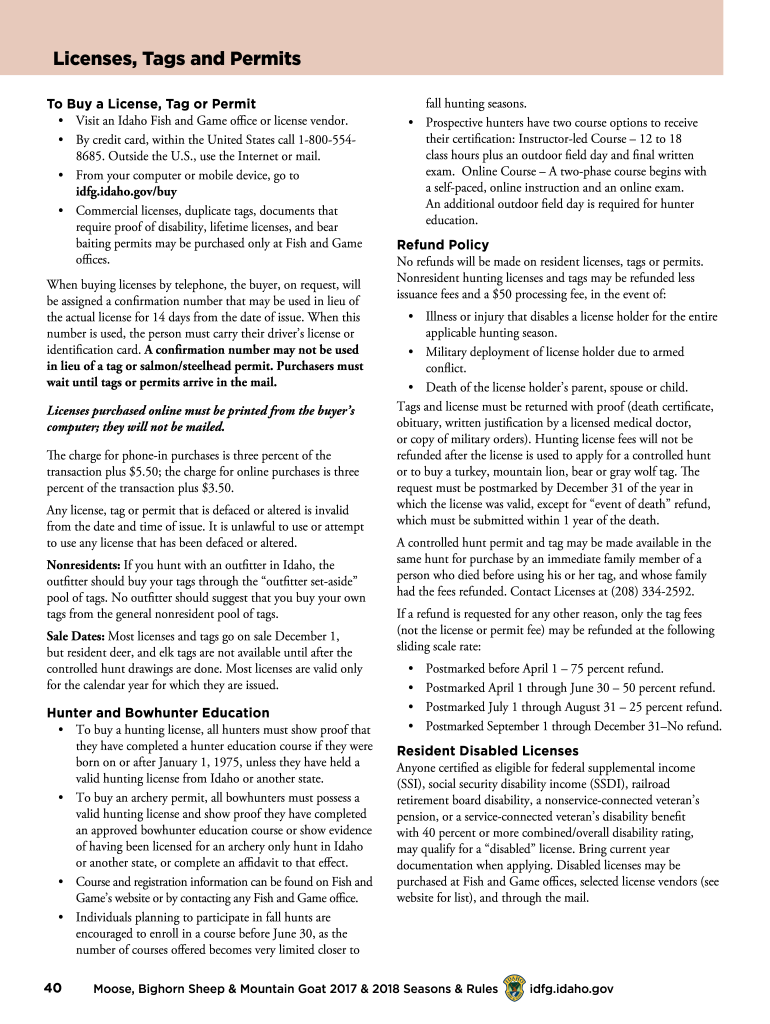
- Click ‘Get Form’ to open the 2017 Idaho licenses tags permits sample in the editor.
- Begin by entering your personal information in the designated fields, including your name, address, and contact details. Ensure accuracy for seamless processing.
- Next, select the type of license or permit you wish to purchase from the options provided. Each option may have specific requirements, so review them carefully.
- If applicable, provide proof of eligibility for any special licenses, such as disabled or military licenses. Upload necessary documents directly through the editor.
- Review all entered information for completeness and accuracy. Use our platform’s editing tools to make any necessary adjustments before finalizing your submission.
- Once satisfied with your form, proceed to sign electronically using our platform’s signature feature. This ensures your application is valid and ready for submission.
- Finally, submit your completed form through our platform. You will receive a confirmation number for tracking purposes if applicable.
Start filling out your 2017 Idaho licenses tags permits sample today for free using our platform!
It's free
See more 2017 idaho licenses tags permits sample versions
| Versions | Form popularity | Fillable & printable |
|---|---|---|
| 2017 | 4.8 Satisfied (66 Votes) |
Got questions?
Can I sign my 2017 idaho licenses tags permits template on a mobile?
Yes, you’ll find numerous applications for this on the web. However, if you need to eSign your 2017 idaho licenses tags permits template without installing extra software, DocHub is the optimum choice you can make. This robust editor works on mobile devices just as on desktops. Open our editor in your preferred internet browser, register or sign in to your account, and start managing your documents.
How do you complete 2017 idaho licenses tags permits sample on Android?
It is a no-brainer on a computer or via a mobile device to fill out a 2017 idaho licenses tags permits sample with DocHub. All you need to do is open any installed web browser on your smartphone and proceed to the DocHub site. Once authenticated, add your file and open it in editing mode. Use our toolbar to make your edits and save adjustments. Optionally, keep your file in your files or send it to a recipient immediately.
Security and compliance
At DocHub, your data security is our priority. We follow HIPAA, SOC2, GDPR, and other standards, so you can work on your documents with confidence.
Learn more


