
Get any PDF form from the DocHub library of ready-made templates - Page 932
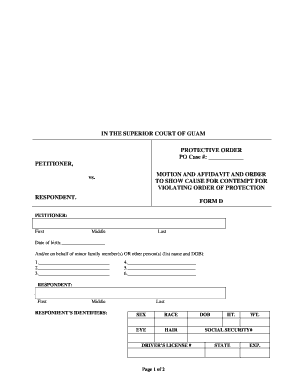
Guam form contempt protection online
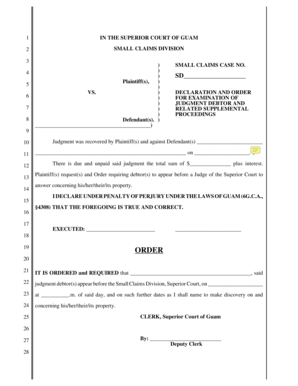
Guam declaration order form

Guam homes for sale
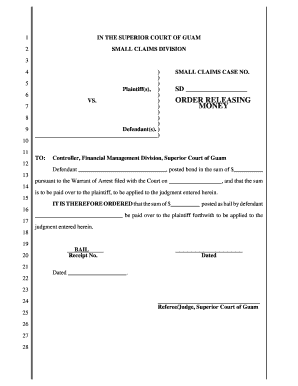
Small Claims Court - Order Releasing Money Order Releasing Money - guamselfhelp
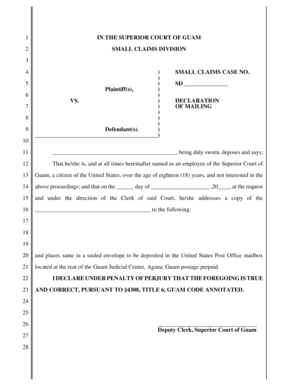
Guam declaration small

Guam release property
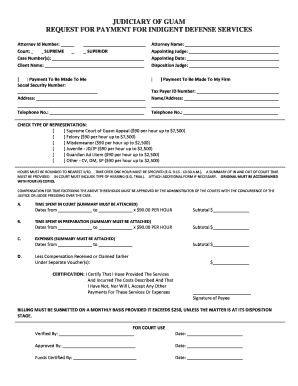
Guam indigent
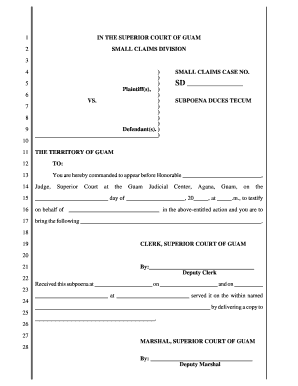
Small Claims Court - Subpoena Duces Tecum Subpoena Duces Tecum - guamselfhelp
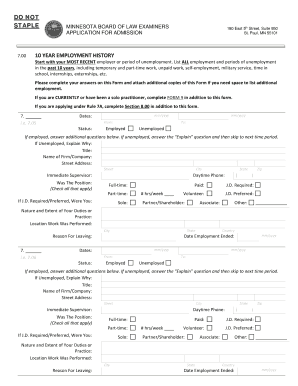
Start with your MOST RECENT employer or period of unemployment
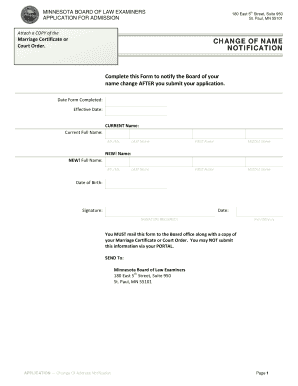
Minnesota change name notification
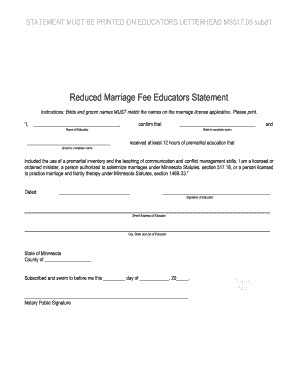
Marriage educators statement pdf
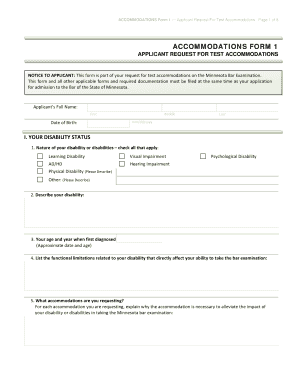
Mn accommodations form
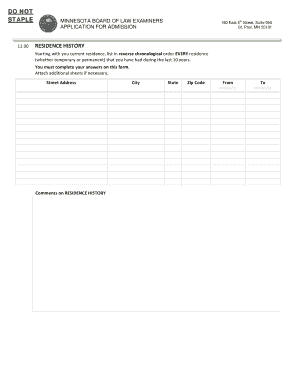
Residence history form
MoneyBagg Yo & Yo Gotti - "Can't Do It" (2 Federal) - YouTube
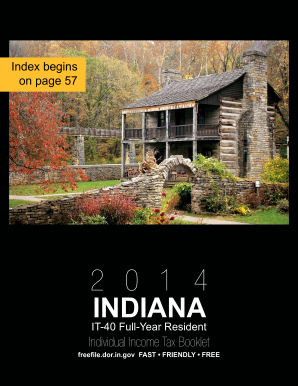
It 40 indiana tax booklet 2011 2014 form

Ohio IT RE Reason and Explanation of Corrections
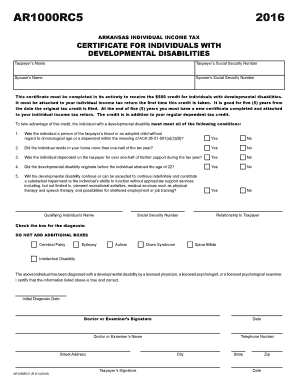
Ar1000rc5 2016 form

M1nr form 2017
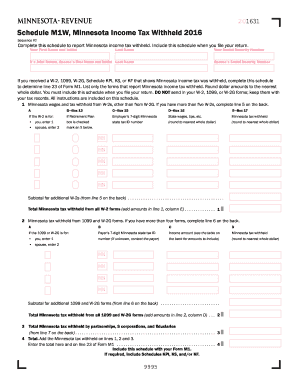
2016 Minnesota Income Tax Withheld - Minnesota Department of

740np wh es 2018 form

Generally, your return must be postmarked by April 15, 2018

511nr 2016 form

Philadelphia refund petition 2016 form
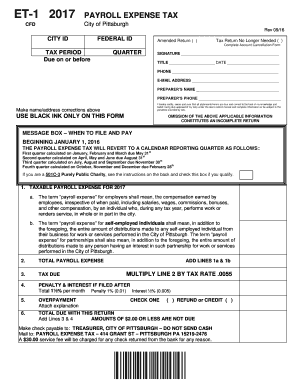
Form et 1 2017
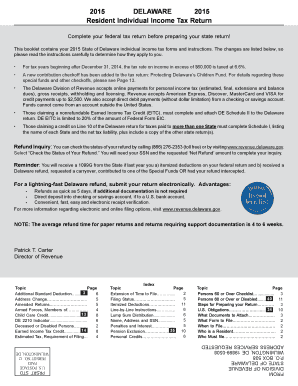
Download Paper Form 783K - revenue delaware
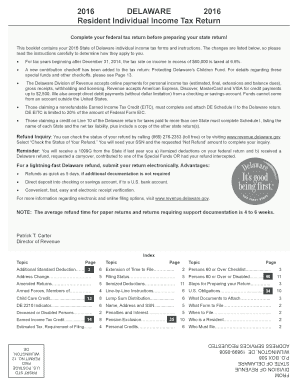
Download Paper Forms - Division of Revenue - State of Delaware - revenue delaware

Wcwt 5 form 2016
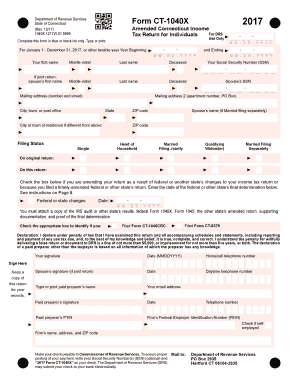
Ct 1040x 2017 form

Wv form cnf 120
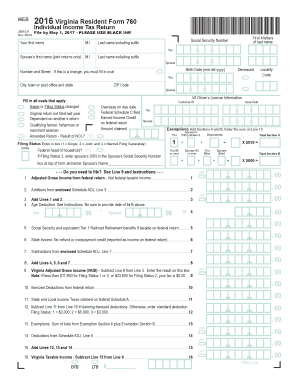
760 virginia tax form 2016
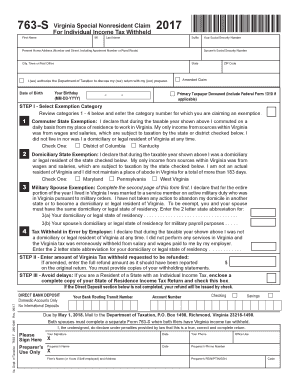
Instructions for Form 1040, US Individual Income Tax Return -

2010 va 760 booklet form form pdf

R 540ins louisiana 2017 form
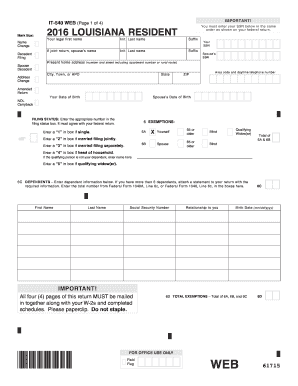
Louisiana state 2012 it 540 form online 2016

2020 IL-1040-ES, Estimated Income Tax Payments for Individuals
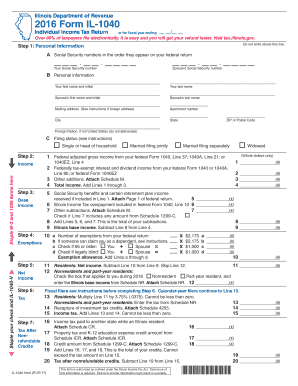
Form il 1040 2016
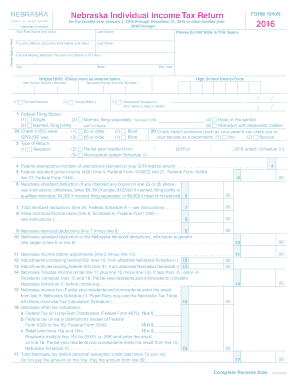
1040n 2016 form
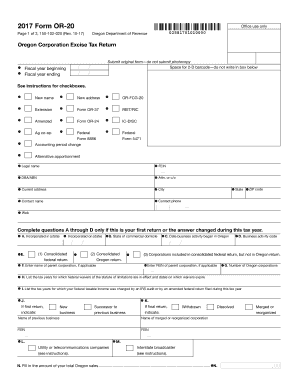
2017, Form OR-20, Oregon Corporation Excise Tax Return, 150-102-020
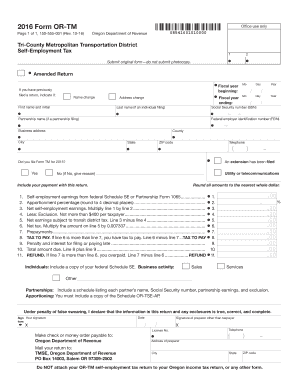
Page 1 of 1, 150-555-001 (Rev - oregon

Ia form 2017
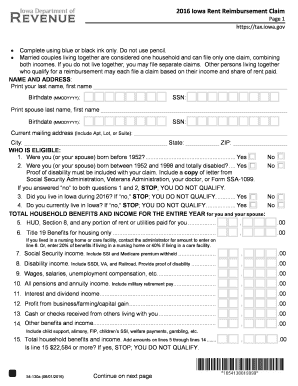
Iowa rent rebate 2016 form
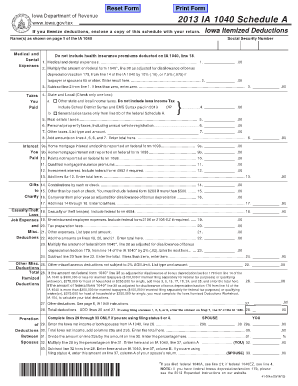
IA 1040 Schedules A and B 41-004 - Iowa Department of Revenue - iowa
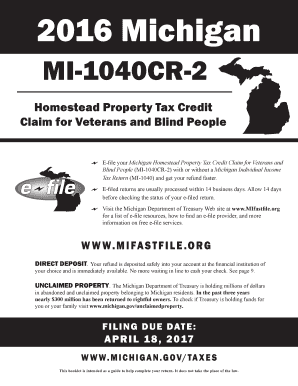
Mi 1040cr 2 2016 form
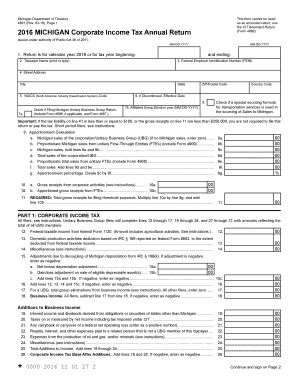
Form 4891 2016
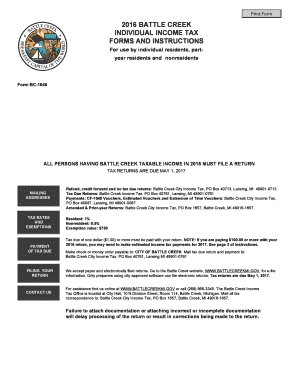
Form creek tax 2016
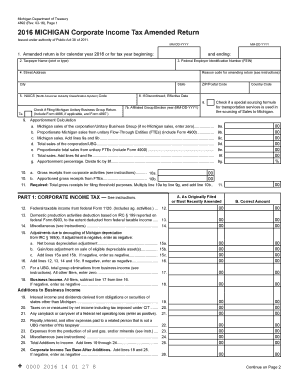
TREASURY - Michigan Income Tax Filing Requirements of Flow
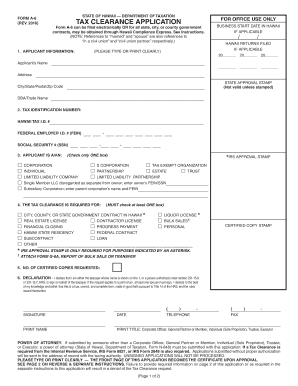
Hawaii form a 6 tax 2016
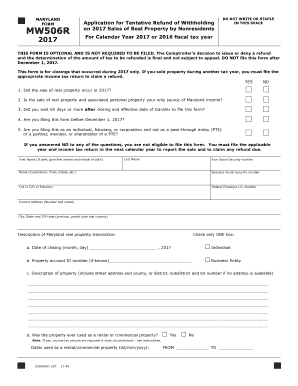
Mw506r
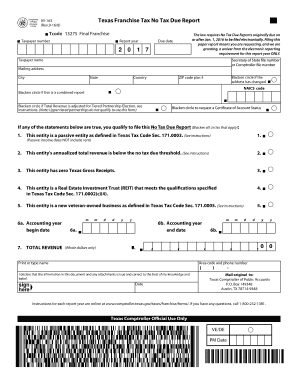
05 163 texas 2017 form

Bonus depreciation for property placed

Affidavit for Occasional or Isolated Sale of a Motor Vehicle
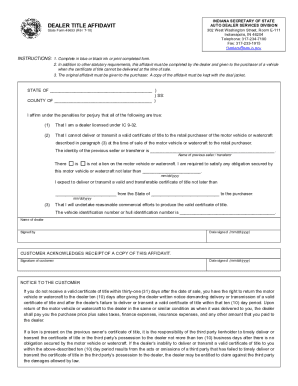
In dealer title affidavit
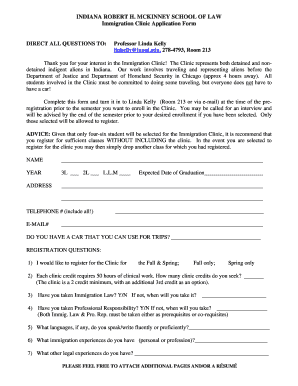
INDIANA ROBERT H

Pre-Arranged Absence: Post High School Exploration Form
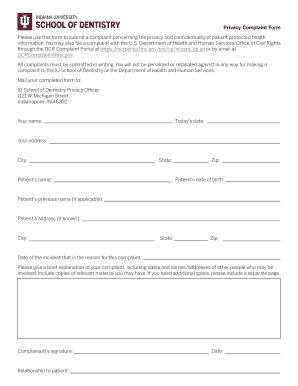
Test Privacy Complaint Form

700 sov formDocHubcom 2017
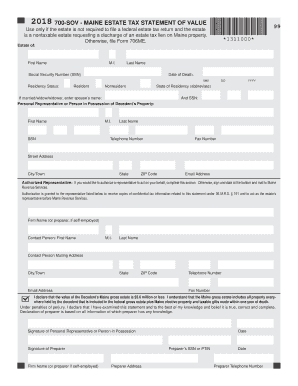
700 sov formDocHubcom 2018

Maine form 1040me 2016

AC 145-5 - Repair Station Internal Evaluation Programs - CHG 1 Repair Station Internal Evaluation Pr

Subject: Guide for Developing and

120 76d

How ost form

Ia activity sheet

F A A form 5100-109, Project Evaluation Review and Development Analysis FAA form 5100-109 - faa

Health Status Report Form
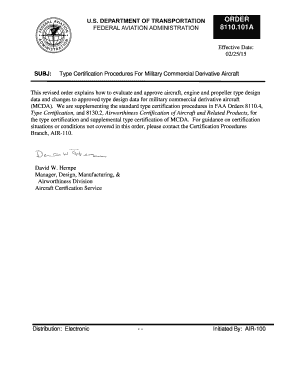
Faa military aircraft

Airport signs and markings
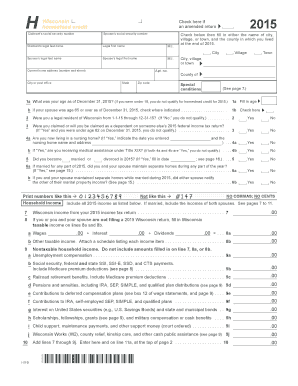
Schedule H - Wisconsin Department of Revenue - revenue wi
Rent certificate form 2016
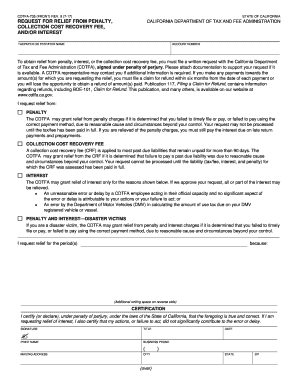
Form 735 cdtfa
Ca form 3805z 2017
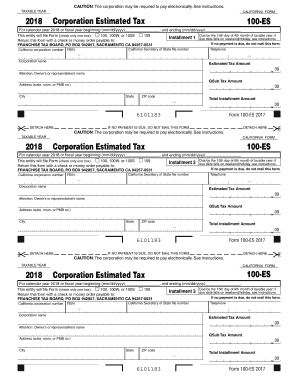
Estimated 2018 form
100s tax 2017 form
2017 Form 540 - California Resident Income Tax Return
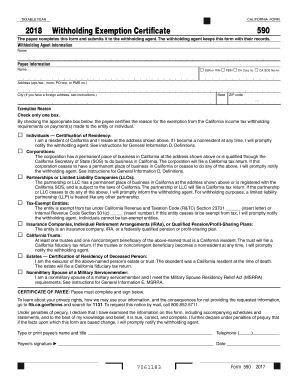
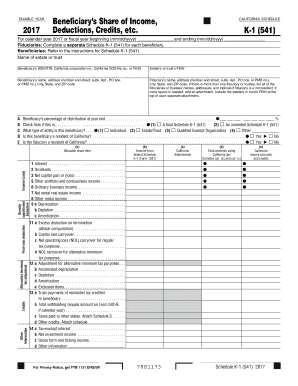
Form 2018

Form 541 2017

Ftb pub 2017 form

Form 109 2017
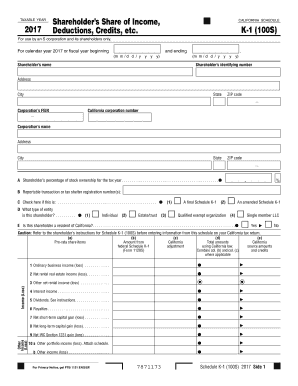
Online ftb state of ca schedule k 1 for s corp 2017 form
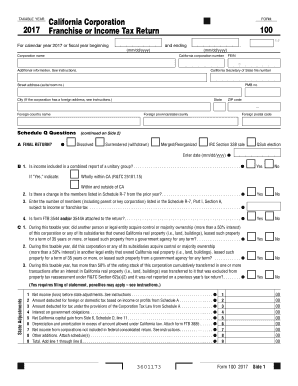
Form 100 2017

2018 Form 568 - Limited Liability Company Tax - Franchise Tax Board
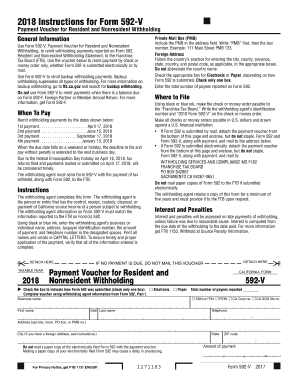
2018 Form 592 V, Payment Voucher for Resident and Nonresident Withholding 2018 Form 592 V, Payment V
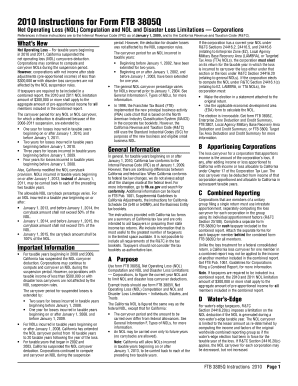
Ca corporation franchise tax form 3805q
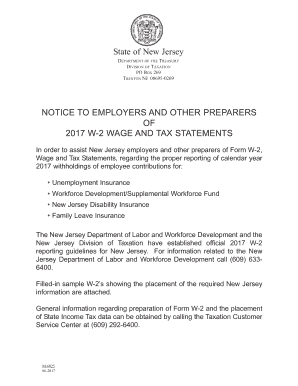
Njxxxxxxxxxxx 2017 form
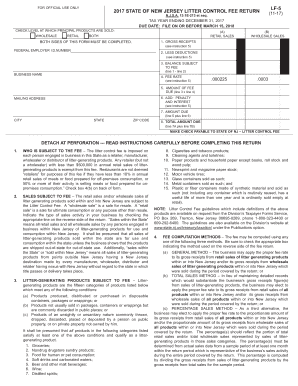
Lf 5 2017 form

Njxxxxxxxxxxx 2012 form
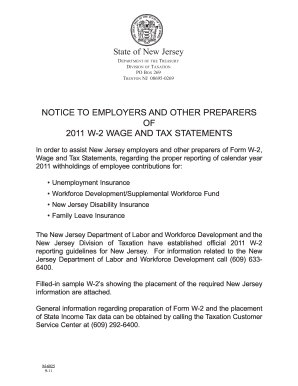
Njxxxxxxxxxxx 2011 form

Sctc 111 2017 form
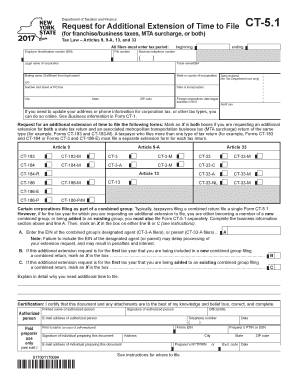
Ct 5 1 form 2017

Nyc 1147 2017 form

It 201 d new york 2013 form
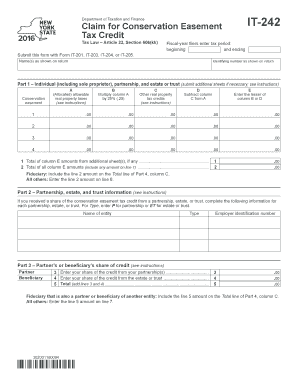
New York Form IT-242 (Claim for Conservation Easement Tax Credit

It 2105 9 2016 form

Nyc 210 form 2017

- tax ny

Tax form st 100 2017
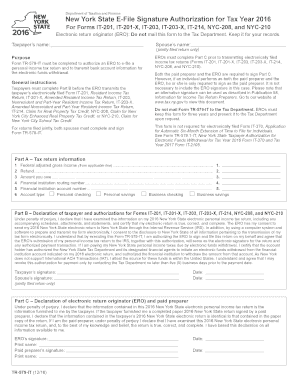
Form tr 579 it 2016

2018 ny form

Nyc 245 2017 form

St 140 2016 form
Benefit from the DocHub online library of fillable PDF forms
Searching the PDF forms doesn't have to be a tedious and time-consuming process. With the DocHub online library, it has become easier to find the fillable PDF forms and modify them in your browser. The service allows you to adjust the document to your needs using powerful editing tools.
You can use online document editing features to modify almost any type of document with ease. You just need to find the template of your choice, open it in the editor, and use the toolbar to make the necessary corrections.
Follow this guide to get your document done with DocHub:
- Find the PDF template you need.
- Click the Get Form button to open the file in the editor.
- Use the toolbar to fill out and edit the document.
- Easily add and highlight text, insert images, checkmarks, and symbols.
- Drop new fillable fields, and rearrange or delete pages from your file.
- Save changes and download your record.
DocHub empowers everyone to streamline document editing, signing, and distribution, and form completion. Create an account and benefit from our well-organized PDF Forms library and comprehensive editor.