




01. Edit your community hall rental agreement online
Type text, add images, blackout confidential details, add comments, highlights and more.

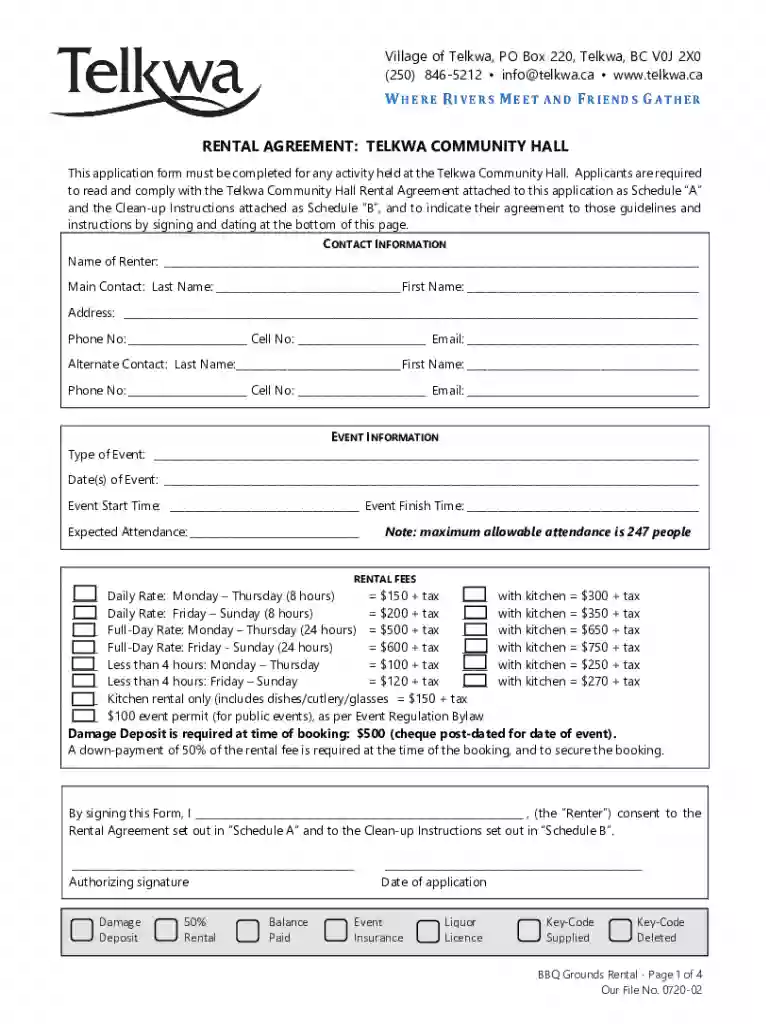
Type text, add images, blackout confidential details, add comments, highlights and more.

Draw your signature, type it, upload its image, or use your mobile device as a signature pad.

Send community rental agreement event via email, link, or fax. You can also download it, export it or print it out.

Start using our platform today for free to streamline your hall rental process!
We've got more versions of the community hall rental agreement form. Select the right community hall rental agreement version from the list and start editing it straight away!
| Versions | Form popularity | Fillable & printable |
|---|---|---|
| 2022 | 4.8 Satisfied (137 Votes) |
Of course, you’ll find numerous apps for this on the web. However, if you need to eSign your canada hall rental agreement without installing extra software, DocHub is the optimum choice you can make. This robust editor works on mobile devices just like on desktops. Open our editor in your preferred internet browser, register or sign in to your account, and start processing your paperwork.
Document editing with DocHub is equally convenient on desktop and mobile devices. You only need an internet browser to edit your hall rental agreement event free on Android. Open our site and sign in to access the tools you need. Add your document and introduce your intended changes. After that, you can keep your form in your document storage or send it out immediately.
At DocHub, your data security is our priority. We follow HIPAA, SOC2, GDPR, and other standards, so you can work on your documents with confidence.
Rental fees of $500 or less are required as deposit for use of the event space. Rental fees above $500 will require 50% down upon signing of this agreement,
Rates are for up to a five (5) hour rental. Event must end by 11:00 PM. Monday thru Friday: $300 per day, Hours: $50 Per Hour + $125 ・ 100 guests or less: $


