




01. Edit your pa1 form online
Type text, add images, blackout confidential details, add comments, highlights and more.

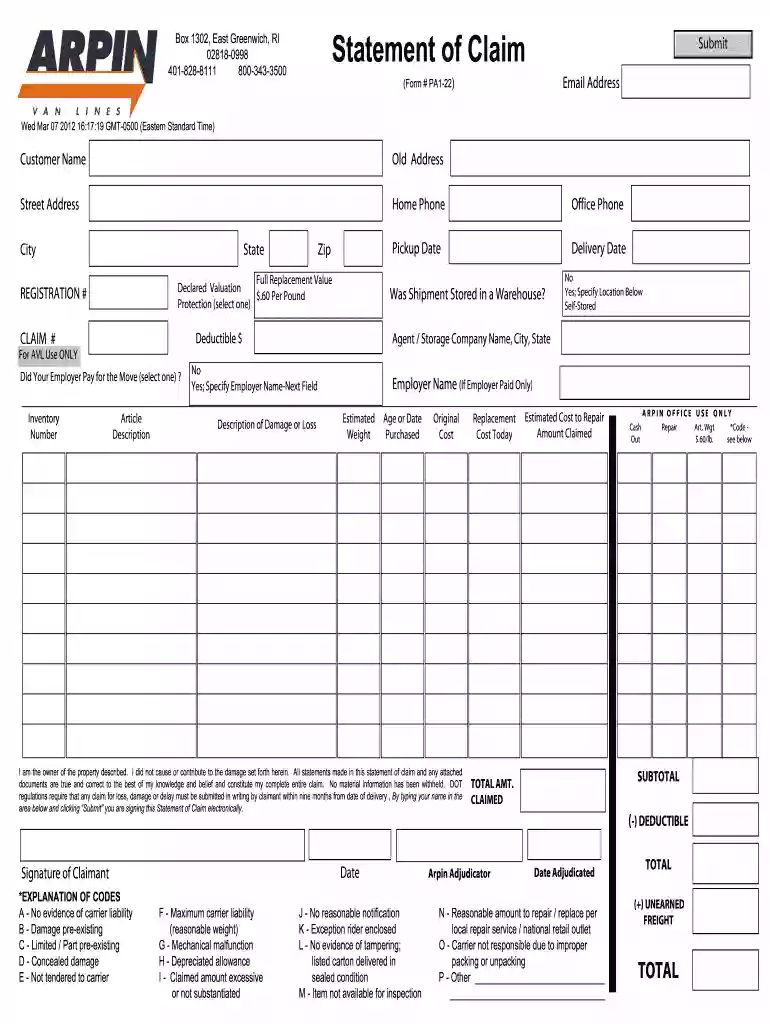
Type text, add images, blackout confidential details, add comments, highlights and more.

Draw your signature, type it, upload its image, or use your mobile device as a signature pad.

Send it via email, link, or fax. You can also download it, export it or print it out.

Start using our platform today to fill out your form pa1 statement easily and efficiently!
At DocHub, your data security is our priority. We follow HIPAA, SOC2, GDPR, and other standards, so you can work on your documents with confidence.
*This application must be signed and dated within 60 days prior to the date the application is received by TSPC. You must print and mail this form directly toRead more
Format your MMC cards before using them for the first time. See page 27 for instructions. Turning On. Your Player for the First Time.Read more
Nov 27, 2012 PA-1 Collection Information Statement for Individuals. Tuesday, November 27, 2012. Miscellaneous Form. Attachment(s):. PDF iconRead more


