
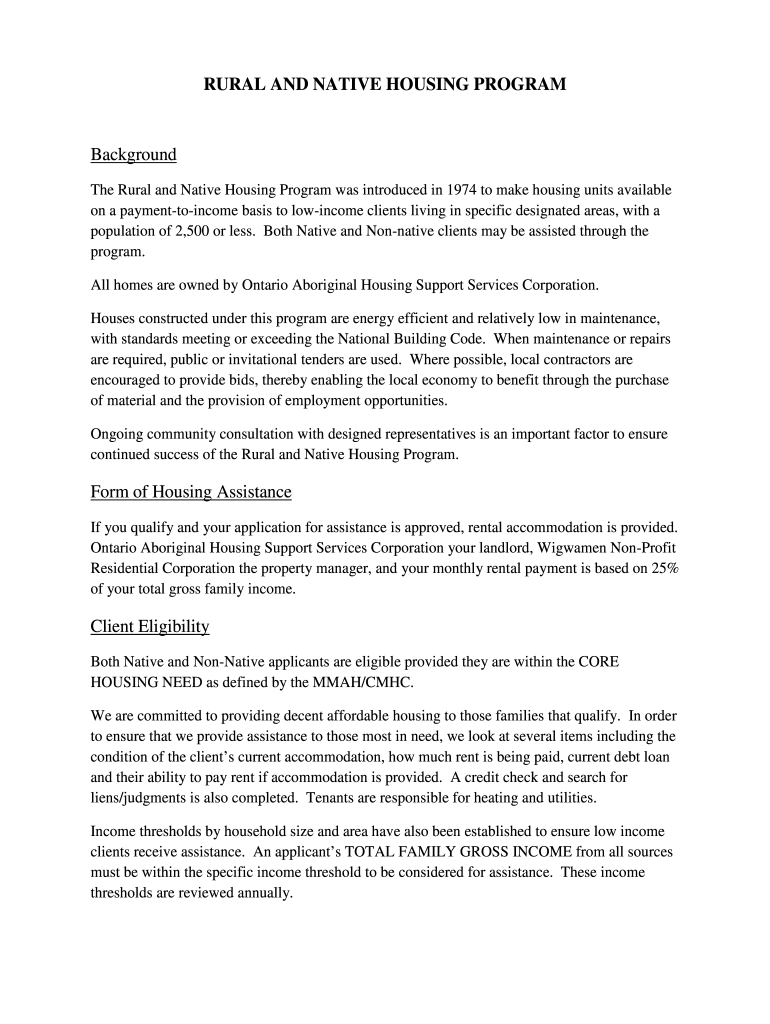




Here's how it works



How to use or fill out wigwamen housing with our platform

- Click ‘Get Form’ to open the wigwamen housing application in the editor.
- Begin by filling out Section #1: Applicant Information. Enter your last name, first name, and other personal details such as date of birth and marital status.
- Proceed to Section #2: Co-Applicant. If applicable, provide similar information for any co-applicants who will be living with you.
- In Section #3: Other Members, list any additional household members along with their relationship to you and relevant details.
- Complete Section #4: Previous Tenancy by detailing your past rental history in Ontario, including landlord information and duration of tenancy.
- Fill out Section #5: Eligibility Requirements. Answer questions regarding your financial situation and previous housing assistance.
- Finally, review all sections for accuracy before signing the application in the designated area at the end of the form.
Start using our platform today to easily complete your wigwamen housing application online for free!
It's free
Got questions?
What do I need to sign my housing ontario electronically?
Electronic document approval demands a software solution that works in compliance with data security and eSignature standards. DocHub is an excellent tool for that, because it fulfills all the above mentioned requirements. Whatever method you prefer to sign your housing ontario in DocHub, your electronic signature will be legally binding and court-admissible.
How to complete wigwamen housing locations on the internet for free in 2024?
Using a swift editing platform like DocHub, you do not need anything but a browser and connection to the internet to modify your wigwamen housing locations online swiftly. Add your file or find the relevant form in DocHub’s catalog, open our editor with one click, and complete it electronically. To edit your forms anytime, register a free profile with DocHub.
Security and compliance
At DocHub, your data security is our priority. We follow HIPAA, SOC2, GDPR, and other standards, so you can work on your documents with confidence.
Learn more


