
Get any PDF form from the DocHub library of ready-made templates - Page 1904
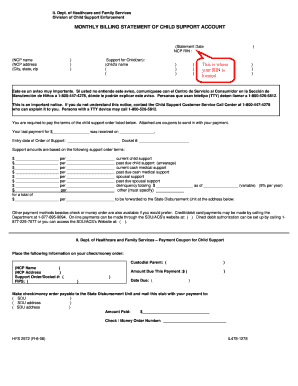
Child support monthly statements
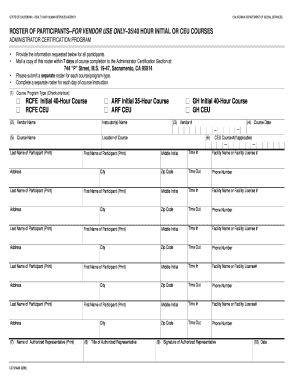
LIC 9142A (3/06) - Roster Of Participants - California Department of ... - dss cahwnet
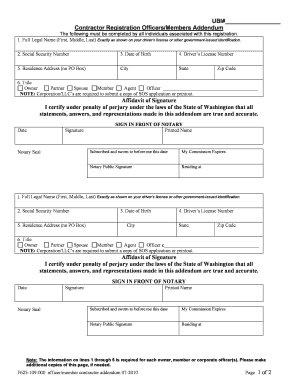
F625 109 000
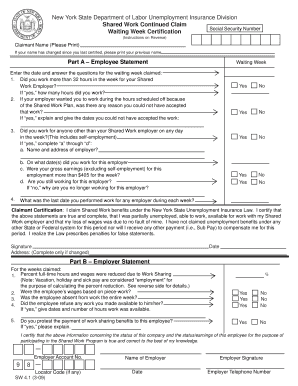
New York State Department of Labor Unemployment Insurance Division - labor ny
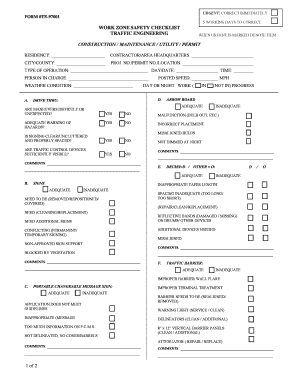
Form te 97001
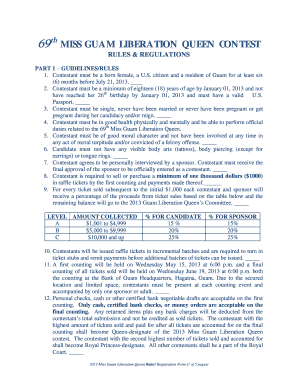
2013 Rules Regulations1 - mcog guam

Gid 222b sf

Psb 37 request duplicate license
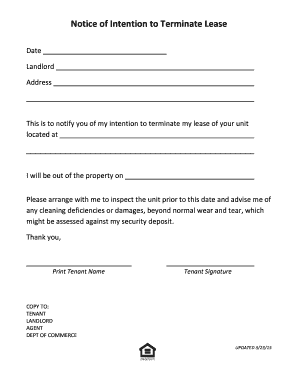
Letter of intent to terminate lease
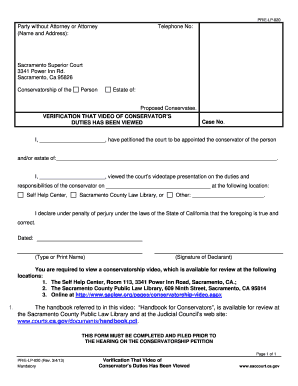
PR-E-LP-020 - VIDEO TAPE VERIFICATION 2 .doc - saccourt ca

Washington test report form

Ca 32 dmv form

Garamendi form
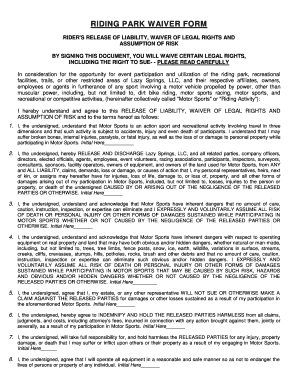
Lazy springs waiver
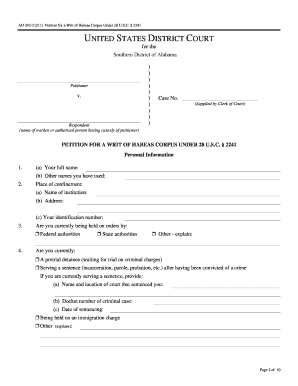
Petition for a Writ of Habeas Corpus Under 28 U.S.C. 2241
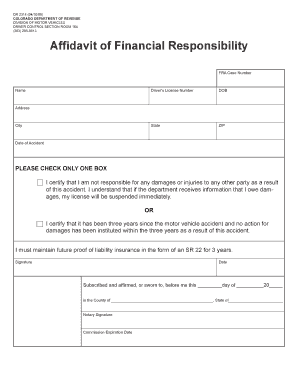
Affidavit of financial responsibility
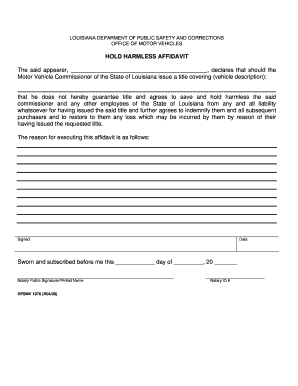
HOLD HARMLESS AFFIDAVIT - web01 dps louisiana
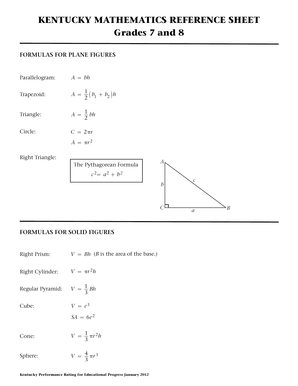
Reference Sheet - Kentucky Department of Education - education ky
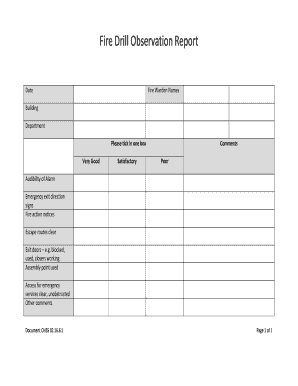
Fire drill template
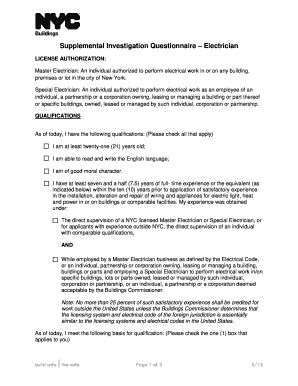
Nyc supplemental questionnaire
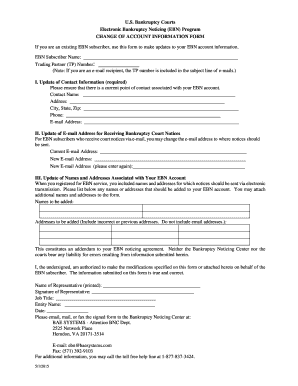
Download PDF Form - Electronic Bankruptcy Noticing - ebn uscourts
Religious endorsement
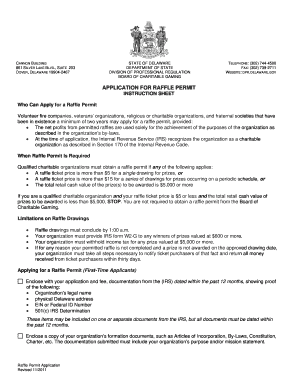
Delaware raffle

Cacfp monitoring form

Water meter data card san diego
Texas extension affiliate

Connecticut verified raffle
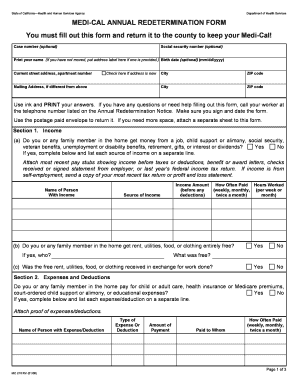
Redetermination
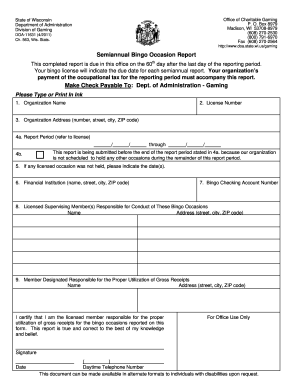
Wisconsin bingo semi annual reporting
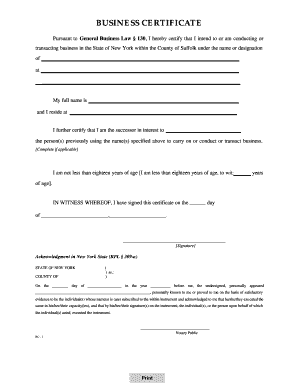
Suffolk county business certificate
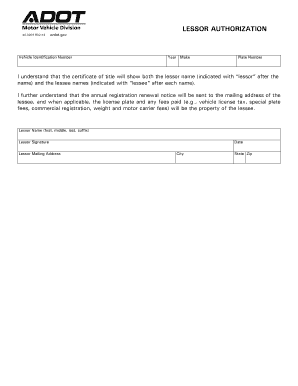
Lessor Authorization. Lessor Authorization - azdot
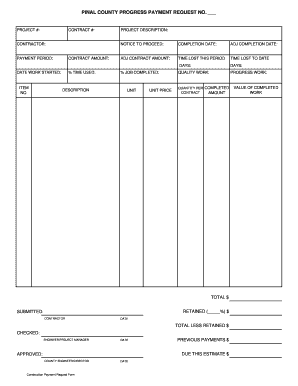
Construction payment request form
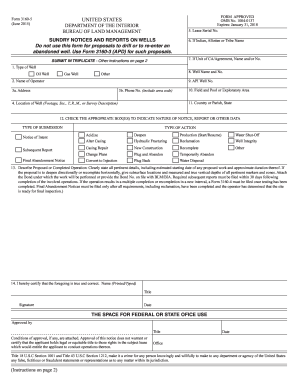
Form 3160

Gid 221 sf
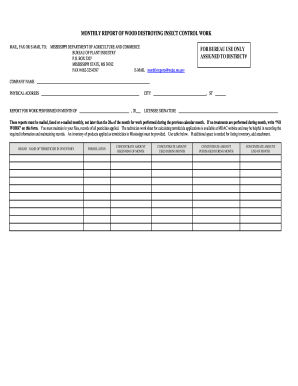
Wood insect work

Determining exemption form

DEATH DEATH - DHMH - dhmh maryland

Barber shop health inspection form

Release of interest az

Az income form
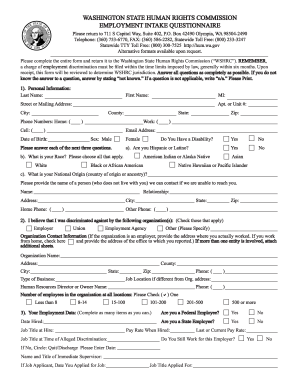
Washington state human rights commission

Dr 2689 form

Colorado control addendum
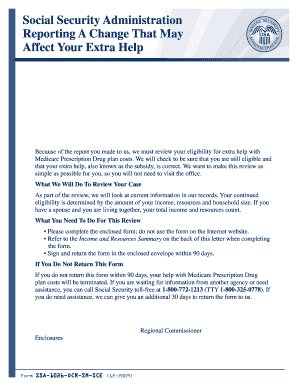
Form ssa 1026 ocr sm sce

Kdhe kora
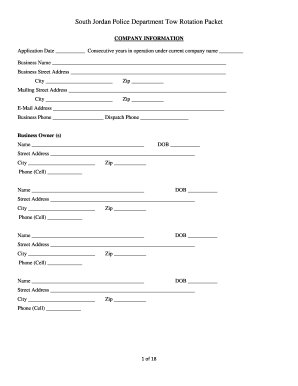
Ut rotation jordan police department
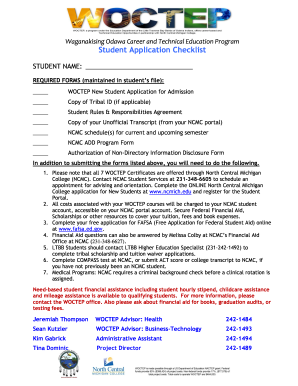
Student checklist woctep sample

Iowa white light permit
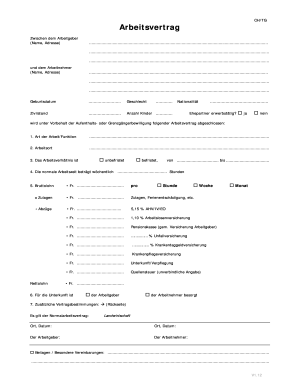
Arbeitsvertrag Deutsch EU12.doc - vtgl
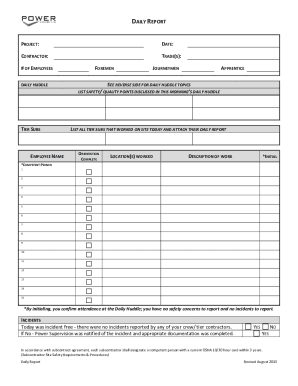
Daily Report and Huddle - Power Construction - powerconstruction
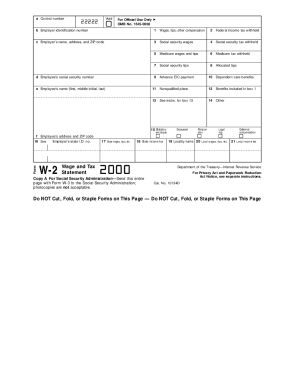
Pdf w2
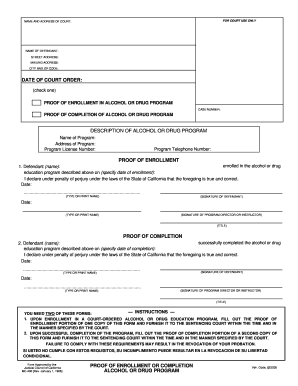
Proof of enrollment or completion form
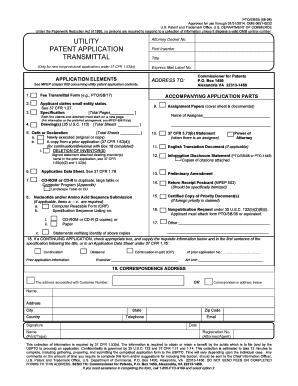
Patents form to print out from the patent office

Sos ga
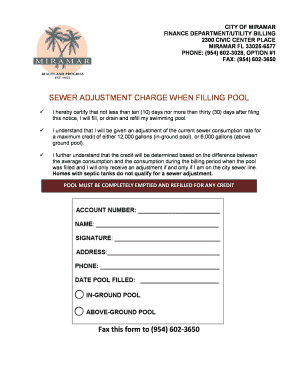
Florida filling form

Ct 1 officer form
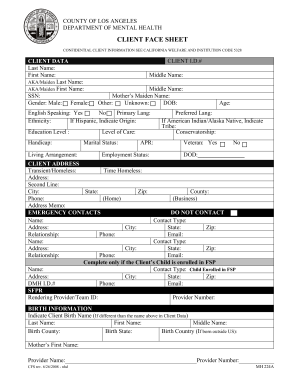
Client face sheet code
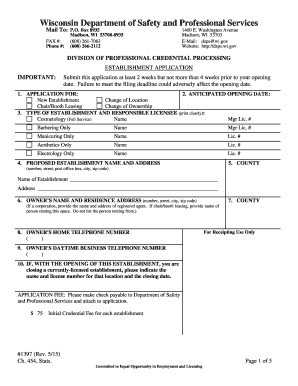
Establishment license wi

GUARANTEED LOAN REPORT OF LOSS - forms sc egov usda
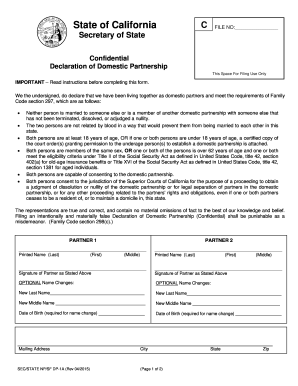
Dp 1a

Instructions for Financial Affidavit & Form - ujs sd
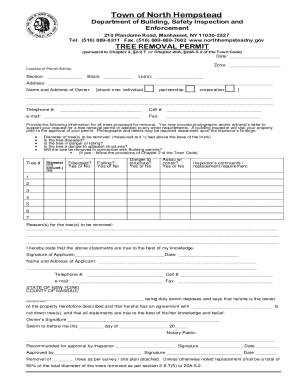
Town of north hempstead tree removal permit
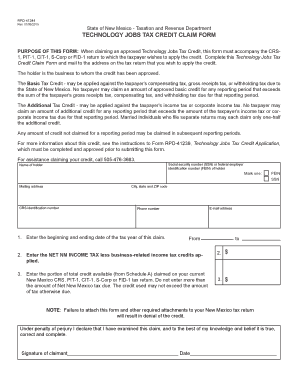
RPD-41244 Technology Jobs Tax Credit Claim Form
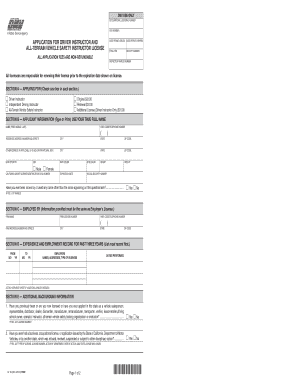
Application driver form
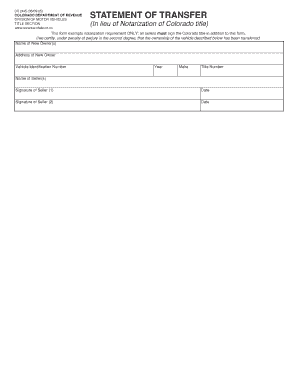
Dr 2445
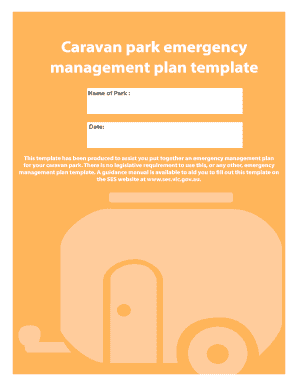
Caravan park emergency management plan template - ses vic gov
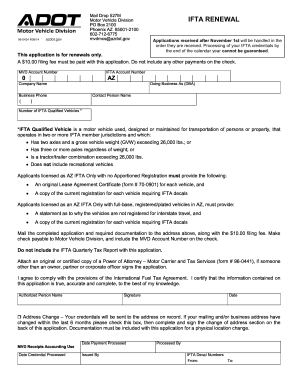
Az ifta online filing

DPMC-11-2a, Certification of Prime Contractor.pdf - nj

21-0960M-16. Wrist Conditions Disability Benefits Questionnaire - vba va
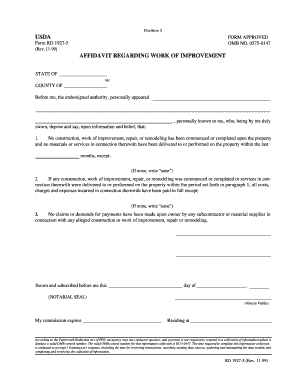
USDA AFFIDAVIT REGARDING WORK OF IMPROVEMENT - forms sc egov usda
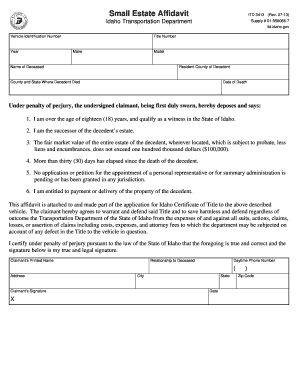
Idaho Small Estate Affidavit - ITD 3413. Idaho Small Estate Affidavit - ITD 3413 - itd idaho

Texas peace officer's crash report code sheet 2019
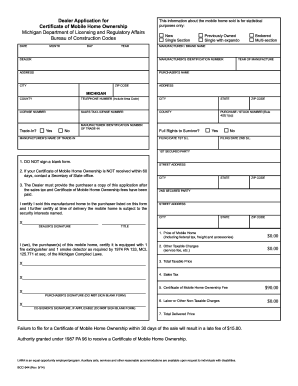
Michigan certificate ownership
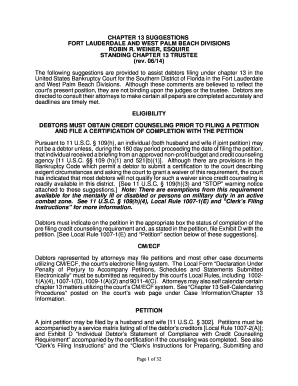
Robin weiner trustee
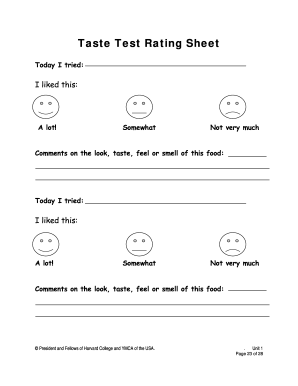
Taste Test Rating Sheet
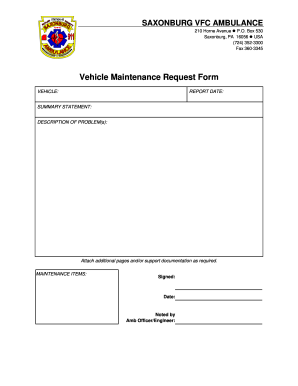
Vehicle maintenance request form
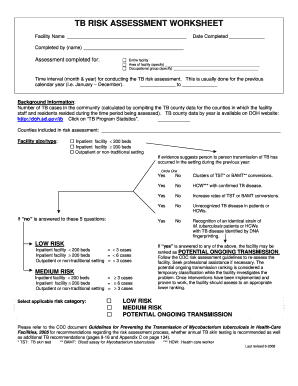
TB RISK ASSESSMENT WORKSHEET - dss sd
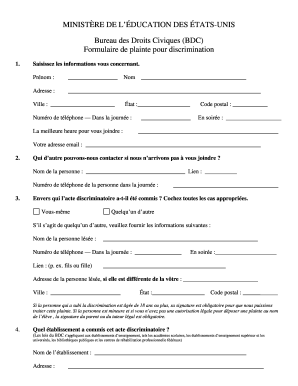
Office for Civil Rights Consent Form - French (PDF) - www2 ed
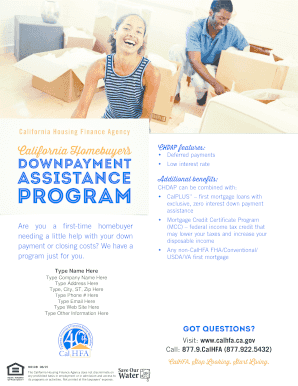
Download Flyer - California Housing Finance Agency - calhfa ca
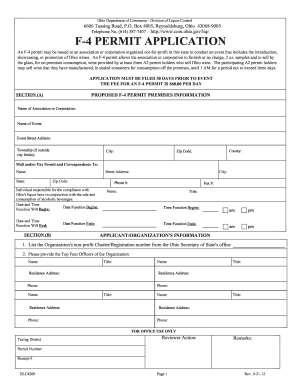
F4 permit
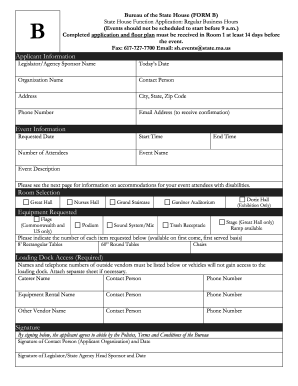
Massachusetts bureau state house

Nysaa data collection sheet

Mississippi act donation
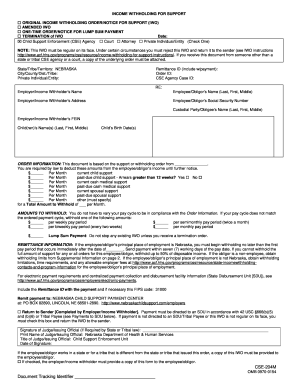
Nebraska Income Withholding Form - Nebraska Health and Human ... - dhhs ne

Pa appraiser trainee checklist
Letter recommendation
Visitor's Sign In Sheet (PDF Format, please print both pages)
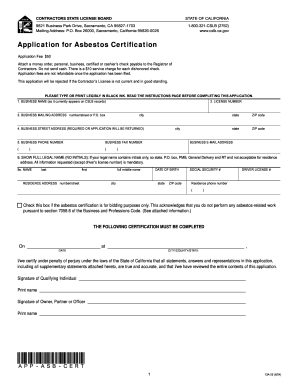
Application for Asbestos Certification
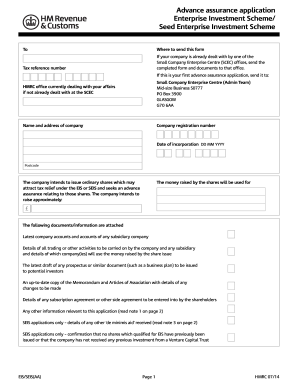
Eis application form
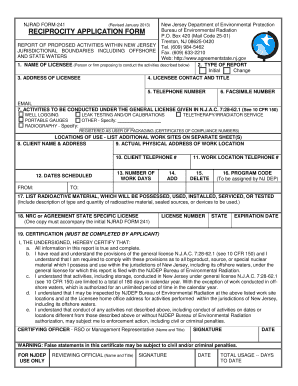
NJDEP Form-241 - nj
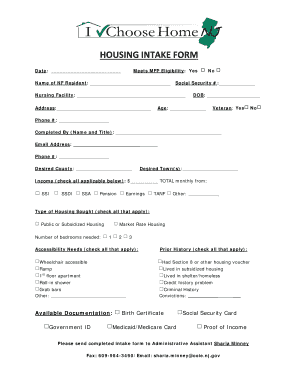
Ichnj

Modello aa5 5
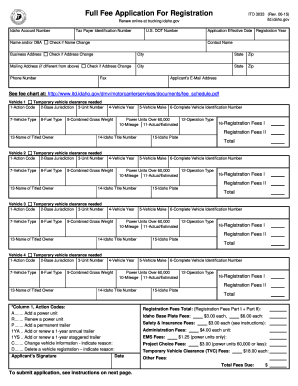
Idaho Full Fee Registration Application - ITD 3033 - itd idaho
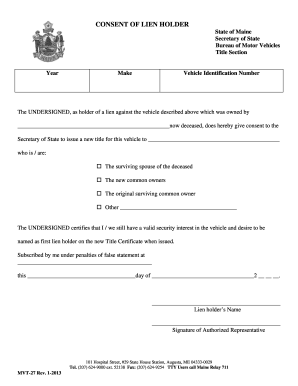
Maine mvt
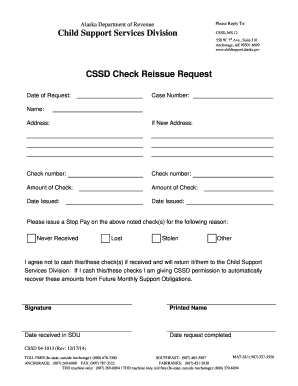
Cssd
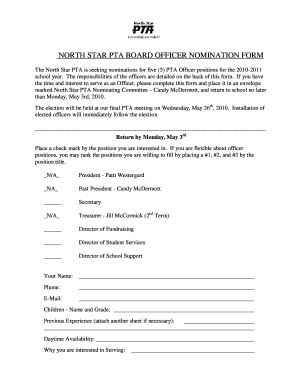
NORTH STAR PTA BOARD OFFICER NOMINATION FORM

Nv rfp silver fill
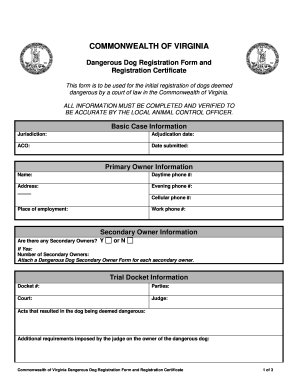
Dangerous Dog Registration Form - vdacs virginia
Cca1 subcontract
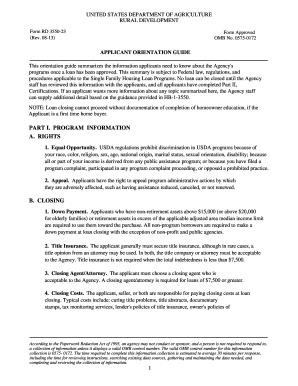
Rd application orientation guide form3550 23
Benefit from the DocHub online library of fillable PDF forms
Searching the PDF forms doesn't have to be a tedious and time-consuming process. With the DocHub online library, it has become easier to find the fillable PDF forms and modify them in your browser. The service allows you to adjust the document to your needs using powerful editing tools.
You can use online document editing features to modify almost any type of document with ease. You just need to find the template of your choice, open it in the editor, and use the toolbar to make the necessary corrections.
Follow this guide to get your document done with DocHub:
- Find the PDF template you need.
- Click the Get Form button to open the file in the editor.
- Use the toolbar to fill out and edit the document.
- Easily add and highlight text, insert images, checkmarks, and symbols.
- Drop new fillable fields, and rearrange or delete pages from your file.
- Save changes and download your record.
DocHub empowers everyone to streamline document editing, signing, and distribution, and form completion. Create an account and benefit from our well-organized PDF Forms library and comprehensive editor.