




Here's how it works
How to use or fill out kdhe kora with our platform

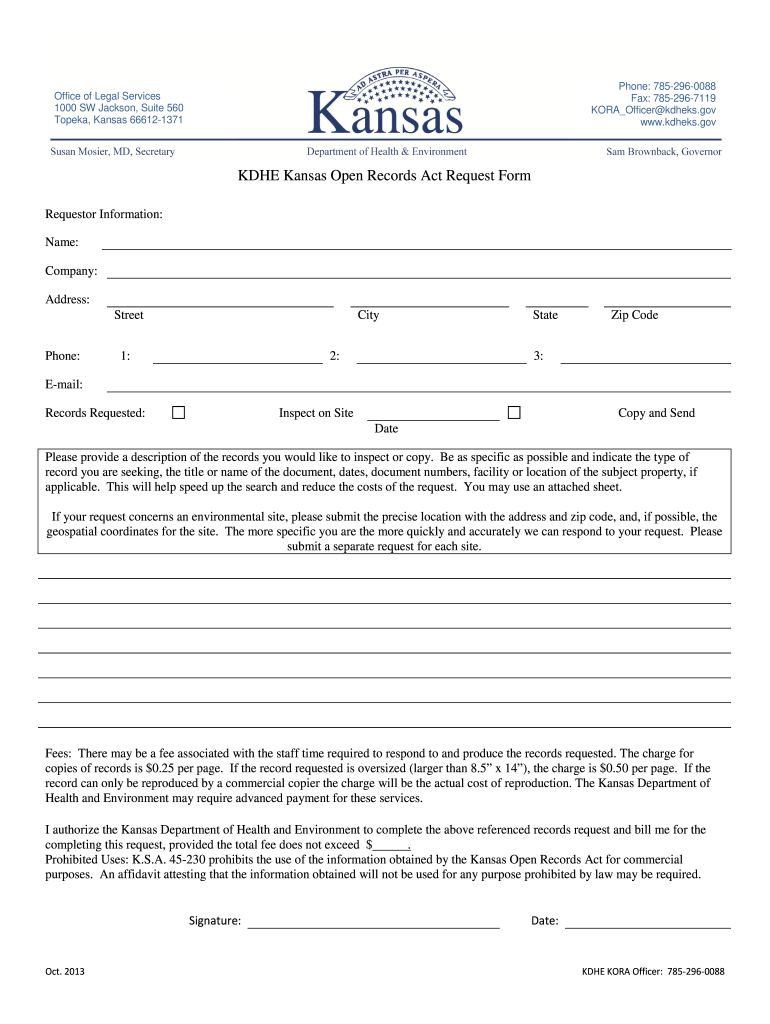
- Click ‘Get Form’ to open the KDHE KORA request form in the editor.
- Begin by filling out the Requestor Information section. Enter your name, company, address (including street, city, state, and zip code), and phone number. Ensure all fields are completed accurately.
- Provide your email address for correspondence regarding your request.
- In the 'Records Requested' section, specify whether you wish to inspect records on-site or receive copies by mail. Be clear about the records you are requesting; include details such as titles, dates, and any relevant document numbers.
- If applicable, provide precise location details for environmental site requests, including geospatial coordinates if possible.
- Review the fee structure outlined in the form. Indicate your authorization for billing up to a specified amount for processing your request.
- Sign and date the form at the bottom before submitting it through our platform.
Start using our platform today to streamline your KDHE KORA requests effortlessly!
It's free
See more kdhe kora versions
| Versions | Form popularity | Fillable & printable |
|---|---|---|
| 2013 | 4.8 Satisfied (123 Votes) |
Got questions?
How do I sign my kooora online without printing?
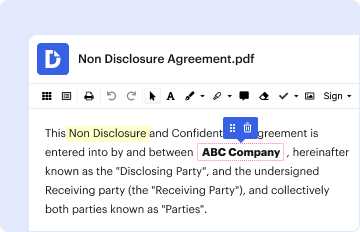
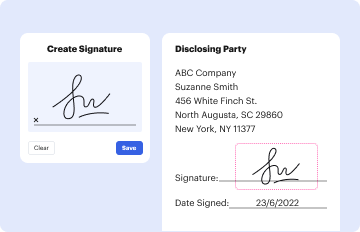
eSignatures are an excellent replacement for traditional signing, as they save time, effort, and money people spend on printing, scanning, and paper delivery. You can eSign your kooora online utilizing a reliable and robust online document management tool like DocHub. It complies with main eSignature standards (ESIGN and UETA), so all forms approved there are legally binding and have the same validity as physically signed ones.
How do you edit koraonline from Google Drive?
If you store your files in Google Drive, there is no need to download your koraonline on your computer and upload it back to our editor. A significantly easier way is to install a browser extension developed by DocHub to simplify this flow. The extension allows editing PDFs in your web browser. Alternatively, you may integrate your DocHub and Gmail accounts for more efficient editing.
What records are public in Kansas?
Are police reports public in Kansas?
Are Kansas marriage licenses public record?
Security and compliance
At DocHub, your data security is our priority. We follow HIPAA, SOC2, GDPR, and other standards, so you can work on your documents with confidence.
Learn more


