
Get any PDF form from the DocHub library of ready-made templates - Page 1857
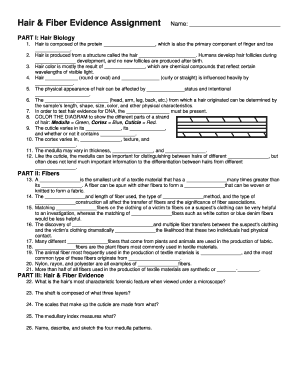
Hair and fiber evidence worksheet answer key

Ar 272
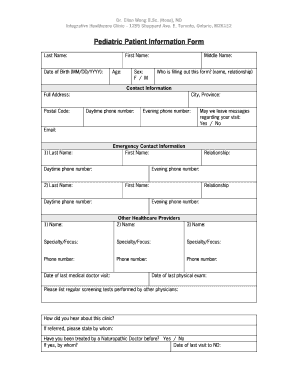
Pediatric Patient Information.doc - ccnmihc
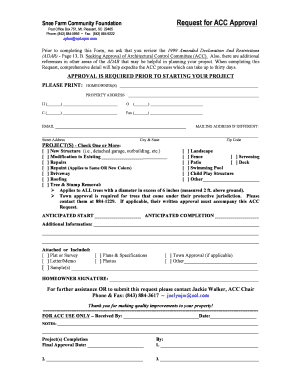
Request For ACC Approval Form - sneefarmcf

Studio Pro NDCA Dance amp Solo Entry Form Deadline
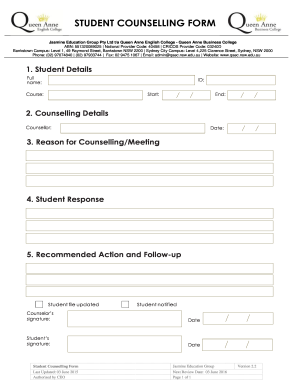
Student counselling form pdf

Master supply agreement template
Orient insurance claim form

Aparq

Piedmont Psychiatric Clinic - Parents Form
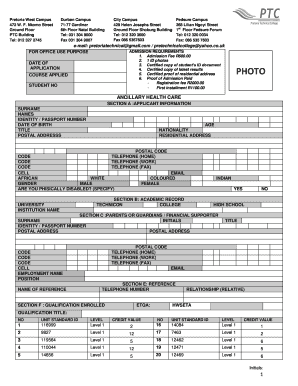
United kingdom health
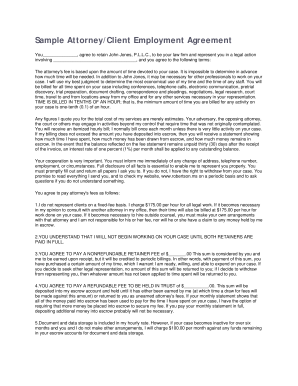
Retainer agreement sample
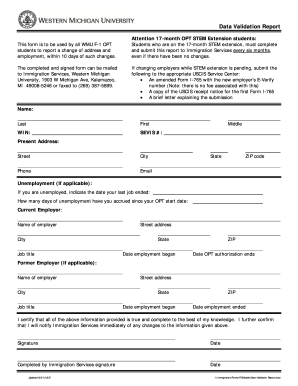
Data Validation Report - Western Michigan University - wmich
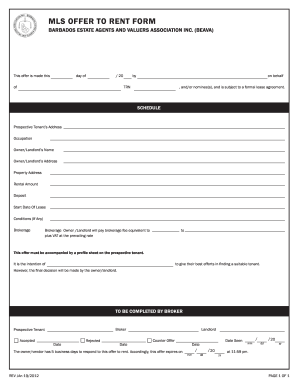
Offer To Rent Form - BEAVA Inc

International Volunteer Application Form - Share Village - sharevillage

FE Basic Fact Finder Worksheet
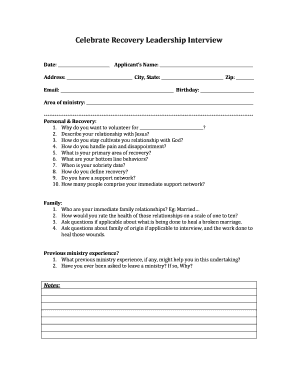
Celebrate recovery leader requirements

Bflometrocu

Tdsb volunteer form
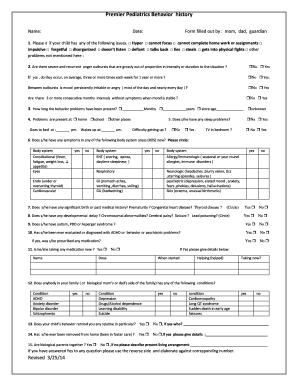
Behavior form

Oshaguard
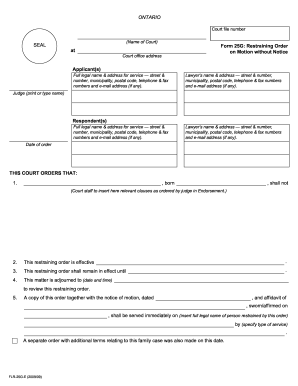
25g form fill
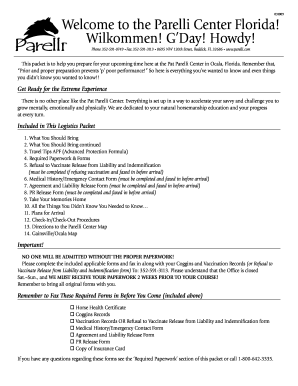
Parelli packet create
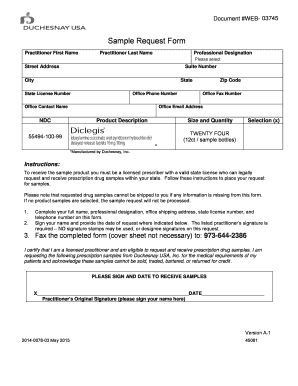
Diclegis sample request form
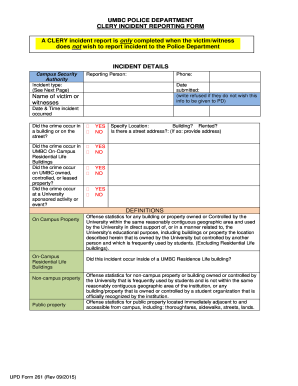
Upd form 261
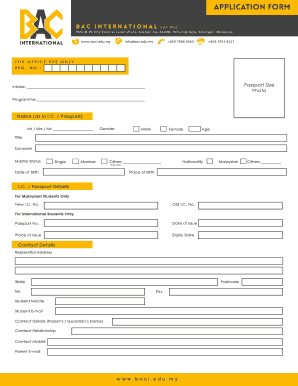
Bac registration form

Parking agreement form

MPUSD Interdistrict bTransferb Request

Department of Agriculture FIREFIGHTER TYPE 1 FFT1
Mtans ceu forns
BOARD CANDIDATE INFO REQUEST FORM
Printable cheerleading score sheets
Civil war battle chart
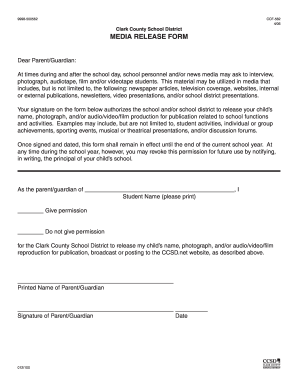
Ccsd media release form
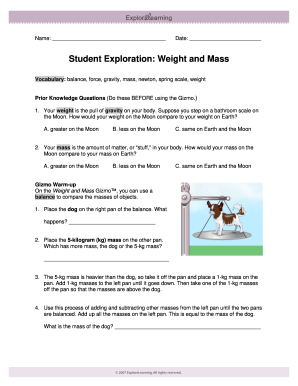
Gizmos weight and mass answers

Hospital ofline job registration form
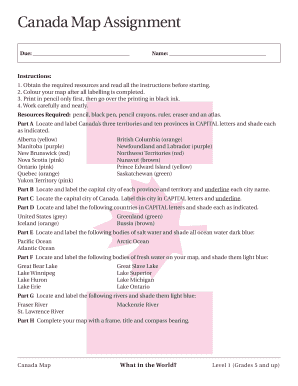
Canada map assignment
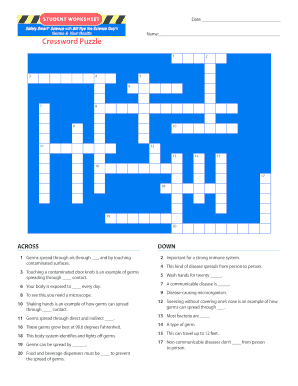
Bill nye germs worksheet answers pdf
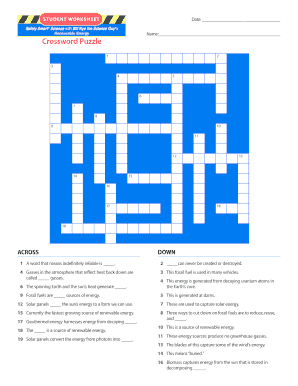
Bill nye energy worksheet answers pdf
Efr 19
MRI Order Form

Apex camps pack
Icea money market redemption form

Date Time Out Name of Realtor Date Time In
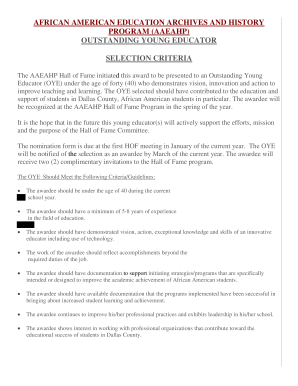
AFRICAN AMERICAN EDUCATION ARCHIVES AND HISTORY PROGRAM - aaeahp

Julius baer account opening
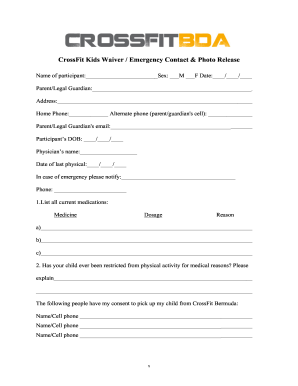
CrossFit Kids Health Information Liability Waiver
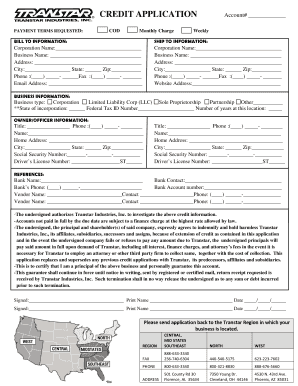
CREDIT APPLICATION Account - Transtar Industries

Ute mountain ute scholarship

Mobile youth football conference
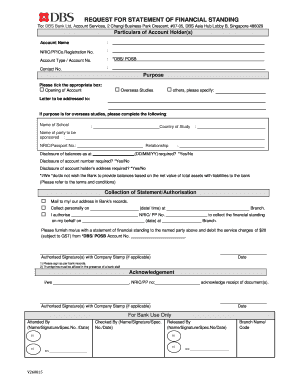
Dbs bank statement financial

UNDERGRADUATE APPLICATION FOR ADMISSION FORM ... - USIM - usim edu

Surgen in training wacs
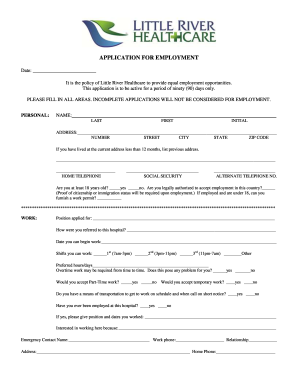
River application employment form

Usc dar

Husker scholarship form

SECTION 5 MEDICAL CERTIFICATE bPADCAb Form 2 - padca co
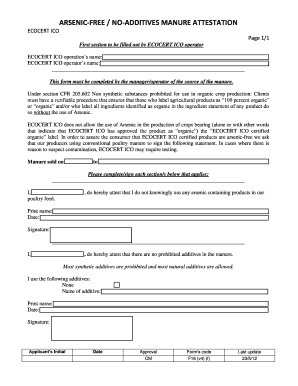
ARSENIC-FREE NO-ADDITIVES MANURE ATTESTATION

Planned Absence Request - South Burlington High School - sbsd sbhs schoolfusion
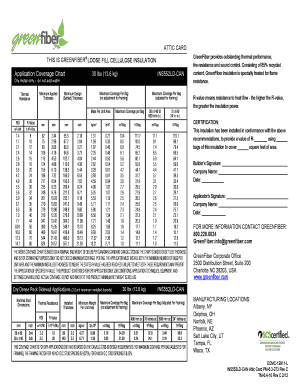
Application Coverage Chart 30 lbs 136 kg INS552LD-CAN
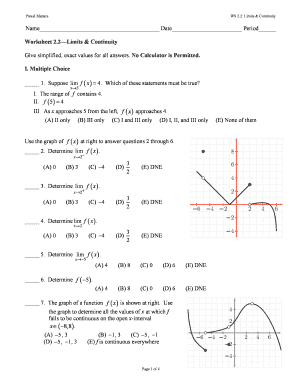
Limits worksheet with answers pdf
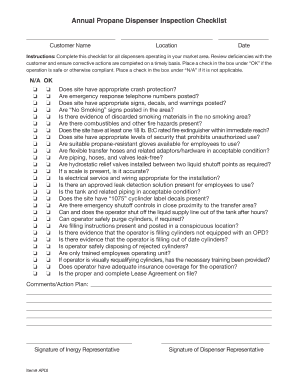
Annual Propane Dispenser Inspection Checklist - bmhcnetbbnetb

RainDrop Handbook 2012 - bSpiralScoutsb International - spiralscouts
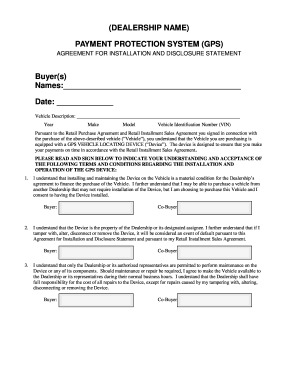
Integrative life center disclosure statement
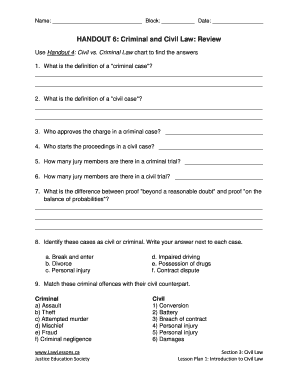
Handout 6 criminal and civil law review
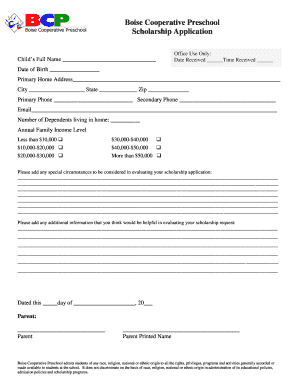
Boise cooperative preschool
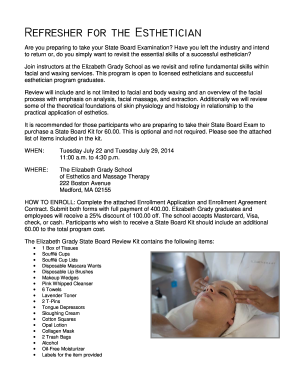
Refresher for the Esthetician - Elizabeth Grady School of Esthetics ...
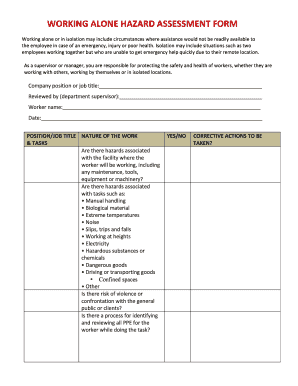
Model-Working-Alone-Hazard-Assessment-Form - agsafety osu

Centrum kris och traumamottagning
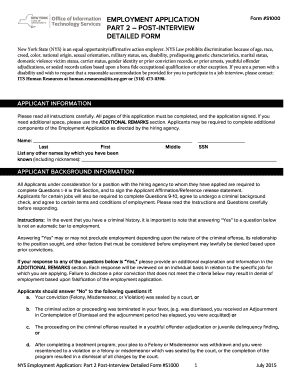
Nys employment application part 2

How to write blood group in form

Cocopah Middle School PE Uniforms

Delgado Community CollegeCharity School of bNursingb - dcc

Confirmation Worship Notes Worship at Church Date Today's Scripture reading(s) was - fpcallentown

Policy Review Form - MHCC
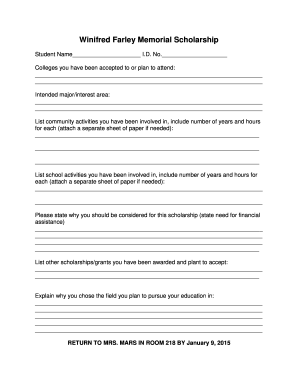
Winifred Farley Memorial Scholarship - Bradford High School
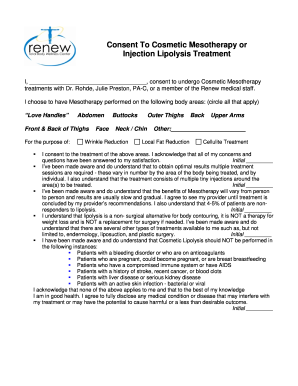
Consent To Cosmetic Mesotherapy Treatment - bDrRohdebbcomb
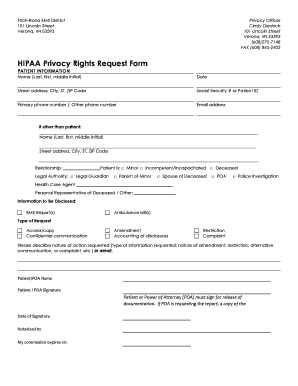
HIPAA Privacy Rights Request Form - Fitch-Rona EMS
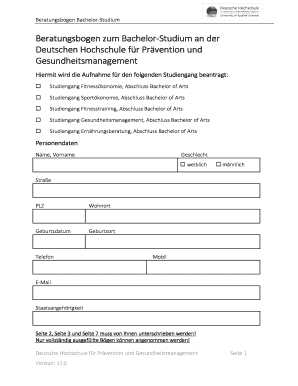
Beratungsbogen
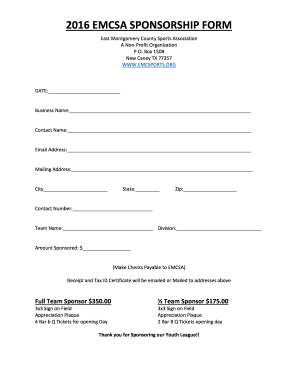
Emcsa softball
Worksheet on safety rules for class 3
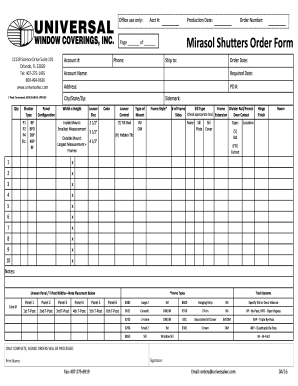
Mirasol shutter form

Loid employment
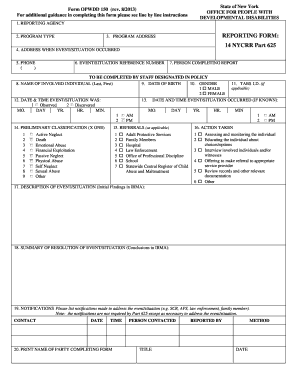
Opwdd 150

Lineman school near me

Hospice referral form
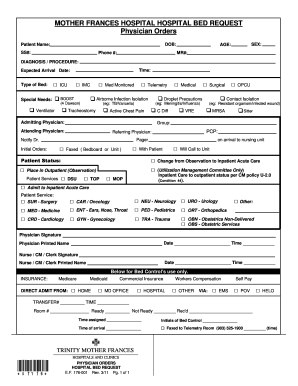
MOTHER FRANCES HOSPITAL HOSPITAL BED REQUEST Physician Orders - carenet tmfhs
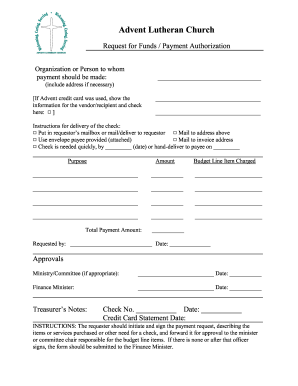
Check Request Voucher Form - Advent Lutheran Church - adventlc
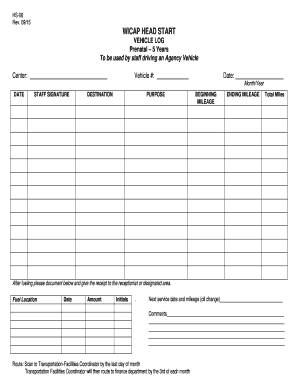
WICAP HEAD START VEHICLE LOG 5 Years To be used by staff
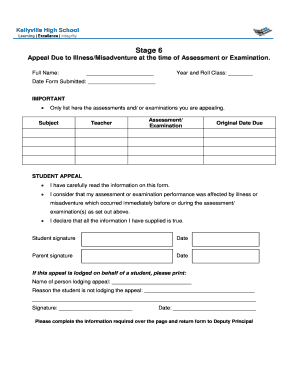
Stage 6 Appeal Due to IllnessMisadventure at the time of - kellyville-h schools nsw edu

Soccer evaluation form pdf

Vehicle Compliance Waiver - Vivid Racing

Ink sans fight no download
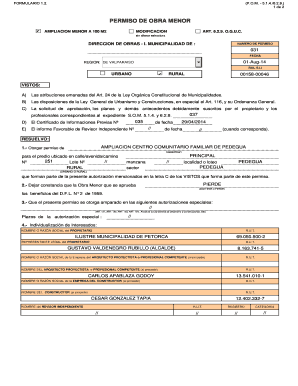
Permiso obra menor
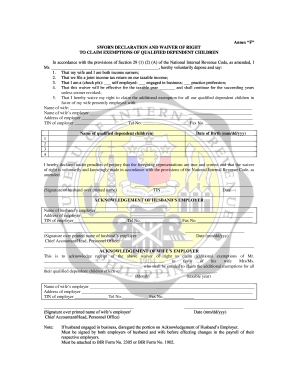
Sworn declaration form

TSCA Statement - alpiexpress
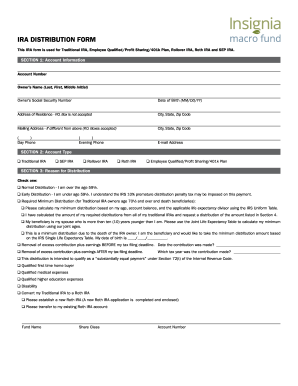
Ira distribution bformb - Insignia Macro Fund
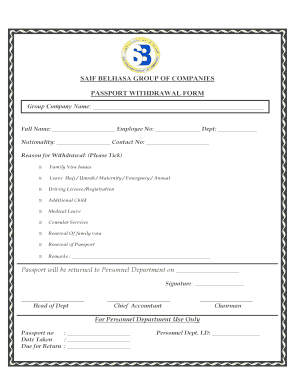
United arab emirates passport
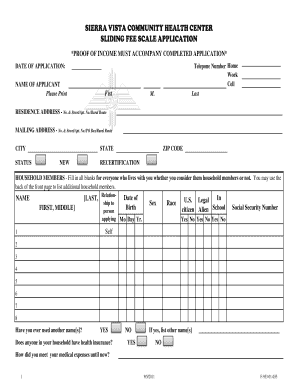
Sliding Fee Scale Application - Sierra Vista Hospital - svhnm
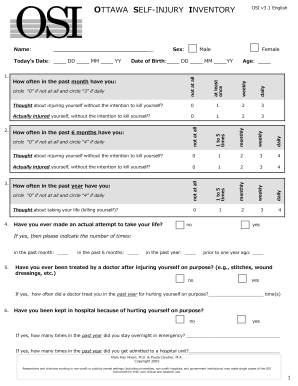
Ottawa self-injury inventory - Non-suicidal Self Injury in Youth - insync-group
Benefit from the DocHub online library of fillable PDF forms
Searching the PDF forms doesn't have to be a tedious and time-consuming process. With the DocHub online library, it has become easier to find the fillable PDF forms and modify them in your browser. The service allows you to adjust the document to your needs using powerful editing tools.
You can use online document editing features to modify almost any type of document with ease. You just need to find the template of your choice, open it in the editor, and use the toolbar to make the necessary corrections.
Follow this guide to get your document done with DocHub:
- Find the PDF template you need.
- Click the Get Form button to open the file in the editor.
- Use the toolbar to fill out and edit the document.
- Easily add and highlight text, insert images, checkmarks, and symbols.
- Drop new fillable fields, and rearrange or delete pages from your file.
- Save changes and download your record.
DocHub empowers everyone to streamline document editing, signing, and distribution, and form completion. Create an account and benefit from our well-organized PDF Forms library and comprehensive editor.