




01. Edit your coldwell banker open house sign in sheet online
Type text, add images, blackout confidential details, add comments, highlights and more.

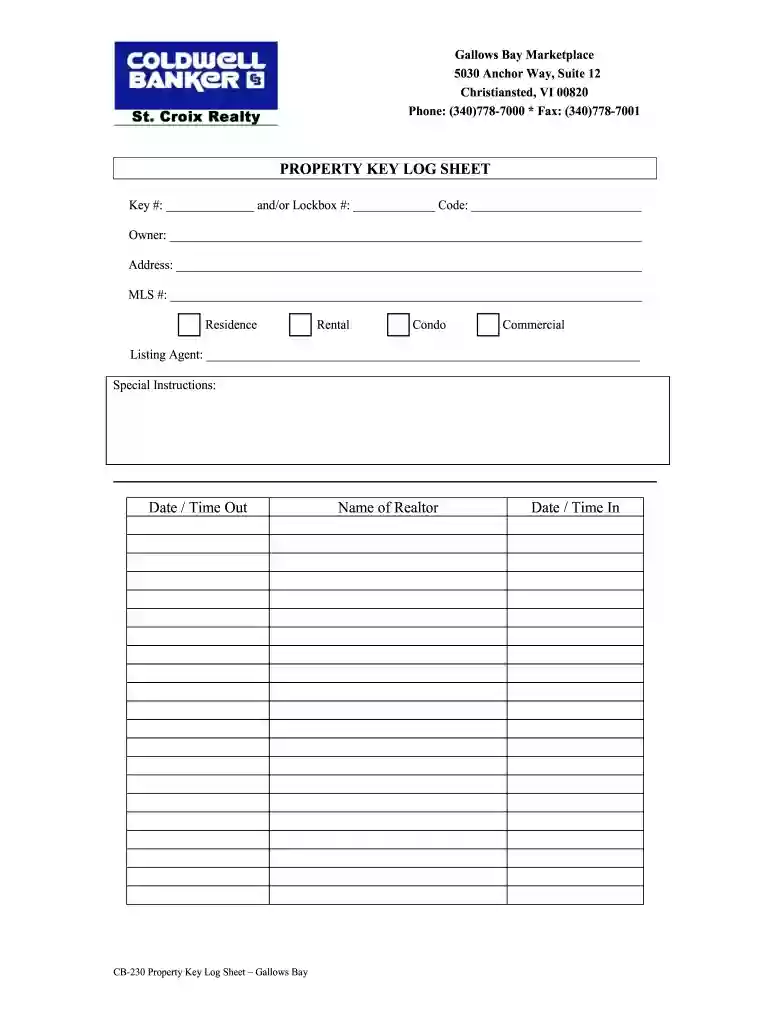
Type text, add images, blackout confidential details, add comments, highlights and more.

Draw your signature, type it, upload its image, or use your mobile device as a signature pad.

Send open house sign in sheet coldwell banker via email, link, or fax. You can also download it, export it or print it out.

Start using our platform today to streamline your document editing and signing process for free!
At DocHub, your data security is our priority. We follow HIPAA, SOC2, GDPR, and other standards, so you can work on your documents with confidence.
(v) A real estate broker shall deposit, not later than 2 banking days after the broker has received notice that an offer to purchase is accepted by all parties,Read more
Below are definitions relevant to the Real Estate Industry. Students and professionals may find this terminology useful.Read more
We have real human beings study accurate, up to date, real time real estate data. We look at the nuances of whats going on in your neighborhood and the


