
Get any PDF form from the DocHub library of ready-made templates - Page 1830
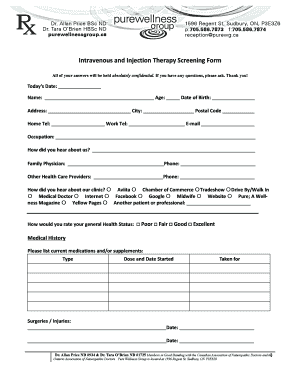
Iv therapy consent form template

Equivalence certificate

LOT RESERVATION AGREEMENT
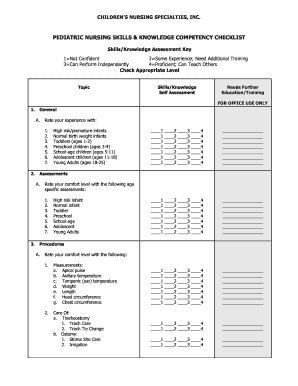
Pediatric nursing skills checklist
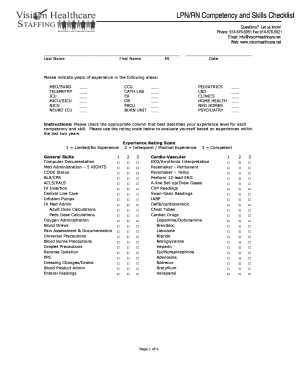
LPN/RN Competency and Skills Checklist - Vision Homecare ...
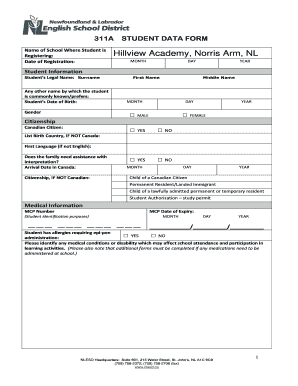
311A STUDENT DATA FORM - hillviewacademy.com
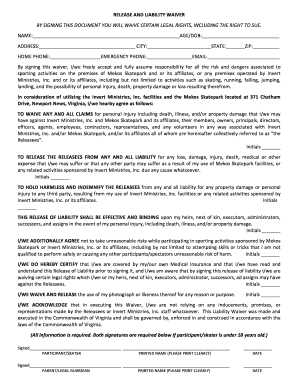
RELEASE AND LIABILITY WAIVER - Mekos Skate Park
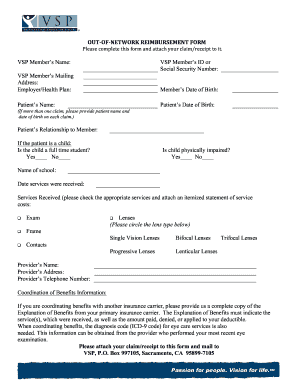
VSP Out-of-Network Reimbursement Form - Intuit Benefits
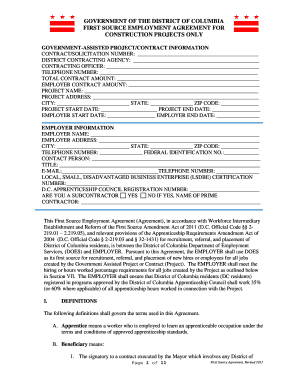
Dc first source agreement
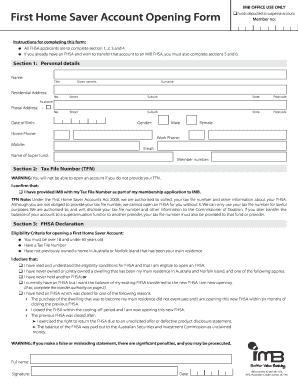
IMB OFFICE USE ONLY First Home Saver Account Opening Form
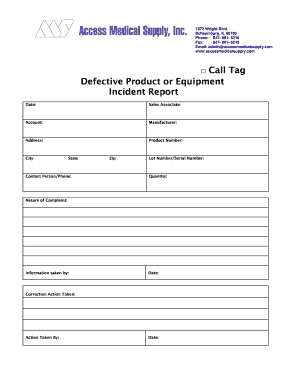
Product incident report
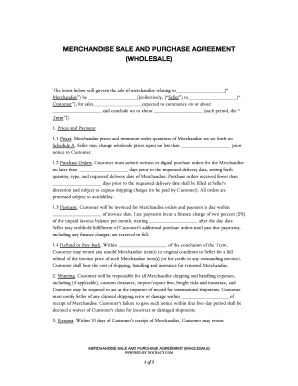
Wholesale product purchase agreement
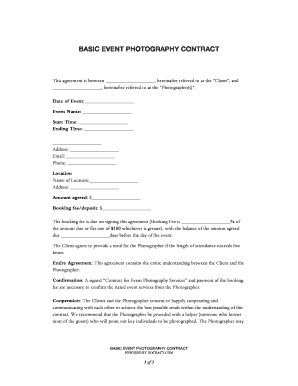
Basic photography agreement

COPYRIGHT OWNERSHIP AND LICENSE AGREEMENT

Pakyaw labor contract sample tagalog
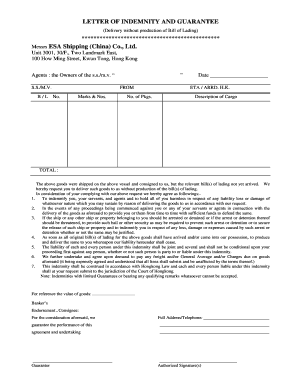
LETTER OF INDEMNITY AND GUARANTEE Messrs ESA Shipping ...
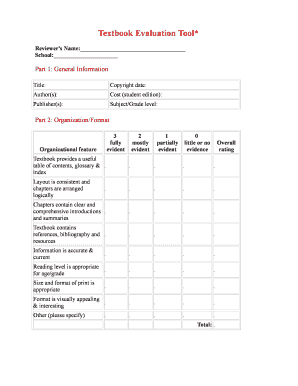
Textbook evaluation tool
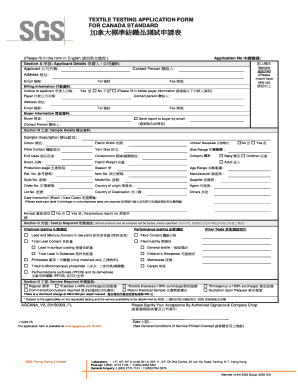
Sgs textile testing
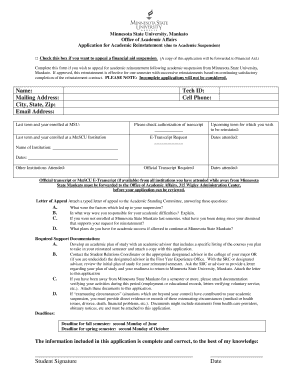
City, State, Zip: Email Address - Minnesota State University, Mankato - mnsu
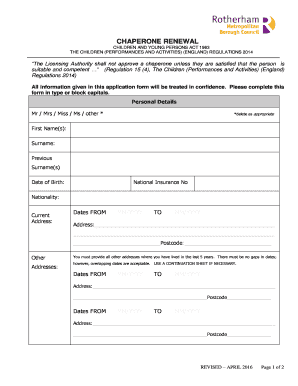
CHAPERONE RENEWAL - rotherham.gov.uk
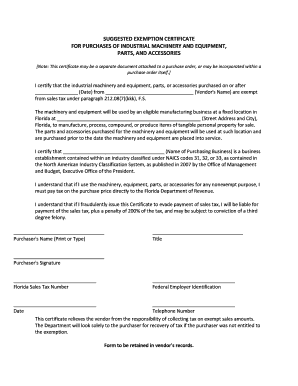
SUGGESTED EXEMPTION CERTIFICATE FOR PURCHASES OF ...
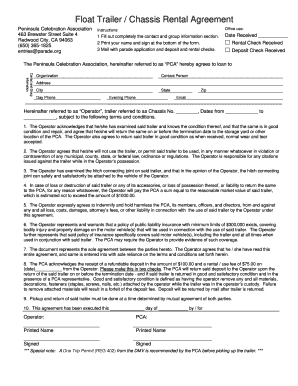
Float rental form parade
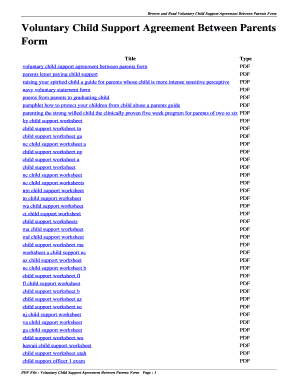
Simple child support agreement letter between parents
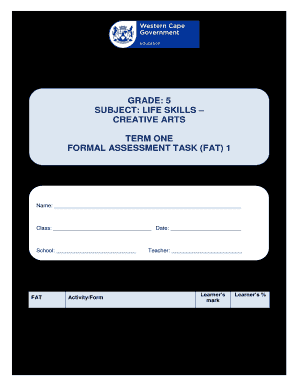
Creative arts grade 5 worksheets

Psq 2 form

Iacbt
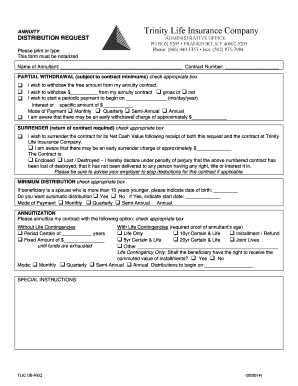
Annuity Distribution Request - Trinity Life Insurance Company
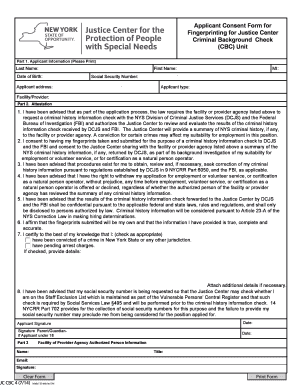
JC CBC 4 Applicant Consent for FP Form

Gymnastics sign up form.doc
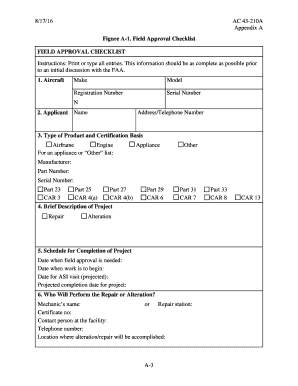
Ac 43 210a
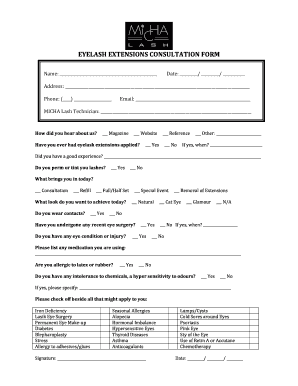
Client Consultation Form - Balance Esthetics & Spa - balancespa
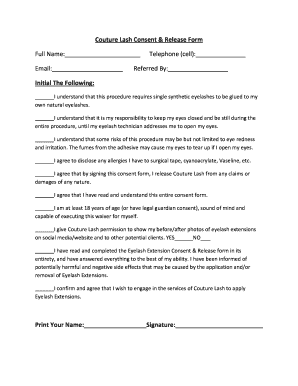
Couture Lash Consent & Release Form

EYELASH EXTENSIONS CONSENT FORM - lashescanada.com
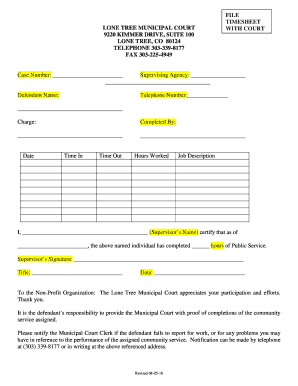
Lone tree municipal court
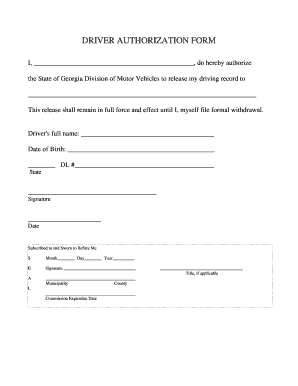
Vehicle authorization letter west bengal pdf download
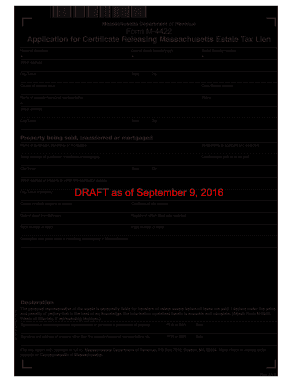
Form m 4422
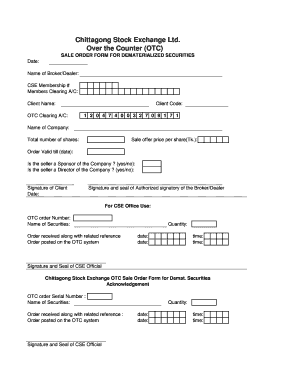
Chittagong stock exchange
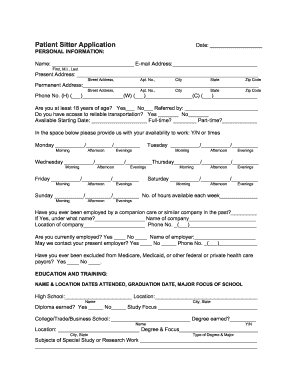
Patient sitter
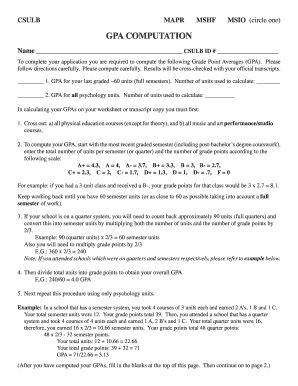
Cla csulb edu
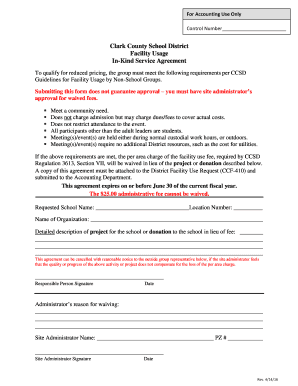
Kind agreement form

British Columbia Training and Education Savings Grant (BCTESG)
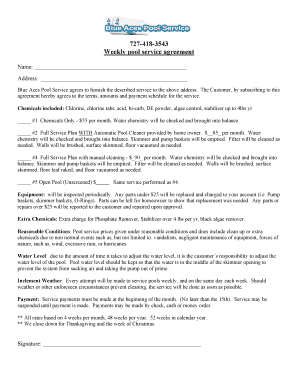
727-418-3543 Weekly pool service agreement - St. Petersburg FL ...

Rectification deed format pdf
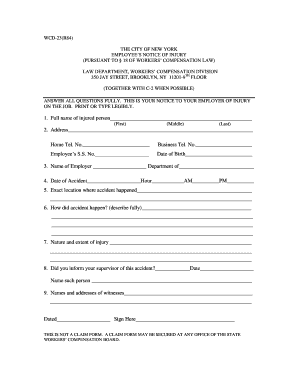
Ny wcd form
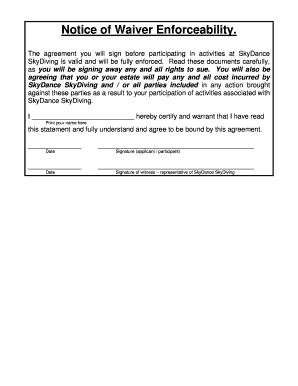
Notice of Waiver Enforceability. - SkyDance Skydiving
Vertafore FSC, Inc. Payment Enrollment Form

Winged republic
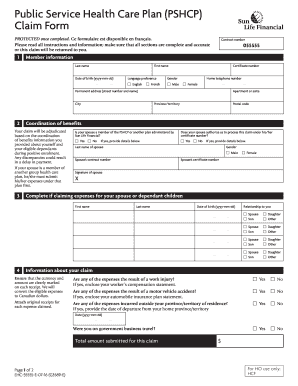
Gsmip

Powder puff football permission slip
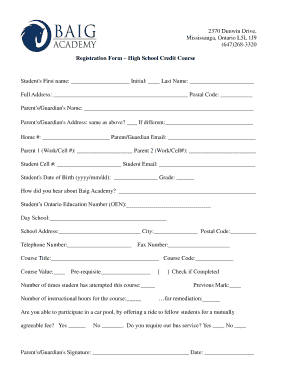
Baigacademy
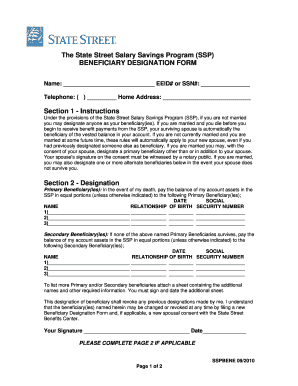
BENEFICIARY DESIGNATION FORM Section 1 - State Street ...
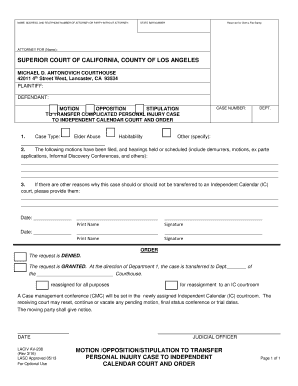
Calendar ic opposition printable
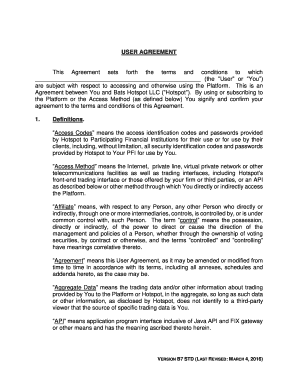
USER AGREEMENT This Agreement sets forth the ... - HotspotFX

Oasis medical spa
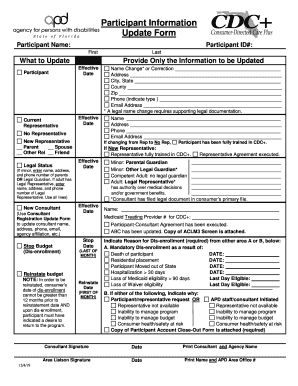
Participant information update form
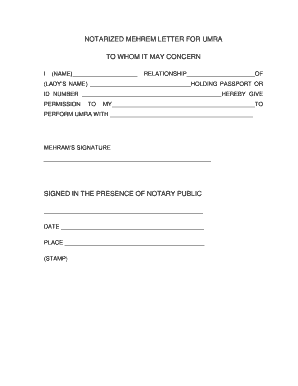
Notarized mehrem letter for umra to whom it may concern

Suzanne's Application for Employment - Homemades by Suzanne
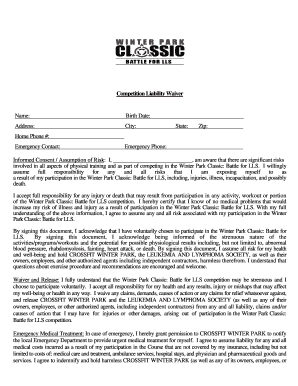
Download the Competition Waiver - Crossfit Winter Park

Important Dates Address: City/State/Zip: Telephone ...
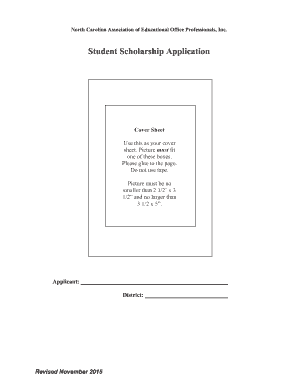
Ncaeop form
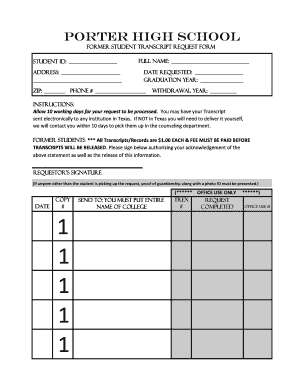
Tx high school transcript request

PDA Registration Form 1.pdf - Prestige Dance Academy
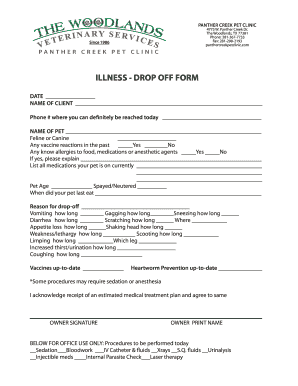
Illness/Injury Drop-Off Form - Grogan's Mill Pet Clinic

Medical history, immunization and physical examination record - ngu
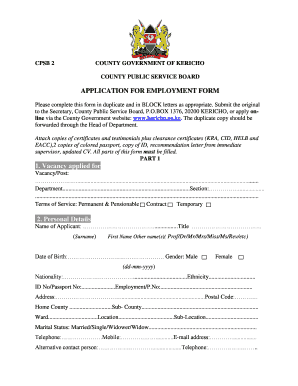
Application of ecd job kericho county online

PRIVATE HOME TUTORING REGISTRATION FORM

Marciak Performance Horse Camp Registration Form
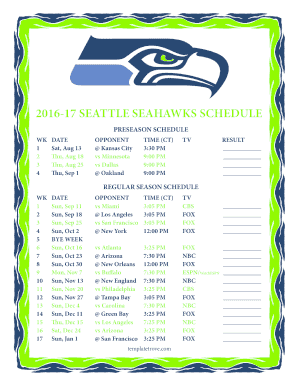
Seahawks schedule 2022 23 printable
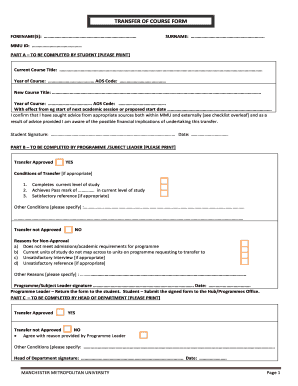
Mmu intercourse transfer
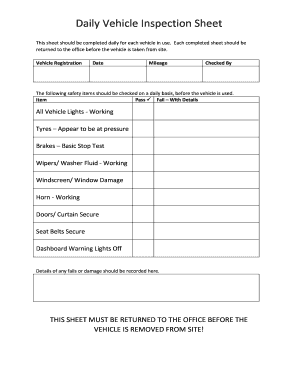
Daily Vehicle Inspection Sheet

Form 3023

Word study choice board

Pacu checklist
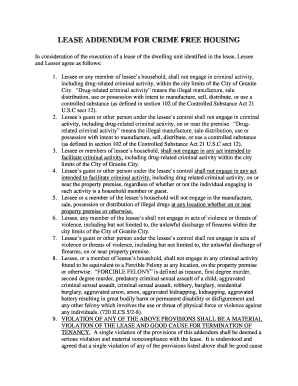
Crime Free Lease Addendum (00077742).DOCX - granitecity illinois
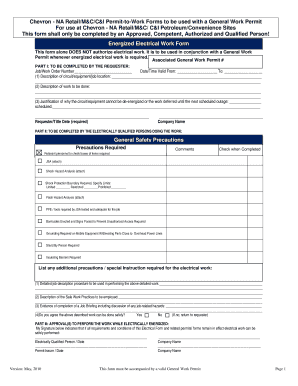
General work permit
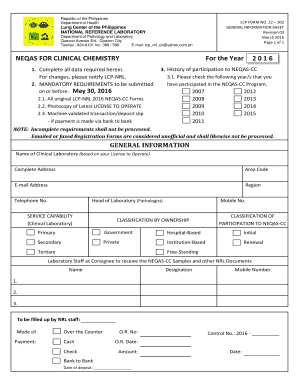
Neqas clinical chemistry 2022
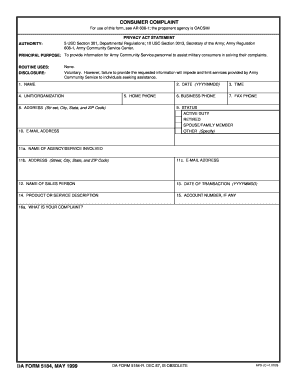
Form 5184
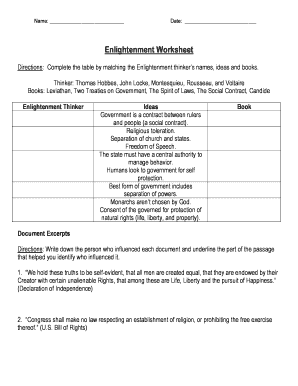
Enlightenment worksheet pdf answers
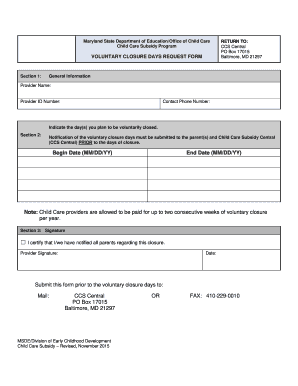
Voluntary closure request

Calculating your paycheck weekly time card 1

Govt school admission form pdf
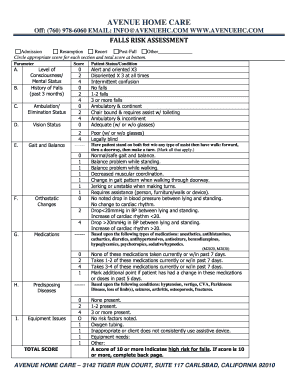
Nursing home risk assessment template
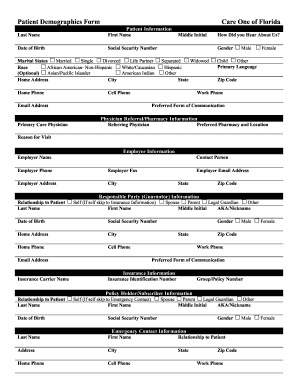
Patient Demographics Form Care One of Florida
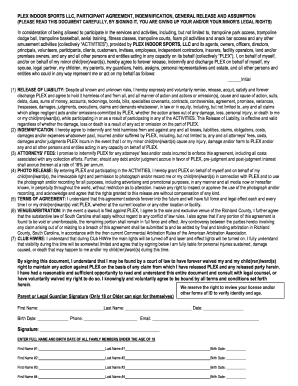
Hiwire waiver

Fakturaunderlag

Asian citrus psyllid declaration form

Contoh resume naik pangkat

Form dma
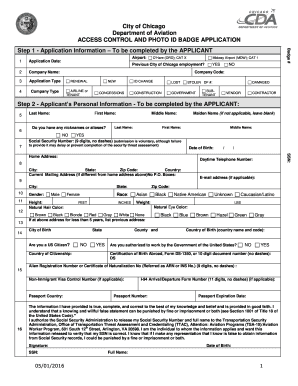
ACCESS CONTROL AND PHOTO ID BADGE APPLICATION
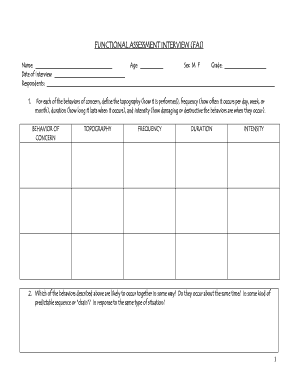
Fai aba

R 1042
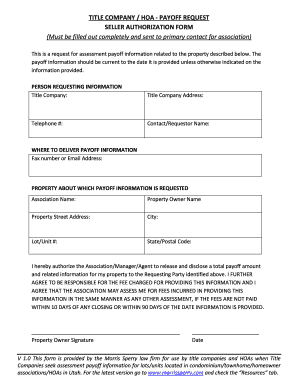
TITLE COMPANY / HOA - PAYOFF REQUEST

Handball score sheet pdf

Printable snowbird checklist
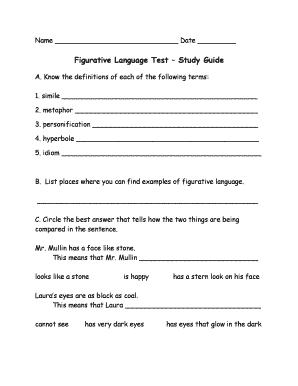
Figurative language study guide pdf
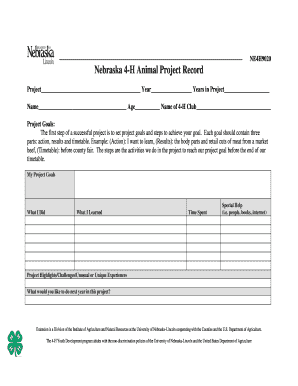
Nebraska 4-H Animal Project Record - extension unl
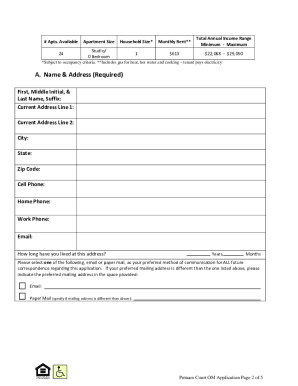
New york application apartment om

Austin bouldering project waiver
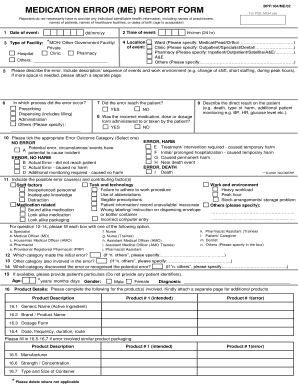
Medication error report form
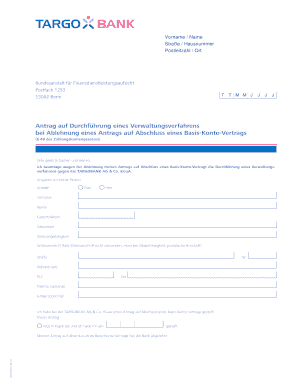
Antrag auf Durchf hrung eines Verwaltungsverfahrens bei ... - targobank
Benefit from the DocHub online library of fillable PDF forms
Searching the PDF forms doesn't have to be a tedious and time-consuming process. With the DocHub online library, it has become easier to find the fillable PDF forms and modify them in your browser. The service allows you to adjust the document to your needs using powerful editing tools.
You can use online document editing features to modify almost any type of document with ease. You just need to find the template of your choice, open it in the editor, and use the toolbar to make the necessary corrections.
Follow this guide to get your document done with DocHub:
- Find the PDF template you need.
- Click the Get Form button to open the file in the editor.
- Use the toolbar to fill out and edit the document.
- Easily add and highlight text, insert images, checkmarks, and symbols.
- Drop new fillable fields, and rearrange or delete pages from your file.
- Save changes and download your record.
DocHub empowers everyone to streamline document editing, signing, and distribution, and form completion. Create an account and benefit from our well-organized PDF Forms library and comprehensive editor.