




01. Edit your product incident report online
Type text, add images, blackout confidential details, add comments, highlights and more.

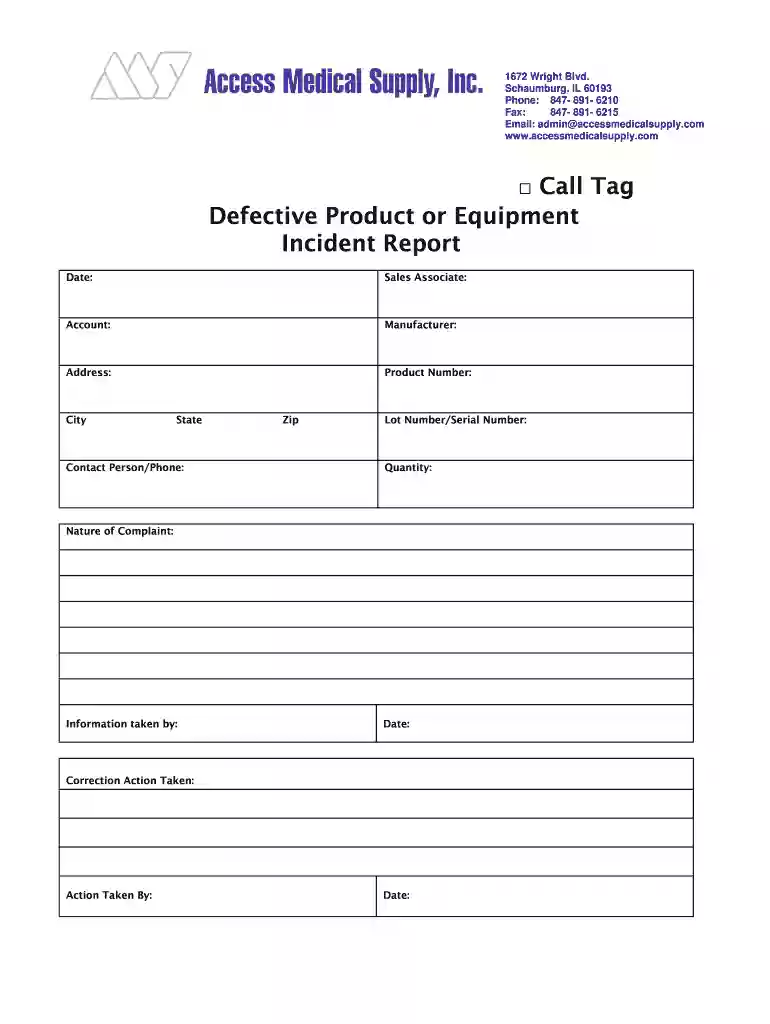
Type text, add images, blackout confidential details, add comments, highlights and more.

Draw your signature, type it, upload its image, or use your mobile device as a signature pad.

Send product incident report sample via email, link, or fax. You can also download it, export it or print it out.

Start using our platform today to streamline your product incident reporting process for free!
At DocHub, your data security is our priority. We follow HIPAA, SOC2, GDPR, and other standards, so you can work on your documents with confidence.
INCIDENT REPORT FORM INSTRUCTIONS. Use the Incident Report Form to report campus incidents and employee work related injuries. These incidents may includeRead more
An Incident Report is a record of a policy violation, accident or other type of event that needs to be recorded for investigation, analysis and remedial orRead more
You can file an unsafe product report online, over the phone, through email, or by regular mail. By Phone. Call CPSCs Hotline Monday through Friday from 8:00Read more


