
Get any PDF form from the DocHub library of ready-made templates - Page 1811
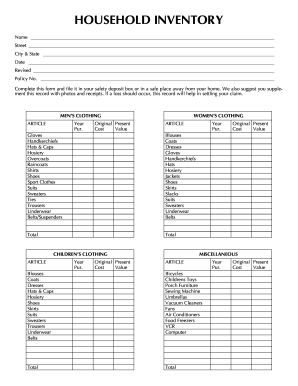
Household items list pdf
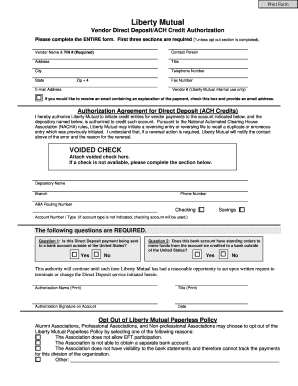
Liberty mutual workers comp direct deposit
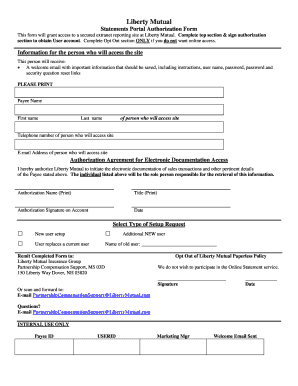
Electronic Documentation Form - Liberty Mutual
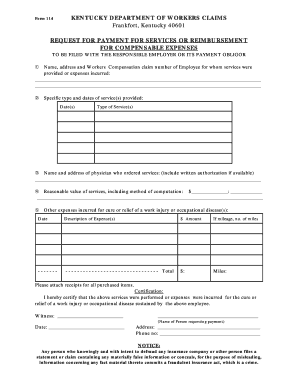
How to fill out a request for payment forservicee or reimbursement for compenable expenses form
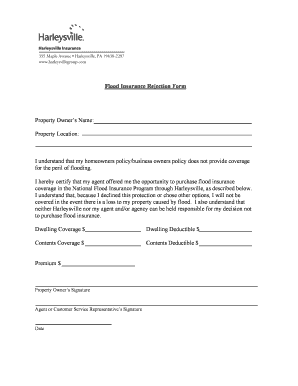
Flood rejection form
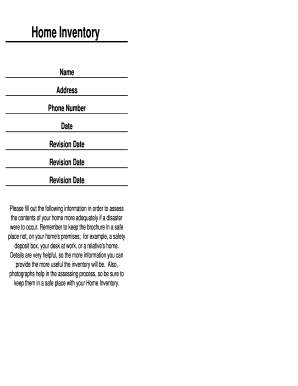
Fillable pantry inventory
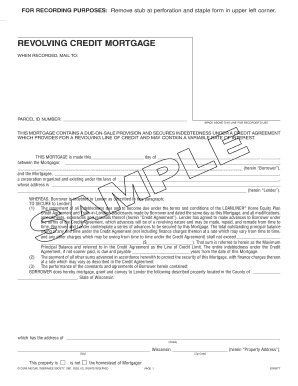
Revolving credit mortgage forms for florida

Payment coupon book template excel
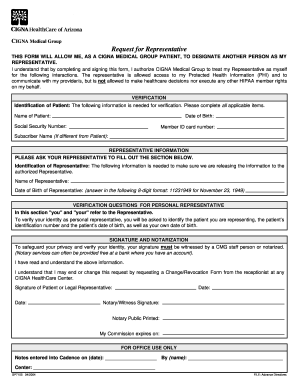
Request for Representative
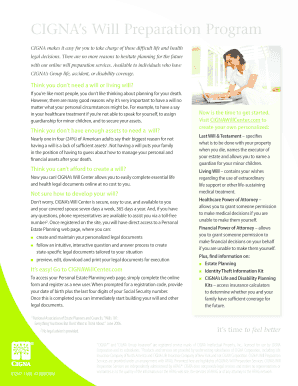
Cigna will center
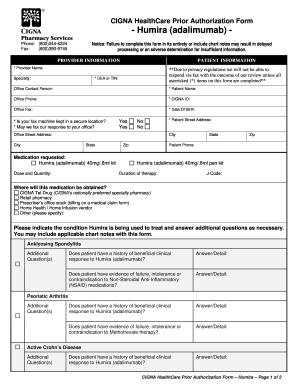
Cigna health assessment form
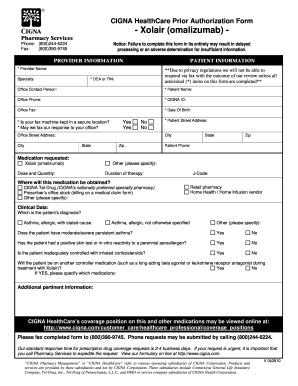
Cigna xolair prior authorization form
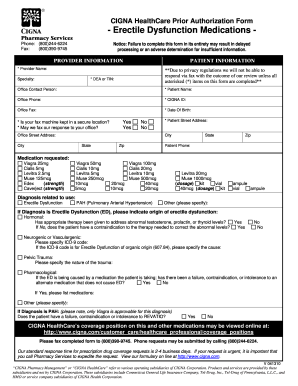
Erectoral

Health benefits waiver form
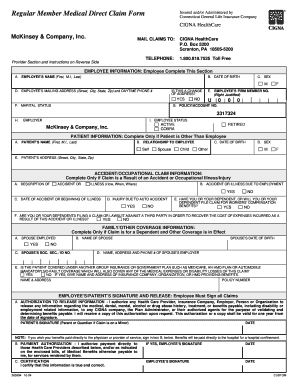
Cigna medical claim form
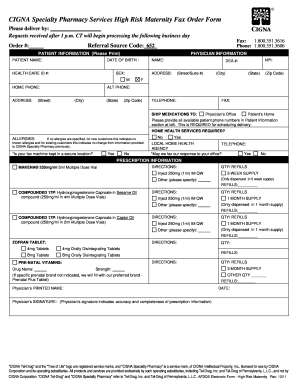
Cigna tel drug specialty pharmacy form
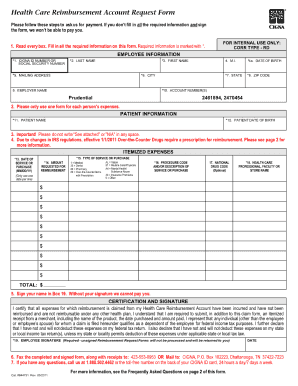
Cigna reimbursement form

Da 31 2009 form

Chubb forefront portfolio 3 0 renewal application
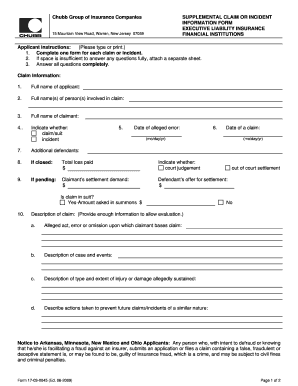
Insurance claim supplement form

Chubb insurance company mining industry application pdf fillable form
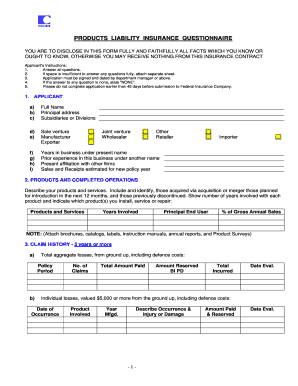
Flyers for insurance and management liability questionnaire
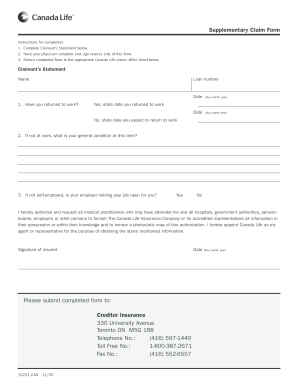
Canada life form claim
499r1b 2004 form
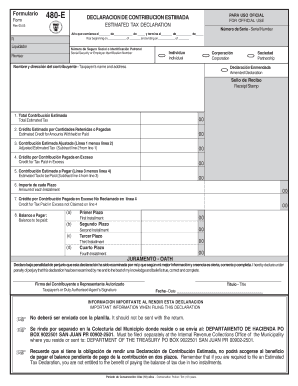
Formulario 480
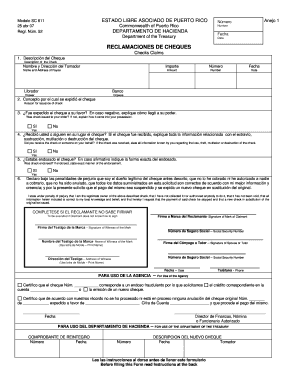
Sc 811
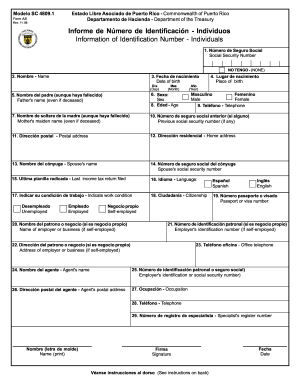
Sc 48091 form
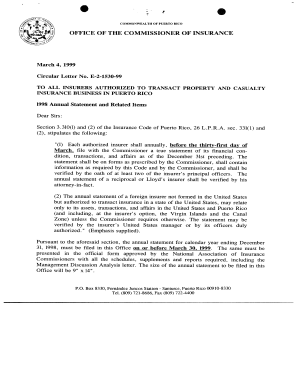
99-1530-2-E-ENGLISH.pdf - ocs gobierno
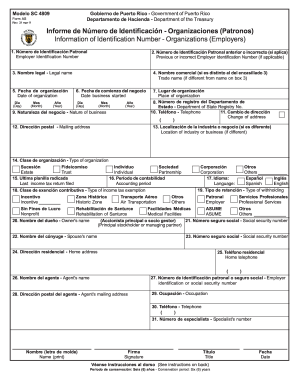
Modelo sc 4809 2011 form
Form 480 puerto rico

2011 form 48020 puerto rico 2000
Tax form 4810 rev 0110 2010
1902 bir 2012 form

Certificate of compliance minnesota workers compensation law
Joint petition for dissolution of marriage minnesota 2013 form
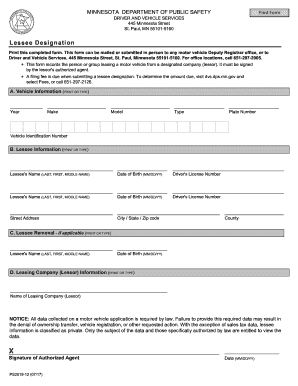
Mn lessee designation form
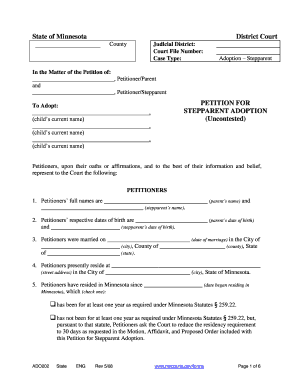
Petition For Stepparent Adoption - Minnesota Judicial Branch - courts mn
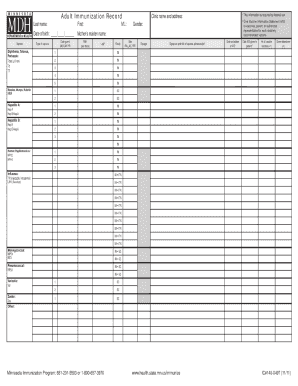
Mn immunization records m5 2011 form

Mn family court matter
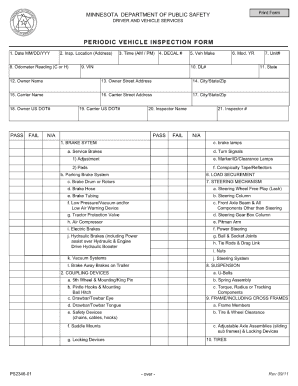
Mn dot inspection form

Affidavit of identification of judgment debtor

Har102 online version 2011 form
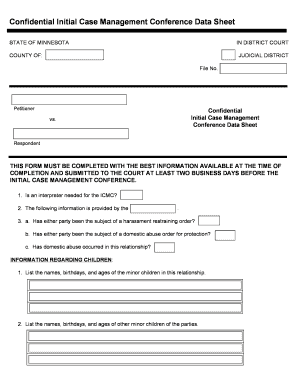
Case management initial assessment form

Dps for drug receipt 2010 form
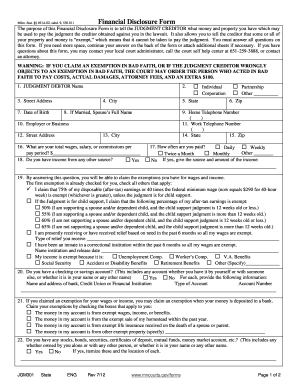
Mn financial disclosure

Mn state gambling form lg202 2011
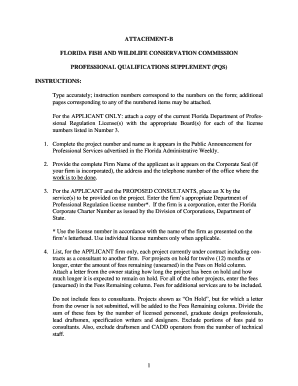
Fl pqs attachment b
Lease agreement template

Apd support plan
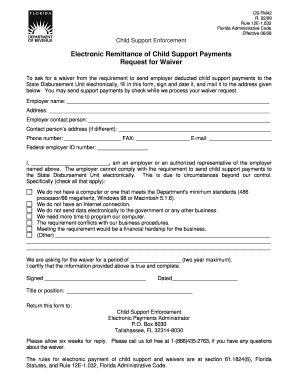
Child support eservices
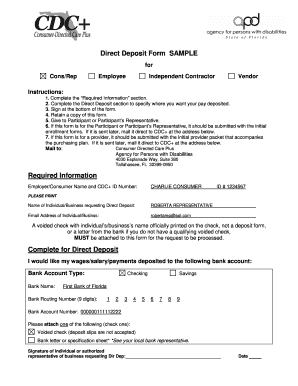
Contractor direct deposit form

Rights for certification

F 1120
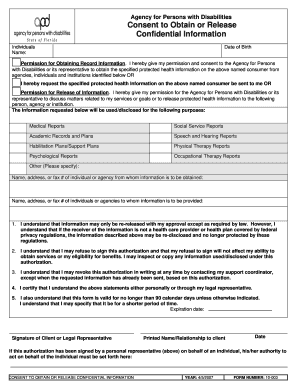
Form apd obtain information form
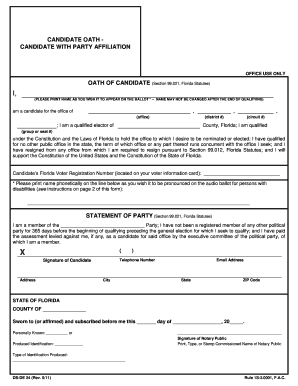
Ds de24
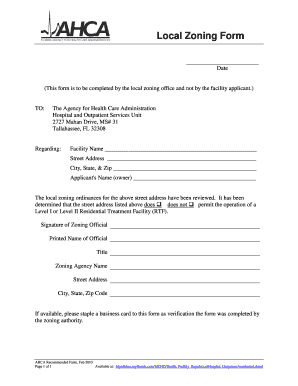
Zoning local ahca
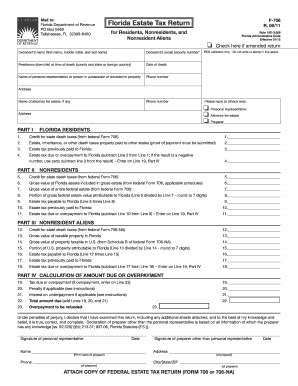
Florida estate tax return f 706 fillable online form
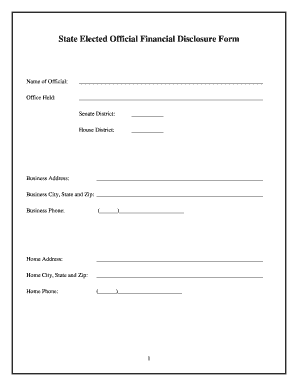
Wy disclosure
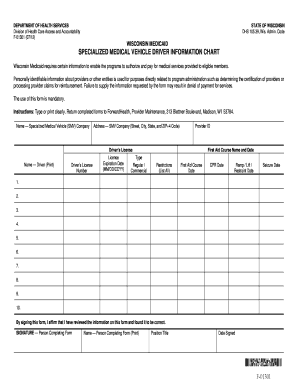
Specialized medical vehicle driver information chart f 01301
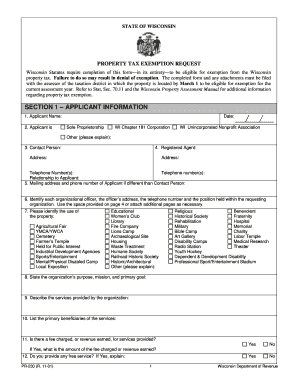
Wi dor pr 230 2001 form

Hipaa release form
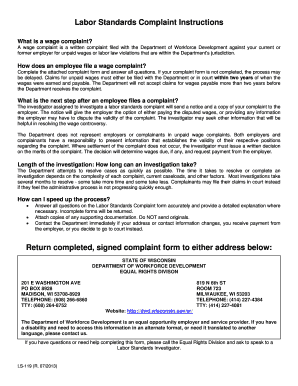
Ls 119 e pdf
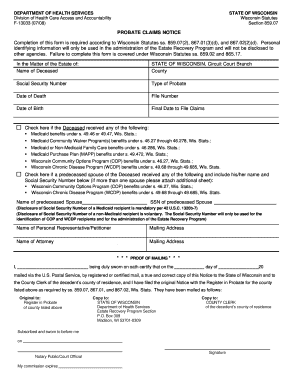
Probate wisconsin department
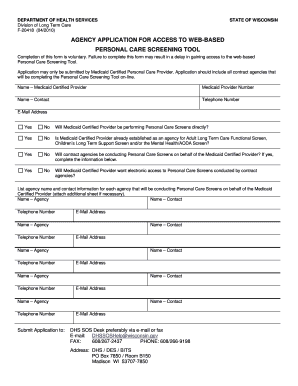
Personal care screening tool form
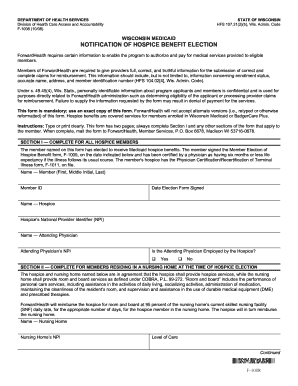
Notification hospice
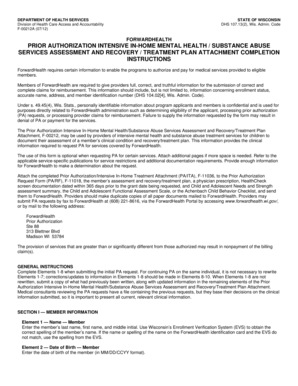
PRIOR AUTHORIZATION INTENSIVE IN-HOME MENTAL HEALTH / SUBSTANCE ABUSE SERVICES ASSESSMENT AND RECOVERY / TREATMENT PLAN ATTACHMENT COMPLETION INSTRUCTIONS, - dhs wisconsin
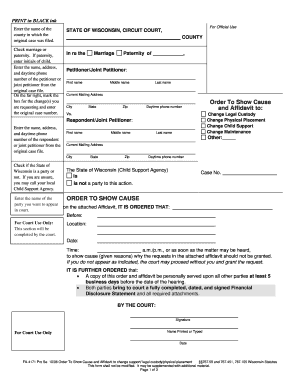
Racine county family court forms

Et7282
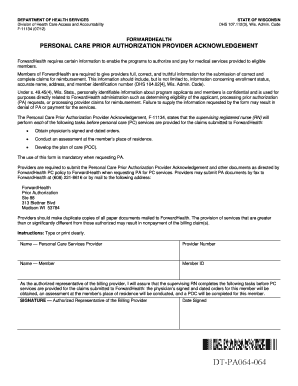
Forward health personal care addendum
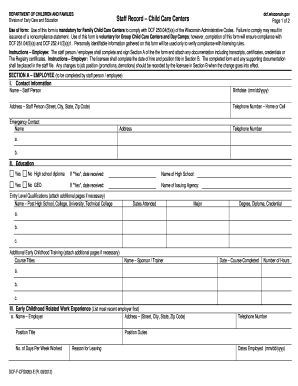
Dcf staff record

Foodshare 6 month review number
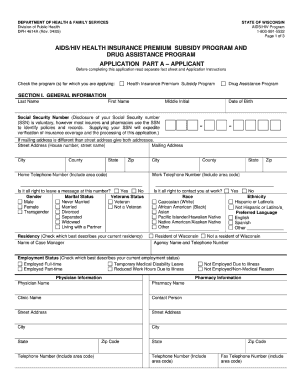
Buyers license application wisconsin
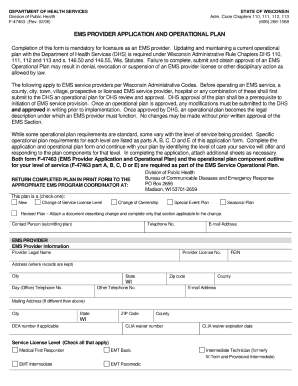
Wisconsin initial ems provider application form
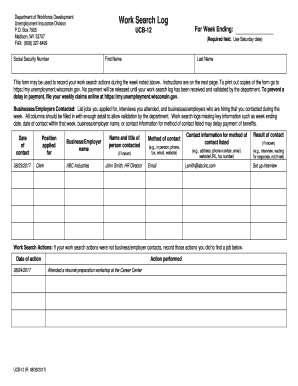
Dwd wisconsin gov dwd forms ui ucb 12 e htm
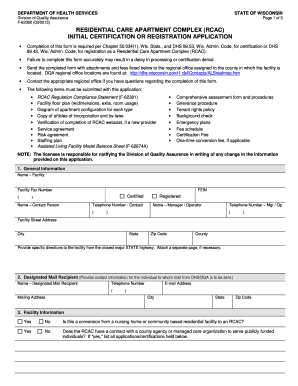
State of wisconsin chapter 500332m wis stats page 1of 4 2013 form
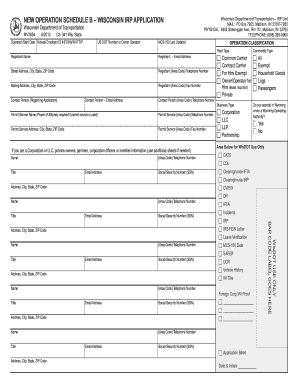
Mohost assessment tool pdf
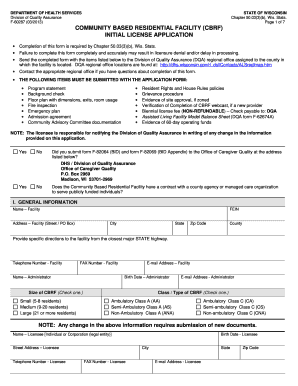
F 60287 2011 form

Wv peia prior authorization form
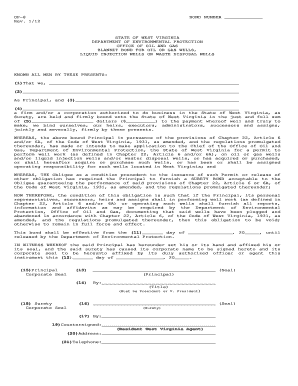
Op7 form

Peia health insurance
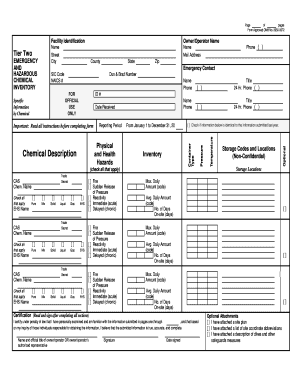
Fform omb no 2050 0072

Standard quotation and specification form virginia
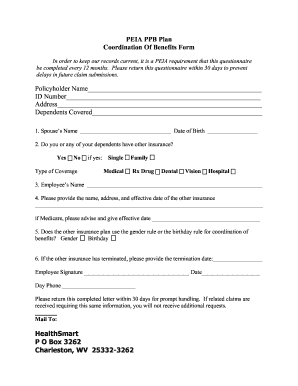
Wv peia benefits form

Dmv 101 ps2 2011 form
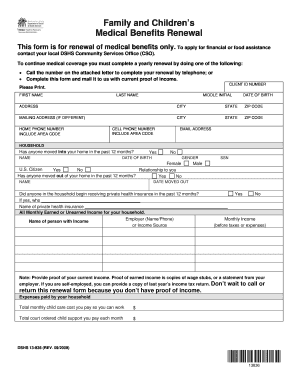
Dshs renewal

078 emd form
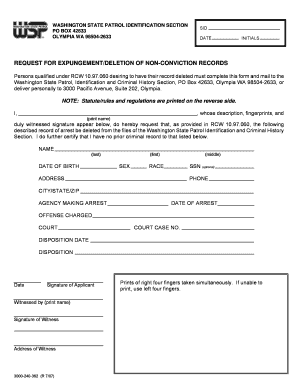
Request for expungement deletion of non conviction records

Washington state form liq 318
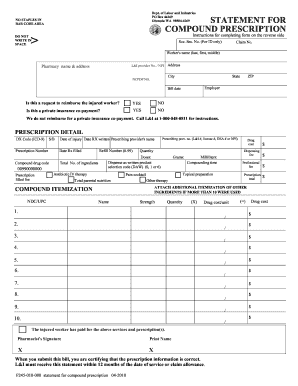
Cvs caremark compound prescription form template 2010
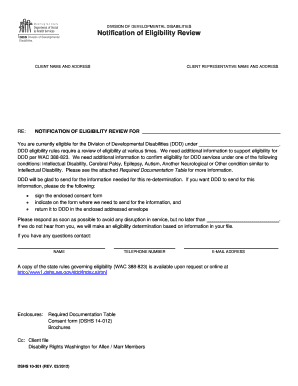
Dshs food stamps
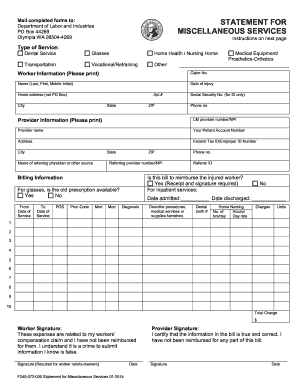
F245 072 000

Wslcb form liq 871

Wa dol hearing dui indigent 2012 form
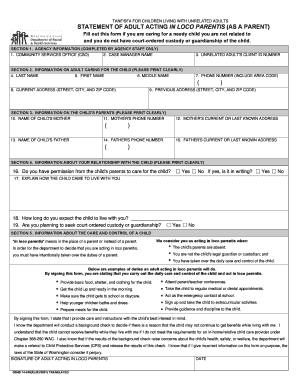
In loco parentis affidavit
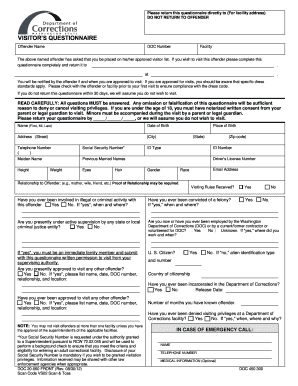
Notification change of ownership wa 2012 form
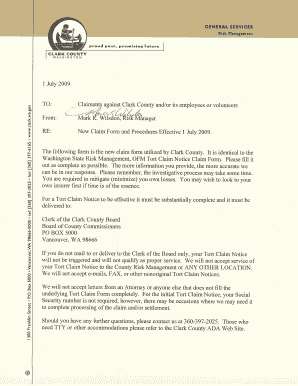
Clark county washington tort claim form
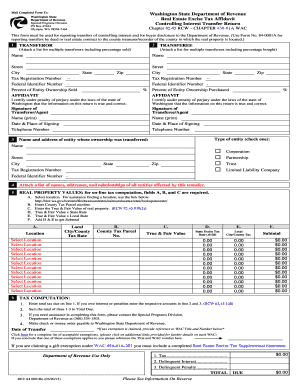
Washington rev 84 0001b 2012 form

Dshs release of information form
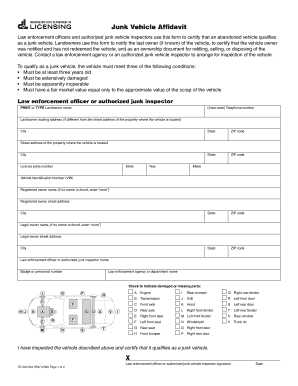
Junk vehicle affidavit
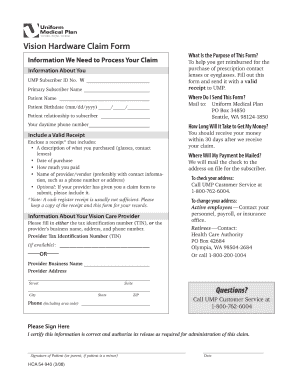
Application forms for ump
Benefit from the DocHub online library of fillable PDF forms
Searching the PDF forms doesn't have to be a tedious and time-consuming process. With the DocHub online library, it has become easier to find the fillable PDF forms and modify them in your browser. The service allows you to adjust the document to your needs using powerful editing tools.
You can use online document editing features to modify almost any type of document with ease. You just need to find the template of your choice, open it in the editor, and use the toolbar to make the necessary corrections.
Follow this guide to get your document done with DocHub:
- Find the PDF template you need.
- Click the Get Form button to open the file in the editor.
- Use the toolbar to fill out and edit the document.
- Easily add and highlight text, insert images, checkmarks, and symbols.
- Drop new fillable fields, and rearrange or delete pages from your file.
- Save changes and download your record.
DocHub empowers everyone to streamline document editing, signing, and distribution, and form completion. Create an account and benefit from our well-organized PDF Forms library and comprehensive editor.