Type text, add images, blackout confidential details, add comments, highlights and more.
02. Sign it in a few clicks
Draw your signature, type it, upload its image, or use your mobile device as a signature pad.
03. Share your form with others
Send it via email, link, or fax. You can also download it, export it or print it out.
How to use or fill out notification hospice with our platform
Ease of Setup
DocHub User Ratings on G2
Ease of Use
DocHub User Ratings on G2
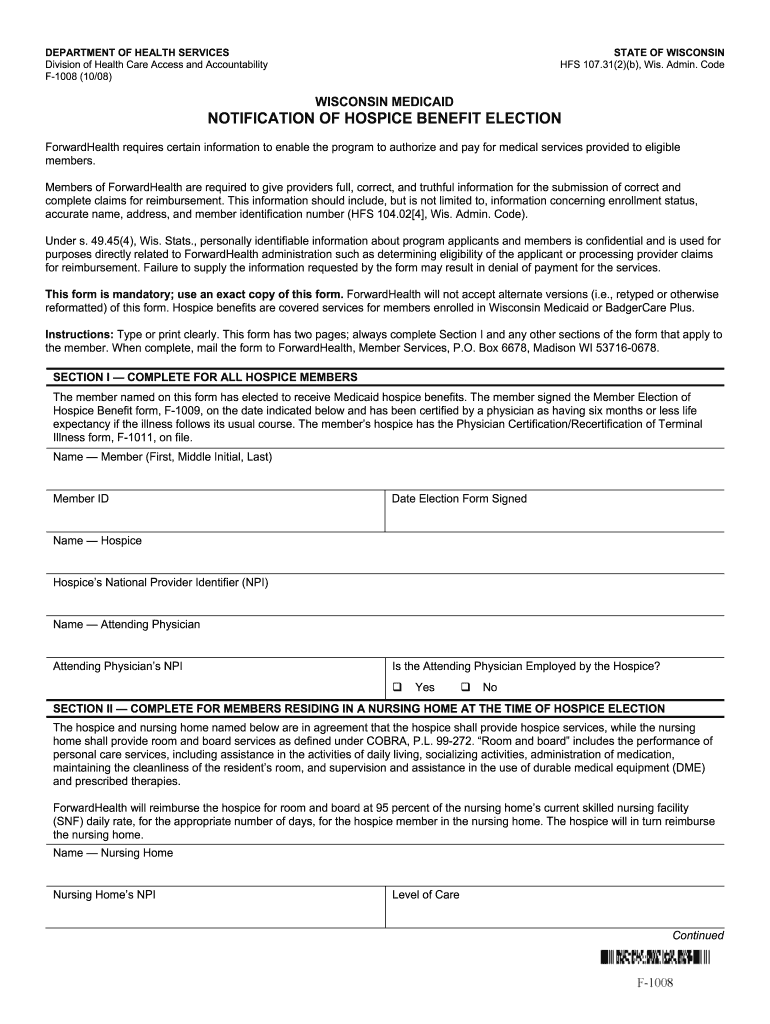
Click ‘Get Form’ to open the notification hospice document in the editor.
Begin with Section I, which is mandatory for all hospice members. Fill in the member's full name, Member ID, and the date when the Member Election of Hospice Benefit form was signed.
Next, provide details about the hospice by entering its name and National Provider Identifier (NPI). Include information about the attending physician and their NPI as well.
Indicate whether the attending physician is employed by the hospice by selecting 'Yes' or 'No'.
If applicable, complete Section II for members residing in a nursing home at the time of election. Enter the nursing home's name and NPI, along with its level of care.
For members entering a nursing home after hospice admission, fill out Section III with similar details about the nursing home and include the date admitted.
If revoking hospice benefits, complete Section IV by providing necessary details such as Member ID and date signed on the revocation form.
Once all sections are completed accurately, save your changes and follow instructions to submit it to ForwardHealth.
Start using our platform today to easily fill out your notification hospice form for free!
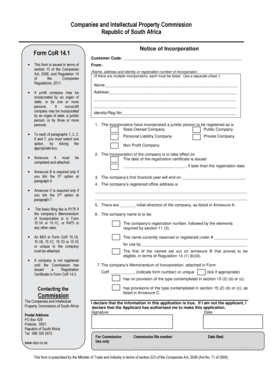
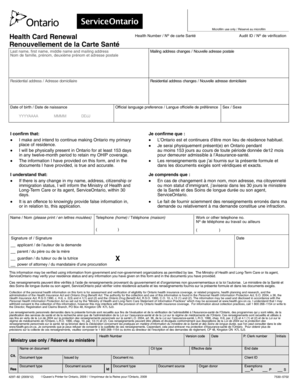
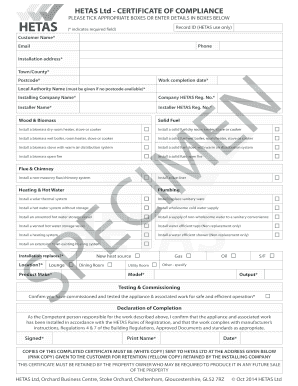
We've got more versions of the notification hospice form. Select the right notification hospice version from the list and start editing it straight away!
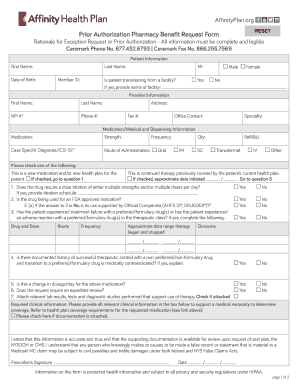
CONTAINS CONFIDENTIAL PATIENT INFORMATION and Depot Complete form in its entirety and fax to: Empire Pharmacy Management (EPM) at (845)6953191 or (845)6953804 Or Mail to: Prior Approval Department Box 5099, Middletown, NY
CONTAINS CONFIDENTIAL PATIENT INFORMATION and Depot Complete form in its entirety and fax to: Empire Pharmacy Management (EPM) at (845)6953191 or (845)6953804 Or Mail to: Prior Approval Department Box 5099, Middletown, NY
The document is a prior authorization form for the medication Lupron and Lupron Depot, used for various medical conditio ...
Envisioning Perinatal Hospice Notification Laws that Inform
by A Flakus 2020 Cited by 2 Several states have passed perinatal hospice notification laws, which differ in scope but generally require certain pregnant individuals to receive aRead more
Cookie consent notice
This site uses cookies to enhance site navigation and personalize your experience.
By using this site you agree to our use of cookies as described in our Privacy Notice.
You can modify your selections by visiting our Cookie and Advertising Notice.