
Get any PDF form from the DocHub library of ready-made templates - Page 1705

Initial Intake Form and Coaching Agreement - Dr Thomas Lucking ...
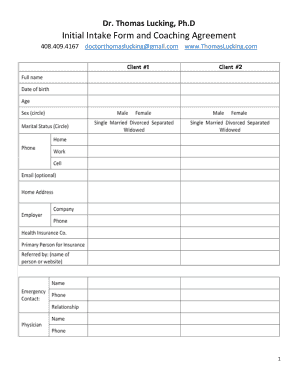
Thomas Lucking, Ph
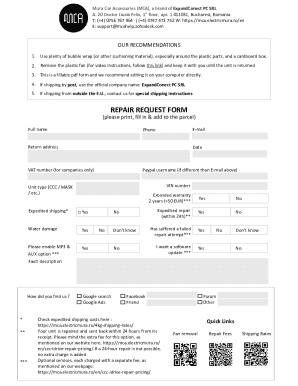
Mca mura car template

Oxford fixed annuity forms

Vl17
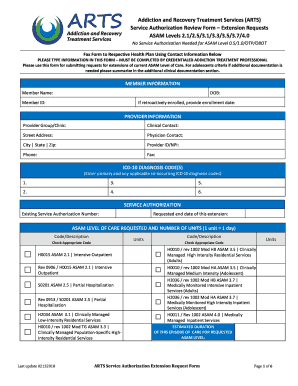
Medicare - Virginia Premier
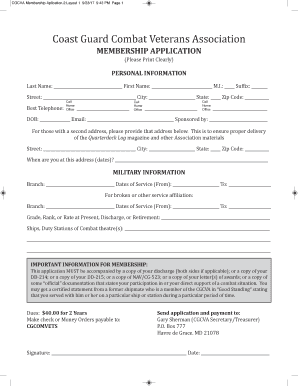
Cgcva

Royal oak dog park

Employee refund
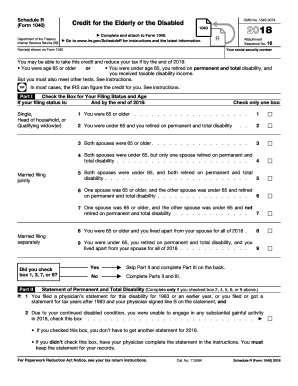
Form 1040 printable
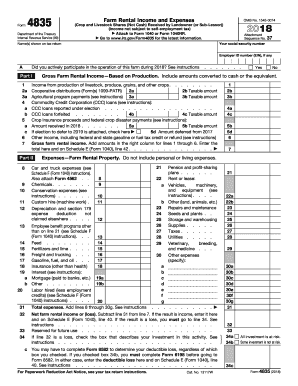
Irs farm rental form 2017
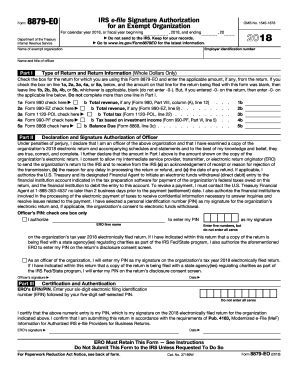
Form 8879 eo 2018
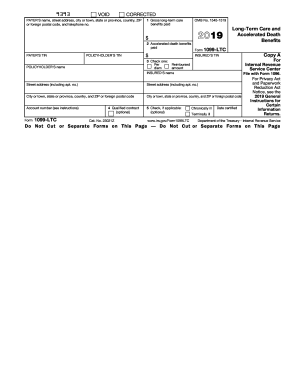
1099 ltc
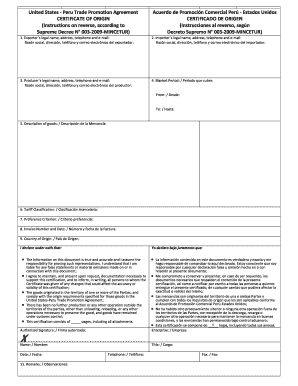
Peru Trade Promotion Agreement CERTIFICATE OF ORIGIN
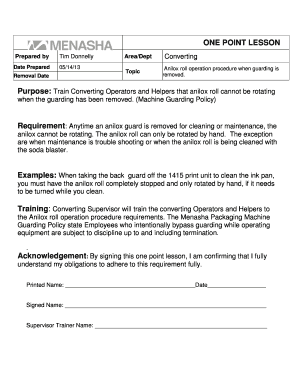
One point lesson excel format
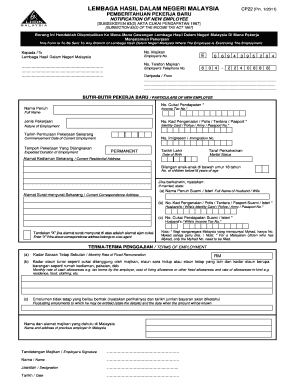
Cp 22
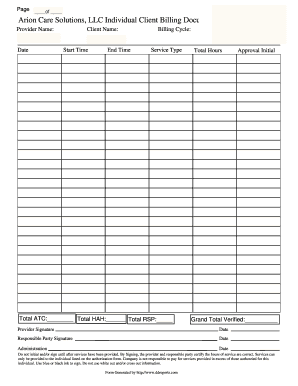
Arion Care Solutions, LLC Individual Client Billing Document
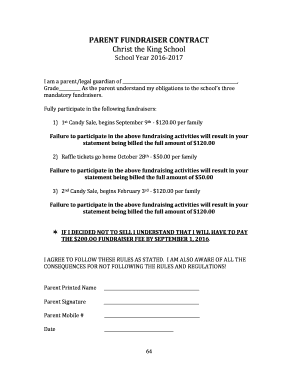
Parent Fundraiser Contract - Christ the King School

Eagle scout resume template
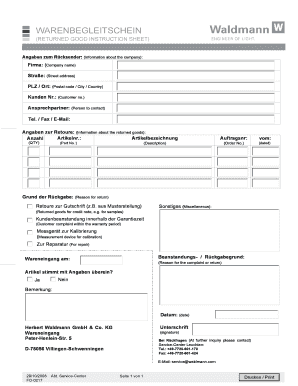
Warenbegleitschein - Herbert Waldmann GmbH & Co. KG
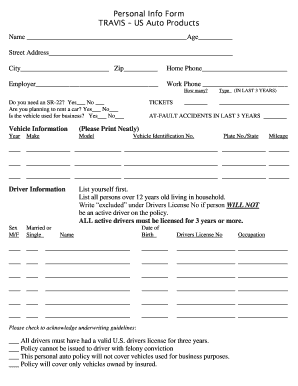
Inf form
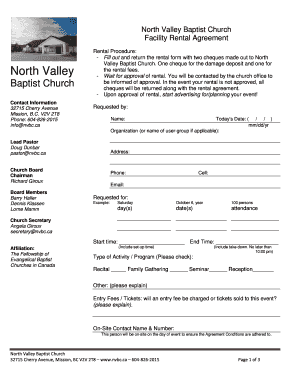
Building use rental agreement
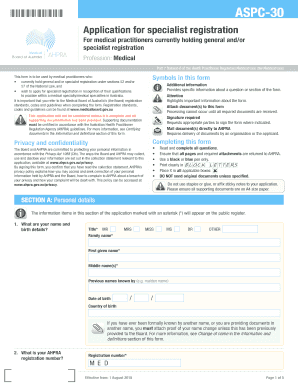
Aspc 30
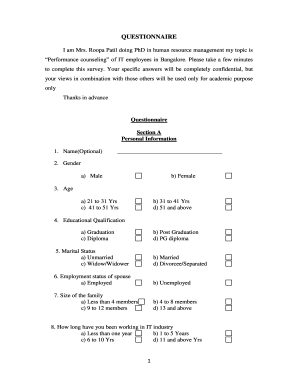
Hr questionnaire for employees pdf
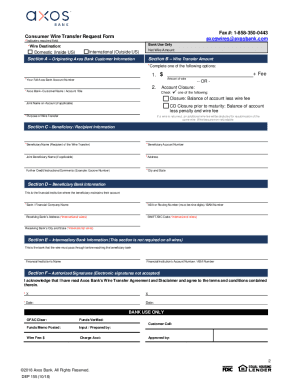
Consumer wire instructions and request form wire ... - Axos Bank
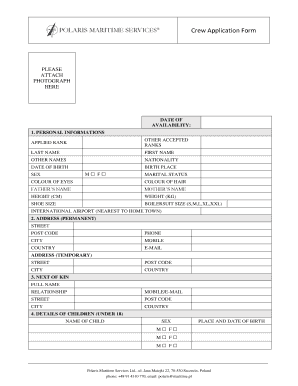
Polaris szczecin aplikacja
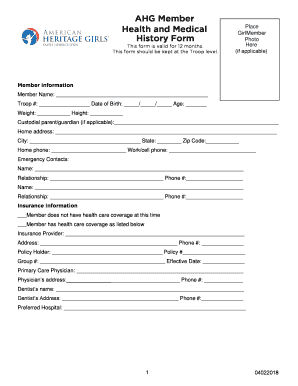
Ahg health medical
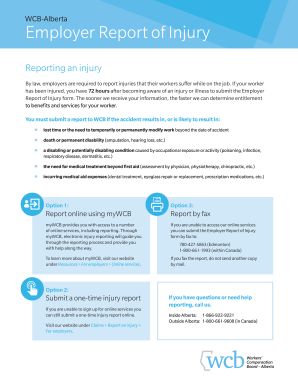
C040
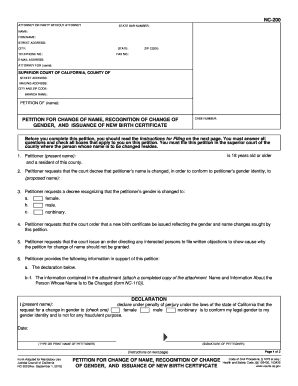
Nc 200

CIV-151 Application to be Relieved as Attorney on Completion of Limited Scope Representation. Judicial Council forms

V55 4
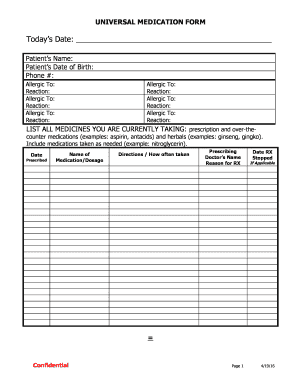
Universal-Medication-Form-USE
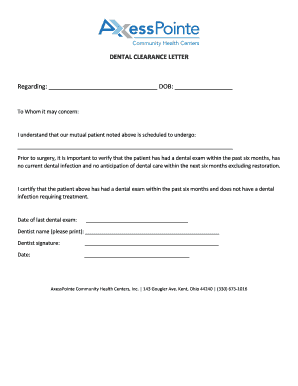
Dental clearance letter

Weight Gym Induction
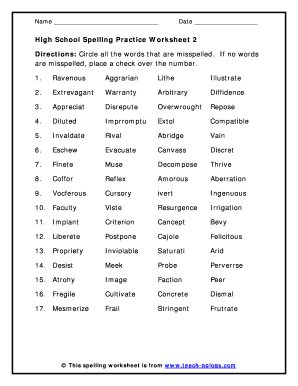
High school vocabulary
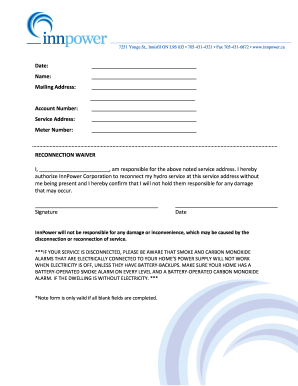
Reconnection Waiver - InnPower
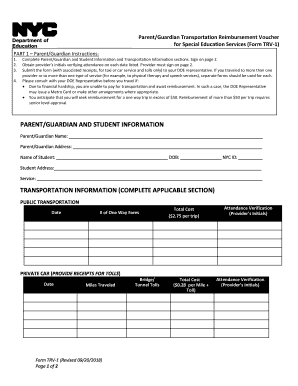
Parent-Guardian Transportation Reimbursement Voucher Form TRV1 09

Form compensation scheme
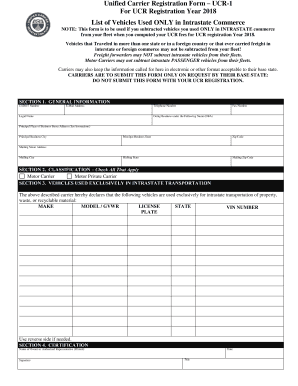
Unified Carrier Registration Form UCR-1 For UCR Registration ...

Form 13 ms21461553 classification form
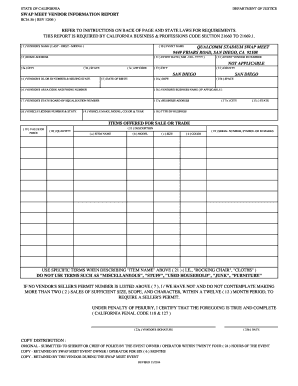
Swap meet vendor information report refer to instructions on back of ...
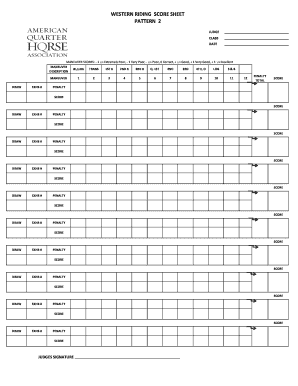
AQHA - Professional Horse Services, LLC
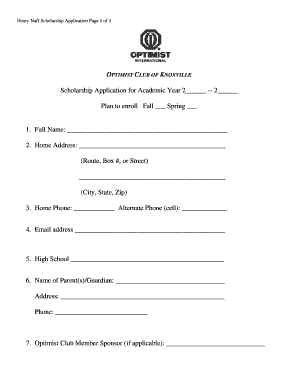
Here - Optimist Club of Knoxville
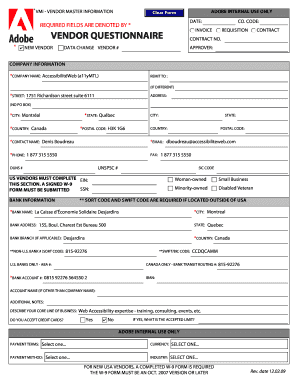
Vendor questionnaire - ecitydoc
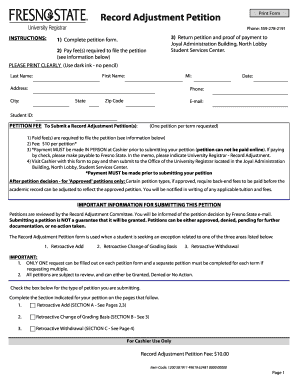
Record Adjustment Petition form - Fresno State
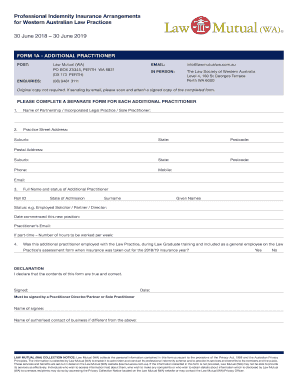
FORM 1A - ADDITIONAL PRACTITIONER
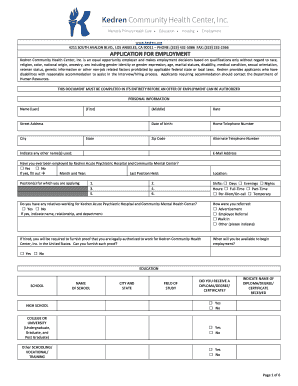
Application for employment - Kedren Community Health Center, Inc.
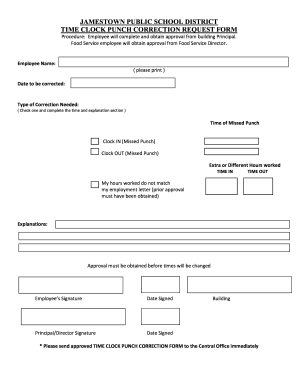
Printable time clock correction form
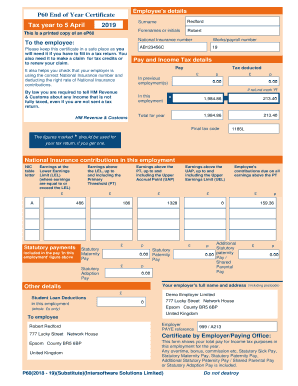
P60 End of Year Certificate Tax year to 5 April 2019 - Payroo Training
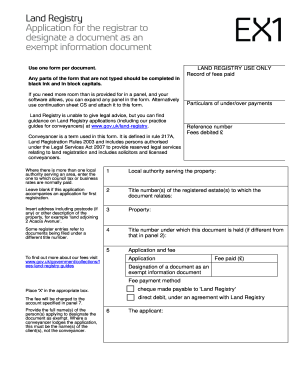
Ex1 document
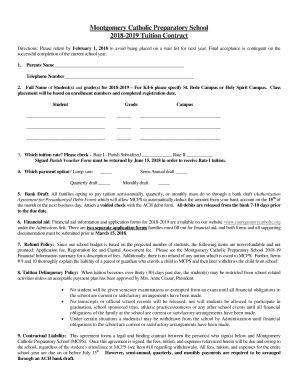
Parish Voucher Form - Montgomery Catholic

FATCA and CRS DECLARATION of legal entities I ... - MKB Bank
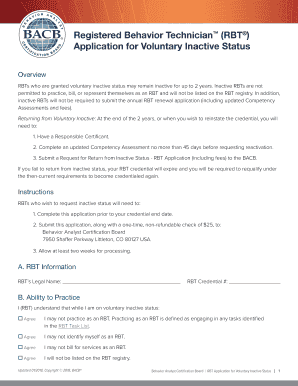
Rbt voluntary inactive status
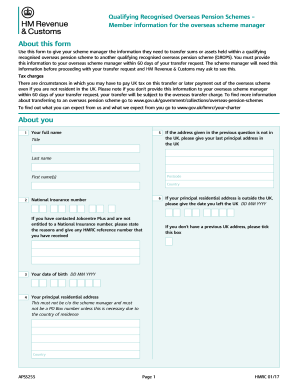
Hmrc form c1603

Ocfs fingerprint waiver
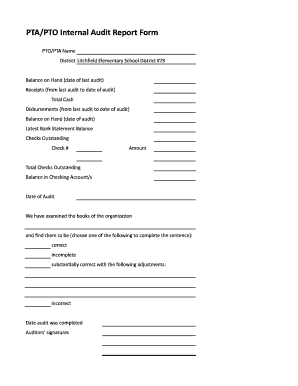
Pto audit form

Maryland dllr installation boiler form
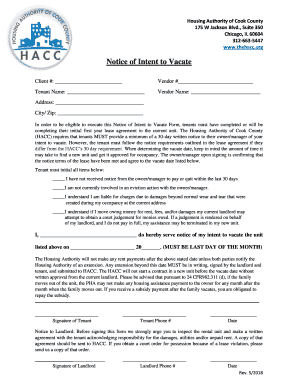
175 W Jackson Blvd
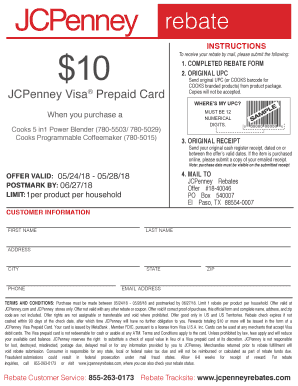
Jcpenney rebates
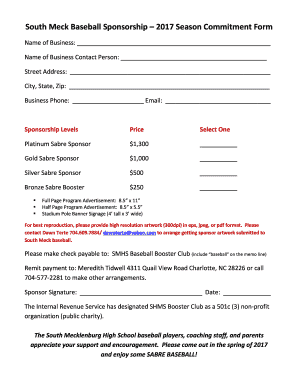
South Meck Baseball Sponsorship 2017 Season Commitment Form
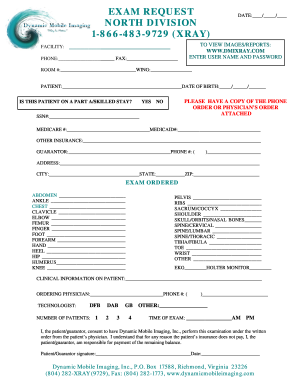
Requist form ultrasound
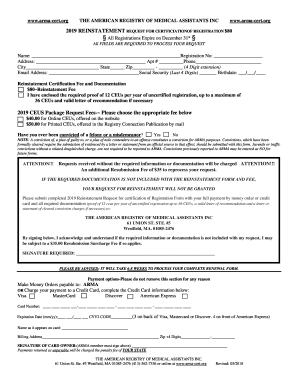
Arma cert
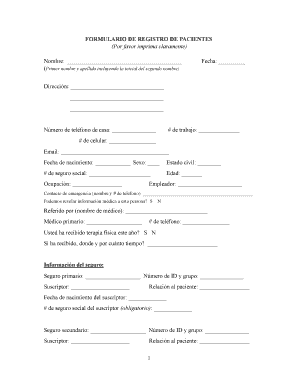
Printable spanish patient registration form
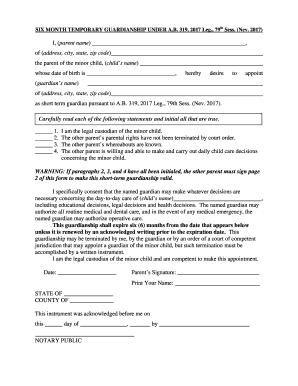
Six-Month Temporary Guardianship Agreement (pdf fillable)
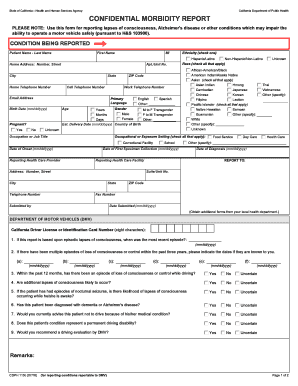
Ca cdph confidential morbidity report
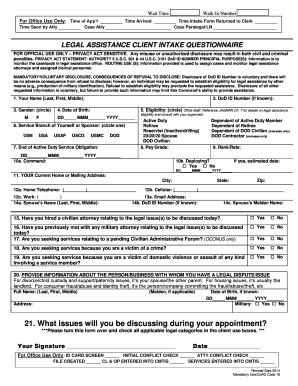
Client Intake Form - Navy JAG
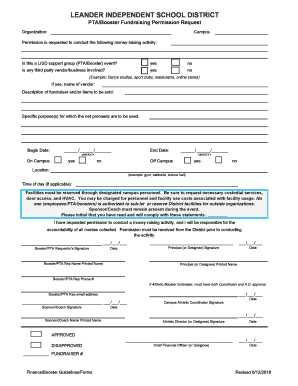
PTA/Booster Fundraising Permission Request - Leander ISD
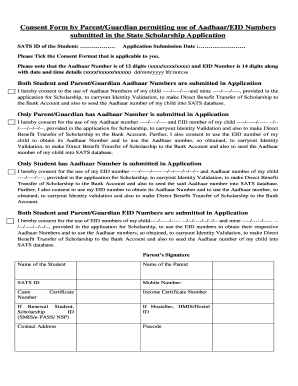
Aadhaar consent form in kannada
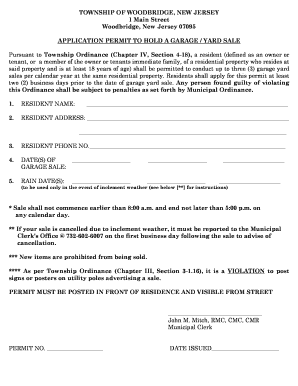
Woodbridge township garage sale
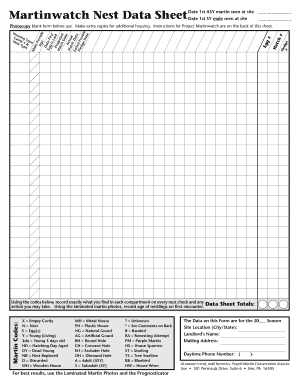
Martinwatch Nest Data Sheet - Purple Martin Conservation Association
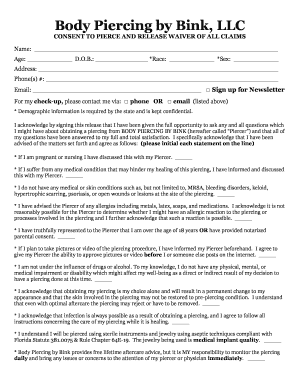
Body Piercing by Bink, LLC

1 PREQUALIFICATION OF SUPPLIERS FOR ... - Stanbic Bank
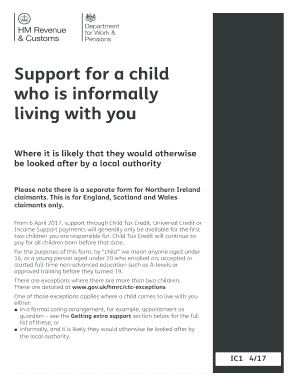
Gov uk ic1 form

Returned Goods Authorization (RGA) - Carboline
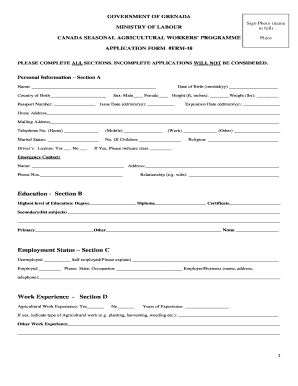
Canadian farm work program application form
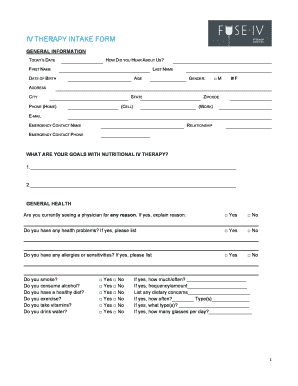
Iv therapy intake form
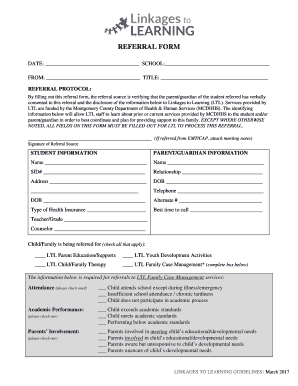
Linkages to Learning Referral Form - Montgomery County Public ...
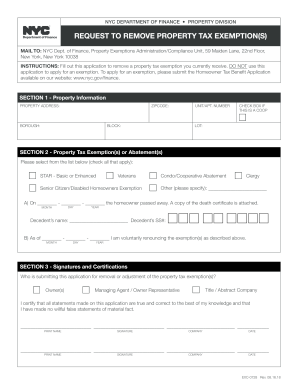
Request to remove property tax exemption

Easement Encroachment Form
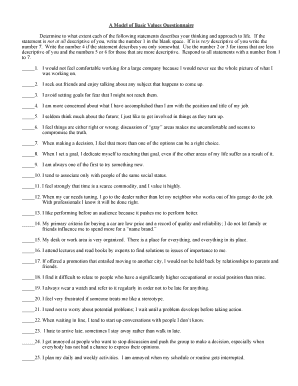
A Model of Basic Values Questionnaire.pdf
(TB) Risk Assessment - Minnesota Department of Health

Form 9d
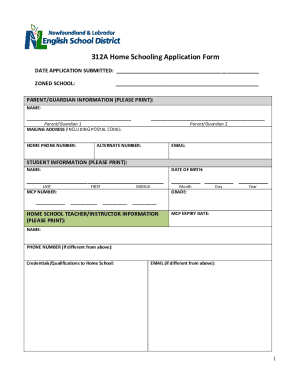
Nlesd homeschool
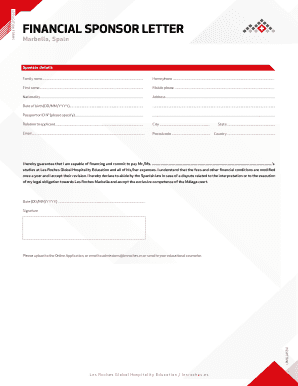
Financial sponsor letter - Les Roches
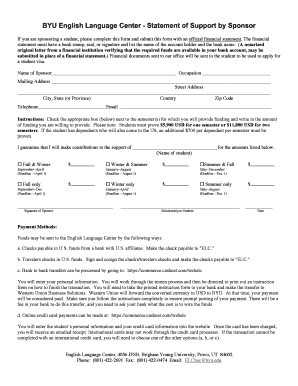
Elc byu

DBA Application Form - Cattaraugus County Business Help

Wisconsin interscholastic horsemanship association
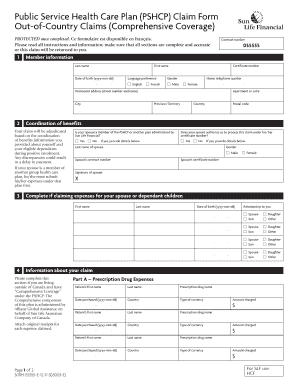
Pshcp claim form
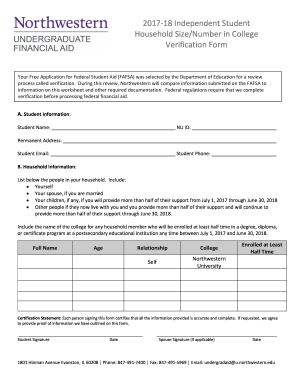
2017-2018 Independent Student Household Size Verification Form
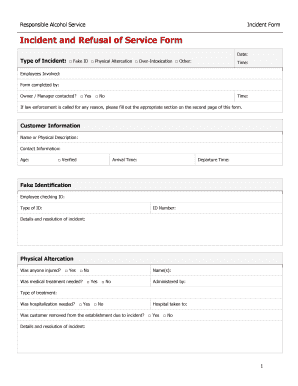
Incident and Refusal of Service Form
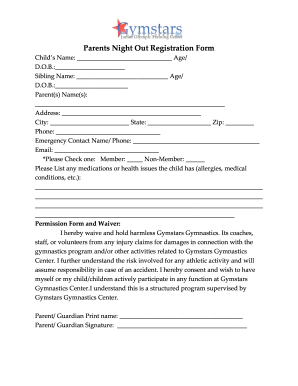
Parents Night Out Registration Form - Gymstars Gymnastics

Florida Supreme Court Approved Family Law Form 12.944(a), Motion for Testimony and Attendance of Minor Child(ren). Florida Supreme Court Approved Family Law Form 12.944(a)

Sleeping and napping arrangement form nyc

Tx contractor registration
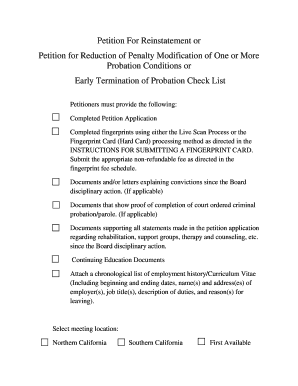
Forms - Board of Registered Nursing - State of California
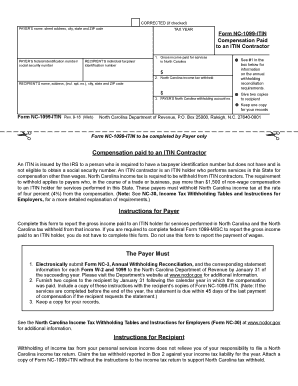
North carolina itin

Lower merion high school absence form
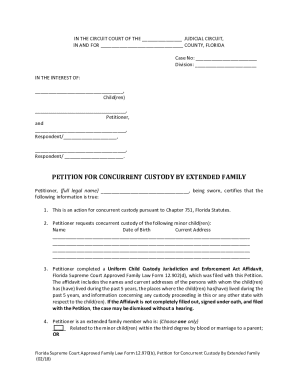
Custody extended family form

REF: DEA/BOD/ RECEIPT No

Hospice Documentation: Painting the Picture of the Terminal Patient
Benefit from the DocHub online library of fillable PDF forms
Searching the PDF forms doesn't have to be a tedious and time-consuming process. With the DocHub online library, it has become easier to find the fillable PDF forms and modify them in your browser. The service allows you to adjust the document to your needs using powerful editing tools.
You can use online document editing features to modify almost any type of document with ease. You just need to find the template of your choice, open it in the editor, and use the toolbar to make the necessary corrections.
Follow this guide to get your document done with DocHub:
- Find the PDF template you need.
- Click the Get Form button to open the file in the editor.
- Use the toolbar to fill out and edit the document.
- Easily add and highlight text, insert images, checkmarks, and symbols.
- Drop new fillable fields, and rearrange or delete pages from your file.
- Save changes and download your record.
DocHub empowers everyone to streamline document editing, signing, and distribution, and form completion. Create an account and benefit from our well-organized PDF Forms library and comprehensive editor.