




01. Edit your current population survey questionnaire online
Type text, add images, blackout confidential details, add comments, highlights and more.

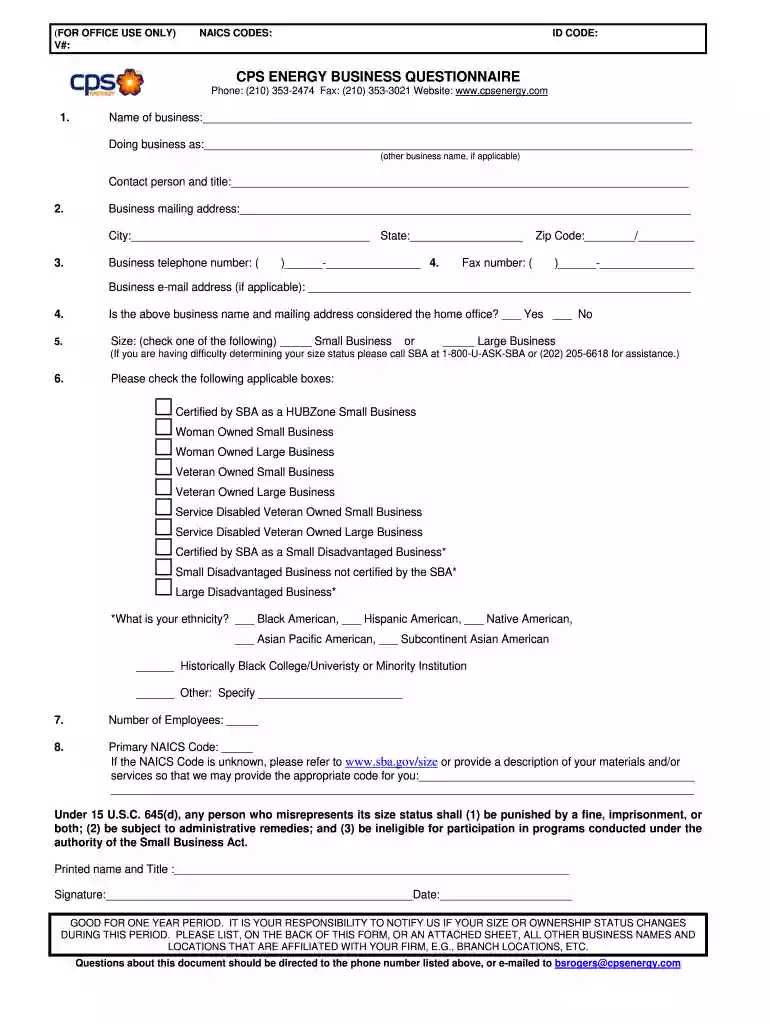
Type text, add images, blackout confidential details, add comments, highlights and more.

Draw your signature, type it, upload its image, or use your mobile device as a signature pad.

Send it via email, link, or fax. You can also download it, export it or print it out.

Start filling out your cps questionnaire today using our platform for free!
At DocHub, your data security is our priority. We follow HIPAA, SOC2, GDPR, and other standards, so you can work on your documents with confidence.
The CPS, administered monthly, is a labor force survey providing current estimates of the economic status and activities of the population of the United States.Read more
Nov 6, 2024 The computerized questionnaire for just the labor force portion of a CPS interview consists of more than 200 questions.Read more
Use the CPS Protection Platforms FAQ below as a Dragos-specific RFP checklist. It translates the category selection criteria into concrete questions for demos,


