
Get any PDF form from the DocHub library of ready-made templates - Page 1133

SCISSOR LIFT PRE-USE INSPECTION CHECKLIST
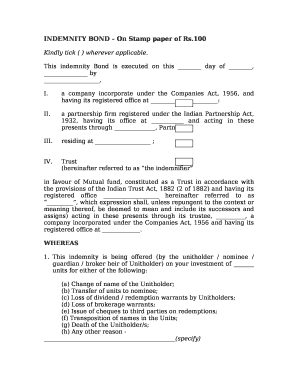
Bond paper design template

Subrecipient Monitoring Record Checklist
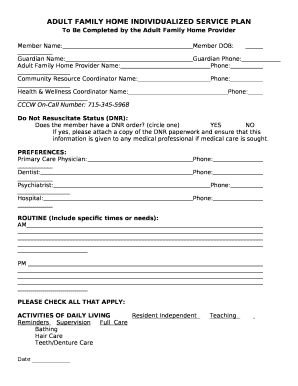
ADULT FAMILY HOME INDIVIDUALIZED SERVICE PLAN

Department of labor alaska

Prototype evaluation checklist
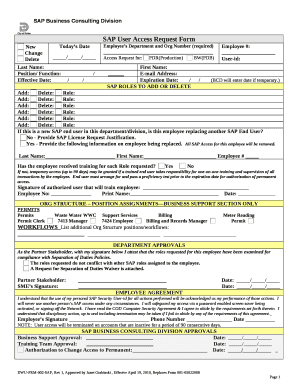
User access review template excel
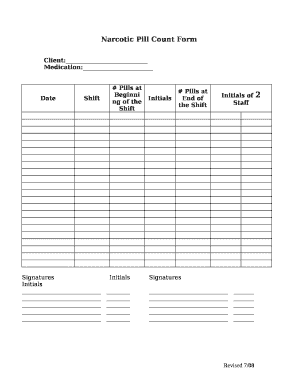
Pill count form
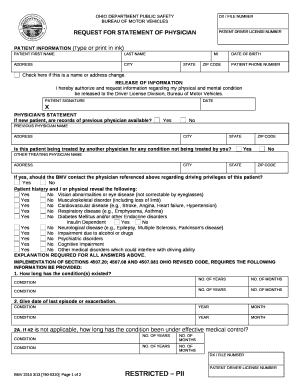
Physician's statement - Ohio Department of Public Safety
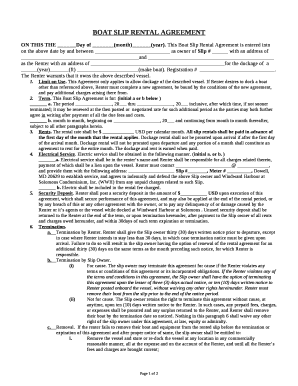
Simple boat slip rental agreement
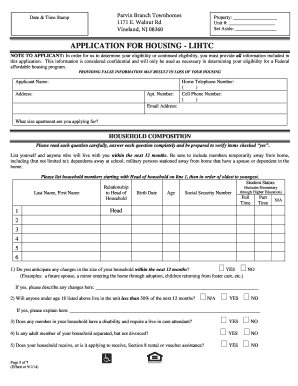
Parvins branch townhomes
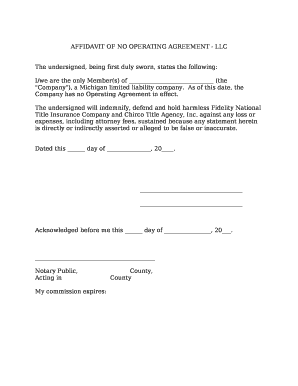
Affidavit of no operating agreement for llc

Finished Size (85mm x 55mm)

CLAIMANT'S RECORD OF JOB SEARCH EFFORTS CONTACTS
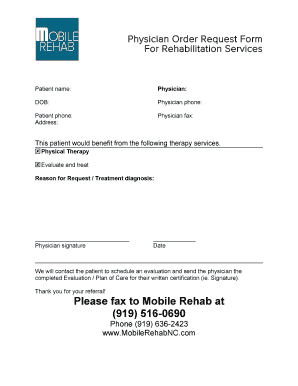
Physician Order Request Form
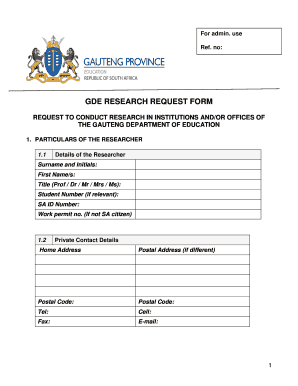
Research request form
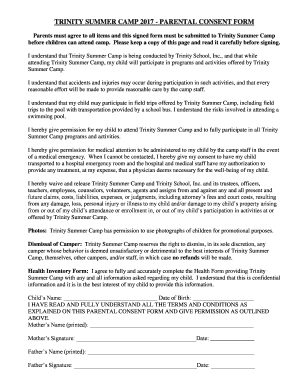
Summer camp consent form

OLTL HCBS WAIVER AGREEMENT *

Proof of sibling relationship letter sample
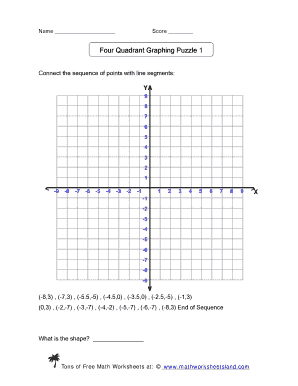
Four quadrant graphing puzzle
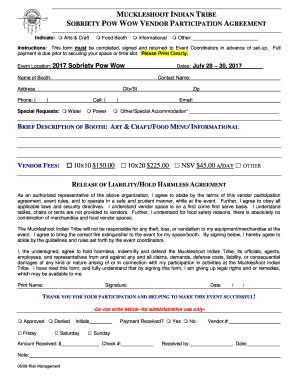
Muckleshoot sobriety pow wow 2022

Police forms in uganda

Second Career Affidavit of Sole Support Status - Ministry of

Domestic partnership certificate

Borang pa 2 13

Birth Parent s Worksheet - odh ohio - odh ohio
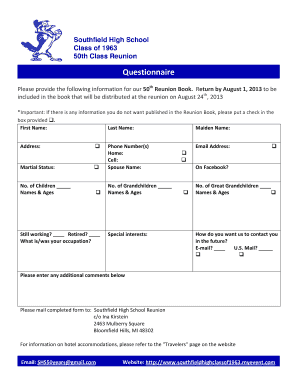
50 year class reunion questionnaire
Health form - Manhattanville College - mville

RT Workplace Investigation Workshops Registration Form Vancouver 2016 p 1

Patient information form
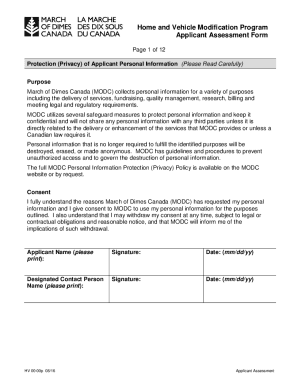
March dimes hvmp

Va760cg
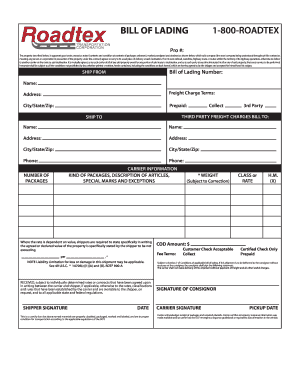
BILL OF LADING 1-800-ROADTEX - 72 249 174
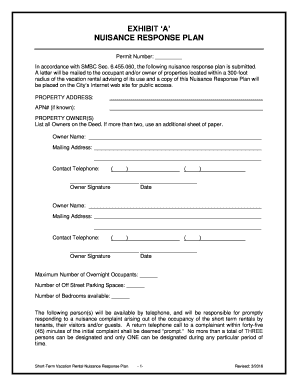
NUISANCE RESPONSE PLAN - cityofventura

Battery maintenance checklist pdf
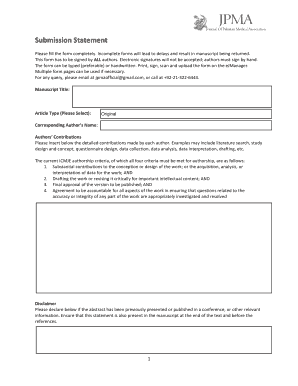
Submission Statement

Application form: Please tell us about yourself - Maid 4 You

COLONOSCOPY Title of article is PREPARATION e CARE - m mydoctor kaiserpermanente
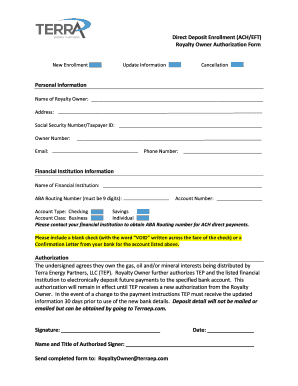
Download the ACH Form - Terra Energy Partners
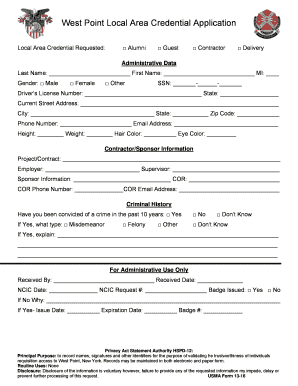
West point local area credential application
CONSTRUCTION OF AND GROUNDWATER MONITORING SYSTEMS HANDBOOK - deq louisiana
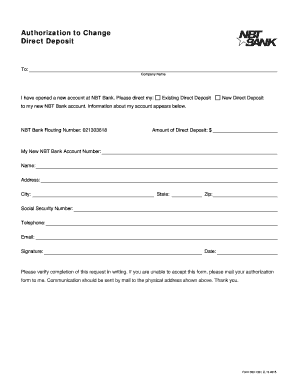
Nbt bank direct deposit form
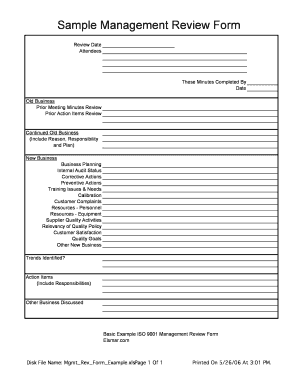
Sample Management Review Form - Elsmar

Medical release form - VBS P R O
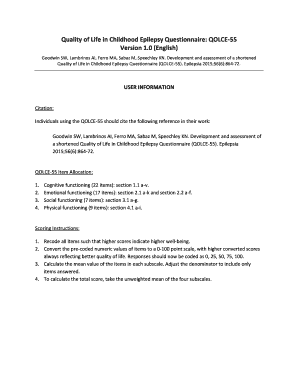
Qolce questionnaire

Education request form

Cerfa 85 0233

Safe t assessment pdf

Sober living business plan pdf
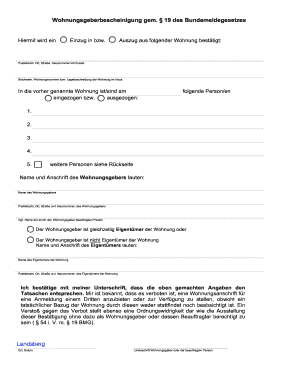
Wohnungsgeberbescheinigung pdf 2022

Dance class waiver template
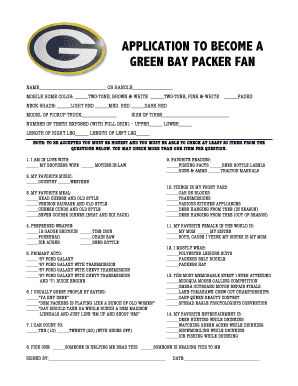
Green bay packers bandwagon application
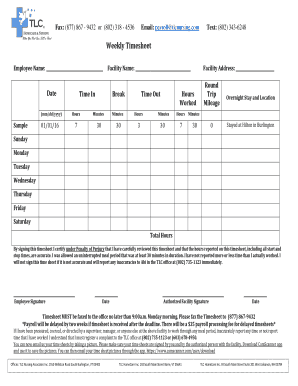
Tlc timesheet
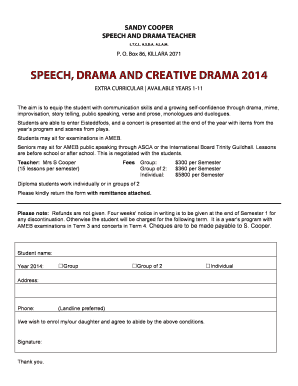
Speech and Drama Enrolment Form 2014 doc - roseville nsw edu
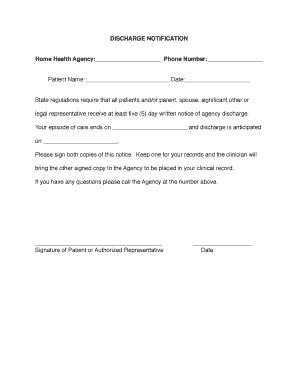
DISCHARGE NOTIFICATION Home Health Agency Phone Number
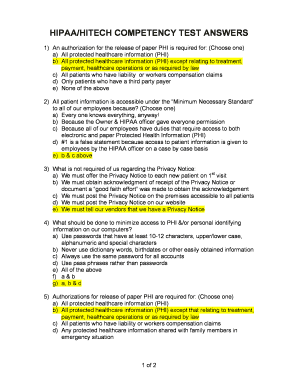
Hipaa exams answers

WESTERN PENNSYLVANIA ELECTRICAL 5 HOT METAL STREET SUITE
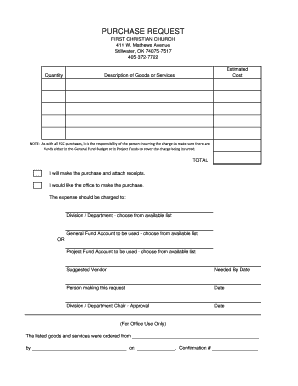
Church purchase order form

Gum dippers

Deped certificate of employment

Application for Jamaican Citizenship by Descent

Feltonfleet Boarding House Booking Form (Fees for period September 2012July 2013) Please complete an

Standing order form - East London Mosque

VBS Permission Form- participant 2016 - churchofstpeternsp

Blayne brown baseball camp
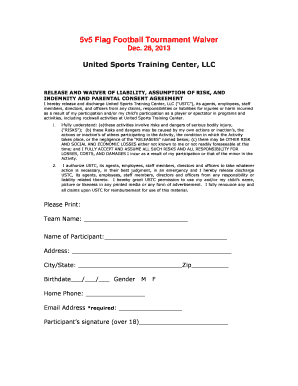
Flag football waiver form

WRITTEN CONSENT FOR MINOR VISITATION - PrisonPro
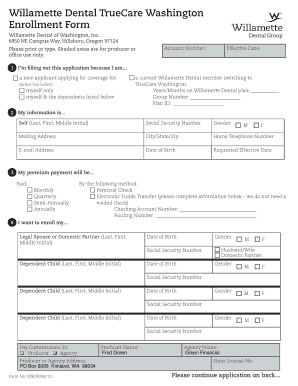
Willamette Dental TrueCare Washington
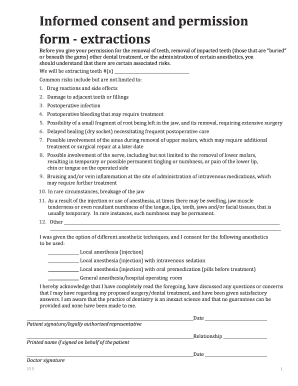
Informed consent and permission form - extractions
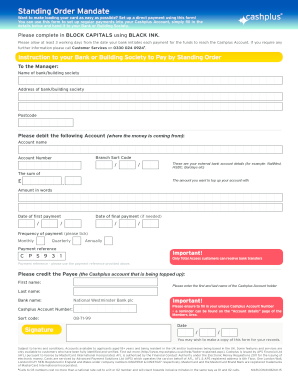
Standing Order Form - Cashplus
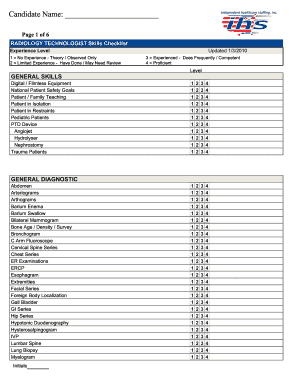
Radiologic technologist skills checklist
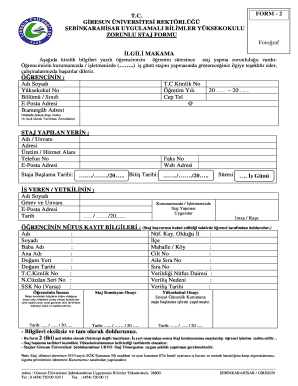
Zorunlu staj belgesi

Job description acknowledgement
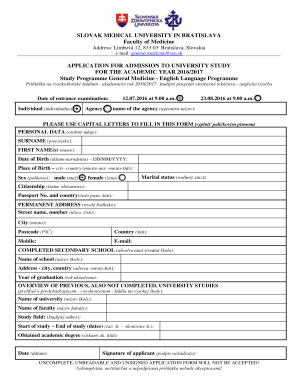
SLOVAK MEDICAL UNIVERSITY IN BRATISLAVA Faculty of Medicine - eng szu
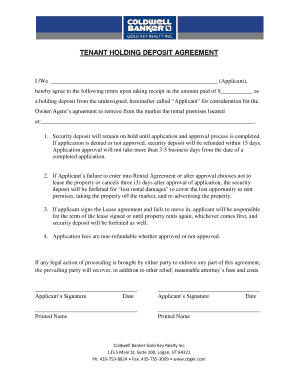
Holding deposit
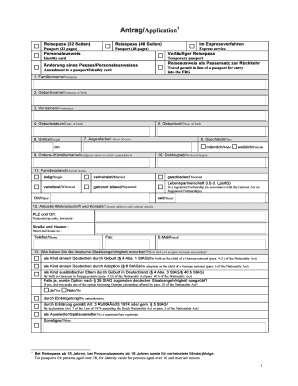
Reisepass formular
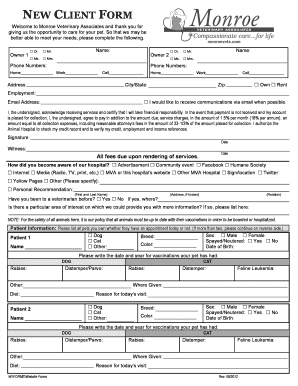
New client form veterinary
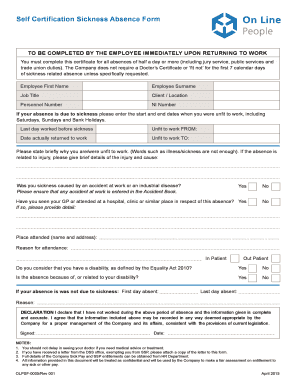
Self Certification Sickness Absence Form - On Line - oldesigngroup co
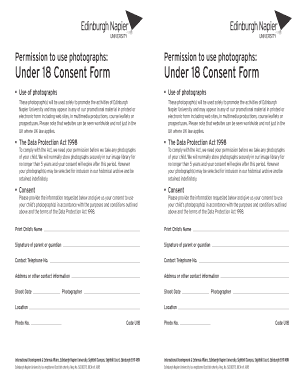
Permission to use photographs Under 18 Consent Form
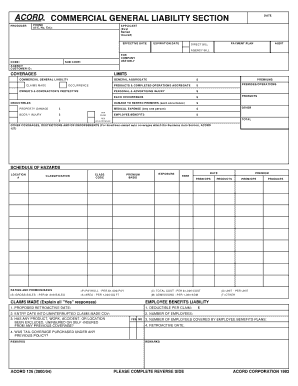
COMMERCIAL GENERAL LIABILITY SECTION DATE
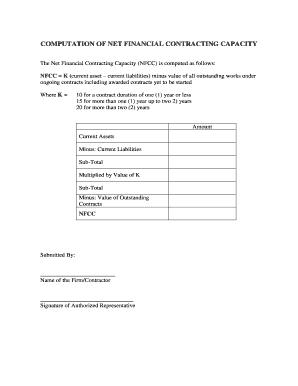
Net financial contracting capacity sample
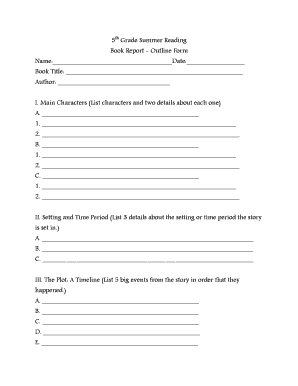
5th Grade Summer Reading Book Report - Epiphany Catholic School
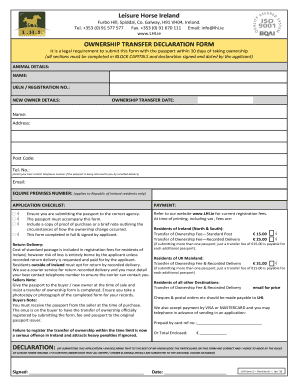
Lhi
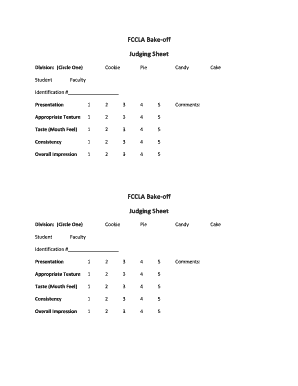
Bake off judging sheet

Students Name - Baltimore Polytechnic Institute - bpi
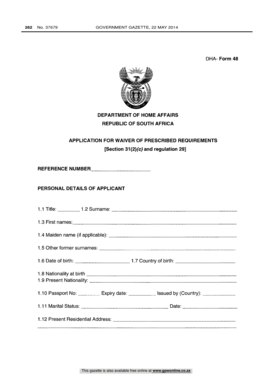
Dha form 48

Fee Agreement and Authority to Represent (Flat Fee)
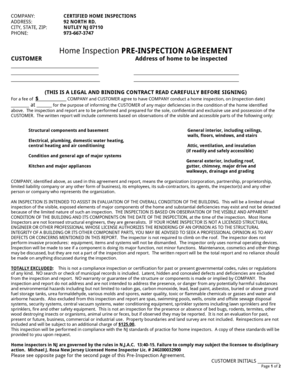
Home Inspection PRE-INSPECTION AGREEMENT
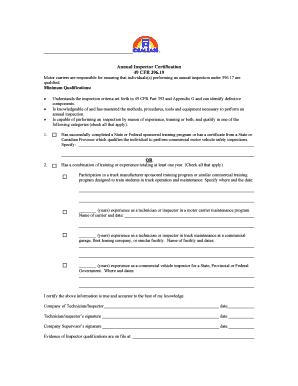
Printable annual inspector certification
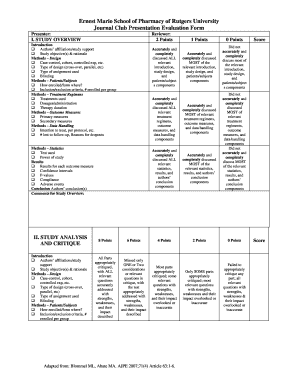
Journal club template

Service attendance sheet - Fordham Preparatory School
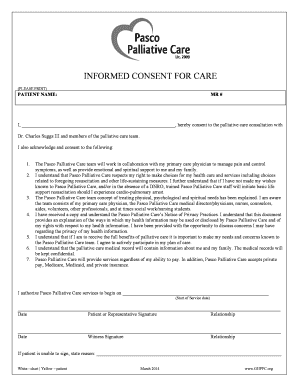
Palliative care consent form

Demolition proposal template

Skeletal system worksheet pdf

Qp518a form

MCAP Third Party Broker Consent Form
2014 Madison River SRP Use Report Sheet - foam-mtorg

Driving eye test form

Hanmi bank wire transfer
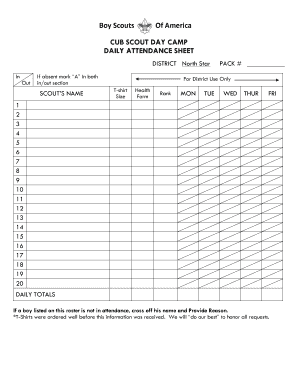
Cub scout attendance sheet
Benefit from the DocHub online library of fillable PDF forms
Searching the PDF forms doesn't have to be a tedious and time-consuming process. With the DocHub online library, it has become easier to find the fillable PDF forms and modify them in your browser. The service allows you to adjust the document to your needs using powerful editing tools.
You can use online document editing features to modify almost any type of document with ease. You just need to find the template of your choice, open it in the editor, and use the toolbar to make the necessary corrections.
Follow this guide to get your document done with DocHub:
- Find the PDF template you need.
- Click the Get Form button to open the file in the editor.
- Use the toolbar to fill out and edit the document.
- Easily add and highlight text, insert images, checkmarks, and symbols.
- Drop new fillable fields, and rearrange or delete pages from your file.
- Save changes and download your record.
DocHub empowers everyone to streamline document editing, signing, and distribution, and form completion. Create an account and benefit from our well-organized PDF Forms library and comprehensive editor.