
Get any PDF form from the DocHub library of ready-made templates - Page 1134
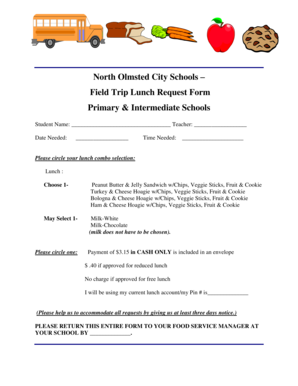
Field trip lunch form
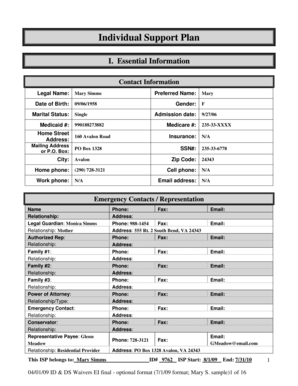
Individual Support Plan - dbhdsvirginiagov - dbhds virginia
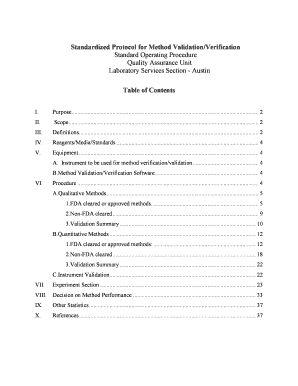
Standardized Protocol for Method Validation Verification
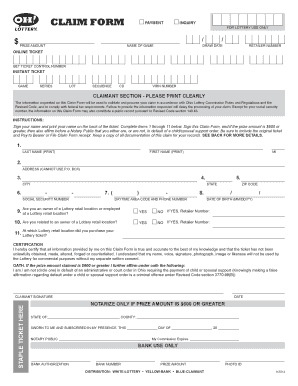
Ohio lottery tax form
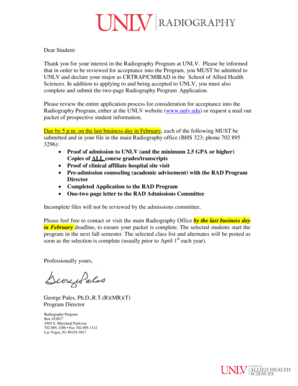
Dear Student - University of Nevada Las Vegas - unlv
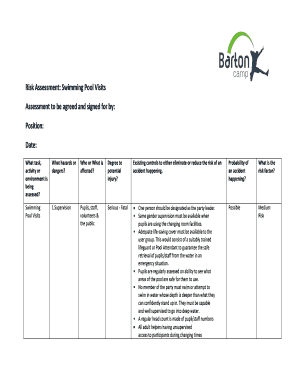
Swimming pool risk assessment example
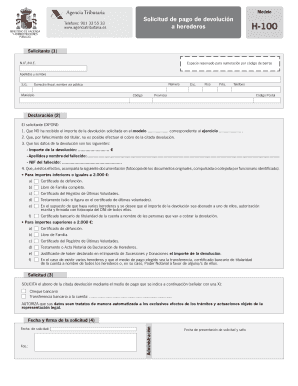
Modelo h100 word
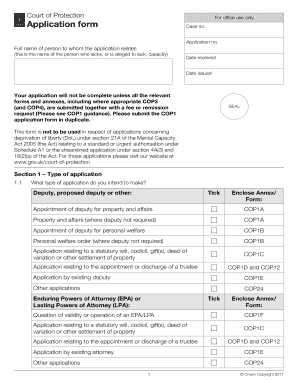
Cop1 application form
Mv2872 PRESS MAKEREADY indd

Sapol pre employment declaration

Certificado de admissibilidade pdf
Training attendance sheet
Tlc affidavit
Success fee agreement
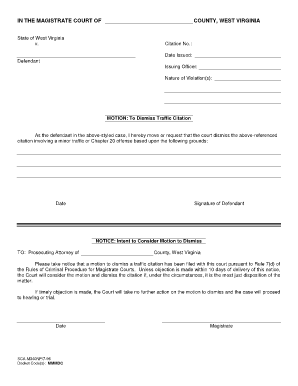
Motion to dismiss traffic ticket pdf
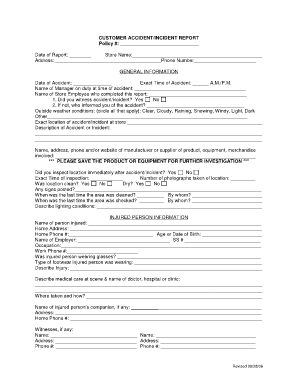
Customer incident report template

Hisd transcript request form

Controlled substances form
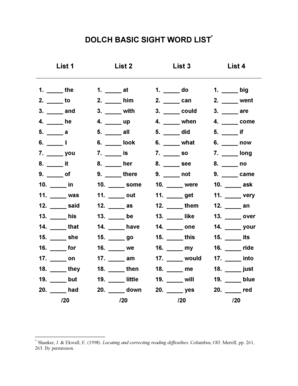
Full Dolch Word List Full Dolch Word List - 220 Words and 95 Nouns
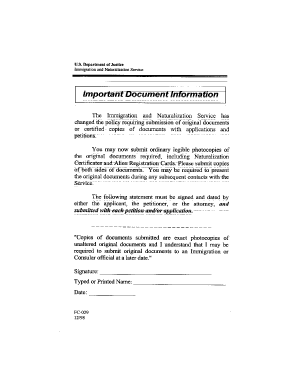
Fc 029
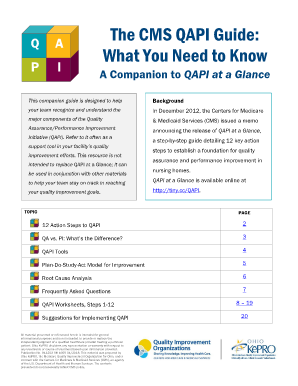
Qapi forms

Residency verification for school
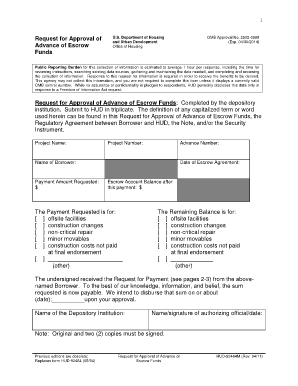
Hud 92464 fillable
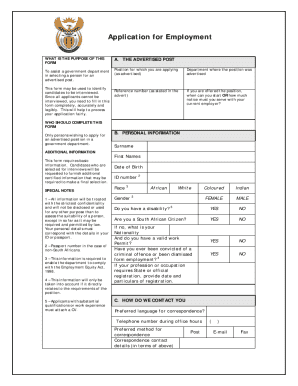
Z83 editable
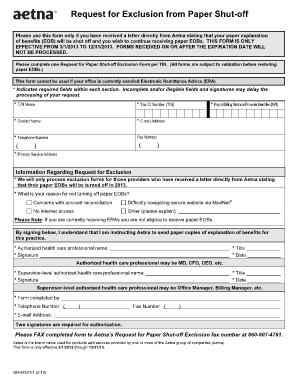
Blank eob form
Heavy equipment operator certification online
Exalted 2nd edition character sheet
What does a t1 general look like

Accord36 broker of record form

Home energy assistance tenant lease verification form
Short blessed test

Safety officer experience certificate
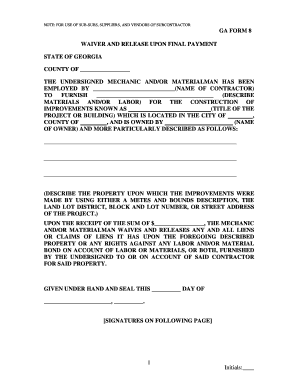
Georgia lien waiver form 2022 pdf

Rental Application for Residents and Occupants Each co-resident

NLV PD Responsible Person Form - City of North Las Vegas
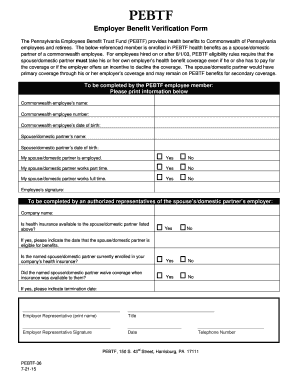
Pebtf forms 36
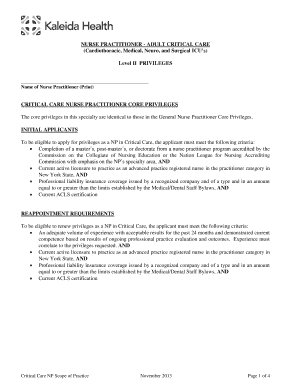
Kaleida Health

Aus178au

Honorarium agreement template

How to fill antrag auf steuerklassenwechsel bei ehegatten
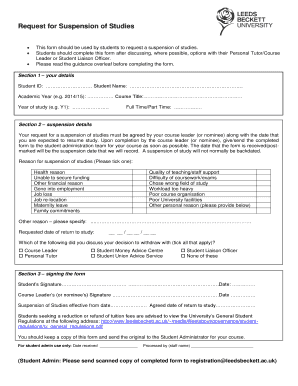
Request for Suspension of Studies Form - Leeds Beckett University
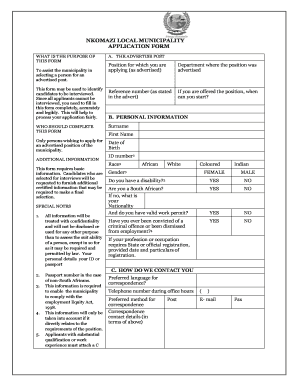
Nkomazi municipality vacancies application form

Valspar rebate 2022

Camp counselor application template
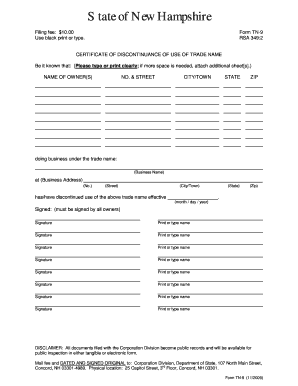
TN-9 Trade Name Discontinuance - New Hampshire Secretary of State - sos nh

Request for staff exclusion list check form
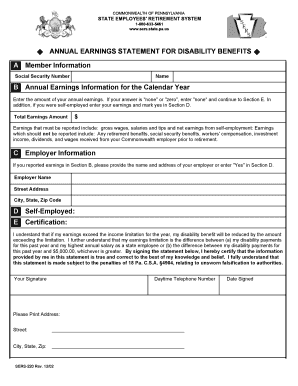
Annual Earnings Statement for Disability Benefits (SERS-220) Annual Earnings Statement for Disabilit
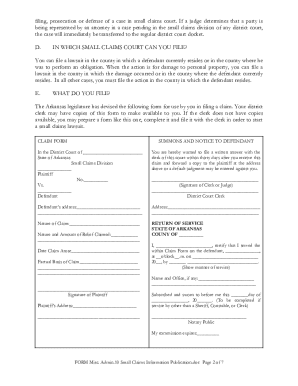
Arkansas small claims court forms

Lt 262
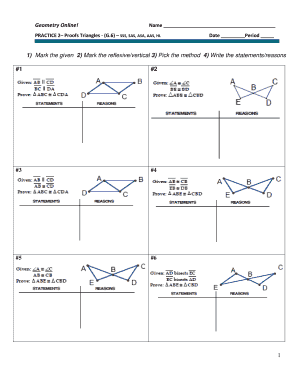
Geometry proofs examples and answers pdf
Police call log

P-110 Affidavit For Collection of Personal Property of Decedent 1-15 Probate Forms

Prereq Clearance Form - Admissions & Records

Transcript Request - Student Record Release Form - Pulaski County - pcva
Pa local tax form 2022
Sfcad
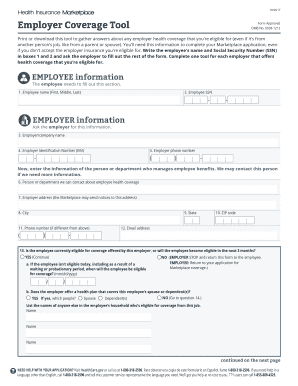
Employer Coverage Tool (PDF) - HealthCare - healthcare
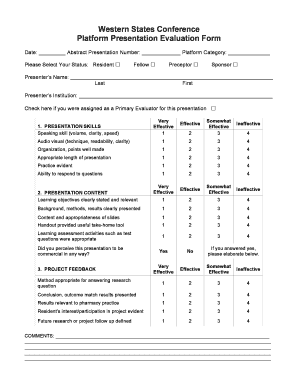
Presentation evaluation form
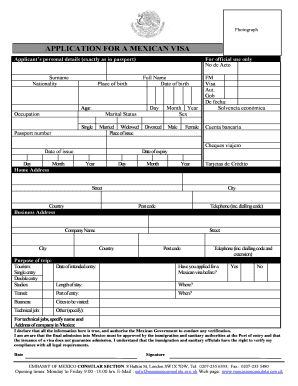
Mexico visa application form filled sample

Personal Graduation Plan Overview
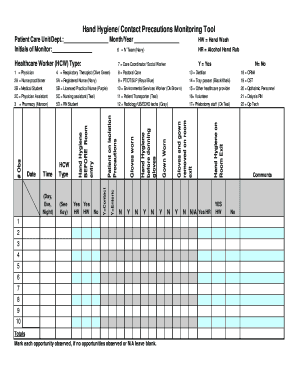
Hand hygiene audit tool excel
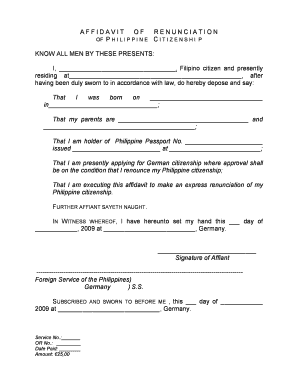
Iowa renunciation form
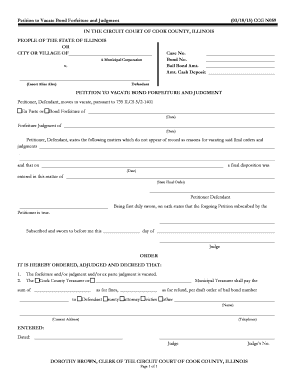
Petition to Vacate Bond Forfeiture and Judgment

Summer stipend application

Permission to drive vehicle form
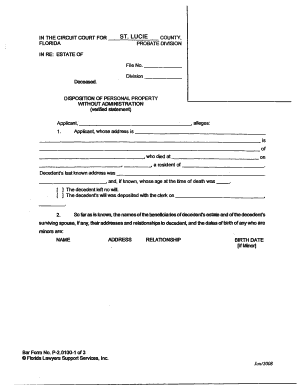
Disposition of Personal Property Without Administration Form - stlucieclerk
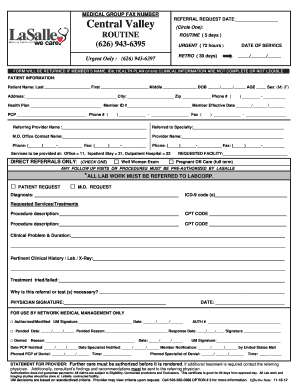
La salle authorization form
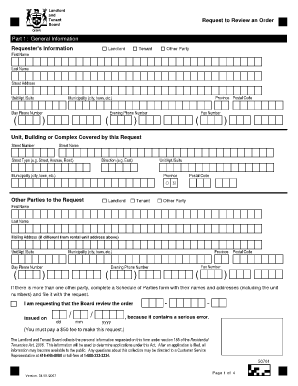
Ltb request to review
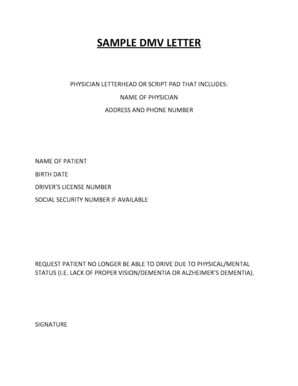
Sample letter to dmv
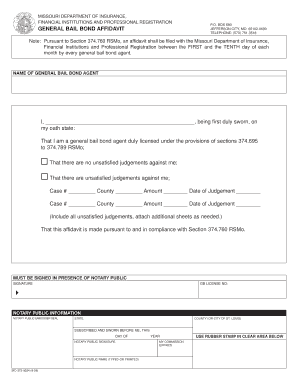
Bail bond affidavit

THREE (3) DAY NOTICE TO QUIT
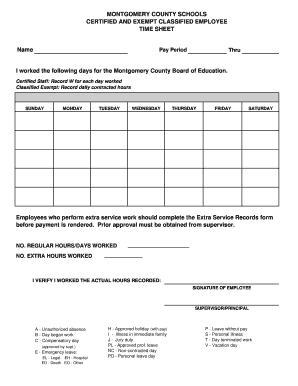
Time sheet in spanish
Food handlers certificate pdf
Conditional employee and food employee interview

Walking Club Registration Form

Samford football questionnaire
I-20 Application - LaGuardia Community College - CUNY

Yoga waiver form template
Medical Surveillance for Inactive Tuberculosis (TB) - Region of Peel - peelregion
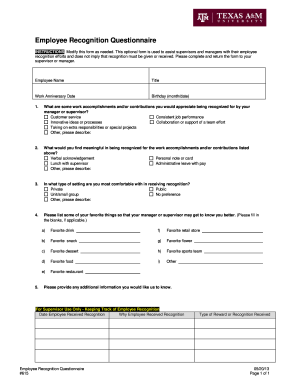
Employee recognition questionnaire

Cpp 1 form illinois
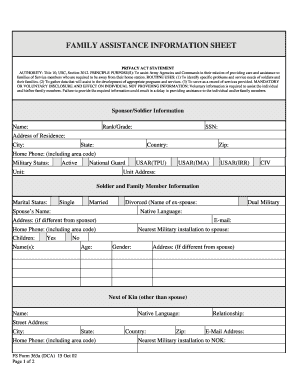
FAMILY ASSISTANCE INFORMATION SHEET - army

Disabled Special Citizen Program Application - PSTA - psta

Energy control procedure template
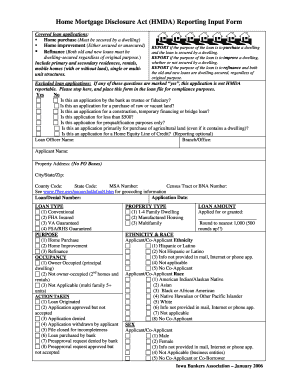
Hmda form
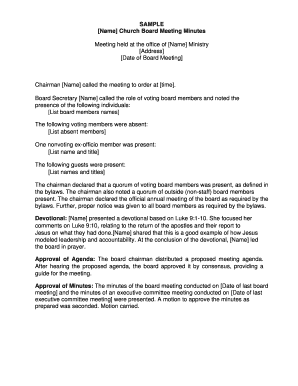
Church board meeting minutes pdf

Medical Records Release Form - West Suburban Women's Health
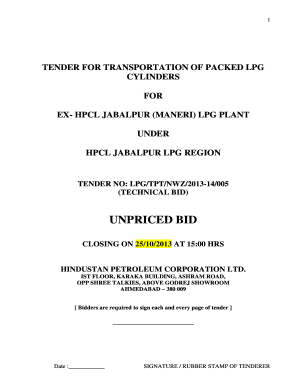
Best pdf editor for windows 10
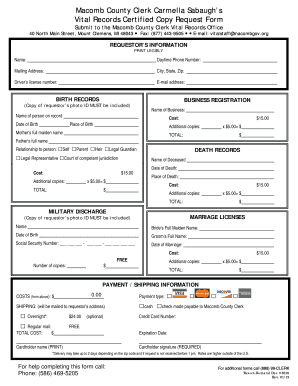
Macomb county recordcopy request form
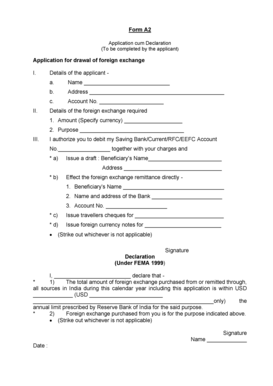
A2 form pnb
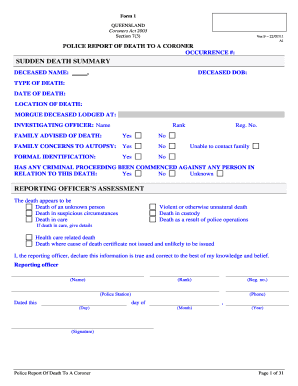
Form 1a coroner
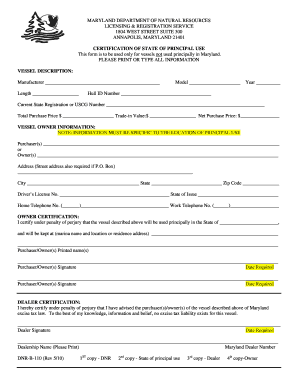
Certification of State of Principal Use (B110) - Maryland Department - dnr state md
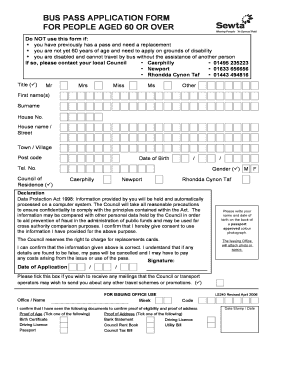
Bus pass application
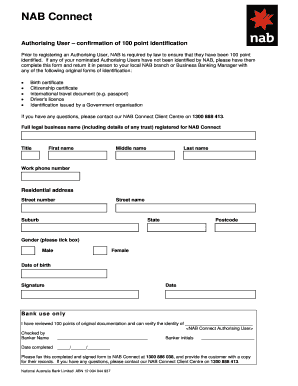
Nab connect
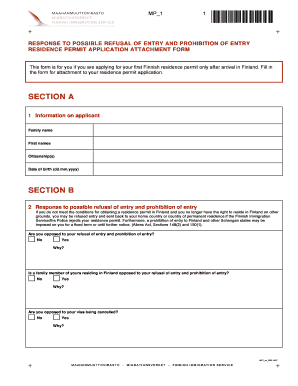
Mp1 form finland
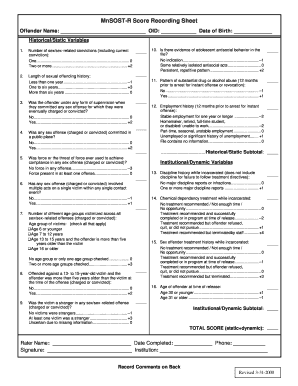
Mnsost r
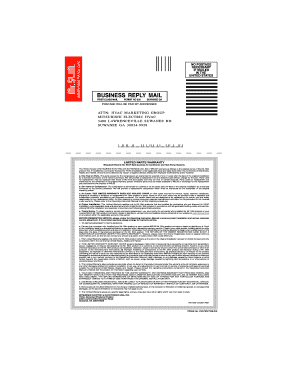
Mitsubishi warranty registration form
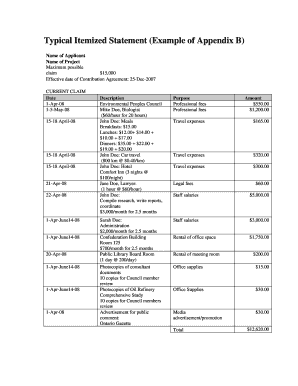
Itemized statement example

Equipment delivery form

Canada bank transfer format
Benefit from the DocHub online library of fillable PDF forms
Searching the PDF forms doesn't have to be a tedious and time-consuming process. With the DocHub online library, it has become easier to find the fillable PDF forms and modify them in your browser. The service allows you to adjust the document to your needs using powerful editing tools.
You can use online document editing features to modify almost any type of document with ease. You just need to find the template of your choice, open it in the editor, and use the toolbar to make the necessary corrections.
Follow this guide to get your document done with DocHub:
- Find the PDF template you need.
- Click the Get Form button to open the file in the editor.
- Use the toolbar to fill out and edit the document.
- Easily add and highlight text, insert images, checkmarks, and symbols.
- Drop new fillable fields, and rearrange or delete pages from your file.
- Save changes and download your record.
DocHub empowers everyone to streamline document editing, signing, and distribution, and form completion. Create an account and benefit from our well-organized PDF Forms library and comprehensive editor.