
Get any PDF form from the DocHub library of ready-made templates - Page 1116
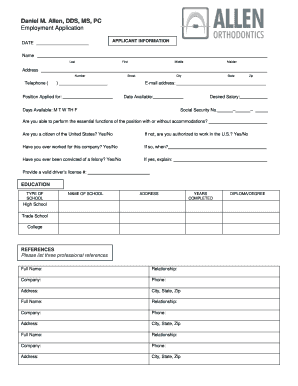
Allen Orthodontists - Employment Application docx
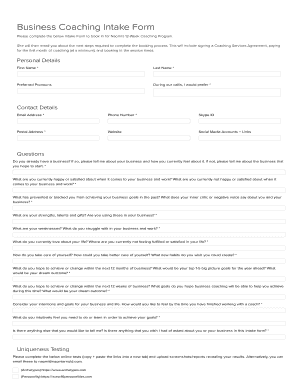
Business coaching intake form
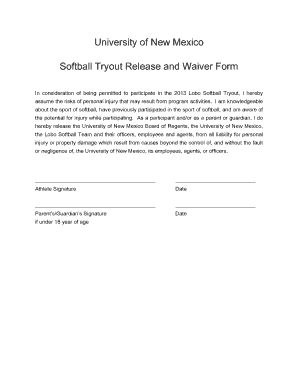
Softball tryout waiver form

Carrigan farms waiver

Dodea form 1 shsm h 1 1
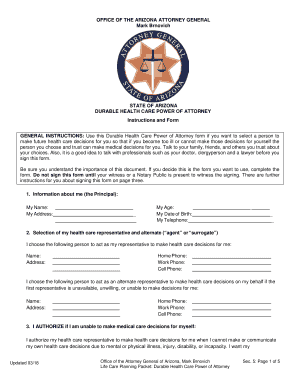
Arizona health care directive form
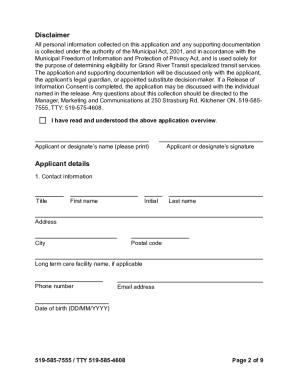
Mobility plus application

Unaitas sacco app

Bookkeeping Client Check List

Jinsi ya kuandika barua ya kufungua akaunti ya kikundi

Kindly fill up the form and send back email sample
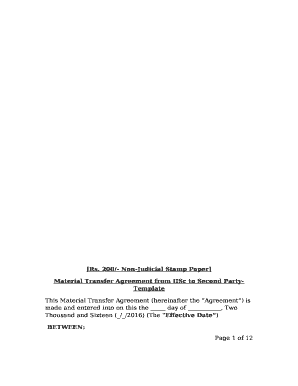
Stamp paper format in word

5 pillars of islam worksheet pdf
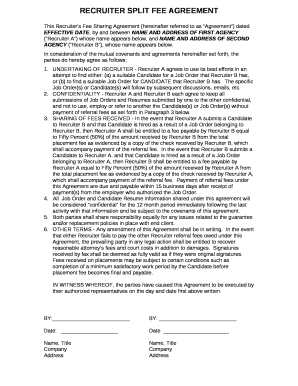
Split fee agreement template
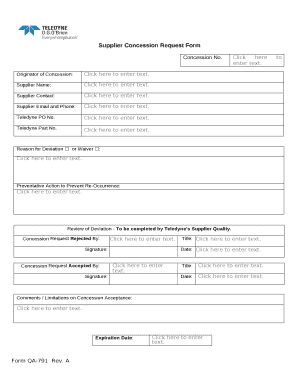
Concession request form

Y3t workout plan pdf
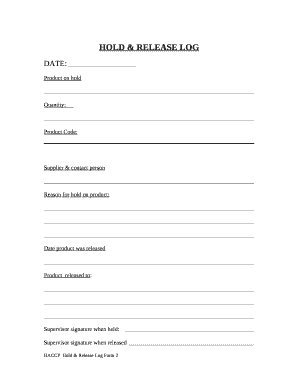
Hold and release program
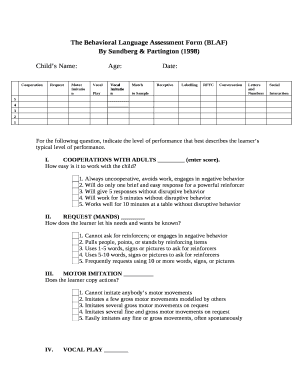
Blaf assessment
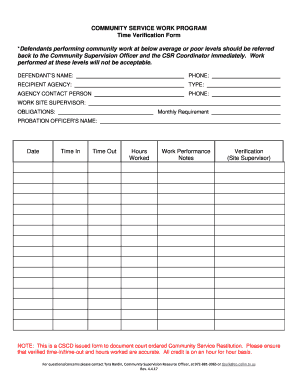
Texas form county community service
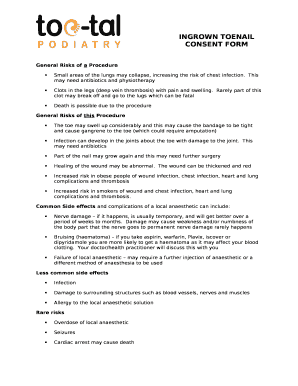
Ingrown toenail removal consent form
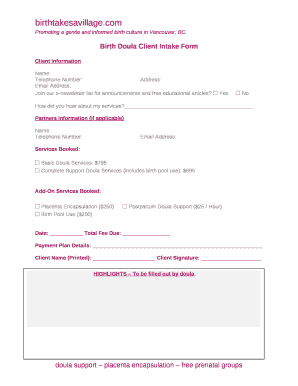
Doula intake form pdf

Pediatric risk assessment form
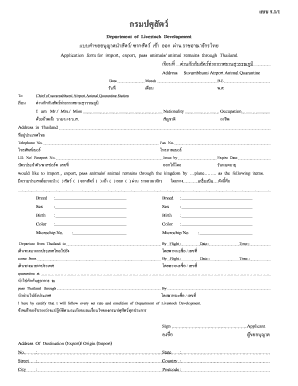
Application form for import, export, pass animals animal remains through Thailand
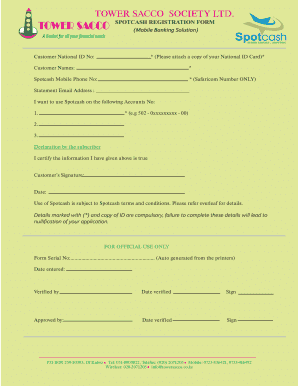
Tower sacco app
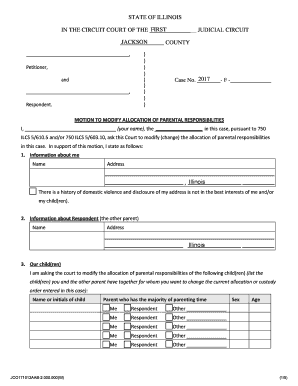
Allocation of parental responsibilities illinois form

Aftercare plan template
Underlying characteristics checklist pdf
Formulaire das2 2020 remplissable
The Simply Giving AUTHORIZATION FORM f FOR OFFICE USE ONLY
Deworming certificate
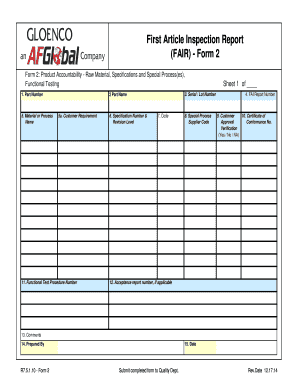
First article inspection template

Hra recertification form

Third party verification consent to release of information section 8
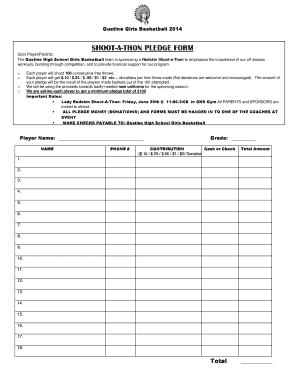
Shoot-A-Thon Form
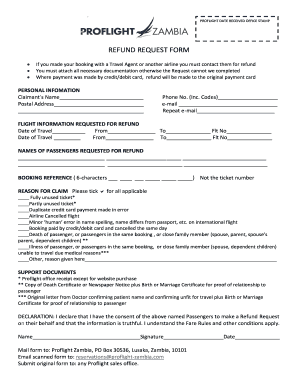
REFUND REQUEST FORM - proflight-zambia
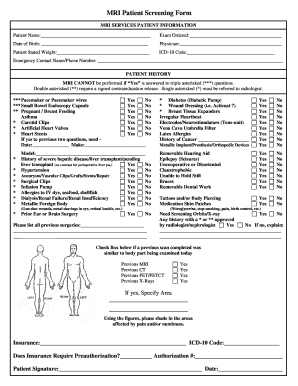
Mri screening forms
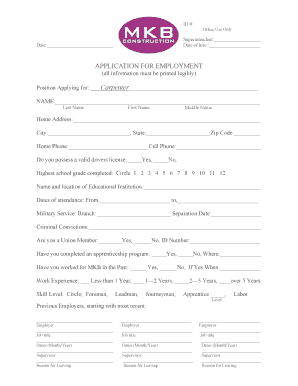
Application for Employment Carpenter - mkbc
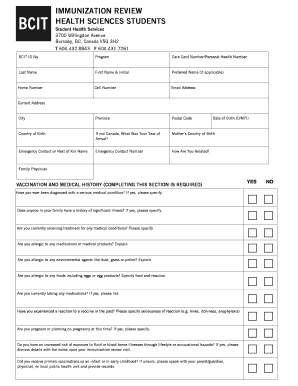
Bcit immunization
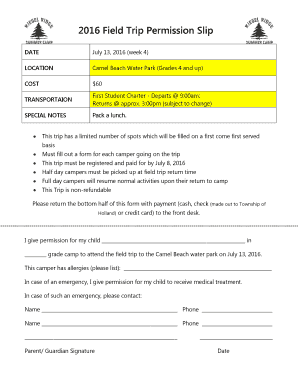
Water park permission slip

Employee training documentation

Standard Authorization, Attestation and Release
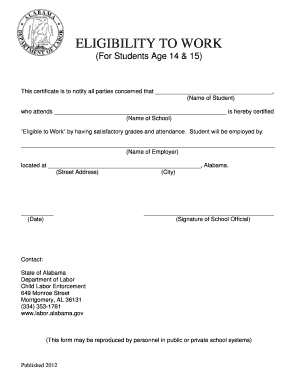
(For Students Age 14 & 15) - labor alabama
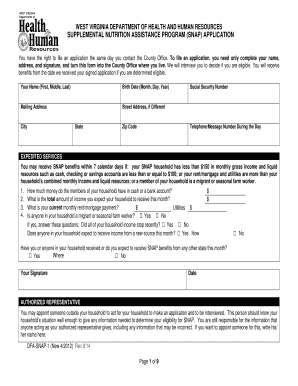
Wv dhhr snap application online
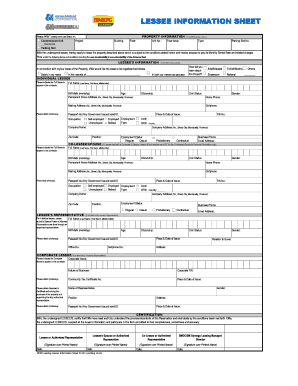
Lessee information sheet excel format download

Leander Statement of Residence doc - leanderisd

Court disposition letter sample

My Success Progress Chart I Know I can! - Erichsen Wellness

FEMALE MEASUREMENT CHART - Stitch It

Ncnr acknowledgement sample

Southern doodles and poodles

EXTRA-CORPOREAL SHOCKWAVE THERAPY CONSENT FORM

BEHAVIOR DATA COLLECTION SHEET - bsfpsessb
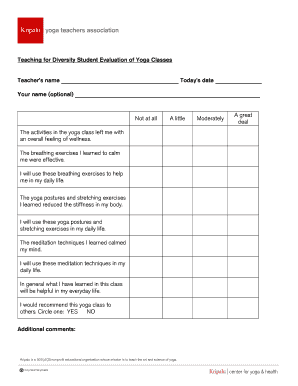
Yoga feedback form pdf
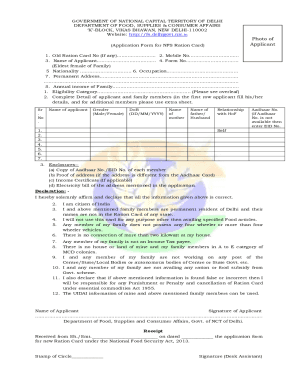
Ration card template download
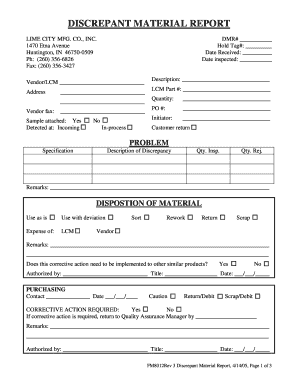
Discrepant material report template
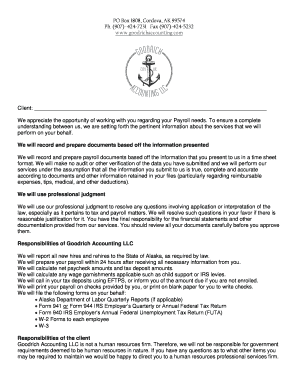
Payroll engagement letter

Baker Chamber of Commerce Application

The preserve at lay lake

Georgia insurance commissioner
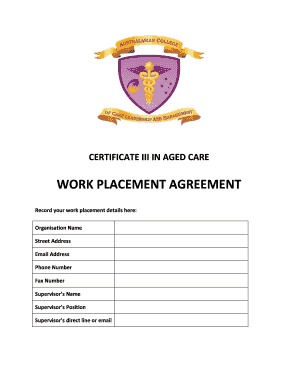
Work placement agreement - Australasian College Of Care - acclm edu
St Theresa Catholic School Viking Athletic Handbook 6623 Rodrigo - sttheresaschool

BCounselingb Services informed consent form - hilo hawaii
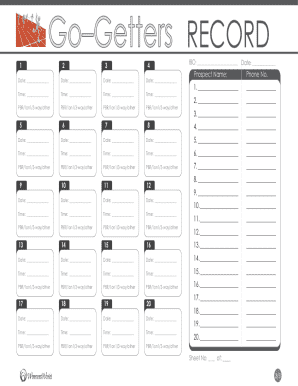
Go getter 3 student book pdf

Wedding Packet Contract For Non-Members - bsmbcplanobborgb

Kewi or ke
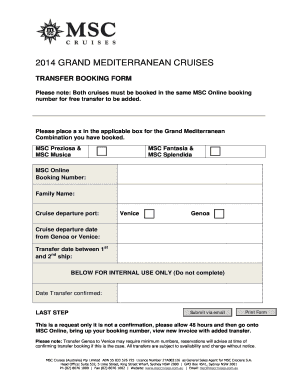
Msc cruises job application form
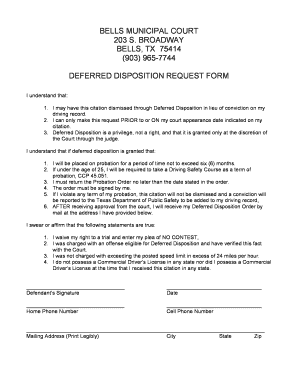
Deferred disposition

Calea pharmacy
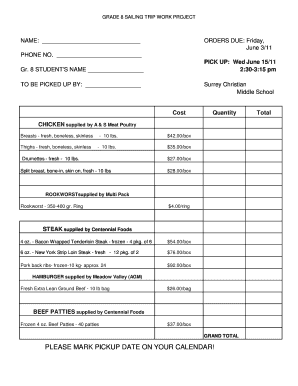
Meat order form template

Daikin start up form
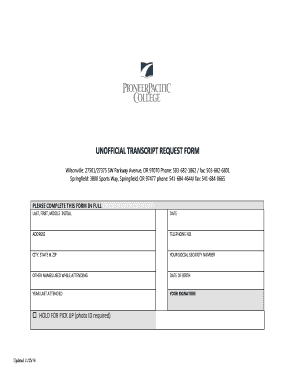
Pioneer pacific college transcripts

Justification letter sample
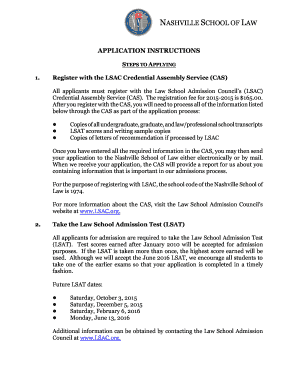
APPLICATION INSTRUCTIONS - Nashville School of Law
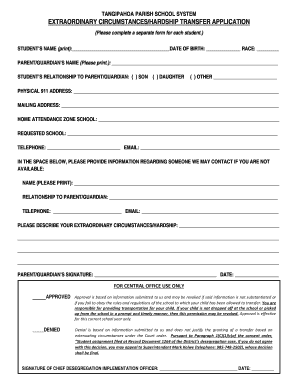
TANGIPAHOA PARISH SCHOOL SYSTEM EXTRAORDINARY - tangischools

Costco tax exemption form
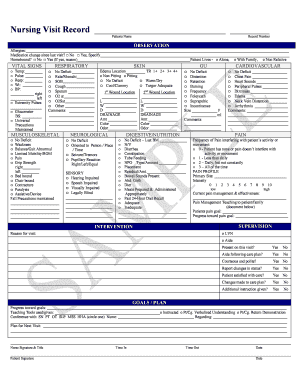
Nursing Visit Record - Home Health Forms
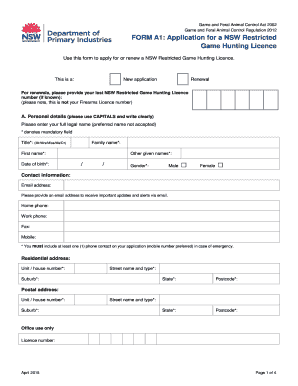
R licence renewal
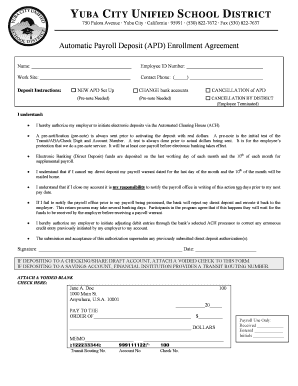
YUBA CITY UNIFIED SCHOOL DISTRICT - department ycusd k12 ca
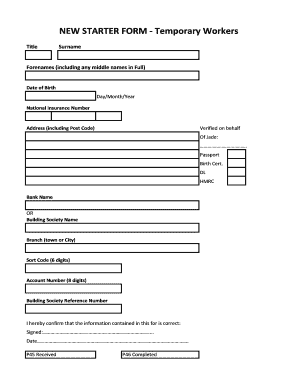
New Starter Form - Jade Recruitment Ltd - jaderecruitment
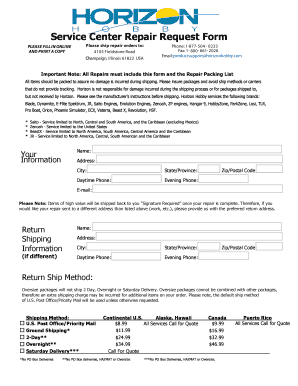
Horizon hobby order form
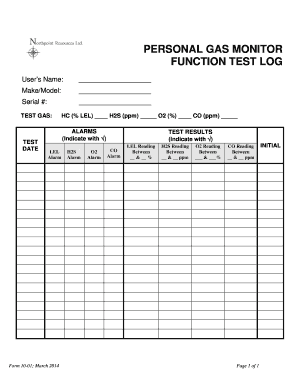
PERSONAL GAS MONITOR FUNCTION TEST LOG - npointenergy
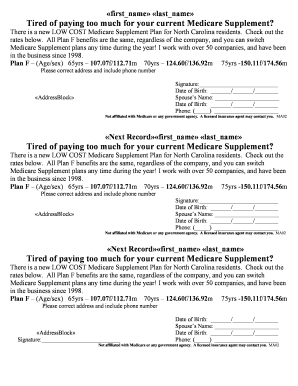
First name last name Tired of paying too much for your

Us bank borrower authorization of release of private information
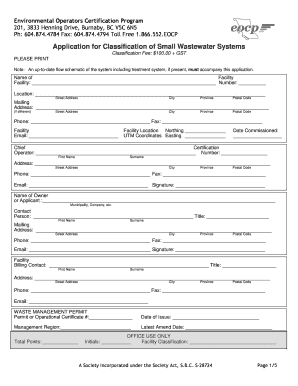
Application for Classification of Small Wastewater Systems
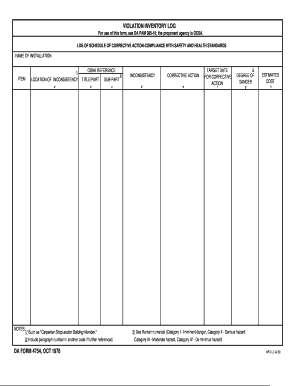
Army inventory form

Mentor application template
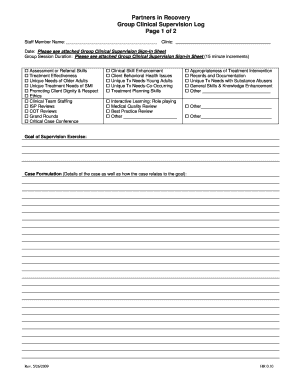
Supervision log template
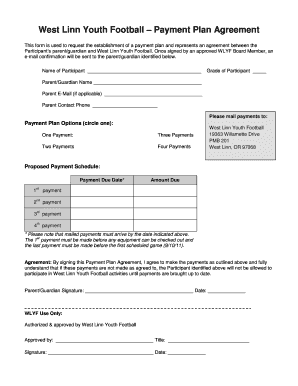
West Linn Youth Football Payment Plan Agreement
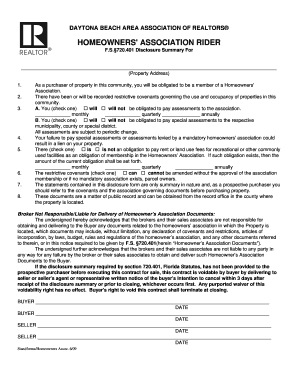
Hoa rider florida
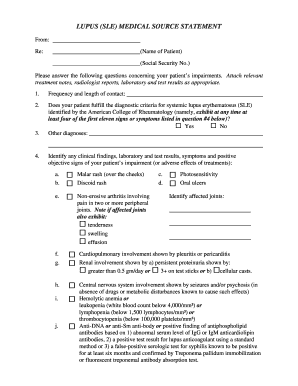
Lupus SLE Medical Source Statement - JamesDisabilityLawcom
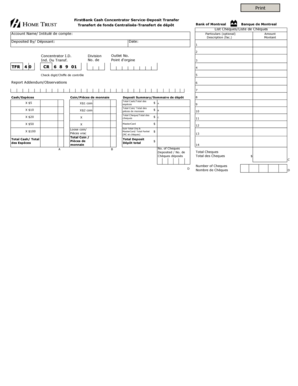
Firstbank cash concentrator service deposit transfer form

Training Sign-off Sheet - Disco Corporation - disco co
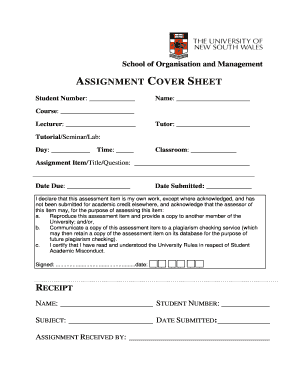
Unsw cover page

DISABLED IDENTIFICATION CARD Kansas Department of Revenue - kdor
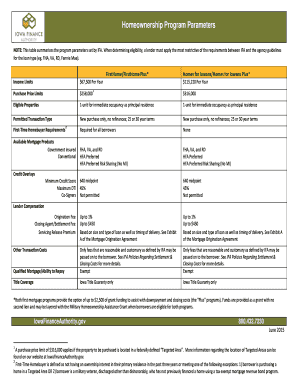
Compliance manual 2017 edition - Iowa Finance Authority

Conditional final waiver
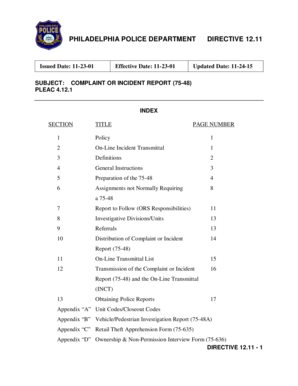
Police report philadelphia
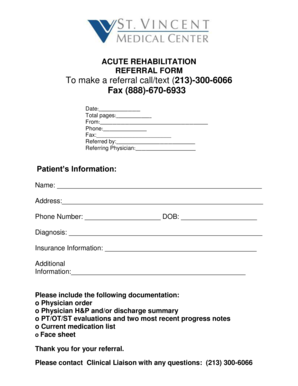
St vincent doctors note
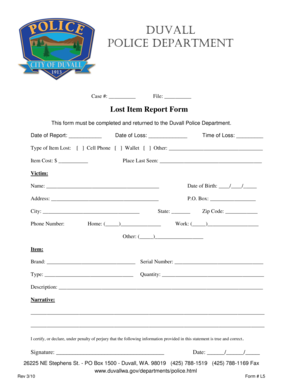
Lost item report

Santa monica means and methods plan
Benefit from the DocHub online library of fillable PDF forms
Searching the PDF forms doesn't have to be a tedious and time-consuming process. With the DocHub online library, it has become easier to find the fillable PDF forms and modify them in your browser. The service allows you to adjust the document to your needs using powerful editing tools.
You can use online document editing features to modify almost any type of document with ease. You just need to find the template of your choice, open it in the editor, and use the toolbar to make the necessary corrections.
Follow this guide to get your document done with DocHub:
- Find the PDF template you need.
- Click the Get Form button to open the file in the editor.
- Use the toolbar to fill out and edit the document.
- Easily add and highlight text, insert images, checkmarks, and symbols.
- Drop new fillable fields, and rearrange or delete pages from your file.
- Save changes and download your record.
DocHub empowers everyone to streamline document editing, signing, and distribution, and form completion. Create an account and benefit from our well-organized PDF Forms library and comprehensive editor.