




01. Edit your form online
Type text, add images, blackout confidential details, add comments, highlights and more.

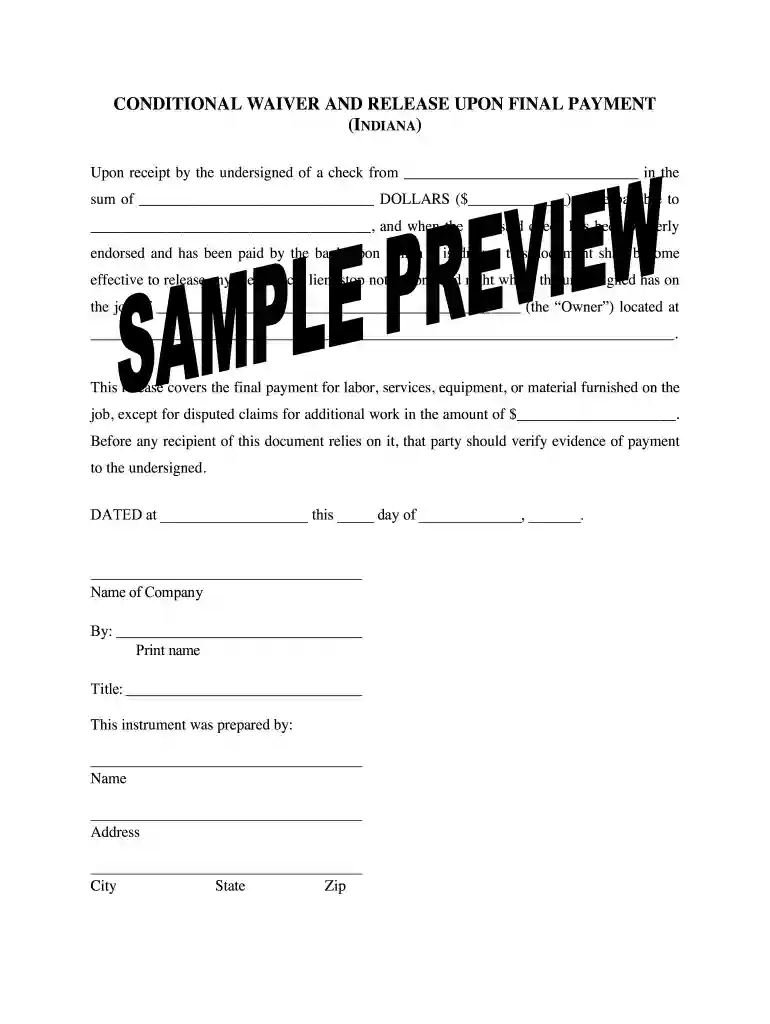
Type text, add images, blackout confidential details, add comments, highlights and more.

Draw your signature, type it, upload its image, or use your mobile device as a signature pad.

Send it via email, link, or fax. You can also download it, export it or print it out.

Start using our platform today to streamline your document editing and signing process for free!
At DocHub, your data security is our priority. We follow HIPAA, SOC2, GDPR, and other standards, so you can work on your documents with confidence.
Another front-end TI waiver was incorporated into the final remedy for shallow groundwater lead and cadmium throughout the TI zone. ACL and surface water
Submit a final conditional lien waiver with their final pay application. 5. Submit a final unconditional lien waiver upon receipt of final payment.Read more
This form is useful when the claimant is not yet paid, but will be paid out of a progress payment that is not the final payment. This conditional waiver andRead more


