




Here's how it works

01. Edit your c84 form online
Type text, add images, blackout confidential details, add comments, highlights and more.

02. Sign it in a few clicks
Draw your signature, type it, upload its image, or use your mobile device as a signature pad.

03. Share your form with others
Send ohio bwc forms via email, link, or fax. You can also download it, export it or print it out.
How to use or fill out bwc forms with our platform

- Click ‘Get Form’ to open the Request for Temporary Total Compensation (C-84) in the editor.
- Begin with Section 1, where you will enter your demographics. Fill in your name, address, and contact information. This ensures BWC can reach you regarding your claim.
- Move to Section 2 to provide disability information. Indicate whether this is a new period of disability or an extension, and list the last day you worked if applicable.
- In Section 3, input your employment details. This helps BWC facilitate your return to work and manage payments effectively.
- Proceed to Section 4 for vocational rehabilitation information. Indicate if you would consider participating in this program.
- In Section 5, disclose any benefits or earnings received during your disability period. Be thorough in providing requested details.
- Finally, sign and date the form in Section 6. Ensure all information is accurate before submission.
Start filling out your bwc forms online for free today!
Fill out bwc forms online
It's free
It's free
Security and compliance
At DocHub, your data security is our priority. We follow HIPAA, SOC2, GDPR, and other standards, so you can work on your documents with confidence.
Learn more


Related forms

CHANGE ORDER FORM National Medical Support - mass
The document provides a comprehensive guide for unmarried parents on establishing legal paternity for their child. It ex ...

To be filed by domestic and foreign insurance companies which are subject to the provisions of Massa
To be filed by domestic and foreign insurance companies which are subject to the provisions of Massa
The document is the 2007 Form 63-29A, a tax return for ocean marine profits required by domestic and foreign insurance c ...
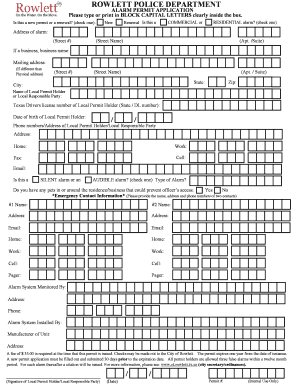
ROWLETT POLICE DEPARTMENT ALARM PERMIT APPLICATION
The document is an Alarm Permit Application for the Rowlett Police Department, detailing the process for obtaining or re ...
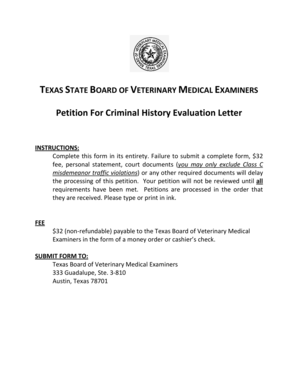
Petition For Criminal History Evaluation Letter - Texas State Board of
The document outlines the process for submitting a Petition for Criminal History Evaluation Letter to the Texas State Bo ...

N-565, Application for Replacement Naturalization
The document is the USCIS Form N-565, an application for a replacement naturalization or citizenship certificate. It out ...

ANNUAL UNIT OFFICERS REPORT
The document is the U.S. Coast Guard Auxiliary Annual Unit Officers Report form, used to report the election and appoint ...
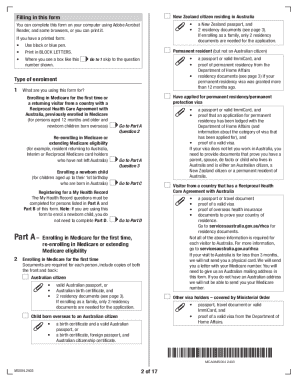
Medicare enrolment form (MS004)
The Medicare enrolment form (MS004) is designed for individuals to enroll in Medicare for the first time, re-enroll, or ...

Austin Police Department Alarm Permit Application 3 Alarm
The document is an Alarm Permit Application for the City of Austin, requiring applicants to provide personal and alarm s ...