




Here's how it works

01. Edit your wb 40 amendment to offer to purchase online
Type text, add images, blackout confidential details, add comments, highlights and more.

02. Sign it in a few clicks
Draw your signature, type it, upload its image, or use your mobile device as a signature pad.

03. Share your form with others
Send amendment to offer to purchase wisconsin via email, link, or fax. You can also download it, export it or print it out.
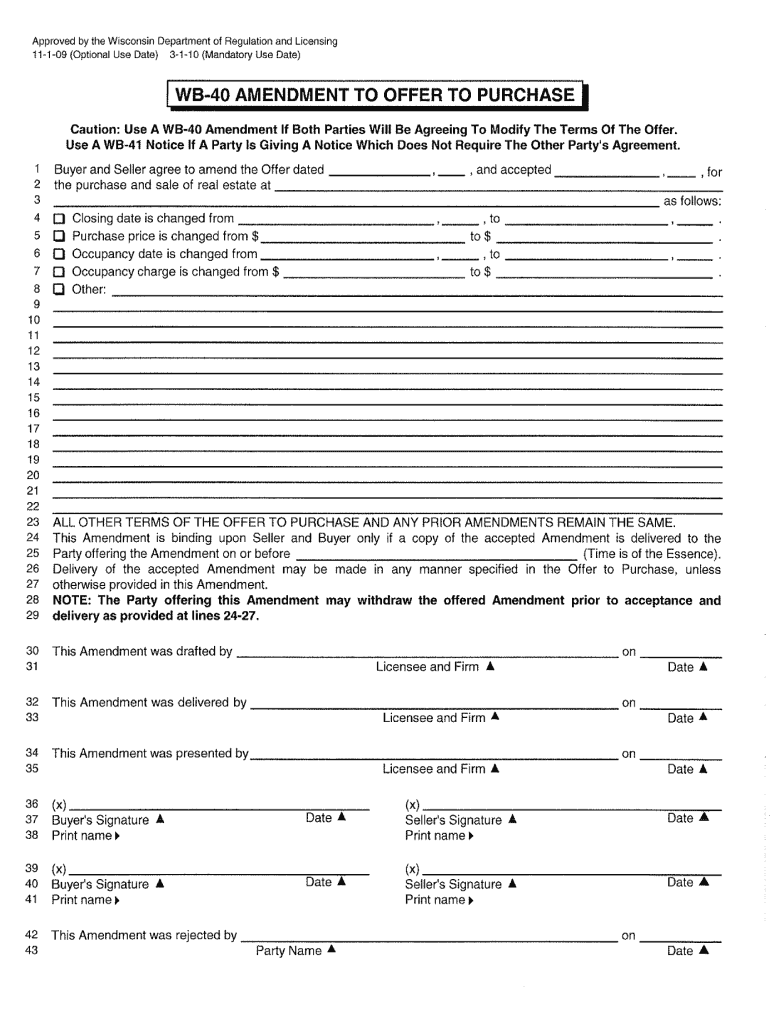
How to use or fill out wb 40 amendment to offer to purchase 2009 form with our platform

- Click ‘Get Form’ to open the wb 40 amendment to offer to purchase 2009 form in the editor.
- Begin by entering the buyer's and seller's information in the designated fields. Ensure that names are spelled correctly and match any official documents.
- Review the amendment sections carefully. Each section will require specific details about changes being made to the original offer. Fill these out accurately, providing clear explanations where necessary.
- If applicable, include any additional terms or conditions in the provided space. This is crucial for clarity and mutual understanding between parties.
- Once all fields are completed, utilize our platform’s signing feature to electronically sign the document. Ensure all parties have signed before finalizing.
Start using our platform today for free and streamline your document editing experience!
Fill out wb 40 amendment to offer to purchase 2009 form online
It's free
It's free
See more wb 40 amendment to offer to purchase 2009 form versions
We've got more versions of the wb 40 amendment to offer to purchase 2009 form form. Select the right wb 40 amendment to offer to purchase 2009 form version from the list and start editing it straight away!
Security and compliance
At DocHub, your data security is our priority. We follow HIPAA, SOC2, GDPR, and other standards, so you can work on your documents with confidence.
Learn more


Related forms

Southwestschools mediadocumentsSTUDENT ABSENCES AND EXCUSES 2 illness in the students family;
Southwestschools mediadocumentsSTUDENT ABSENCES AND EXCUSES 2 illness in the students family;
The document outlines the policies regarding student absences and excuses within the Miamisburg City Schools. It emphasi ...
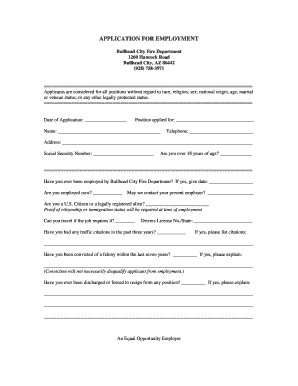
Bullhead City Fire Department
The document is an employment application for the Bullhead City Fire Department, outlining the necessary information and ...
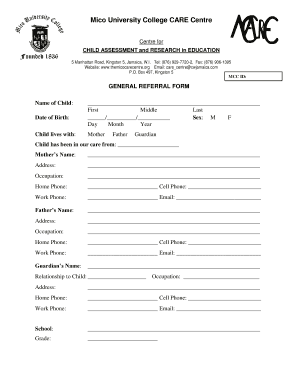
Mico care assessment form
The document is a General Referral Form for the Mico University College CARE Centre, which focuses on child assessment a ...
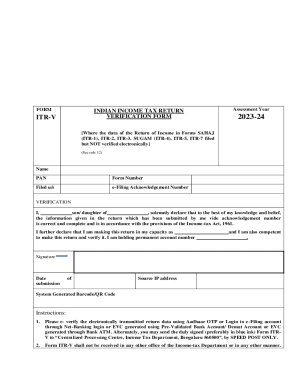
Notfctn-10-central-tax-english
The document is an Income Tax Return Verification Form (ITR-V) for the assessment year 2023-24, which requires the taxpa ...
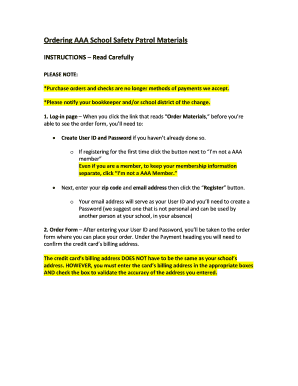
Ordering Instructions doc
The document provides instructions for ordering AAA School Safety Patrol materials, highlighting that purchase orders an ...
AARP Pre-First-Debate, National Survey, Miami, September 30, 2004 Demographics and Reference - asset
AARP Pre-First-Debate, National Survey, Miami, September 30, 2004 Demographics and Reference - asset
The AARP Pre-First-Debate National Survey conducted in September 2004 aimed to assess the voting intentions and opinions ...

Health Care Reform: A Survey of AARP Illinois Members - assets aarp
The document presents a survey conducted by AARP among its Illinois members regarding health care reform in April 2009. ...
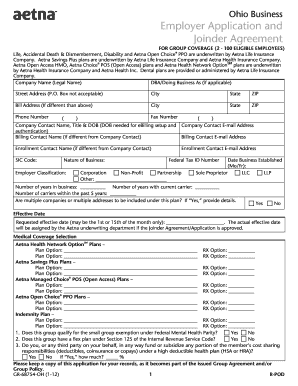
Ohio Employer Application and Joinder Agreement - Aetna Ohio Employer Application and Joinder Agreem
Ohio Employer Application and Joinder Agreement - Aetna Ohio Employer Application and Joinder Agreem
The document is an Employer Application and Joinder Agreement for group coverage provided by Aetna Life Insurance Compan ...