




Here's how it works

01. Edit your champva school enrollment certification letter online
Type text, add images, blackout confidential details, add comments, highlights and more.

02. Sign it in a few clicks
Draw your signature, type it, upload its image, or use your mobile device as a signature pad.

03. Share your form with others
Send champva school certification form via email, link, or fax. You can also download it, export it or print it out.
How to use or fill out school enrollment certification letter with DocHub

- Click ‘Get Form’ to open the school enrollment certification letter in our editor.
- Begin by entering the student's last name, first name, and middle initial in the designated fields.
- Next, input the name of the educational institution where the student is enrolled.
- Provide the last four digits of the student's Social Security Number (SSN) for identification purposes.
- Select the enrolled status by checking either 'Full-time' or 'Part-time' as applicable.
- Fill in the school term start date and end date using the format mm-dd-yyyy.
- Enter the estimated graduation date in mm-yyyy format.
- Have a school official sign and date the form, ensuring their title is also included.
Start using our platform today to easily complete your school enrollment certification letter for free!
Fill out school enrollment certification letter online
It's free
It's free
See more school enrollment certification letter versions
We've got more versions of the school enrollment certification letter form. Select the right school enrollment certification letter version from the list and start editing it straight away!
Security and compliance
At DocHub, your data security is our priority. We follow HIPAA, SOC2, GDPR, and other standards, so you can work on your documents with confidence.
Learn more


Related forms

Is irs requesting immunization records form
The document is a request form for immunization records from the El Paso County Public Health Immunization Clinic. It in ...
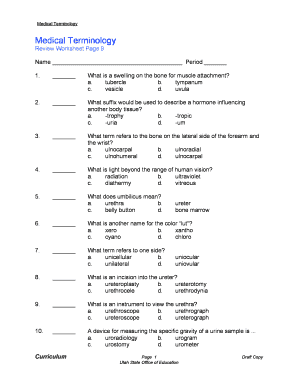
Medical terminology worksheet
The document is a worksheet focused on medical terminology, featuring multiple-choice questions and fill-in-the-blank ex ...

Water Budget Calculation Worksheet - City of Mountain View
The document is a fill-in form for a Water Budget Calculation Worksheet, part of the Landscape Project Submittal. It gui ...
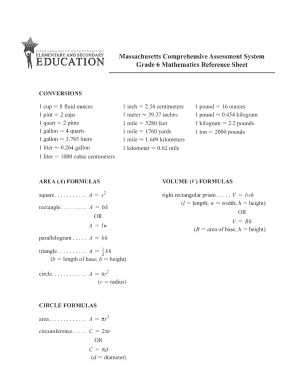
6th grade reference sheet
The document is a reference sheet for Grade 6 Mathematics in Massachusetts, providing essential conversion factors and f ...
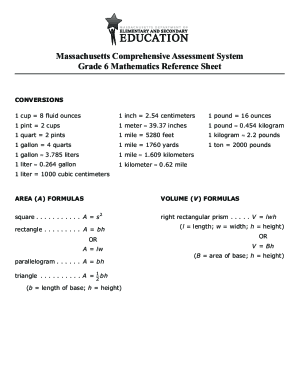
MCAS Grade 6 Mathematics Reference Sheet
The document is a reference sheet for Grade 6 Mathematics under the Massachusetts Comprehensive Assessment System, provi ...
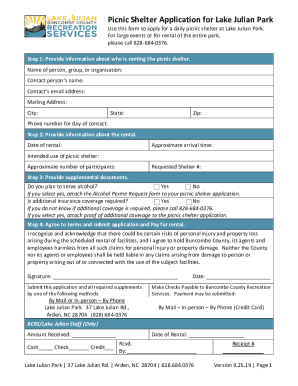
Issaquahwa DocumentCenterViewPICNIC SHELTER RENTAL REQUEST APPLICATION Page 1
The document is an application form for renting a picnic shelter at Lake Julian Park, detailing the steps required to ap ...
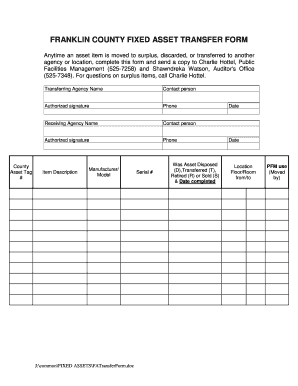
FRANKLIN COUNTY FIXED ASSET TRANSFER FORM
The document is a Fixed Asset Transfer Form for Franklin County, used to record the movement of asset items that are mov ...
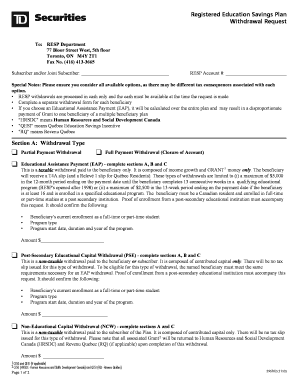
Td resp withdrawal form
The document is a withdrawal request form for a Registered Education Savings Plan (RESP), detailing the types of withdra ...