




01. Edit your form online
Type text, add images, blackout confidential details, add comments, highlights and more.

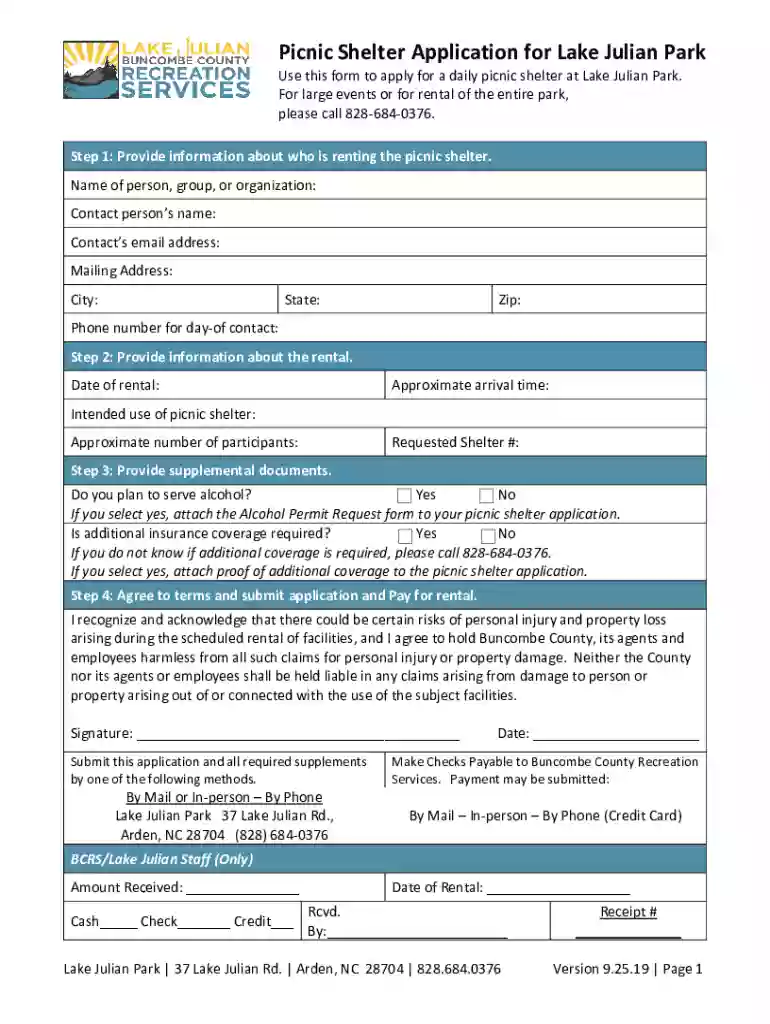
Type text, add images, blackout confidential details, add comments, highlights and more.

Draw your signature, type it, upload its image, or use your mobile device as a signature pad.

Send it via email, link, or fax. You can also download it, export it or print it out.

Start filling out your picnic shelter rental request today for free using our platform!
We've got more versions of the issaquahwa DocumentCenterViewPICNIC SHELTER RENTAL REQUEST APPLICATION Page 1 form. Select the right issaquahwa DocumentCenterViewPICNIC SHELTER RENTAL REQUEST APPLICATION Page 1 version from the list and start editing it straight away!
Most eSignature solutions require users to have a paid subscription. With DocHub, there are two ways for you to add an electronic signature to your issaquahwa DocumentCenterViewPICNIC SHELTER RENTAL REQUEST APPLICATION Page 1 at no cost:
The second option, though, has restrictions on the number of signatures, sign requests, emails, and forms for adjusting available per month. You can check for full details here.
In addition to an extensive toolset for editing PDFs on mobile phones, DocHub enables you to sign your issaquahwa DocumentCenterViewPICNIC SHELTER RENTAL REQUEST APPLICATION Page 1 along the way. Open our editor in your internet browser, make modifications using DocHub’s toolset, and complete your editing by eSigning the finished form.
At DocHub, your data security is our priority. We follow HIPAA, SOC2, GDPR, and other standards, so you can work on your documents with confidence.
This review summarized several methods used by city governments to analyze the parks service level: park access, park quality, park availability, trail
Drop Off: Issaquah Community Center, 301 Rainier Blvd S, Issaquah, WA 98027. Page 2. PARKS USE RENTAL REQUEST APPLICATION. The shelters may be rented between


