




Here's how it works

01. Edit your fort hood form 7006 online
Type text, add images, blackout confidential details, add comments, highlights and more.

02. Sign it in a few clicks
Draw your signature, type it, upload its image, or use your mobile device as a signature pad.

03. Share your form with others
Send fort hood via email, link, or fax. You can also download it, export it or print it out.
How to use or fill out the hood form with our platform

- Click ‘Get Form’ to open the hood form in the editor.
- Begin by entering your RANK in the designated field, followed by your DRIVER'S LICENSE NUMBER (DL#) and STATE. This information is crucial for identification.
- Fill in your NAME and UNIT, ensuring accuracy for proper documentation.
- Next, provide details about your vehicle: enter the VEHICLE MAKE, MODEL, and COLOR. Don’t forget to include the LICENSE PLATE NUMBER and its STATE.
- Input your INSURANCE COMPANY name and POLICY NUMBER. This section is vital for verifying coverage.
- Proceed to inspect each item listed under INSPECTABLE ITEM. Mark whether each item is SERVICEABLE or NOT SERVICEABLE, adding any REMARKS as necessary.
- Complete the motorcycle-specific section if applicable, including safety course details and required gear.
- Finally, ensure that you sign and date the inspection at the bottom of the form before submitting it.
Start using our platform today to fill out your hood form online for free!
Fill out hood form online
It's free
It's free
See more hood form versions
We've got more versions of the hood form form. Select the right hood form version from the list and start editing it straight away!
| Versions | Form popularity | Fillable & printable |
|---|---|---|
| 2013 | 4.8 Satisfied (142 Votes) |
Security and compliance
At DocHub, your data security is our priority. We follow HIPAA, SOC2, GDPR, and other standards, so you can work on your documents with confidence.
Learn more


Related forms
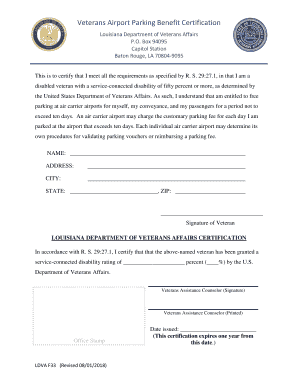
Vet Resources - Louisiana Department of Veterans Affairs
The document is a certification from the Louisiana Department of Veterans Affairs confirming that a disabled veteran, wi ...
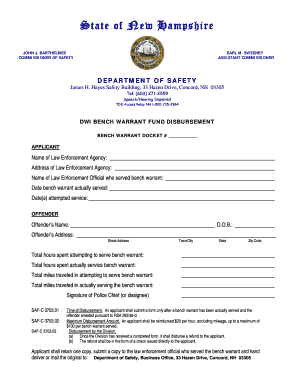
Bench warrant
The document outlines the procedures and requirements for disbursing funds related to the service of DWI bench warrants ...
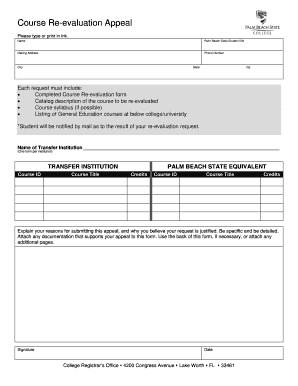
Palm beach state college re evaluation form
The document is a Course Re-evaluation Appeal form for students at Palm Beach State. It requires personal information, d ...
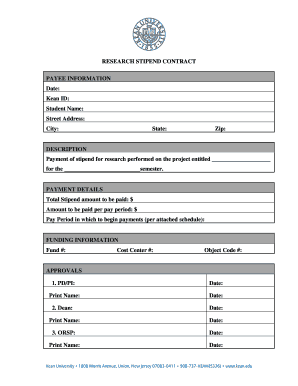
Stipend form template
The document is a Research Stipend Contract outlining the payment details for a stipend awarded to a student for researc ...
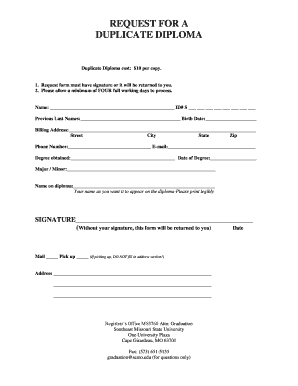
Request Replacement Diploma - Southeast Missouri State University - semo
The document is a request form for obtaining a duplicate diploma from Southeast Missouri State University, which costs $ ...
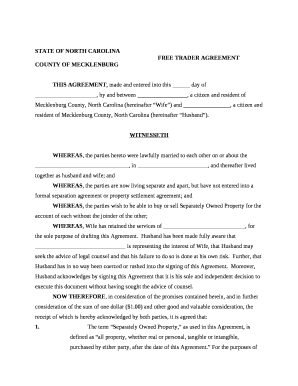
Trader agreement nc 2022 pdf
The document is a Free Trader Agreement between a husband and wife residing in Mecklenburg County, North Carolina, outli ...
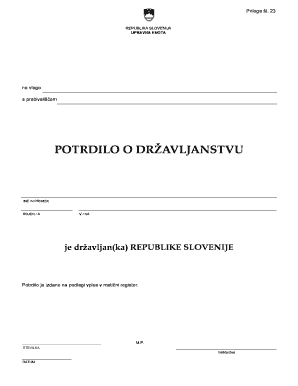
Potrdilo o dr avljanstvu
The document is a certificate of citizenship issued by the Administrative Unit of the Republic of Slovenia, confirming t ...
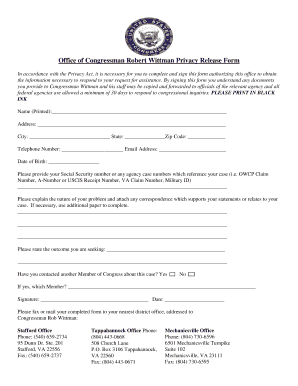
Office of Congressman Robert Wittman Privacy Release Form
The document is a Privacy Release Form from the Office of Congressman Robert Wittman, which allows constituents to autho ...