How to create a company profile Identify a purpose for the profile. Select a style and format for the company profile. Incorporate contact information. Include the companys mission statement. Write about the companys history. Describe products and services. Include awards and recognition. Financial information.
How to write a customer profile template?
Customer profiles usually contain information about a customers: Demographics like age, location, and gender. Interests. Purchasing history or habits. Business size for B2B deals. Motivations. Pain points.
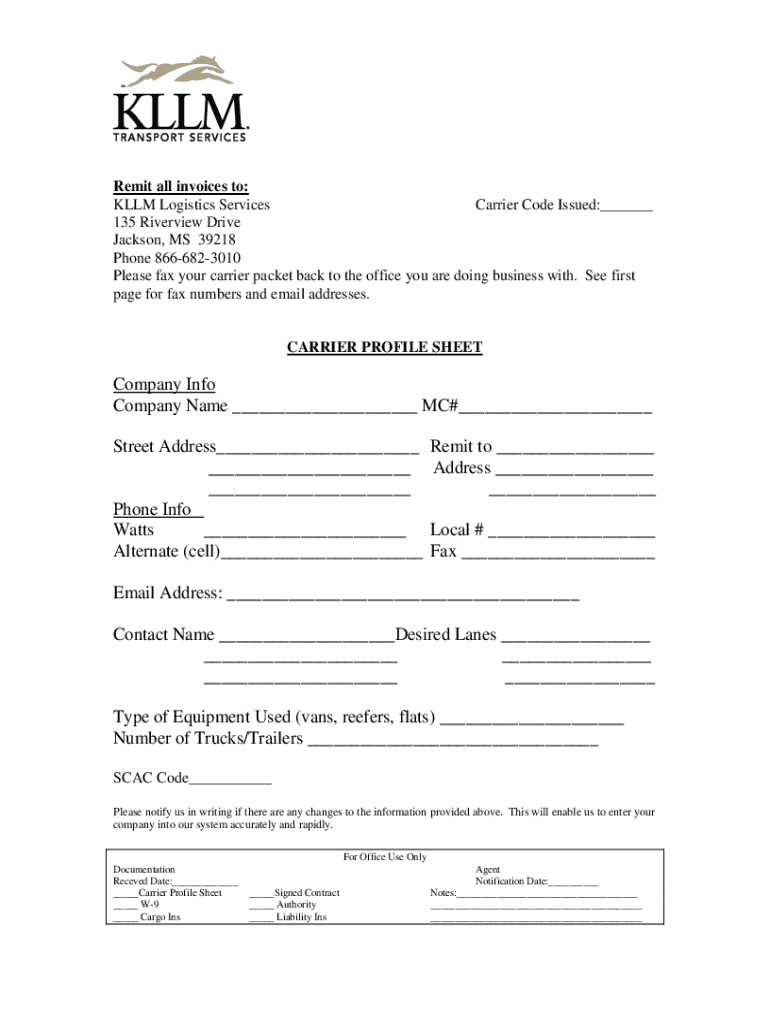
What is a carrier profile?
Carrier Profile is a measurement of a carriers on road performance, and is comprised of a carriers demographic information, accident record, contraventions, and vehicle inspections. Data contained on the profile is retrieved from numerous data bases throughout the Ministry and ICBC.
How to write a profile template?
Heres how to write a professional profile template in a few easy steps: State your full name on your cover. Expand on your personal information. Summarize your professional experience. Describe your educational background. Detail your professional experience. Add your volunteer experience if you have any.
The CHP recommends that upon completion of this Motor Carrier Profile, you make a copy for your records prior to mailing the original to the CHP. Mail completedRead more
Cookie consent notice
This site uses cookies to enhance site navigation and personalize your experience.
By using this site you agree to our use of cookies as described in our Privacy Notice.
You can modify your selections by visiting our Cookie and Advertising Notice.