Here's how it works



How to use or fill out socrates media llc with our platform

- Click ‘Get Form’ to open the socrates media llc document in the editor.
- Begin by reviewing the introductory section, which outlines the purpose of the form. Ensure you understand what information is required.
- Proceed to fill out your personal details in the designated fields, including your name, contact information, and any relevant identifiers. Make sure all entries are accurate.
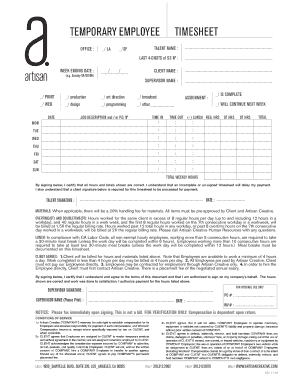
- Next, navigate to the sections that require specific inputs related to your engagement with Socrates Media LLC. This may include project descriptions or service requests.
- After completing all necessary fields, review your entries for completeness and accuracy before submitting.
Start using our platform today for free and streamline your document completion process!
It's free
See more socrates media llc versions
| Versions | Form popularity | Fillable & printable |
|---|---|---|
| 2005 | 4.9 Satisfied (242 Votes) |
Got questions?
Can I complete and sign my socrates application online?
Sure, and it’s really straightforward! DocHub is a web-based PDF editor with advanced document management functions that allow you quickly edit your paperwork, complete blank fields and add new ones for others to fill out, and create electronic signatures in several ways. Import your socrates application, provide information as requested, and select how you want to eSign your template - by typing your name, drawing your signature, uploading its picture, or utilizing a QR code.
How to manage my socrates media llc from Gmail?
If your go-to electronic mail service is Gmail, you can easily incorporate your DocHub editor in your work. Modify your socrates media llc with DocHub instruments and connect it to your drafts in Gmail. See how effortless it can be to exchange papers and work together having a swift PDF editing solution at hand.
Security and compliance
At DocHub, your data security is our priority. We follow HIPAA, SOC2, GDPR, and other standards, so you can work on your documents with confidence.
Learn more


Related forms