




01. Edit your ccap wisconsin online
Type text, add images, blackout confidential details, add comments, highlights and more.

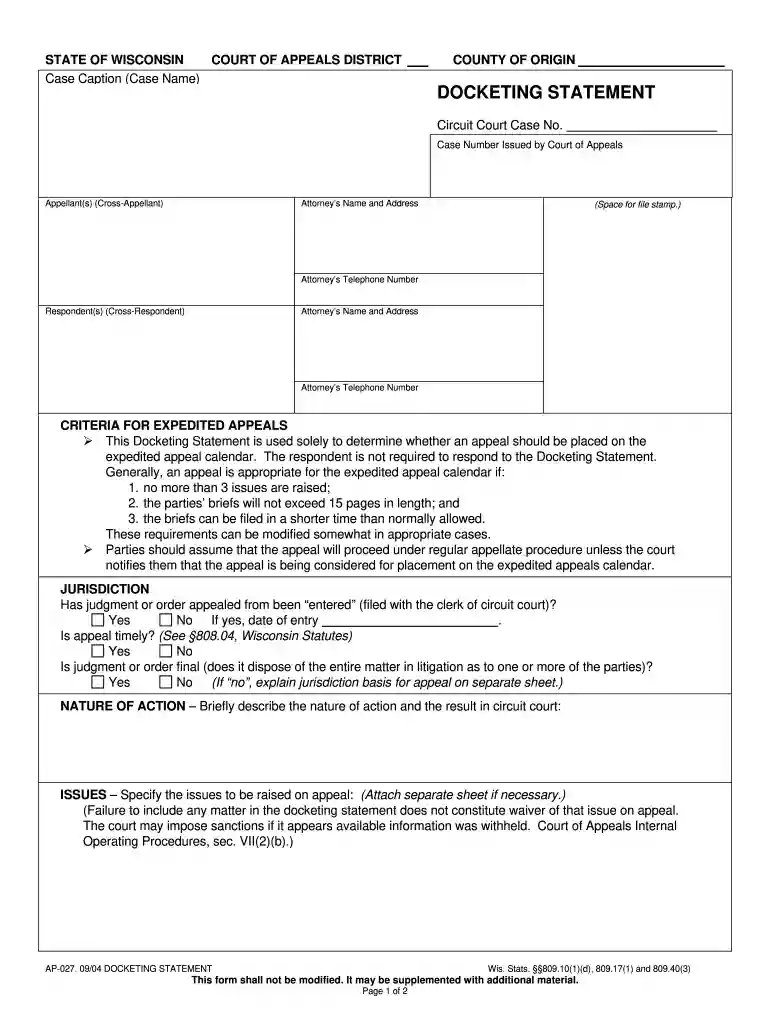
Type text, add images, blackout confidential details, add comments, highlights and more.

Draw your signature, type it, upload its image, or use your mobile device as a signature pad.

Send docketing statement via email, link, or fax. You can also download it, export it or print it out.

Start using our platform today to streamline your wi docketing statement process for free!
We've got more versions of the ccap wisconsin form. Select the right ccap wisconsin version from the list and start editing it straight away!
At DocHub, your data security is our priority. We follow HIPAA, SOC2, GDPR, and other standards, so you can work on your documents with confidence.
PLAINTIFFS DOCKETING STATEMENT. Plaintiffs One Wisconsin Institute, Inc., Citizen Action of Wisconsin Education Fund,. Inc., Renee M. Gagner, Anita JohnsonRead more
billing statement, Seller shall submit an invoice to Company in a form and by a method to be agreed by the Parties, showing the amount due Seller for theRead more
Memorandum decision or opinion upon which the judgment or order is based. You MUST also serve all parties with a copy of this completed Docketing Statement and.Read more


