




Here's how it works

01. Edit your bill sale motor vehicle online
Type text, add images, blackout confidential details, add comments, highlights and more.

02. Sign it in a few clicks
Draw your signature, type it, upload its image, or use your mobile device as a signature pad.

03. Share your form with others
Send bill of sale nebraska via email, link, or fax. You can also download it, export it or print it out.
How to use or fill out bill of sale nebraska with our platform

- Click ‘Get Form’ to open the bill of sale in the editor.
- Begin by entering the Vehicle Identification Number (VIN), Year, Make, Color, Body Type, and Title Number in the designated fields. Ensure accuracy as this information is crucial for identification.
- Fill in the buyer's details under 'The above vehicle has been sold to' along with the Date of Sale and Selling Price. This section confirms the transaction specifics.
- Complete the mileage section by stating the current odometer reading. If applicable, check any boxes that indicate discrepancies regarding actual mileage.
- Both seller(s) and purchaser(s) must sign and print their names along with dates. Ensure all signatures are completed to validate the document.
- Finally, review all entries for accuracy before saving or exporting your completed bill of sale for future reference.
Start using our platform today to effortlessly complete your bill of sale nebraska online for free!
Fill out bill of sale nebraska online
It's free
It's free
See more bill of sale nebraska versions
We've got more versions of the bill of sale nebraska form. Select the right bill of sale nebraska version from the list and start editing it straight away!
| Versions | Form popularity | Fillable & printable |
|---|---|---|
| 2004 | 4 Satisfied (40 Votes) |
Security and compliance
At DocHub, your data security is our priority. We follow HIPAA, SOC2, GDPR, and other standards, so you can work on your documents with confidence.
Learn more


Related forms
How to fill aper form
The document is an Annual Performance Evaluation form for academic staff at Lagos State University, covering the evaluat ...
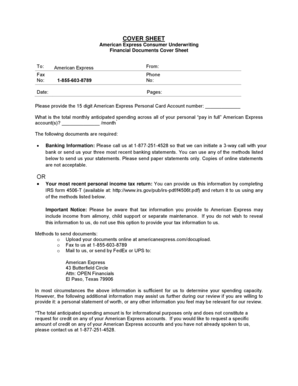
Americanexpress docupload
The document is a cover sheet for American Express Consumer Underwriting, outlining the requirements for submitting fina ...

Little League Volunteer Application - 2016
The document is a Little League Volunteer Application for 2016, requiring personal information, background checks, and v ...
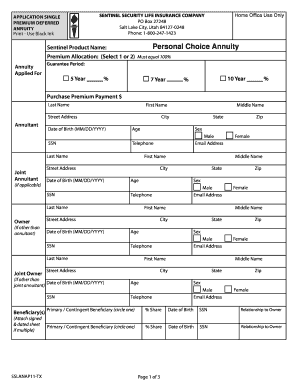
Sentinel Security Life Insurance Company - Mr Annuity
The document is an application form for a Single Premium Deferred Annuity from Sentinel Security Life Insurance Company. ...

New patient registration revised 0701 - cvhsinc
The document is a New Patient Registration Form for CVHS, collecting essential patient information such as personal deta ...
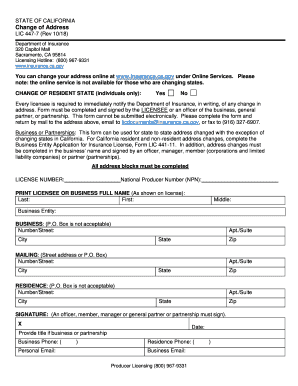
LIC 447-7 (Rev 10 18)
The document is a Change of Address form (LIC 447-7) from the California Department of Insurance, outlining the process ...
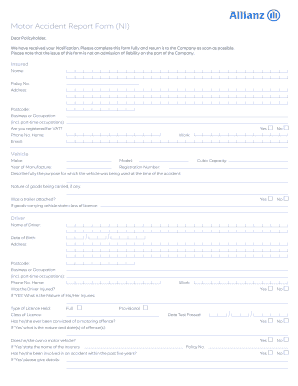
Vehicle insurance making a claim if you 're in an accident - Citizens
The document is a Motor Accident Report Form intended for policyholders to report details of a motor vehicle accident. I ...
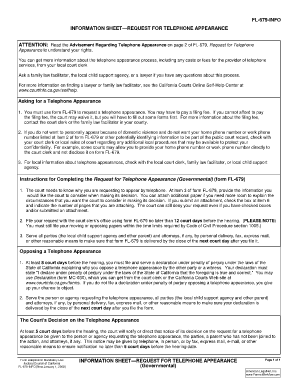
Child support state
The document FL-679-INFO provides information on how to request a telephone appearance in court, detailing the necessary ...