




Here's how it works

01. Edit your subpoena duces tecum north carolina online
Type text, add images, blackout confidential details, add comments, highlights and more.

02. Sign it in a few clicks
Draw your signature, type it, upload its image, or use your mobile device as a signature pad.

03. Share your form with others
Send north carolina subpoena form via email, link, or fax. You can also download it, export it or print it out.
How to use or fill out subpoena with our platform

- Click 'Get Form' to open the subpoena in the editor.
- Begin by filling in the 'File No.' and 'County' sections at the top of the form. This information is crucial for identifying your case.
- In the 'Party Requesting Subpoena' section, enter the name of the state or plaintiff requesting the subpoena, followed by details of the defendant.
- Provide the name and address of the person being subpoenaed in the designated fields. Ensure accuracy to avoid delivery issues.
- Check all applicable boxes under 'YOU ARE COMMANDED TO:' to specify whether they need to appear in court, at a deposition, or produce documents.
- Fill in the date, time, and location for appearance or document production. Be clear and precise to ensure compliance.
- Complete the applicant's information section, including signature and contact details. This validates your request.
Start using our platform today for free to streamline your subpoena process!
Fill out subpoena online
It's free
It's free
Security and compliance
At DocHub, your data security is our priority. We follow HIPAA, SOC2, GDPR, and other standards, so you can work on your documents with confidence.
Learn more


Related forms

New hampshire short form
The document is a short form complaint filed in the United States District Court for the District of New Hampshire regar ...
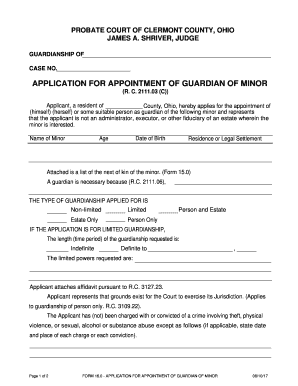
Oh guardian minor
The document is an application form for the appointment of a guardian for a minor in Clermont County, Ohio. It outlines ...

Texasoagchildsupport
The document is an Income Withholding Order/Notice for Support (IWO) used to enforce child support payments through inco ...

In The United States District Courtfor The Eastern District
The document is a notice for mandatory Orientation to Custody Mediation in Columbus County, North Carolina. It outlines ...
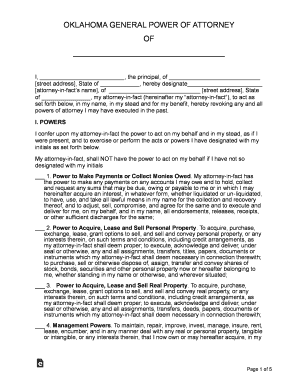
Springing Durable Power of attorney for finance and
The document is an Oklahoma General Power of Attorney, which designates an attorney-in-fact to act on behalf of the prin ...

Illinois guardmens act form
The document is an application form for benefits under the Illinois National Guardsmen’s and Naval Militiamen’s Compensa ...

Petition heirs kin sample
The document is a legal form used in the Superior Court of California, County of Los Angeles, titled 'Supplement to Peti ...
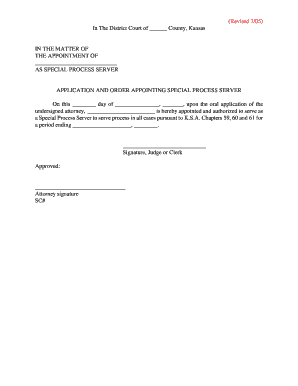
Kansas application special process get
The document is a legal application and order from the District Court of a Kansas County, appointing an individual as a ...