
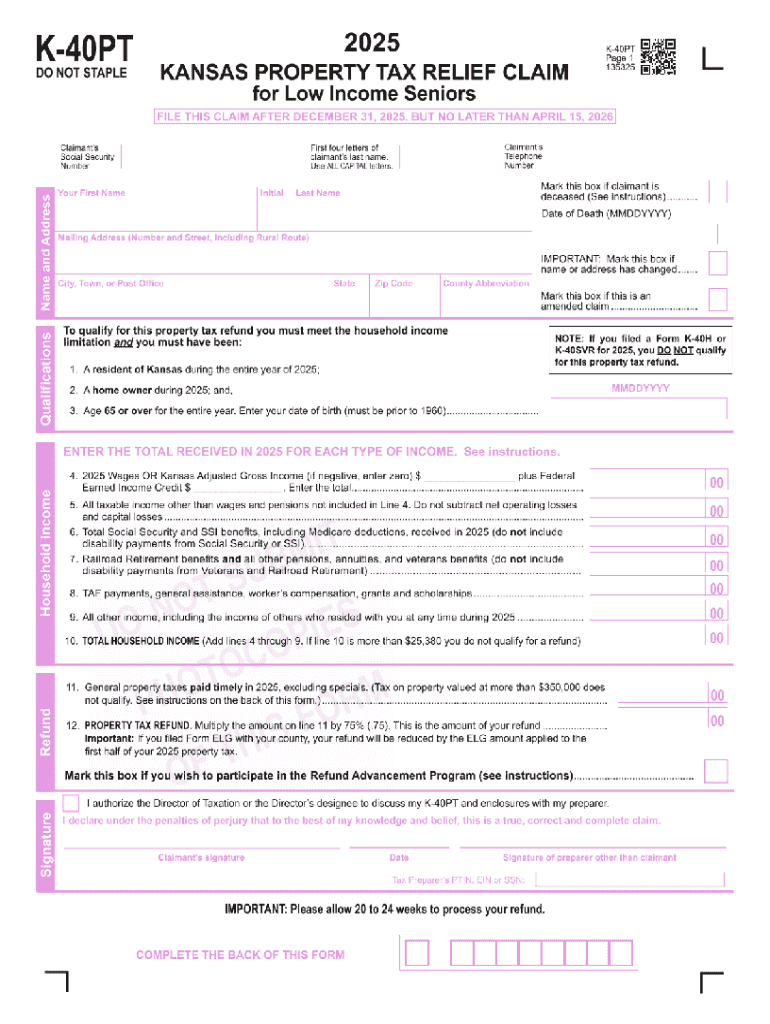







Definition & Meaning of Form Online
Forms online refer to digital versions of traditional paper forms used for various purposes such as tax filings, applications, and legal agreements. These forms are designed for completion and submission through electronic platforms, eliminating the need for physical paperwork. The adoption of digital forms has streamlined processes, making it easier for individuals and businesses to access and manage important documents from any device with internet connectivity.
Digital forms are typically equipped with interactive elements like text fields, checkboxes, and signature sections to mimic their physical counterparts. They are used across multiple domains, including governmental filing, legal documentation, business operations, and educational applications, allowing for broader reach and efficient data handling.
How to Use the Form Online
To use a form online effectively, follow these steps:
-
Access the Form: Find the form you need on the relevant website. This often involves searching through a database of forms or entering specific keywords into a search bar.
-
Check Compatibility: Ensure that your device is compatible with the form's requirements. Most online forms are accessible via standard web browsers, but some may require software like Adobe Acrobat for PDF forms.
-
Complete the Fields: Fill in the form fields accurately. This can include typing in text areas, selecting options from dropdown menus, and checking boxes where applicable. Ensure all required fields are completed before proceeding.
-
Review the Form: Double-check the information you've entered to avoid mistakes. Look for any incomplete sections or errors that need correction.
-
Submit the Form: Follow the platform's instructions to submit the form. This may involve simply pressing a 'Submit' button or uploading the completed form to a specific destination.
-
Receive Confirmation: After submission, you should receive confirmation that your form has been successfully submitted. This could be in the form of an on-screen notification or a confirmation email.
Steps to Complete the Form Online
-
Identify Required Information: Before starting, gather all necessary details and documents. This might include personal information, identification numbers, and any supporting documentation.
-
Open the Form: Navigate to the designated platform that hosts the form. Use your web browser to open and start the form process.
-
Input Information: Start entering your details into the required fields. Pay close attention to instructions for each section to ensure accuracy.
-
Attach Supporting Documents: If the form requires, attach any required documentation. This might involve uploading scanned copies of documents or taking photos of relevant paperwork.
-
Electronic Signature: Apply your electronic signature if necessary. Most platforms allow you to draw your signature or upload an image of it.
-
Final Review and Submission: Carefully review all entries to make sure they are correct. Once satisfied, submit the form following the online platform's guidelines.
Key Elements of Form Online
-
User-Friendly Design: Online forms are designed to be intuitive, guiding users through each section logically. Clear labeling and instructions ensure users understand what information is required.
-
Interactivity: Forms often feature interactive elements like auto-fill, dropdown selections, and real-time validation to enhance user experience and ensure data accuracy.
-
Data Security: Security measures such as SSL encryption ensure that submitted information is protected during transmission, maintaining user privacy and preventing unauthorized access.
-
Accessibility: Compatible with various devices, including smartphones, tablets, and computers, enabling users to complete forms wherever they are.
Legal Use of the Form Online
Forms online can be used for a variety of legal purposes, adhering to the legal standards and requirements of the jurisdiction in which they are filed. Common legal uses include:
-
Tax Filings: Filling out and submitting federal and state tax forms electronically.
-
Contracts: Drafting and signing legally binding agreements between parties.
-
Regulatory Compliance: Submitting required forms for compliance with local, state, or federal regulations.
Online forms must comply with laws such as the Electronic Signatures in Global and National Commerce Act (ESIGN), ensuring they hold the same legal weight as paper documents.
Examples of Using the Form Online
-
Tax Filings: Individuals and businesses use forms like the IRS W-9 and 1040 to report income and calculate taxes owed or refunds due electronically.
-
Job Applications: Employers post interactive online forms for candidates to apply for positions, allowing for easy resume uploads and detailed information capture.
-
Healthcare Information: Patient intake forms can be completed online before a medical visit, streamlining the check-in process.
-
Property Transactions: Buyers and sellers of real estate can use online forms to complete transactions and ensure compliance with legal standards efficiently.
Required Documents for Form Online
To successfully complete forms online, different forms may necessitate various supporting documents. Typical types of documentation that might be required include:
-
Identification: Government-issued ID such as a driver's license or passport.
-
Financial Information: Bank statements, pay stubs, or previous tax returns.
-
Proof of Residency: Utility bills or lease agreements demonstrating current address.
-
Additional Certificates: Necessary certifications or licenses relevant to the form's purpose.
Ensuring all necessary documents are available and uploaded correctly is crucial for the successful submission and processing of the form.
Form Submission Methods
-
Online Submission: The most common method is through digital submission on a secure platform, ensuring quick delivery and processing.
-
Email Submission: Some forms may be completed online but require submission via email, usually in cases where online platforms are unavailable.
-
Physical Mailing: While not the primary method, certain forms might still require a printed version to be sent via postal service, particularly when original signatures are needed.
-
In-Person Delivery: In rare cases, individuals might need to submit forms directly to a designated office to fulfill specific requirements, such as identity verification.
Each method has its particular requirements and benefits, largely depending on the form's nature and its intended use.




