
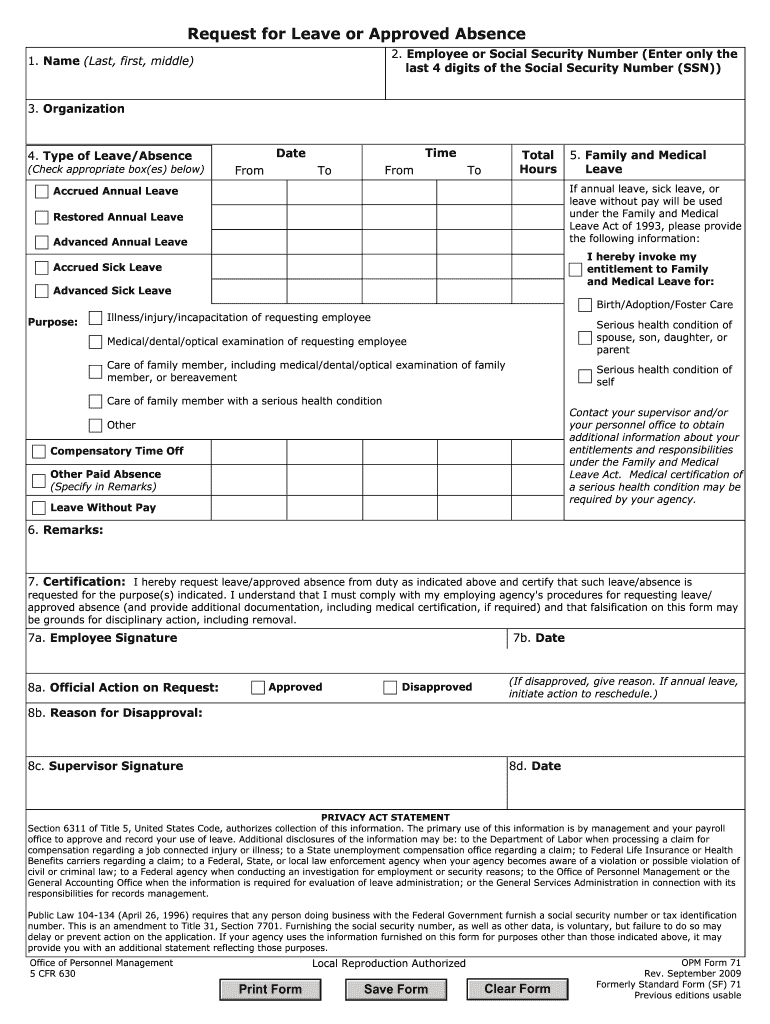




Here's how it works

01. Edit your opm 71 online
Type text, add images, blackout confidential details, add comments, highlights and more.

02. Sign it in a few clicks
Draw your signature, type it, upload its image, or use your mobile device as a signature pad.

03. Share your form with others
Send opm 71 fillable via email, link, or fax. You can also download it, export it or print it out.
The fastest way to redact Opm 71 online

Dochub is a perfect editor for modifying your documents online. Follow this straightforward guide to edit Opm 71 in PDF format online at no cost:
- Register and log in. Create a free account, set a secure password, and proceed with email verification to start managing your templates.
- Upload a document. Click on New Document and select the form importing option: add Opm 71 from your device, the cloud, or a protected URL.
- Make changes to the template. Use the top and left panel tools to change Opm 71. Add and customize text, pictures, and fillable areas, whiteout unneeded details, highlight the important ones, and provide comments on your updates.
- Get your documentation accomplished. Send the form to other people via email, create a link for faster file sharing, export the template to the cloud, or save it on your device in the current version or with Audit Trail added.
Try all the benefits of our editor right now!
Fill out opm 71 online
It's free
It's free
Security and compliance
At DocHub, your data security is our priority. We follow HIPAA, SOC2, GDPR, and other standards, so you can work on your documents with confidence.
Learn more


Related forms
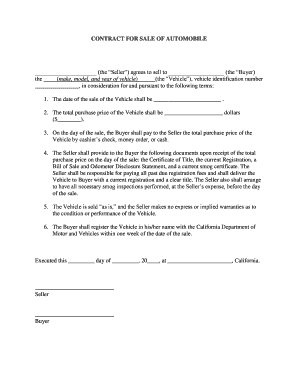
Auto Sale Contract - UCLA Student Legal Services - studentlegal ucla
This document is a contract for the sale of an automobile between a Seller and a Buyer, outlining the terms of the sale ...

E-mail CANhistorychecksdcyf
The document outlines the process for requesting information on founded findings of child abuse and neglect in Washingto ...

Does unfounded CPS case shows up in employment
The document outlines the process for requesting information on founded findings of child abuse and neglect in Washingto ...
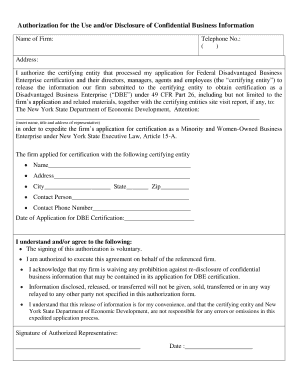
Authorization agreement contract mou moa
The document is an authorization form allowing a firm to permit the certifying entity that processed its application for ...

German Weapon Purchase Agreement
The document is a sales contract for a used hunting weapon between a seller and a buyer. It includes personal details of ...