01. Edit your form online
Type text, add images, blackout confidential details, add comments, highlights and more.

Type text, add images, blackout confidential details, add comments, highlights and more.

Draw your signature, type it, upload its image, or use your mobile device as a signature pad.

Send it via email, link, or fax. You can also download it, export it or print it out.
The term "form online" refers to electronic versions of traditional paper forms that can be accessed, filled out, submitted, and processed via internet platforms. These forms are designed to provide a convenient and efficient way to collect and process user data, often eliminating the need for physical paperwork. A wide range of applications, from tax filings to job applications, utilize online forms due to their accessibility and ease of use, aligning with modern digital workflows.
To effectively use a form online, users typically begin by accessing the form through a designated website or service. Platforms like DocHub offer tools that enable users to fill out these forms directly within their web browsers. Users can interact with the form's fields, entering information such as text, numbers, dropdown selections, and signatures. Common steps include:
Examples of typical online forms include job applications, contact forms, surveys, and official government document submissions such as tax forms or permits.
Completing an online form involves a series of structured steps designed to streamline the process. Here's a general guide:
These steps help ensure that the form is completed accurately and successfully.
Online forms feature several key elements that facilitate data collection and submission:
Understanding these elements is crucial for users to navigate and complete forms successfully.
Familiarity with these terms can enhance one’s ability to effectively navigate and complete online forms.
The use of online forms comes with specific legal considerations, ensuring compliance with laws like the Electronic Signatures in Global and National Commerce Act (ESIGN Act) in the U.S. This act validates the legality of contracts and signatures in electronic format, providing the same legal standing as paper documents. Online forms must include:
These components ensure that online forms are compliant with applicable laws and regulations, making them viable for legal transactions.
Different scenarios illustrate the utility of online forms:
These examples demonstrate the diverse applications and benefits of using forms online across various fields.
Choosing between a digital and paper form version depends on several factors:
While paper forms still have their place in certain situations, the digital approach provides numerous advantages in data collection and management.
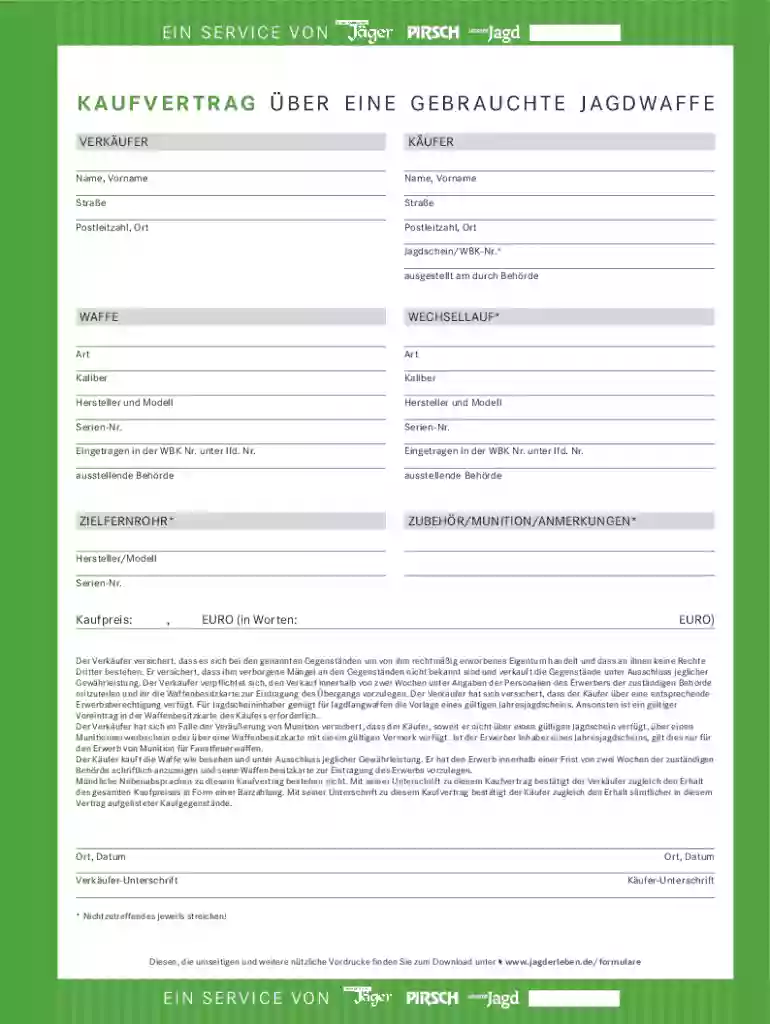
We've got more versions of the German Weapon Purchase Agreement form. Select the right German Weapon Purchase Agreement version from the list and start editing it straight away!
At DocHub, your data security is our priority. We follow HIPAA, SOC2, GDPR, and other standards, so you can work on your documents with confidence.