






Definition and Meaning
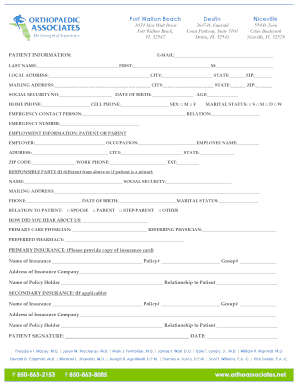
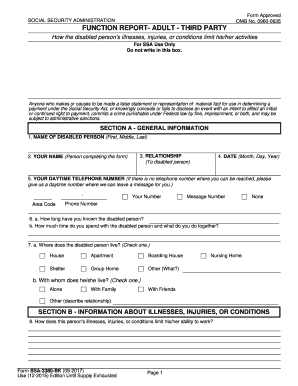
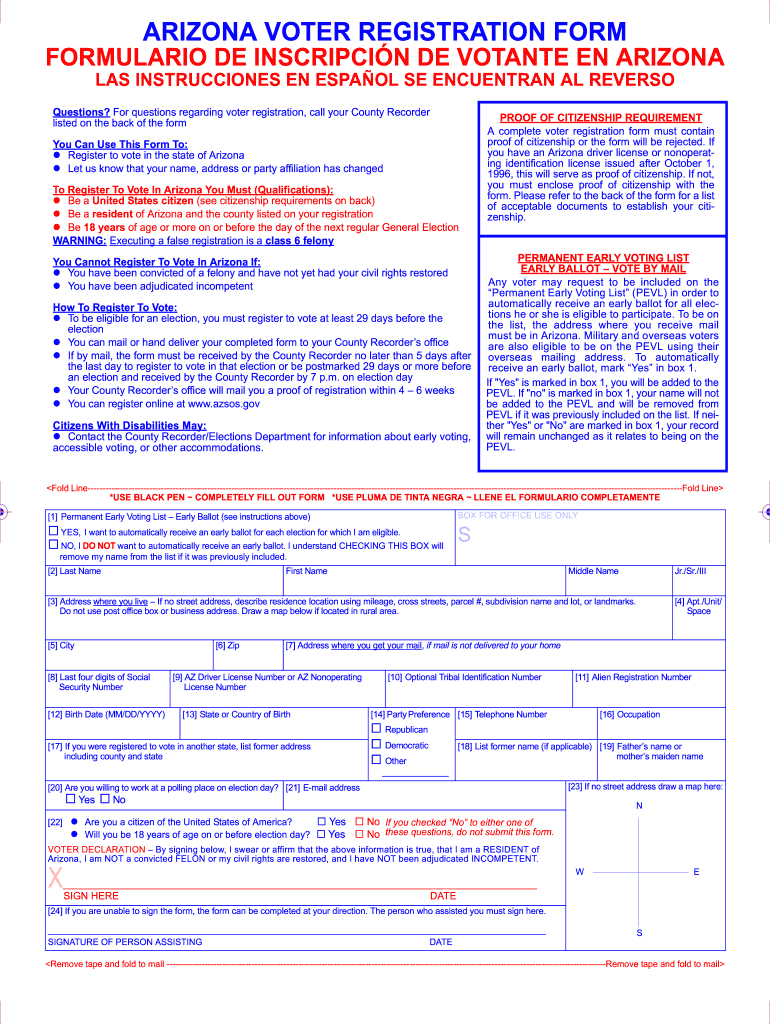
The "Arizona Registration Form Print" typically refers to the printable version of a form related to registration tasks within the state of Arizona. This could encompass a range of forms for activities such as voter registration, vehicle registration, or other state-administered processes that require official documentation of personal information. The printed form allows individuals to fill out and submit details required by state authorities, ensuring compliance with local laws and facilitating various administrative procedures. The concept behind providing a printable form is to offer flexibility in how residents choose to complete these essential tasks, whether via digital means or traditional paper submission.
How to Use the Arizona Registration Form Print
Utilizing the Arizona Registration Form Print involves a few straightforward steps, regardless of the specific type of registration in question. Generally, individuals need to:
-
Access the Form: Locate the appropriate form online through official state websites or physical locations like government offices or libraries.
-
Print the Form: Ensure that the form is printed clearly so that all sections are legible.
-
Fill Out the Form: Complete the form by providing accurate personal information, following the guidelines specified on the form for each section. This may include names, addresses, identification numbers, and, if required, additional documentation to verify identity or eligibility.
-
Review for Accuracy: Before submission, it’s crucial to double-check all entries for potential errors or omissions to avoid delays or compliance issues.
-
Submit the Form: Depending on the form, submission may occur via postal mail, in-person delivery to a state office, or through an online platform if electronic submission is allowed.
Steps to Complete the Arizona Registration Form Print
Completing an Arizona Registration Form requires attention to detail to ensure that all required information is accurately provided. Here is a step-by-step guide:
-
Gather Required Information: Before beginning, collect all necessary documents and information, such as identification, proof of residency, or citizenship documents.
-
Read Instructions Carefully: Each form comes with detailed instructions. Read these thoroughly to understand which sections are applicable and any additional documentation needed.
-
Fill in All Necessary Fields: Enter your information in the designated fields. Make sure handwriting is legible if filling out by hand, or use a typewriter or computer if a digital fillable form is available.
-
Attach Required Documents: Where specified, attach copies of required documents. Ensure these are clear and legible.
-
Sign and Date the Form: Most forms require a signature to validate the information provided. Ensure that you sign and date the form where appropriate.
-
Copy for Records: Make a copy of the completed form and any attached documents for your personal records before submission.
-
Submit the Form: Follow the specified submission process, whether mailing it, dropping it off at an office, or submitting online.
Key Elements of the Arizona Registration Form Print
Several key elements are present in any official Arizona registration form, designed to capture essential information:
- Personal Information: Includes full name, address, contact information, and date of birth.
- Identification Details: Social Security number or driver’s license number to verify identity.
- Registration Type: Description of the type of registration or process the form is intended for, such as voting or vehicle registration.
- Declaration Statements: Sections where applicants must declare the accuracy of their information and understanding of related legal implications.
- Instructions Section: Comprehensive guidelines on how to fill out the form, a checklist of required attachments, and submission deadlines.
Who Typically Uses the Arizona Registration Form Print
The Arizona Registration Form Print is utilized by various individuals, depending on the form's purpose.
- Residents: For tasks like voter registration, vehicle registration, or other state-specific administrative processes.
- Students: If registering for residency or voting in Arizona while attending school in the state.
- Businesses: When registering a business entity or vehicles through state channels.
These forms are crucial for ensuring compliance with state regulations and facilitating efficient governmental operations.


State-Specific Rules for the Arizona Registration Form Print
Using an Arizona registration form involves adhering to state-specific rules designed to ensure legitimate and standardized processing.
-
Residency Requirements: Many forms require confirmation of residency. For example, voter registration requires proof that the individual lives in Arizona.
-
Identification Verification: The use of specific identification types, like a state-issued ID or driver's license, is often mandated to verify identity and eligibility.
-
Submission Deadlines: Each form type may have strict deadlines, particularly for voting registration or vehicle registration renewals, requiring timely completion and submission.
Required Documents
Completing a registration form often necessitates additional documentation to verify a person's identity or eligibility. Typical documents include:
-
Proof of Identity: State-issued ID or passport.
-
Proof of Residency: Utility bills, lease agreements, or other approved forms showing Arizona residency.
-
Legal or Supplemental Documents: Depending on the registration type, additional legal documentation may be required, such as proof of citizenship or a vehicle title.
Form Submission Methods (Online / Mail / In-Person)
There are multiple methods to submit the Arizona Registration Form after completion:
-
Mail: Forms can be mailed to the appropriate state office, adhering to mailing guidelines specified on the form.
-
In-Person: Many forms allow for direct handover at state offices or authorized locations. This can be beneficial for immediate confirmation of submission.
-
Online Platforms: Some forms may be submitted electronically through a designated website or portal, which is often the fastest and most convenient option for tech-savvy individuals.