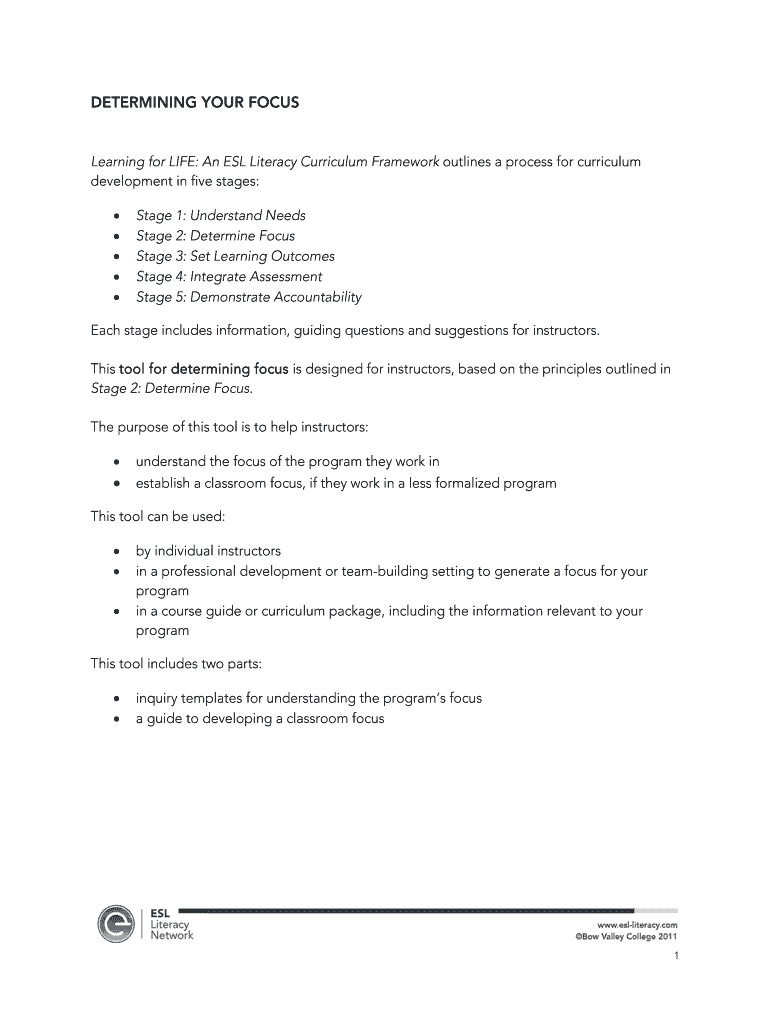







Definition & Meaning of the ESL Literacy Network Toolbox Stage 2 Instructor Tool
The ESL Literacy Network Toolbox Stage 2 Instructor Tool is a part of a broader curriculum development framework aimed at enhancing the literacy skills of English as a Second Language (ESL) learners. This tool focuses on providing instructors with the necessary resources to design effective lessons and track the progress of their students. At its core, the toolbox aids in establishing program and classroom goals, facilitating the planning of lessons that are learner-centered and assessment-driven.
Key Features
- Curriculum Development: Guides instructors through creating comprehensive lesson plans.
- Goal Setting: Provides methods to set and align educational objectives with learner needs.
- Assessment Integration: Offers tools to incorporate assessments into educational activities.
Practical Usage
The tool serves as a reference guide for ESL educators, ensuring that the instructional goals are consistently met through structured lesson planning and learner engagement strategies.
How to Use the ESL Literacy Network Toolbox Stage 2 Instructor Tool
Utilizing the ESL Literacy Network Toolbox Stage 2 Instructor Tool is a straightforward process that enables instructors to craft targeted educational experiences for ESL learners.
- Identify Learning Objectives: Start by defining the goals and outcomes you desire for your class.
- Create Lesson Plans: Use the toolbox to design lessons that focus on these objectives, incorporating different teaching methods and activities.
- Assess Learner Progress: Continuously evaluate the effectiveness of your lessons with guided assessment tools provided in the toolbox.
Examples
- Scenario 1: An instructor aims to improve vocabulary skills in a beginner class. The toolbox can help design vocabulary-focused activities and assessments.
- Scenario 2: For advanced learners, focus on comprehension and analysis, using the toolbox to create suitable materials.
Steps to Complete the ESL Literacy Network Toolbox Stage 2 Instructor Tool
Completing the ESL Literacy Network Toolbox involves a series of systematic steps, each designed to ensure comprehensive educational planning.
- Initial Consultation: Engage learners in discussions to understand their goals and needs.
- Goal Alignment: Align course content with the broader curriculum goals and learner aspirations.
- Resource Utilization: Use the toolbox's resources to develop lessons and activities.
- Feedback Loop: Implement a feedback mechanism to refine teaching strategies continually.
Detailed Breakdown
- Consultations: Facilitates needs assessment through learner feedback.
- Resource Layers: Offers structured resources that can be customized for specific classes.
- Iteration and Optimization: Encourages ongoing revision of teaching methods through continual feedback.
Why Use the ESL Literacy Network Toolbox Stage 2 Instructor Tool
The ESL Literacy Network Toolbox Stage 2 Instructor Tool is essential for instructors seeking to enhance their ESL strategies with a structured, goal-oriented approach.
Value Proposition
- Targeted Learning: Focuses on setting clear, achievable goals that enhance learner motivation.
- Increased Accountability: Empowers instructors to track and measure learner progress systematically.
- Improved Instructional Quality: Provides a foundation for creating engaging and effective lessons.
Important Terms Related to the ESL Literacy Network Toolbox Stage 2 Instructor Tool
Understanding specific terms related to the toolbox is crucial for its effective application in educational settings.
Key Terms
- Inquiry Templates: Forms used to engage students actively in lesson development by aligning teaching goals with learner inquiries.
- Learning Outcomes: Defined goals relating to the knowledge or skills a learner should acquire by the end of a course or module.
Explanation of Terms
- Inquiry Templates: Facilitate participation by allowing students to express their interests and learning goals.
- Learning Outcomes: Serve as benchmarks for assessing student performance and curriculum effectiveness.
Who Typically Uses the ESL Literacy Network Toolbox Stage 2 Instructor Tool
The tool is widely utilized by ESL educators across various educational settings to foster language acquisition and literacy skills.


Profile of Users
- ESL Instructors: Primary users benefiting from structured lesson planning aids.
- Program Coordinators: Use the tool to align course materials with broader program objectives.
- Linguists and Curriculum Developers: Employ the tool to create customized educational experiences.
Usage Context
- Classroom Environments: Aids in lesson delivery within traditional or virtual classrooms.
- Workshops and Seminars: Utilized in professional development settings to train educators.
Legal Use of the ESL Literacy Network Toolbox Stage 2 Instructor Tool
The toolbox's application must comply with educational standards and intellectual property laws.
Compliance Considerations
- Educational Standards: Aligns with established pedagogical standards and best practices in the United States.
- Intellectual Property: Ensures that all materials developed using the tool respect copyright laws and acknowledge original sources.
Case Studies
- Example 1: A state-funded ESL program integrates the toolbox to meet specific academic benchmarks.
- Example 2: A private language school uses the tool while adhering to licensing agreements and standards.