






Definition and Meaning
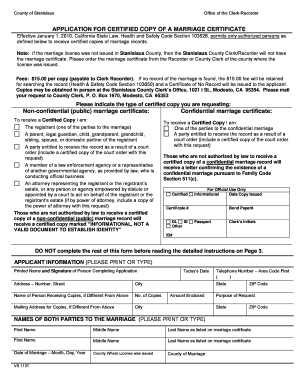
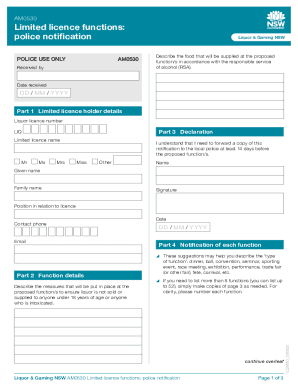
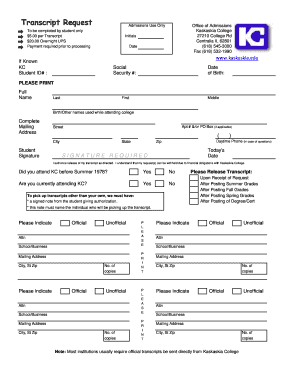
The term "form online" refers to digital documents that can be filled out, submitted, and managed over the internet. These forms are designed for a wide range of purposes, from applications and registrations to surveys and feedback collection. Utilizing online forms enhances accessibility and efficiency since users can submit required information anytime and from anywhere. Unlike traditional paper-based forms, online forms allow for instant data processing, real-time updates, and seamless integration into broader digital workflows, enhancing productivity and reducing paper waste.
How to Use the Form Online
Using forms online involves several straightforward steps. To begin, identify the specific form you need. Access the platform that hosts the form online; DocHub is a popular choice due to its user-friendly interface and extensive editing tools. Once you have located the form, download or open it directly from your cloud storage. Fill out the form using the available digital tools, such as text boxes and dropdown menus, ensuring all mandatory fields are completed. Review your input for accuracy before submission. Finally, submit the form through the platform, which might involve sending it directly to the recipient's email or uploading it back to a specified portal.
Steps to Complete the Form Online
- Locate the Form: Access the platform or portal where the form online is available.
- Fill Out the Form: Use digital tools to enter your information, paying attention to required fields.
- Review and Edit: Double-check the entered data for errors or omissions.
- Submit the Form: Follow submission instructions, which may include email sending or portal uploading.
- Confirmation: Receive a confirmation of submission, typically via email or through the platform.
Why Should You Use the Form Online
Opting to use the form online offers numerous advantages. Online forms reduce processing time and eliminate the need for physical handling, making the submission and retrieval process quicker and more efficient. They are environmentally friendly, eliminating paper use and reducing carbon footprints associated with postal delivery. The approach also enhances data security, with platforms like DocHub employing encryption and authentication protocols to protect sensitive information. Furthermore, online forms are often integrated into larger systems, facilitating immediate updates and real-time collaboration among stakeholders.
Key Elements of the Form Online
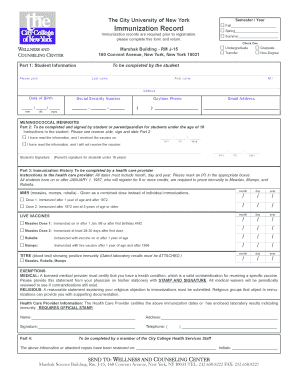
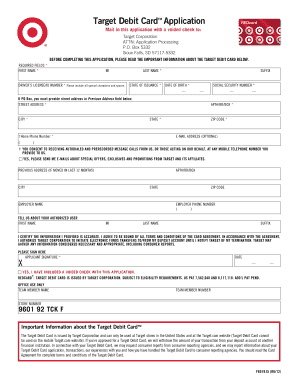
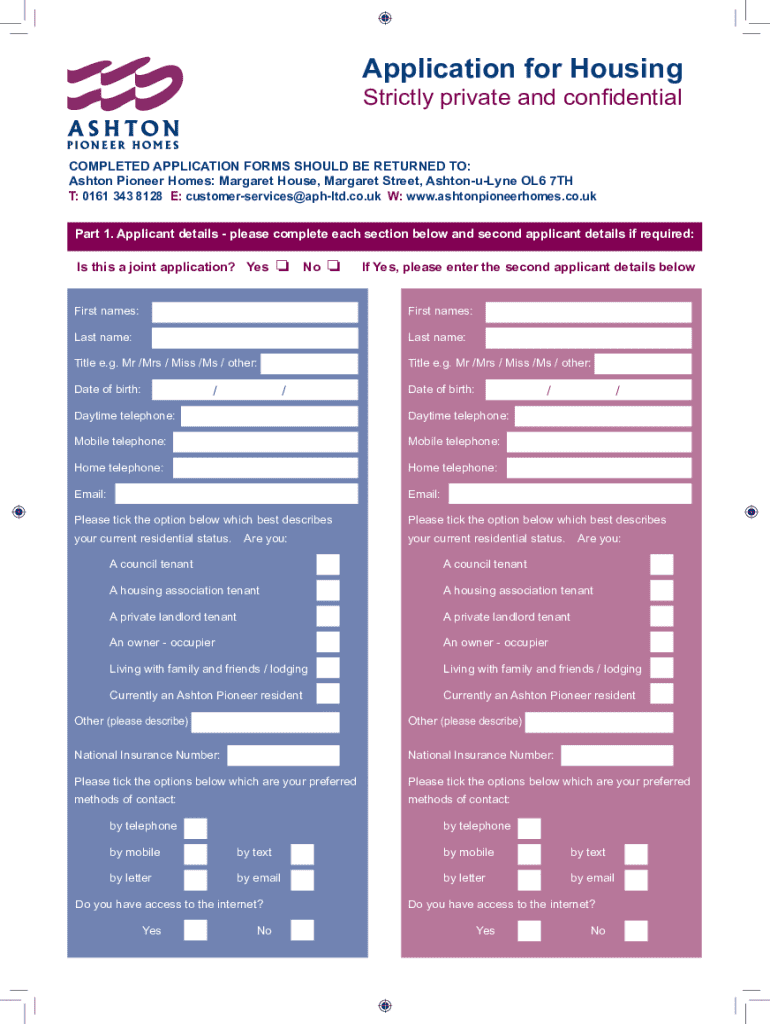
Key elements of any form online usually include a series of fields designed to capture specific data. Text fields are used for entering basic information, such as names and addresses. Dropdown menus offer predefined options, streamlining data entry and ensuring consistency. Checkboxes allow users to select multiple options where applicable. Signature fields are included for legal acknowledgment, and many forms include date fields for time-stamped entries. Online forms might also incorporate instructions and tips, providing guidance to the user to ensure correct completion.
Legal Use of the Form Online
Forms online are widely recognized as legally binding, especially when accompanied by electronic signature options that comply with regulations like the ESIGN Act in the United States. This act ensures that electronic signatures hold the same legality as handwritten ones, facilitating the digital handling of contracts, applications, and other critical documents. Users can create signatures using a variety of methods, from drawing directly on the screen to uploading images of their handwritten signature. This legal framework ensures that businesses and individuals can conduct transactions efficiently and securely online.
Important Terms Related to Form Online
Understanding certain terms can be crucial when dealing with forms online.
- PDF: Portable Document Format, a common file type for online forms.
- Encryption: A security measure that protects data within the form during storage and transit.
- OAuth 2.0: A protocol ensuring secure authentication for accessing online forms.
- SSL Encryption: Secure Socket Layer, a technology for establishing a secure connection and safeguarding data.
- Electronic Signature: A digital form of signing that confirms agreement to contents.
Software Compatibility
Platforms like DocHub are compatible with popular document management software, allowing seamless transitions between systems such as Google Drive, Dropbox, and OneDrive. Users can import and export forms directly from these services without needing to download local copies.
Examples of Using the Form Online
Online forms find utility in various real-world scenarios. For instance, employers may use online forms to gather applications during a recruitment drive. Educational institutions might employ them to collect student registrations and consent forms. Survey forms are used in market research to gather consumer insights efficiently. Businesses can use order forms to streamline sales processes, while healthcare providers may rely on online forms for patient intake and consent. Each example illustrates the broad applicability and efficiency gained by using digital forms in diverse sectors.
Penalties for Non-Compliance
In certain contexts, failing to complete or submit a required form online by established deadlines can incur penalties. For example, the IRS mandates timely filing of tax forms, with late submissions possibly resulting in fines or audits. Similarly, organizations might face contractual penalties for missing deadlines related to legal documents. Understanding these potential repercussions emphasizes the importance of adhering to submission guidelines and using reliable platforms like DocHub to manage important documents effectively.
State-Specific Rules for the Form Online
While many aspects of using forms online are broadly applicable, certain rules may vary by state. These differences can be seen in regulations governing confidentiality, data protection standards, or signature laws. It's crucial to familiarize yourself with any state-specific requirements when completing or submitting forms to ensure compliance with all relevant legal standards.