




01. Edit your nys dmv plate surrender form online
Type text, add images, blackout confidential details, add comments, highlights and more.

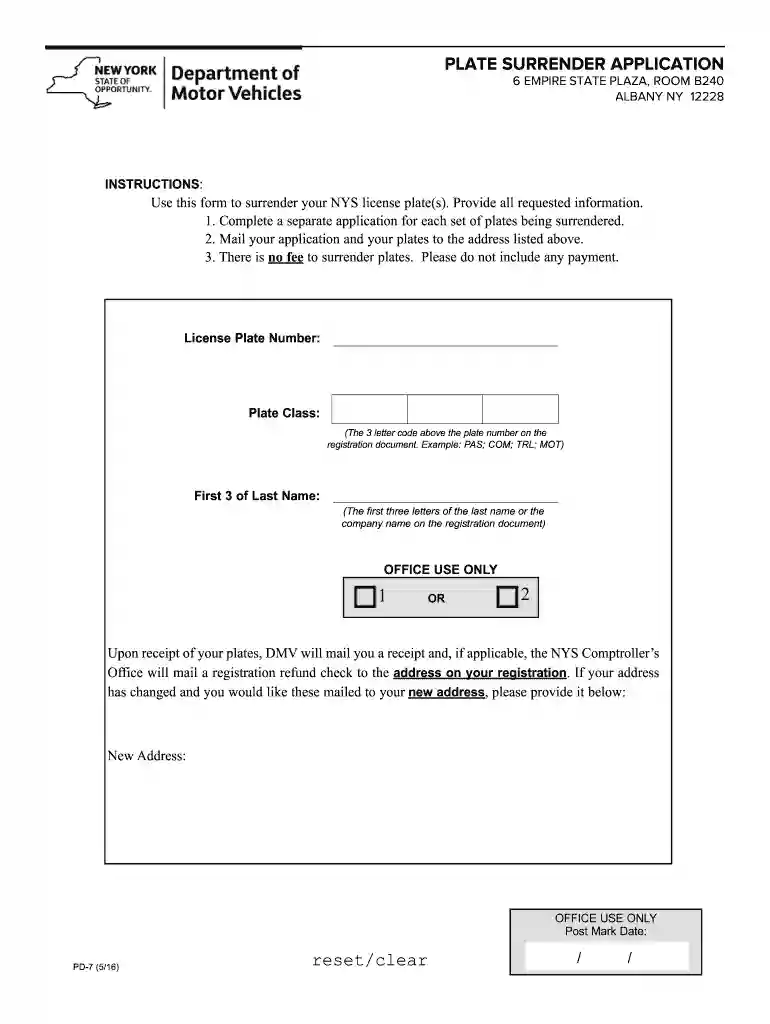
Type text, add images, blackout confidential details, add comments, highlights and more.

Draw your signature, type it, upload its image, or use your mobile device as a signature pad.

Send surrender plates ny via email, link, or fax. You can also download it, export it or print it out.

Start using our platform today to effortlessly complete your plate surrender application for free!
At DocHub, your data security is our priority. We follow HIPAA, SOC2, GDPR, and other standards, so you can work on your documents with confidence.


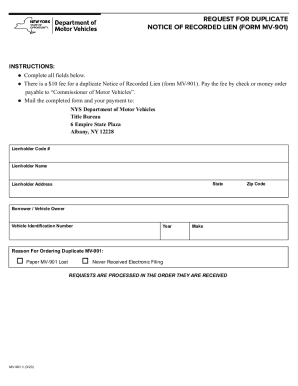

Use this form to surrender your ACTIVE New York State license plate(s). If you replaced your plate with a new plate, your old plate is not active. Do notRead more
(a) A new motor vehicle dealer may apply for a new motor dealer provisional registration (hereinafter referred to as provisional registration).Read more
A Start-up Form is included with each product and must be completed by the qualified installer or service agency conducting the startup and must be returned toRead more


