




01. Edit your form online
Type text, add images, blackout confidential details, add comments, highlights and more.

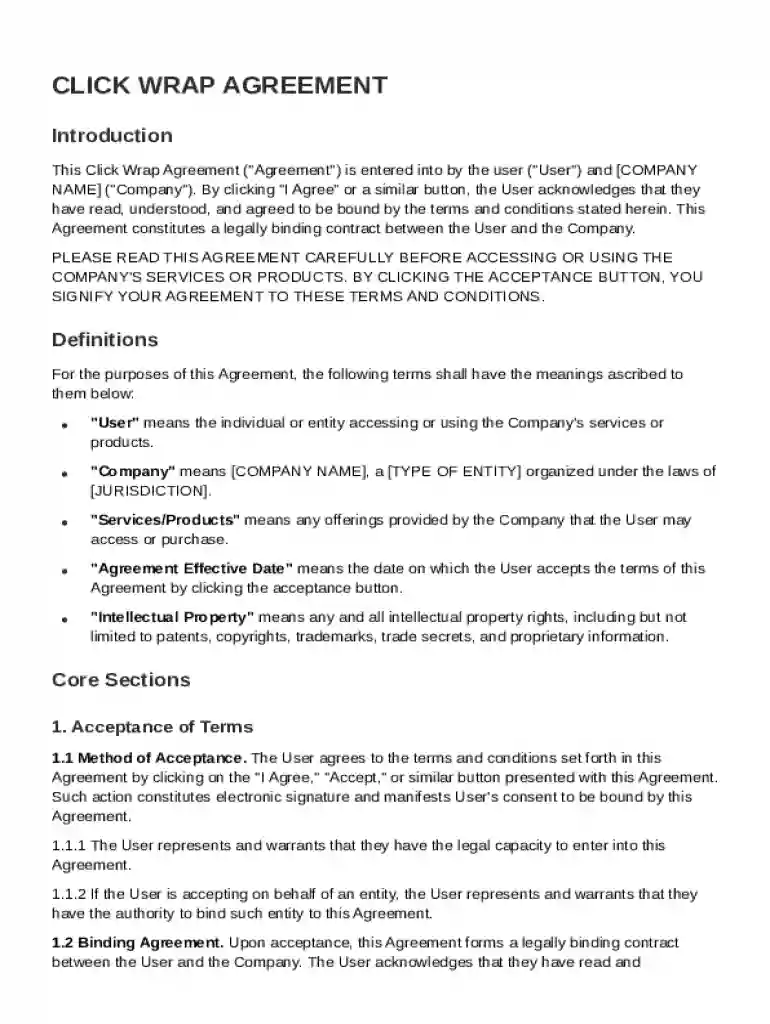
Type text, add images, blackout confidential details, add comments, highlights and more.

Draw your signature, type it, upload its image, or use your mobile device as a signature pad.

Send it via email, link, or fax. You can also download it, export it or print it out.
A Click Wrap Agreement is a type of online contract where a user gives their consent to terms and conditions by clicking a button or checking a box marked "I Agree." This action is legally binding and indicates that the user agrees to abide by the stipulated terms. Click Wrap Agreements are widely used in digital environments, especially by software, apps, and online service providers who need to ensure that users consent to their terms before accessing services. These agreements cover various legal subjects such as licensing rights, user obligations, company rights, and limitations of liability.
To effectively utilize a Click Wrap Agreement Template, follow these steps:
The Click Wrap Agreement Template consists of several critical elements:
Click Wrap Agreements are pivotal for defining the legal relationship between a business and its users. They must adhere strictly to laws such as the Electronic Signatures in Global and National Commerce Act (ESIGN), which provides the legal framework for electronic contracts. Ensuring the enforceability of a Click Wrap Agreement involves:
While Click Wrap Agreements are popular, businesses might also consider:
At DocHub, your data security is our priority. We follow HIPAA, SOC2, GDPR, and other standards, so you can work on your documents with confidence.
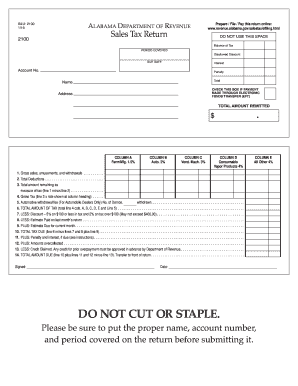
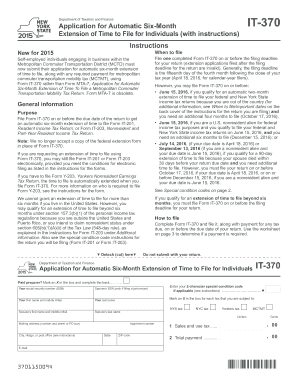
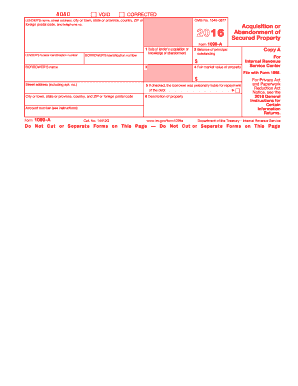

Aug 11, 2010 Click Wrap Agreement - A form of Software Usage Agreement used when providing the software over the Internet.
ClickWrap agreements are for internet purchases requiring I Agree to vendor terms. PCARD agreements are contracts where payment is by PCARD.
Oct 1, 2020 Customer Terms means, individually and collectively, any: (i) standard form electronic (e.g. click-wrap) or hard copy software license


