






Definition and Meaning of Online Forms
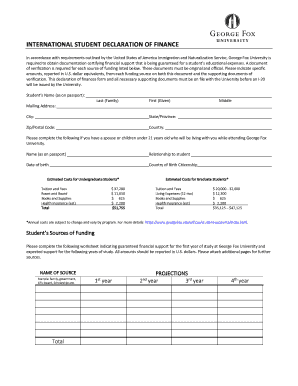
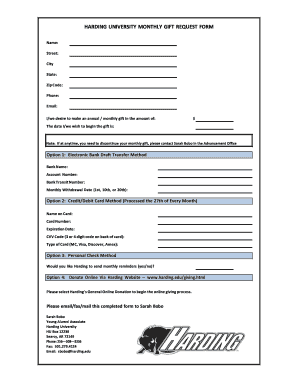
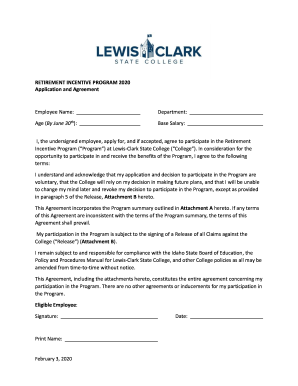
Online forms refer to digital documents that are used to collect information over the internet. They can be designed for a variety of purposes, including surveys, applications, registrations, and data collection for different sectors such as government, education, healthcare, and corporate environments. Online forms streamline data collection by allowing respondents to fill in their information from anywhere, often resulting in more timely and accurate submissions compared to traditional paper forms.
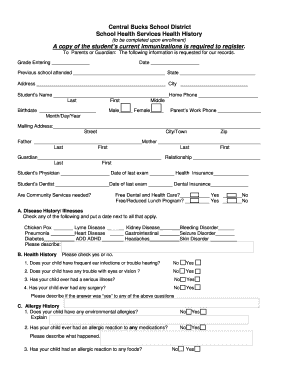
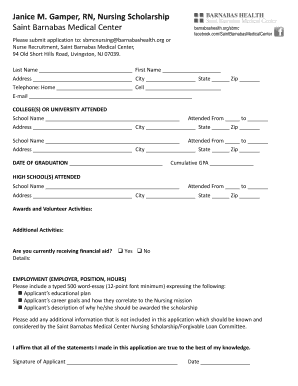
Online forms are composed of various input fields where users can enter data. These fields can include text boxes, checkboxes, radio buttons, and dropdown menus. The form is typically embedded within a web page, and once completed, the data is submitted electronically, often to a database or email for processing or storage.
How to Use the Form Online
Using an online form involves a few simple steps that make it accessible and user-friendly. First, locate the form on the website or platform where it is hosted. Forms are often found on dedicated web pages or integrated into online services.
Once you access the form:
- Read Instructions Carefully: Before entering any information, read through the instructions provided. This ensures that you understand the purpose of the form and how to fill it out correctly.
- Enter Information in Fields: Fill in the required fields. These may include personal details such as your name, address, and contact information. Use dropdown menus or checkboxes where applicable.
- Review Your Responses: Before submitting, go back through the form to ensure all fields are filled out correctly and completely.
- Submit the Form: Once satisfied, click the submit button. If required, you may receive a confirmation message or email indicating your form has been successfully submitted.
Online forms may also allow users to save partially filled forms and return later to complete them, which is useful for more detailed or lengthy forms.
Steps to Complete the Form Online
Completing an online form requires attention to detail and following each step methodically:
-
Access the Form: Navigate to the web page hosting the online form. Ensure the site's security by checking for a secure connection (https).
-
Fill Out Personal Information: Enter your details in the provided fields. This might include text input for personal names, email addresses, or dropdown selections for specific categories.
-
Answer Specific Questions: Some forms might have conditional logic where your answers to certain questions unveil more fields to fill out. Pay attention and provide answers where necessary.
-
Upload Required Documents: If the form necessitates additional documentation, use the provided file upload tool to attach documents like PDFs or images directly from your computer or cloud storage.
-
Verify and Submit: Double-check your inputs before pressing 'Submit'. Confirmation of a successful submission is often displayed as a notification or email receipt.
Online forms are designed to be user-centric, helping individuals complete and submit information with ease, reducing the need for physical paperwork.
Why Should You Form Online
Completing forms online offers several benefits over traditional paper forms. Firstly, they save time as they eliminate the need to print, manually fill, and mail documents. Online forms allow users to complete and submit them immediately, often resulting in faster processing times.
Secondly, online forms enhance accuracy by providing users with instructional aids and validation features that reduce common entry errors. Some platforms also offer auto-fill features to expedite the process by intelligently populating fields with previously stored information.
Moreover, using online forms is more environmentally friendly as it minimizes paper usage, contributing to sustainability efforts.
Lastly, online forms provide ease of access, as they can be reached from any device with an internet connection, giving users the flexibility to fill out forms at their convenience without geographic constraints.
Key Elements of Online Forms
Online forms generally include several critical elements to ensure comprehensive and efficient data collection. These elements include:
- Input Fields: Various types, such as text boxes for names and addresses, number fields for phone numbers, and email fields for contact information.
- Interactive Elements: Components like checkboxes for multiple selections and radio buttons for single-choice questions.
- Validation Protocols: Automated checks that ensure input data meets predefined criteria (e.g., email formats, number ranges) before submission.
- Instructional Prompts: Guide users to correctly fill out complex sections or requirements that might be confusing.
- Submission Button: Provides users a way to send their completed forms. It may also include options to save their progress for later completion.
- Feedback: Upon submission, users might receive real-time feedback or confirmation to ensure successful completion.
These elements are designed to gather detailed and accurate information while providing an intuitive user experience.
Legal Use of Online Forms
In the United States, online forms can hold the same legal standing as their paper counterparts when properly executed, as they comply with the Electronic Signatures in Global and National Commerce (ESIGN) Act. This act grants legal recognition to electronic records, signatures, and contracts, ensuring that online submissions are enforceable by law when relevant standards are met.
Online forms are commonly used for applications, contract agreements, consent forms, and more. Ensuring legal enforceability often requires:
- Consent: Individuals providing data or signatures must knowingly agree to the terms outlined in the form.
- Authentication: Advanced authentication methods, such as email verification or digital signatures, can be used to validate identities.
- Comprehensive Documentation: Retaining audit trails of submissions helps to provide proof of submitted content and transactions.
When employed appropriately, online forms can be an efficient and legally sound method for conducting business and personal transactions.
Software Compatibility for Online Forms
Online forms can be designed to integrate seamlessly with software solutions enhancing their utility. Platforms like DocHub offer compatibility with widely used software tools, facilitating more streamlined processes for users who frequently handle documents.
Compatibility features include:
- Integration with Cloud Storage: Users can import and export documents directly between their cloud storage services like Google Drive or Dropbox, minimizing the need for manual upload or download.
- Linkage with Productivity Tools: Services such as Google Workspace enable users to handle forms directly within their preferred suite of applications, enhancing productivity.
- Support for Document Types: Compatibility with various file types like PDF, DOC, XLS, and more supports a broad range of document-handling needs.
Such compatibility ensures that users can engage with online forms efficiently within their existing digital ecosystems, enhancing productivity and reducing redundancies.