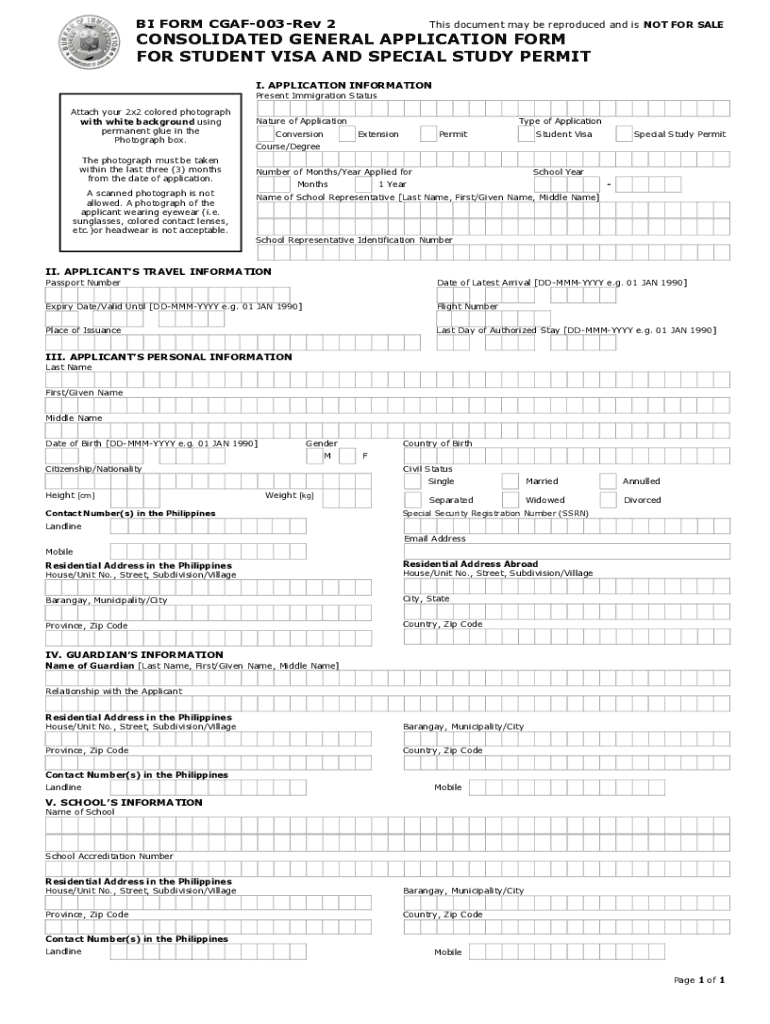







Definition and Meaning
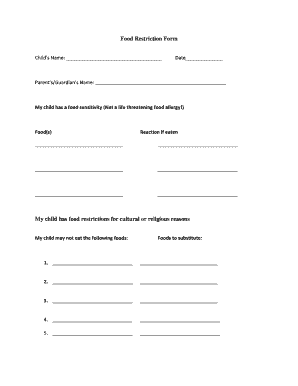
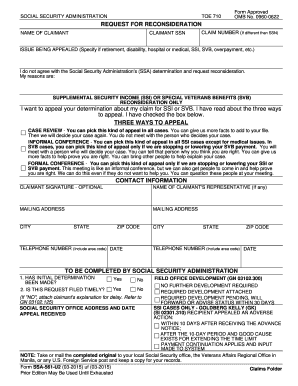
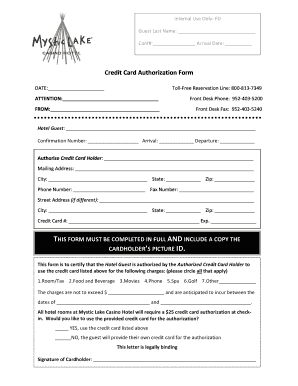
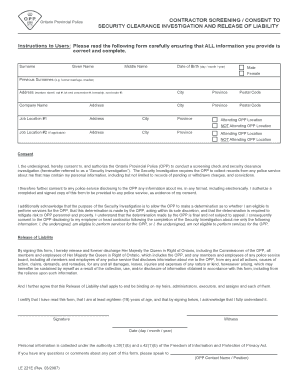
The Bi Form - Fill Online, Printable, Fillable, Blank, is a versatile document used for various administrative purposes. It’s designed to be completed in different formats, including online, printable, and fillable versions, allowing users to choose the most convenient method for their needs. The form enables streamlined data collection for processes such as applications, reporting, or record-keeping, providing a standardized template to capture essential information.
How to Use the Bi Form - Fill Online, Printable, Fillable, Blank
When using the Bi Form online, users can easily fill out the form directly on their computer or mobile device. This eliminates the need for printing and manual entry. For those who prefer a physical copy, the printable option allows the form to be printed and filled out by hand. The fillable version is designed for completion using document editors or form management software, which can be particularly useful in professional settings where data aggregation is needed.
Steps to Use the Online or Fillable Version
-
Access the Form: First, navigate to the appropriate website or document management platform where the Bi Form can be accessed.
-
Download or Open the Form: Click to download or directly open the form in a compatible document editor.
-
Fill in Required Fields: Use the fillable fields to enter information as required. These fields often include text boxes, checkboxes, and dropdown menus for ease of use.
-
Save Your Work: After filling out the form, ensure all information is correct before saving it.
-
Submit the Form: Depending on the requirements, the form can be submitted electronically or printed for mailing.
Steps to Complete the Bi Form
Completing the Bi Form involves providing accurate information in a series of steps designed to ensure all necessary data is captured. Here’s a detailed process to guide users:
-
Gather Information: Collect all relevant details that you will need, such as personal identification info, addresses, or any specific data related to the form.
-
Open the Document: Use a compatible application or platform, like DocHub, which supports fillable PDF forms, to open the document.
-
Input Data:
- Fill out each section of the form carefully.
- Check for fillable fields tailored to specific data types (text, dates, currency).
-
Review the Form: Go through the entire form to ensure all entries are accurate and complete.
-
Final Checks & Save: Perform a final check for errors or incomplete fields, then save the finalized form.
-
Submission: Follow the designated submission method (upload, email, print and mail).
Key Elements of the Bi Form
Key parts of the Bi Form include various fields designated for specific information types:
- Personal Details: Sections for name, address, and contact info.
- Specific Data Fields: Depending on the form’s purpose, fields may include numerical entries, descriptive text, or selections from predefined lists.
- Signatures: Space for signatures or electronic approval, which are crucial for form validation.
Legal Use of the Bi Form
The Bi Form is often used for legally binding agreements or to fulfill regulatory requirements. It’s essential for users to comply with any legal stipulations attached to the form, including required disclosures, permissions, and adherence to submission deadlines.
Who Issues the Bi Form
Generally, the issuing authority for the Bi Form is a governmental or institutional organization responsible for the process or regulation the form pertains to. Users should consult the issuing body for specific guidance pertaining to their situation.
Examples of Using the Bi Form
The Bi Form can be applied in diverse scenarios, such as educational enrollments, visa applications, or internal corporate processes:
- Student Enrollment: Used for signing up for courses or registering with an educational institution.
- Business Agreements: Facilitates data collection for partnership agreements or contract engagements.
- Regulatory Compliance: Utilized by businesses to comply with legal obligations like reporting requirements.
Digital vs. Paper Version
Both digital and paper versions have their advantages. Digital forms streamline the process of making corrections and sharing with others electronically, while paper forms might be preferred in environments with limited technology access or where original signatures are required.
State-Specific Rules for the Bi Form
In the United States, some forms might have different requirements or supplementary fields based on state regulations. It is crucial to consult local guidelines or the issuing entity to ensure compliance with specific state laws or procedures.
Required Documents
Filling out the Bi Form usually necessitates gathering supporting documents that substantiate the information provided. These might include identification, proof of residency, or other certificates pertinent to the form's context.